Free trial
A free plan provides 1,000 words with no credit card required, enough to test the voice matching on a short piece.
Learn moreTurn AI boilerplate into copy that reads like your own writing.
Own Writeprint.ai? Verify ownership to get a dofollow link

Writeprint.ai is an AI detector tool that turns AI boilerplate into copy that reads like your own writing. Writeprint.ai rewrites AI generated drafts in a voice learned from your own writing samples. Upload examples, then generate or translate content from GPT-4, Claude and Gemini so output sounds like your brand.
Writeprint.ai is a writing tool built around a simple premise: AI generated drafts give away their origin, and that costs credibility with readers. The product takes text produced by models such as GPT-4, Claude and Gemini and rewrites it in a voice learned from samples you supply. Instead of asking a model to sound like you through a prompt, you build a library of your own past writing, and the tool uses those examples as the reference point for every generation and translation it produces. The workflow is built for non technical users. Writing samples arrive by drag and drop, through a file browser, or by pasting text straight into the box, and the site says most common document formats are accepted with more being added over time. From there you can either generate new content or translate existing content into your style, so a draft that started life as generic assistant output comes back sounding like your brand. The free plan covers 1,000 words, which is enough to judge whether the stylistic match works before committing budget. The audience splits into two groups. Solo operators who cannot justify a copywriter but still need polished marketing copy get a single user seat on the $19 plan. Small teams get ten seats at $99 per month, with shared writing samples so everyone works from the same brand reference. Larger organizations can negotiate unlimited words and additional security through the Enterprise tier. A RESTful and GraphQL API is included from the Solo tier upward, which matters for teams pushing content through an existing CMS or publishing pipeline rather than working inside the web editor. The tool sits in the same space as AI humanizers and paraphrasing tools, but takes a different route. Most of those rewrite text mechanically to dodge detection. Writeprint leans on your own examples and markets the side benefit of avoiding AI detectors. Anyone shopping in this category should compare how each option handles a long sample library and team access, since those are the parts that compound over time.
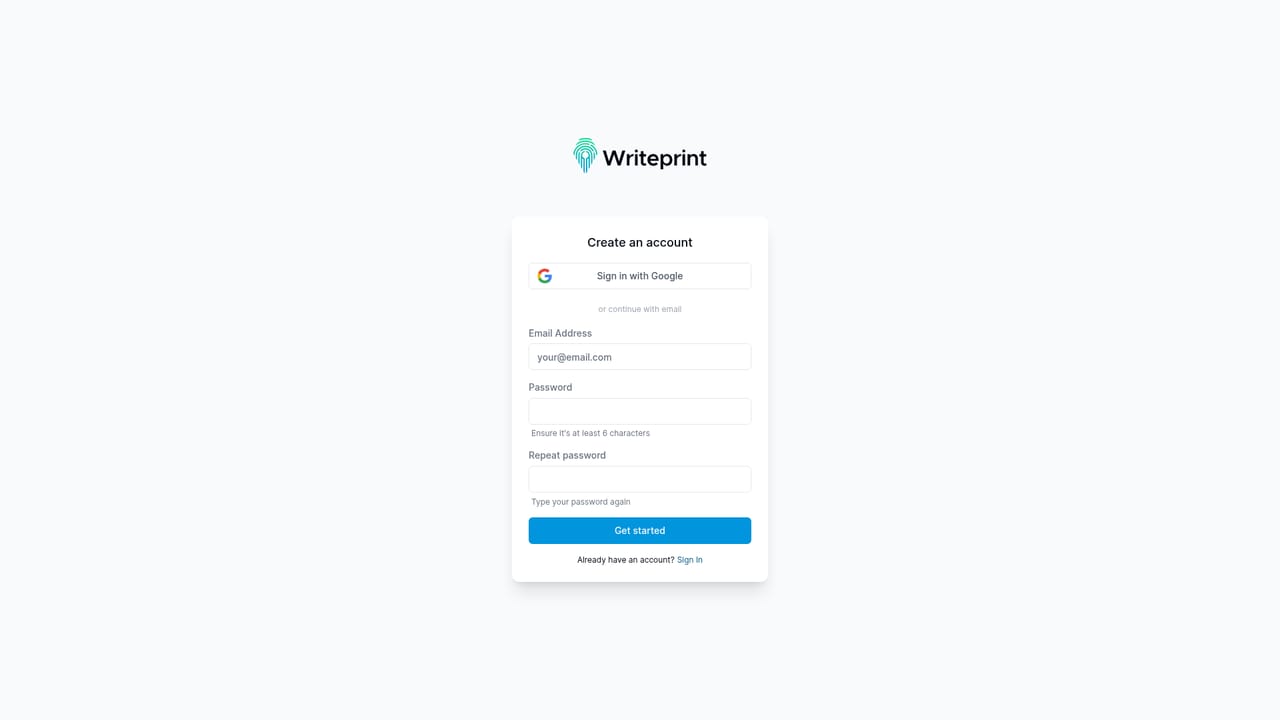
A free plan provides 1,000 words with no credit card required, enough to test the voice matching on a short piece.
Learn moreFree tier covers 1,000 words. Solo is $19 per month for one user and 100,000 words. Team is $99 per month for 10 users and 1,000,000 words. Enterprise offers unlimited words and users with added security at custom pricing. Yearly billing is also offered.
Learn moreChat support on Solo, priority chat support on Team, and phone plus chat support with additional security options on Enterprise.
RESTful and GraphQL APIs let teams plug Writeprint into existing workflows for generating content and uploading writing samples. No prebuilt third party connectors are listed.
Style matching from your own writing samples, AI generation across GPT-4, Claude and Gemini, translation of existing content into your voice, shared sample libraries for teams up to 10 users, file upload in most major document formats, and RESTful plus GraphQL API access on paid tiers.
 AI Angels400+ customizable AI girlfriends for NSFW chat, voice calls, and roleplay
 Candy AIExperience the future of companionship with AI friends who chat, role-play, and connect with you on a human level.
 ourdream.aiA vast AI roleplay platform with millions of characters for chat, images, video and voiceAI Angels400+ customizable AI girlfriends for NSFW chat, voice calls, and roleplayCandy AIExperience the future of companionship with AI friends who chat, role-play, and connect with you on a human level.ourdream.aiA vast AI roleplay platform with millions of characters for chat, images, video and voice


