Pricing
The homepage states the app is free to download on Google Play and the App Store. It does not publish subscription tiers, in-app purchase prices, or which features sit behind a paywall.
Learn moreSnap a photo of wood grain, get the species and its properties.

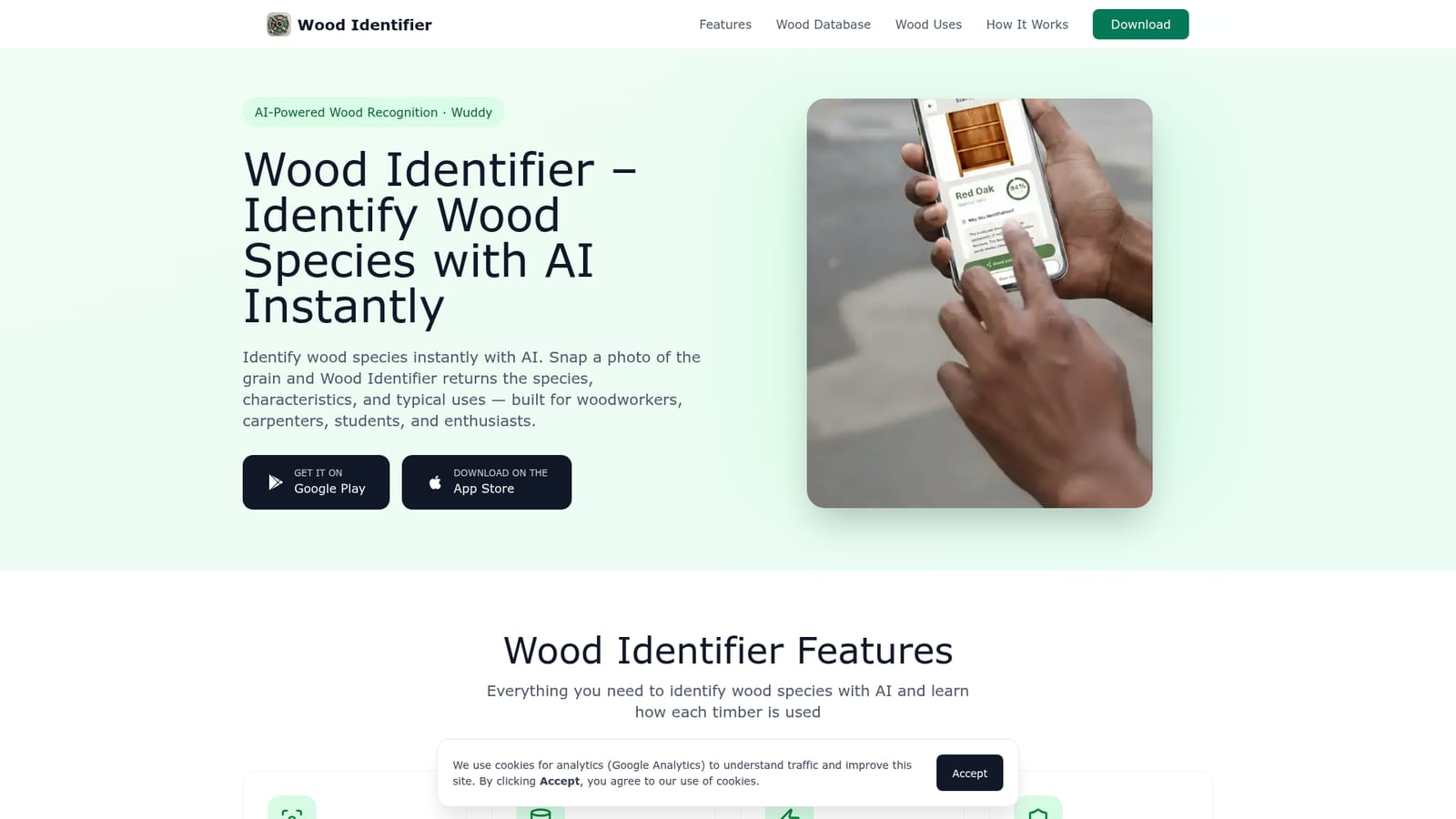
Wuddy is an image analysis tool. Wuddy (Wood Identifier) is a mobile AI app that identifies wood species from a photo of the grain, returning botanical details, physical properties, and typical uses. Built for carpenters, woodworkers, students, and hobbyists, with save and share options plus a companion species archive on the web.
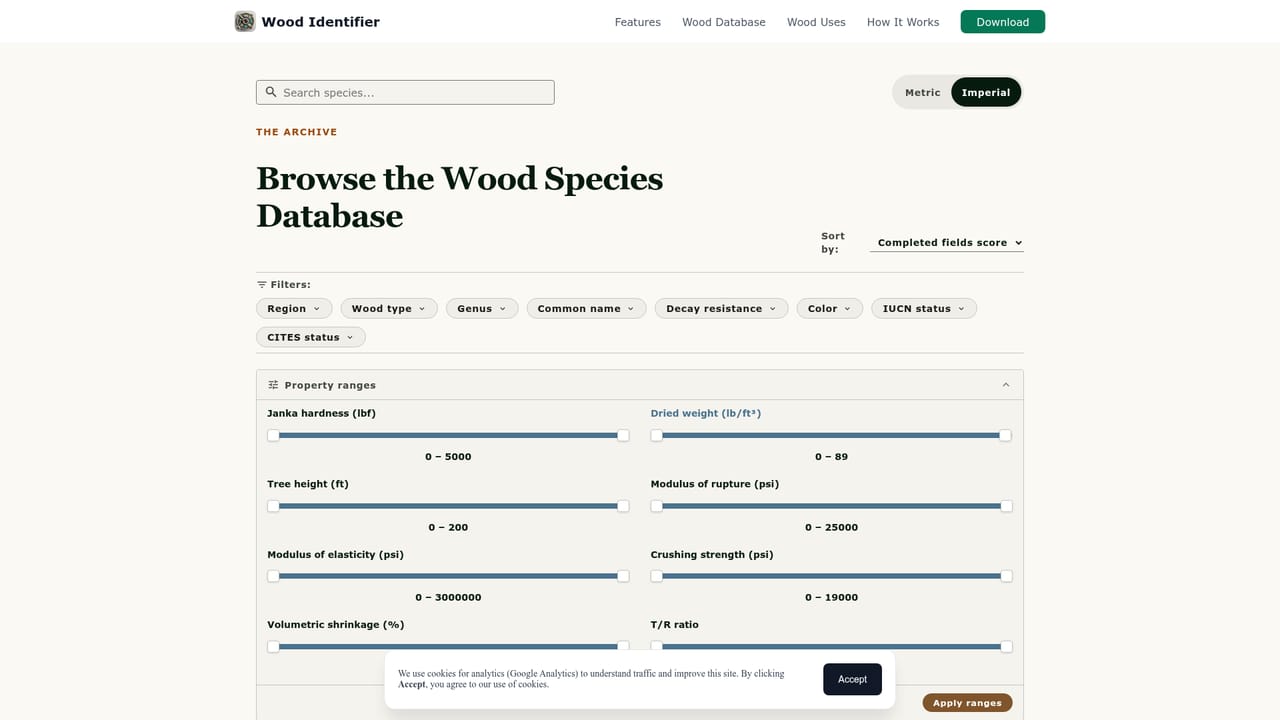
Wuddy, also listed as Wood Identifier, is an AI app that reads a photo of timber and returns the most likely species. The pitch is narrow and practical: instead of paging through a field guide at the lumber yard or guessing at a salvage board, you point your phone at the grain, end grain, or a fresh cut face and get a ranked match within seconds. The app weighs color, pattern, and surface texture against a species library that spans thousands of timbers worldwide, including hardwoods and softwoods worked into furniture, flooring, carving, and outdoor projects. Each identification comes back with more than a name. Results include botanical details, hardness and other physical properties, working characteristics, and the end uses the species is normally put to, so the answer supports a buying or repair decision rather than just satisfying curiosity. Recognitions can be stored on the phone and shared with clients, classmates, or a workshop, which removes the retyping that usually follows a shop-floor lookup. The tool targets four audiences: carpenters identifying stock on a job, woodworkers matching a species for a repair, students and educators learning timber anatomy, and hobbyists curious about grain in old furniture or a forest find. The companion website extends the app with a browsable species archive and guides on choosing timber for chopping boards, furniture, and outdoor work, so the product works as a reference library as well as a scanner. The competitive field splits into general plant and leaf identifier apps, printed species charts, and human expertise. Wuddy is narrower than the first and faster than the second, and it never replaces a trained eye on high-stakes stock matching. Accuracy depends heavily on photo quality and lighting, and the site does not publish a per-species confidence score or a conflict policy when several timbers look nearly identical. It is a solid first pass for anyone who handles wood regularly.
The homepage states the app is free to download on Google Play and the App Store. It does not publish subscription tiers, in-app purchase prices, or which features sit behind a paywall.
Learn moreCore features are photo-based species recognition from grain, color, and texture, a database of thousands of species with botanical names and images, per-species properties and typical uses, and saved or shared results. A companion website mirrors the archive with species pages and project guides.
 AI Angels400+ customizable AI girlfriends for NSFW chat, voice calls, and roleplay
 Candy AIExperience the future of companionship with AI friends who chat, role-play, and connect with you on a human level.
 ourdream.aiA vast AI roleplay platform with millions of characters for chat, images, video and voiceAI Angels400+ customizable AI girlfriends for NSFW chat, voice calls, and roleplayCandy AIExperience the future of companionship with AI friends who chat, role-play, and connect with you on a human level.ourdream.aiA vast AI roleplay platform with millions of characters for chat, images, video and voice