Free trial
The homepage offers a guided trial that begins through the demo booking flow, with a short form to start. No self-serve trial signup or duration is stated.
Learn moreGovernance layer for enterprise agentic AI, from use case to production

ZBrain is a governance-first platform for enterprise agentic AI. It registers and controls agents built on ZBrain or on Azure AI Foundry, AWS Bedrock, Vertex AI and other frameworks, then guides new use cases from analysis and technical design through build and runtime governance inside the client's own cloud.
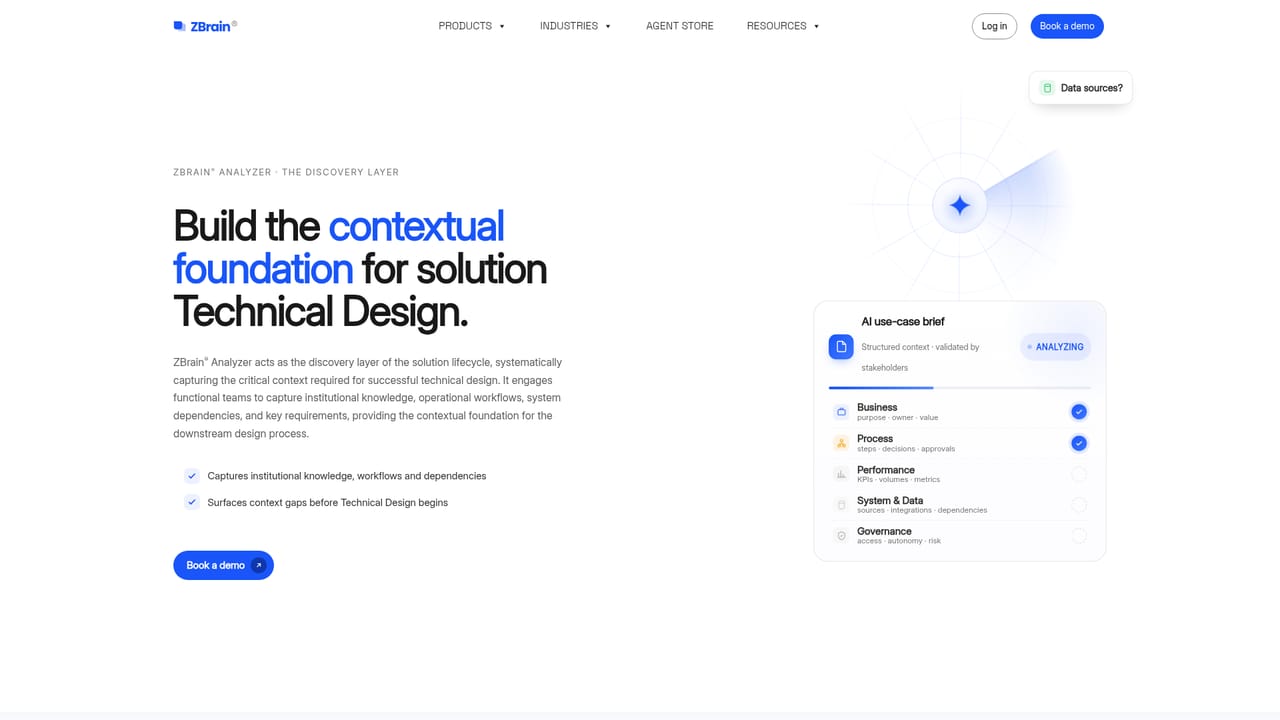
ZBrain is an enterprise platform built around a single premise: agentic AI needs governance designed in from the start, not bolted on after deployment. The product positions itself as a meta-harness for an organization's agent ecosystem, meaning it acts as a control layer that pulls agents built on ZBrain or on outside platforms into one registry, one policy layer and one audit framework. Enterprise, functional and application level controls are defined before a solution goes live and enforced while it runs. The platform spans two connected jobs. First, it governs agents wherever they already exist. Agents built on Azure AI Foundry, AWS Bedrock, Google Vertex AI, LangGraph, Google ADK, Microsoft Semantic Kernel or Microsoft Agent Framework can be onboarded without a rebuild. Each registered agent records its purpose, owner, identity, approved tools, permitted data sources, autonomy level and lifecycle status, and policies, approvals and exceptions are traced through a single audit view. Second, it builds new solutions along a governed path: the Analyzer collects use case context with functional team members, Design produces a build-ready technical design with requirements and architecture, Solution Builder turns that design into workflows, agents, integrations and a user interface, and Governance oversees the deployed result. Deployment stays inside the client's environment, tenant, region and security perimeter, using enterprise-selected models and client-controlled keys. Runtime features include confidence thresholds, policy gates, approval points, tamper-evident audit trails and a kill switch that can halt agent execution and trigger configured compensating actions where supported. This is a platform for IT, security, risk and operations leaders in regulated or large organizations rather than a consumer creative tool, and it sits closer to AI governance and orchestration suites than to no-code chatbot builders. Buyers should expect a sales-led engagement: the site routes interest through a demo request and a guided trial rather than self-serve signup.
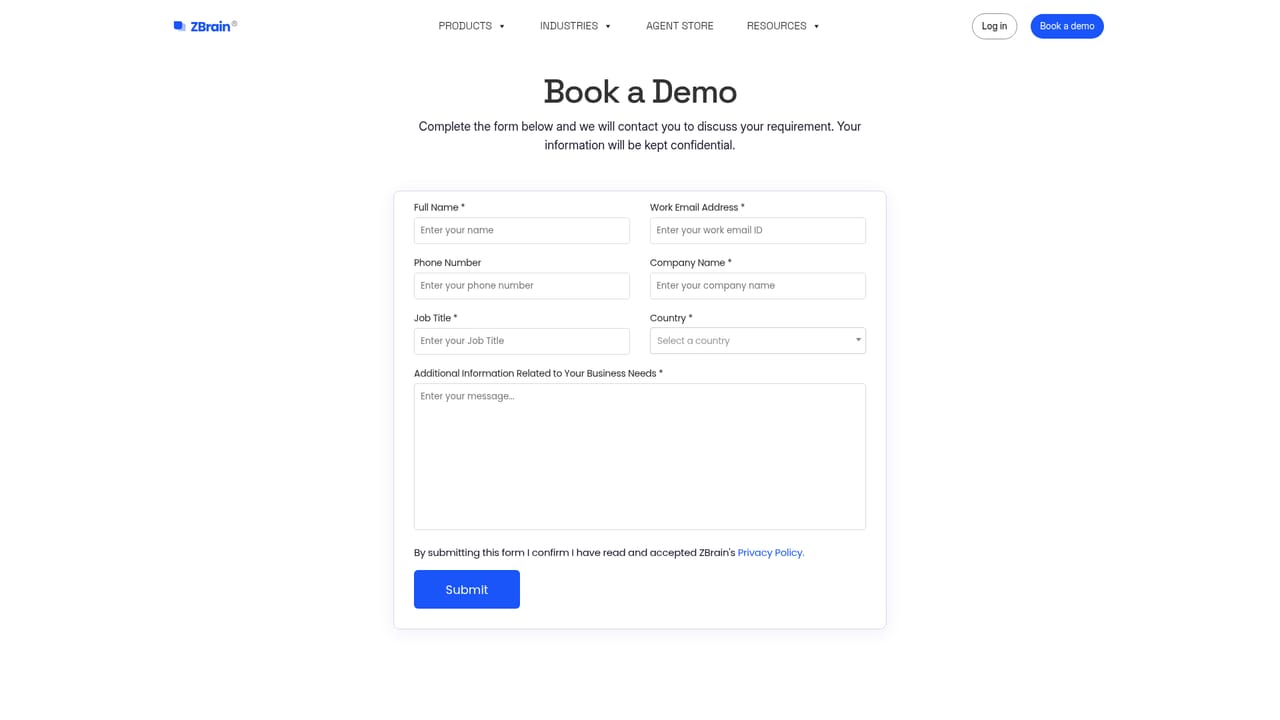
The homepage offers a guided trial that begins through the demo booking flow, with a short form to start. No self-serve trial signup or duration is stated.
Learn moreSupport runs through a demo request path on the site, with sales-led onboarding rather than a public help centre. No documentation portal or support tiers are described on the homepage.
Learn moreGovernance onboarding is documented for Azure AI Foundry, AWS Bedrock, Google Vertex AI, LangGraph, Google ADK, Microsoft Semantic Kernel and Microsoft Agent Framework. Solutions also connect to enterprise systems during the build stage.
Core pieces include ZBrain Analyzer for structured use case analysis, ZBrain Design for build-ready technical designs, Solution Builder for conversational creation of workflows, agents, integrations and UI, and ZBrain Governance for policies, approvals, runtime controls and audit trails. Agents from Azure AI Foundry, AWS Bedrock, Vertex AI, LangGraph, Google ADK, Semantic Kernel and Microsoft Agent Framework can be onboarded into the same registry.
Learn more AI Angels400+ customizable AI girlfriends for NSFW chat, voice calls, and roleplay
 Candy AIExperience the future of companionship with AI friends who chat, role-play, and connect with you on a human level.
 ourdream.aiA vast AI roleplay platform with millions of characters for chat, images, video and voiceAI Angels400+ customizable AI girlfriends for NSFW chat, voice calls, and roleplayCandy AIExperience the future of companionship with AI friends who chat, role-play, and connect with you on a human level.ourdream.aiA vast AI roleplay platform with millions of characters for chat, images, video and voice


