
Zelig

AI styling layer that turns a fashion catalog into complete outfits

Intermediate
Screenshot of Zelig, AI styling layer that turns a fashion catalog into complete outfits

What is Zelig?

Zelig is an AI commerce platform for fashion retailers that turns a live product catalog into an interactive styling experience, suggesting complete outfits around any item a shopper selects and reporting gains in session time, conversion and basket size.

Zelig is an AI commerce platform built for fashion retailers, not for individual shoppers. It takes a retailer's existing product catalog and turns it into an interactive styling experience, where each item a customer taps becomes the starting point for a complete head-to-toe look. The company reports more than one million outfits styled monthly and positions the product around measurable retail outcomes: longer sessions, larger baskets and fewer returns. The platform is split into two parts. A discovery engine replaces the flat product grid with browsing driven by occasion, mood and style, with the styling model refreshing in real time as a shopper moves through the catalog. A conversion engine then works from a single selected piece, assembling complementary items from the same live inventory in seconds. Suggested looks can be saved to a personal closet, shared, or added to the bag in one action, and the rendered outfit can be shown on a model with stated height and size. The proof point is a production deployment with a large fashion retailer. According to Zelig, shoppers who used the Build a Look feature stayed three times longer, converted at three times the rate of a control group, produced 1.5 times the average order value, and returned items at double-digit lower rates. REVOLVE, whose catalog appears in the product demonstration, is named as a partner. Zelig suits mid-market and enterprise fashion retailers with large, well-structured catalogs: the value depends on inventory depth and clean product data. It is not a general outfit generator for consumers, and it is not a plug-and-play widget for small shops. Merchandising and ecommerce teams evaluating personalization or styling layers are the core buyer. Pricing is quote based and reached through a demo that runs on the retailer's own SKUs.

How do you use Zelig?

  1. 1Book a demo on your own catalog
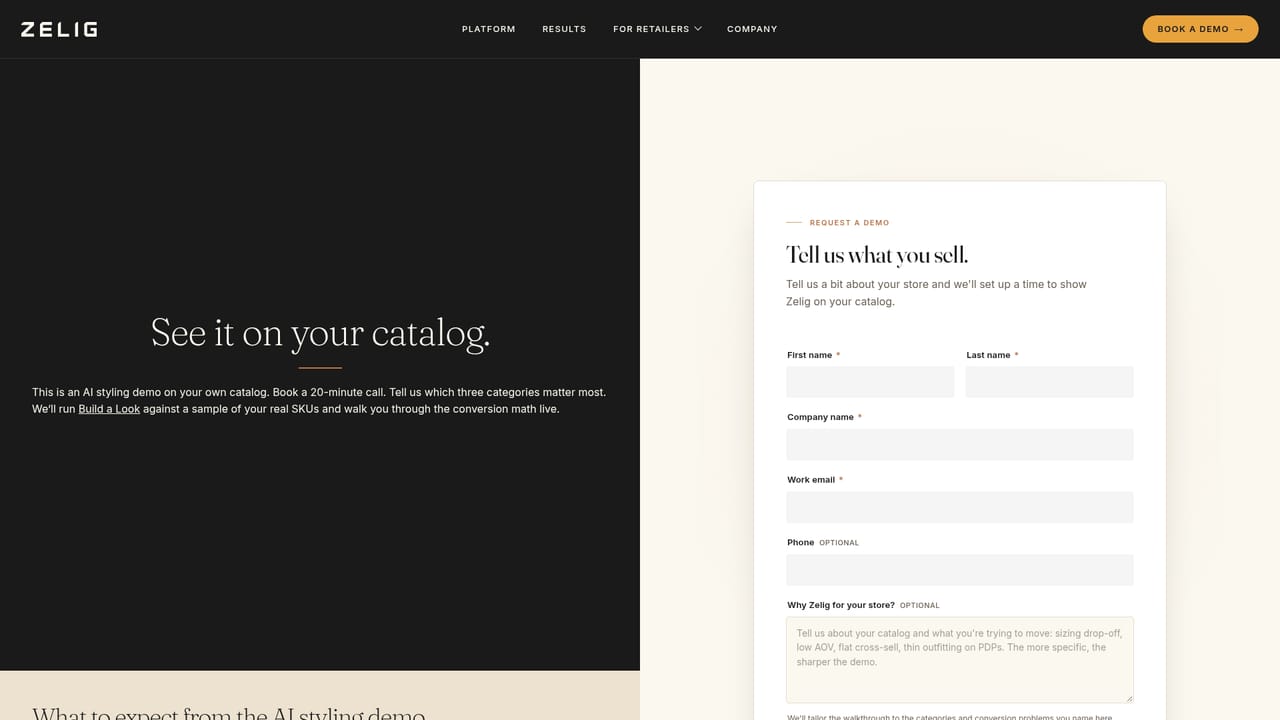
    Request a session through the demo form and pick three categories that matter most to your business. Zelig runs Build a Look against your real SKUs during the call and walks through the conversion math, typically in about 20 minutes.
    Zelig — Book a demo on your own catalog
  2. 2Review how the discovery and conversion engines work
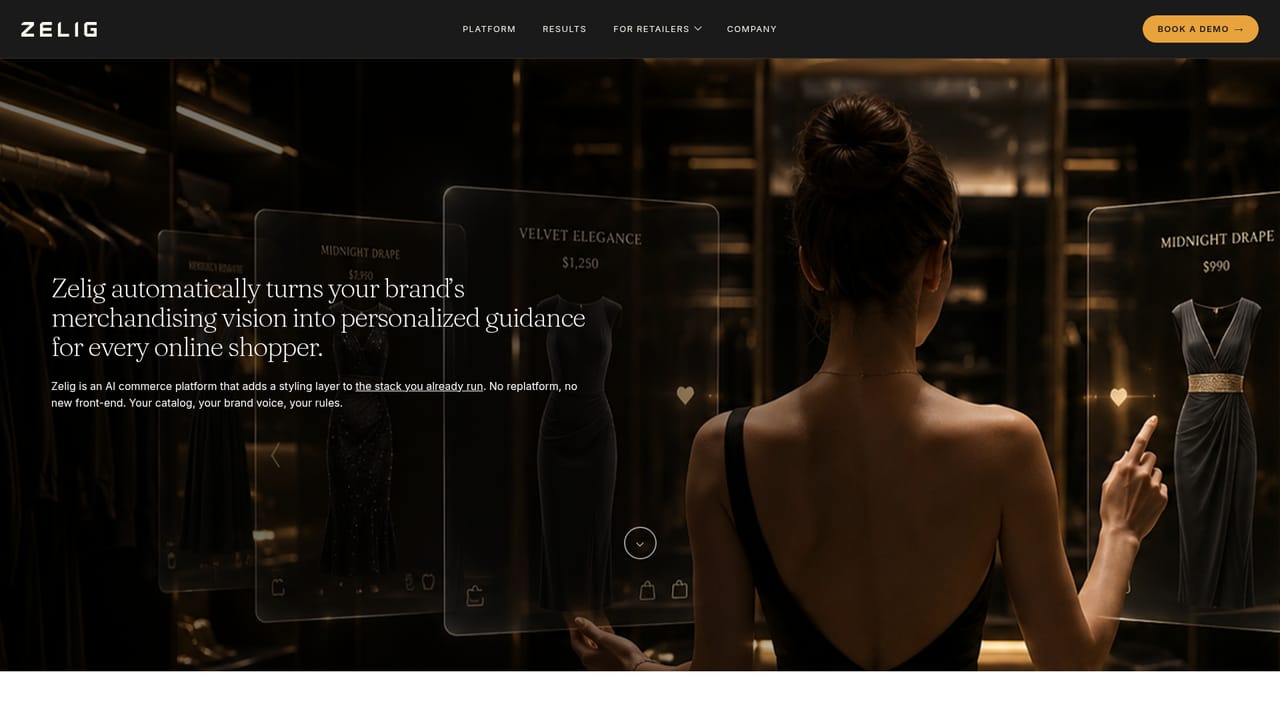
    Read the platform page to understand the two components: occasion and mood led browsing, and the styling layer that assembles an outfit around a single selected item. Use it to map the features onto your current category and navigation setup.
    Zelig — Review how the discovery and conversion engines work
  3. 3Check the performance evidence
    The results page sets out the retailer case study and the measured lift in session time, conversion rate, order value and returns against a control group. Compare those numbers with your own baseline before setting expectations internally.
    Zelig — Check the performance evidence
  4. 4Test the shopper experience yourself
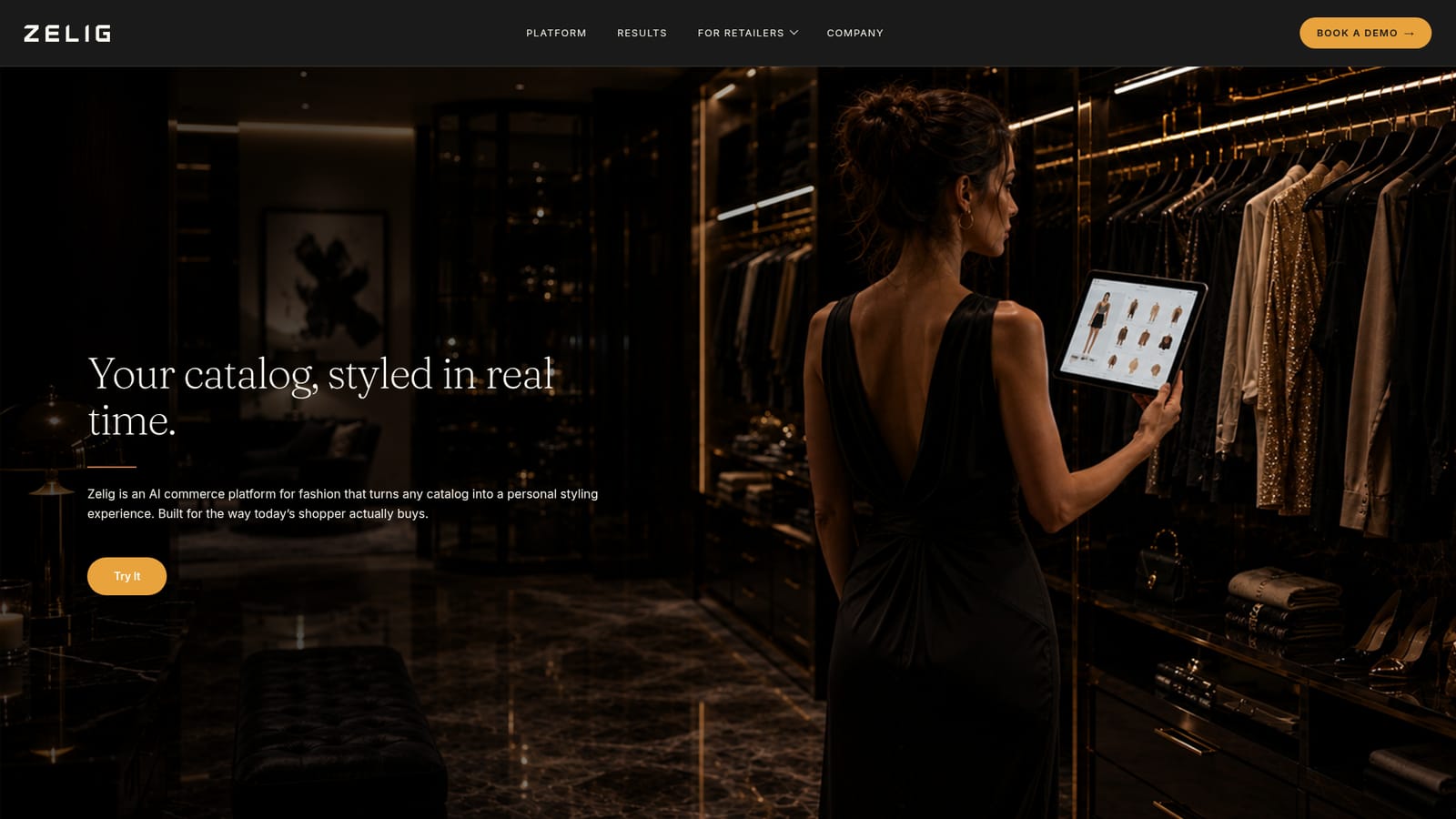
    Use the interactive demo on the homepage to tap through categories, build a look, save it to a closet and add items to a bag. This is the closest public view of what your customers would see.
    Zelig — Test the shopper experience yourself
  5. 5Plan your catalog data and rollout
    Outfit generation depends on consistent product attributes such as category, price, size and color, so audit your feed and merchandising taxonomy early. Scope a pilot against a control group so the conversion and returns impact can be measured honestly.

Pros and cons

Pros

  • Styling runs directly on the retailer's own live catalog, so suggestions reflect real stock rather than a generic lookbookAI
  • Reported production results are concrete: 3x session time, 3x conversion against a control group, 1.5x average order valueAI
  • Discovery by occasion, mood and style gives shoppers a browsing path beyond search and filter gridsAI
  • Saved looks, sharing and single-action add to bag keep the styled outfit moving toward checkoutAI
  • Visual try-on with model height and size gives shoppers a clearer sense of how a piece wears in contextAI

Cons

  • No public pricing, no self-serve signup and no published plans; every evaluation starts with a sales demoAI
  • Results rest on a single unnamed $3B retailer case study, so they may not transfer to smaller or thinner catalogsAI
  • Outfit quality is only as good as catalog data, which likely demands significant merchandising and tagging work before launchAI
  • No independent reviews or third-party performance data are visible; the case study is vendor-reportedAI
  • Nothing on the site covers integrations, onboarding effort or contract terms, which complicates comparison shoppingAI

How much does Zelig cost?

Features

Zelig runs two engines on a retailer's live catalog. A discovery engine lets shoppers browse by occasion, mood and style, with the styling model updating in real time. A conversion engine builds a complete look around any item a shopper selects. Looks can be saved to a personal closet, shared, and added to the bag, and outfits are shown on a model with stated height and size.

Learn more

Frequently asked questions about Zelig

  • How do you use Zelig?
    The walkthrough on this page covers 5 steps: 1. Book a demo on your own catalog 2. Review how the discovery and conversion engines work 3. Check the performance evidence 4. Test the shopper experience yourself 5. Plan your catalog data and rollout.
  • What platforms does Zelig support?
    Zelig is available on Web App.
  • What are the limitations of Zelig?
    No public pricing, no self-serve signup and no published plans; every evaluation starts with a sales demo. Results rest on a single unnamed $3B retailer case study, so they may not transfer to smaller or thinner catalogs. Outfit quality is only as good as catalog data, which likely demands significant merchandising and tagging work before launch.

Status

StatusActive
Views0
Outbound clicks0
Added10/22/2026

Platforms

Web App

Pricing

Paid