Free trial
A 14 day free trial is advertised on the homepage, with signup handled through the creator registration page.
Learn moreVisual no-code RPA that scrapes, enriches and automates any website with AI at every step

ZeroWork is an AI project builder tool. A visual no-code automation and scraping platform for building taskbots that collect data from websites, enrich social profiles, qualify leads and run AI-assisted outreach or posting, with scheduling, proxies and browser agents.
ZeroWork is a no-code robotic process automation (RPA) platform built around a visual drag-and-drop builder. Instead of writing scripts, users assemble taskbots: sequences of steps that open a browser, read pages, move data between sheets and run actions on sites that offer no public API. The product covers four core jobs. It scrapes data from sources such as Google Maps, Instagram followers, Facebook group members, Amazon products, YouTube content, LinkedIn profiles, plus files and images. It enriches lists of social profile links with details like location, job title, email, company and latest post. It transforms the collected data with filters, conditions, comparisons, text splitting and optional regex for advanced users. And it automates web interactions: auto-posting AI-written comments, sending DMs, liking posts, filling forms and publishing to WordPress. AI sits at any point in that chain. A native ChatGPT integration can draft comments, personalize outreach messages or answer incoming replies, and the platform also connects to other AI services such as image creation apps. Schedules run as often as every five minutes, results save to CSV, Google Sheets or native tables, and duplicates are removed automatically. Safeguards aimed at staying under platform radar include per-run, hourly and daily action limits, random content variations, auto-delays between actions, snooze behavior and anti-bot detection prevention. Multiple accounts can be handled with fingerprint obfuscation and proxy support. Typical users are agencies, freelancers and small businesses running lead generation and social outreach. The flagship example walks through an end-to-end sales workflow: scrape profile links, enrich them, qualify by location, keywords and job title, engage with AI comments, then DM, follow up, auto-reply and push data to a CRM or webhook. The site reports over 10,000 agencies, businesses and freelancers using it. Alternatives in this space are often cloud-only; ZeroWork's agent runs on a user's own computer, which reviewers say removes limits on task launches. Non-coders can start from templates, while custom JavaScript and API calls are available for harder cases.
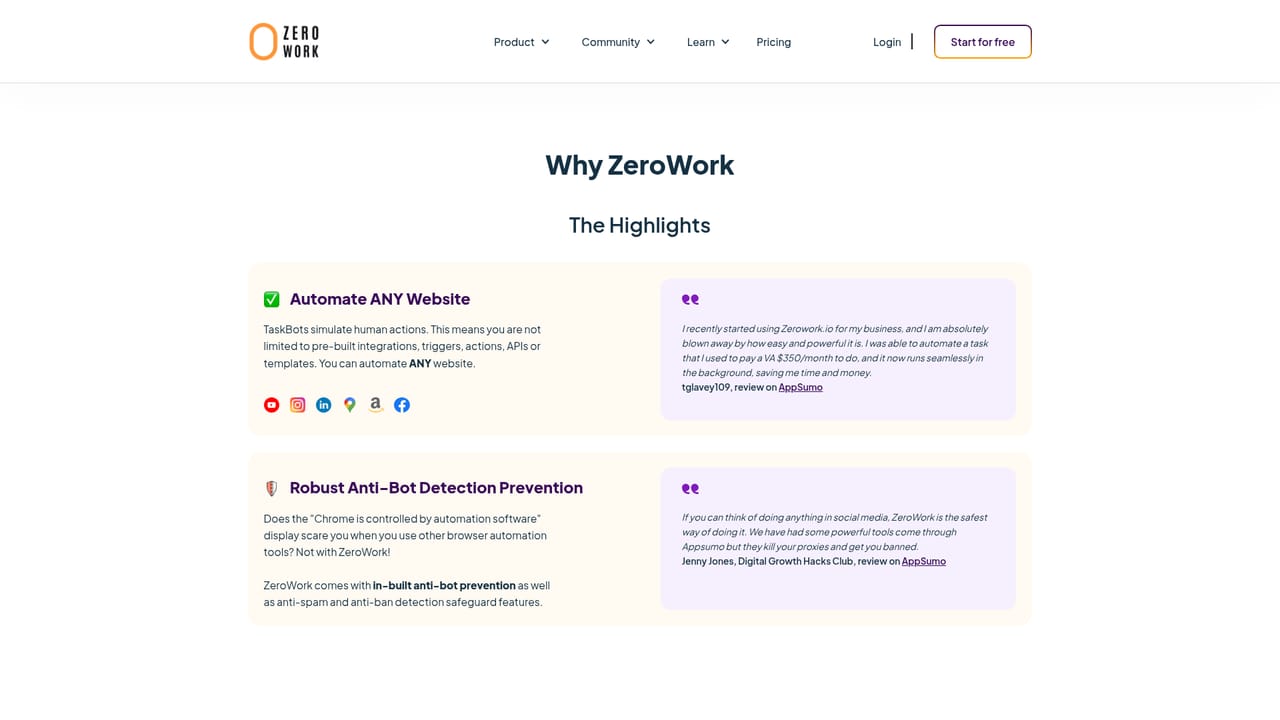
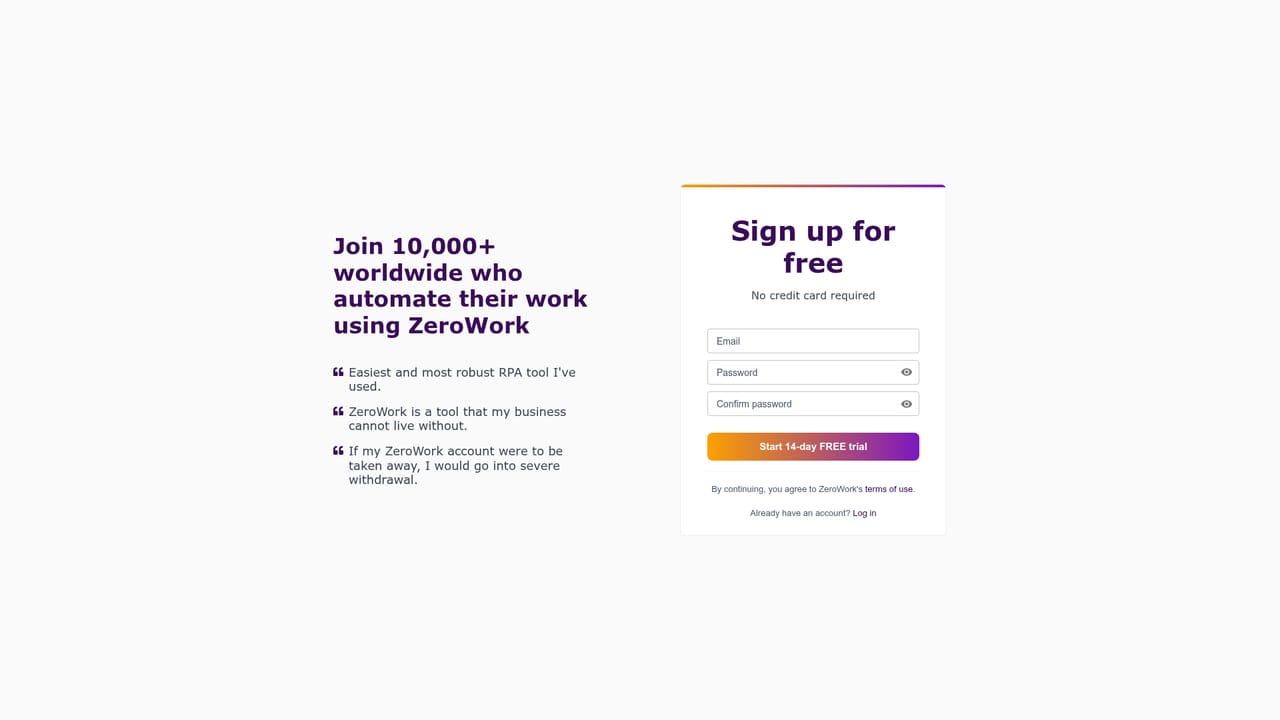
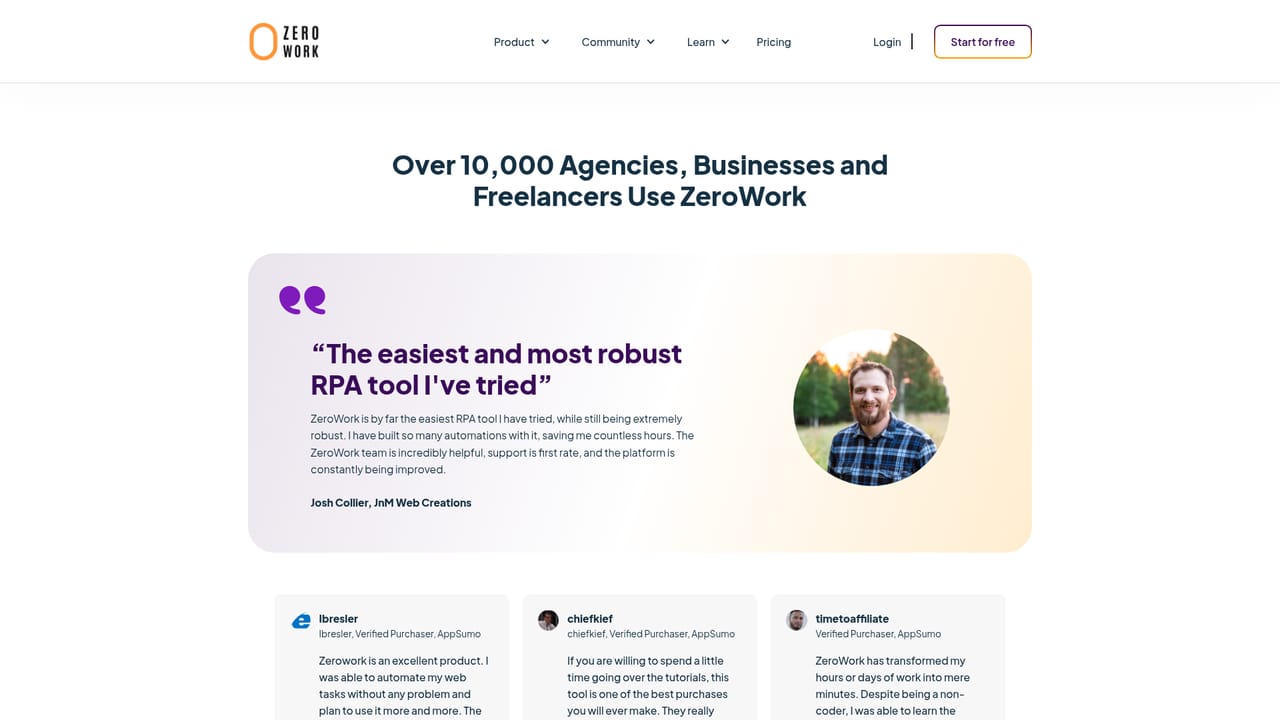
A 14 day free trial is advertised on the homepage, with signup handled through the creator registration page.
Learn moreThe homepage points to caring support and an active Discord community, and reviews repeatedly praise responsive help and detailed documentation.
Learn moreNative ChatGPT integration, other AI services such as image creation apps, Google Sheets, CSV export, WordPress and CRM or webhook delivery. Custom API calls are possible.
Scrapes Google Maps, social profiles, Amazon products and YouTube content; enriches profile lists with contact and job data; filters and transforms data with conditions and regex; automates comments, DMs, likes, form fills and WordPress posting. Includes scheduling down to five minutes, AI at any step via ChatGPT, CSV and Google Sheets output, proxy and fingerprint support, and anti-ban safeguards.
Learn more AI Angels400+ customizable AI girlfriends for NSFW chat, voice calls, and roleplay
 Candy AIExperience the future of companionship with AI friends who chat, role-play, and connect with you on a human level.
 ourdream.aiA vast AI roleplay platform with millions of characters for chat, images, video and voiceAI Angels400+ customizable AI girlfriends for NSFW chat, voice calls, and roleplayCandy AIExperience the future of companionship with AI friends who chat, role-play, and connect with you on a human level.ourdream.aiA vast AI roleplay platform with millions of characters for chat, images, video and voice


