Free trial
A permanent Free plan is offered with one topic, three journals and 20 papers per day. The homepage does not mention a time limited trial of Pro.
Learn moreA mobile feed that turns new papers into a five-minute daily habit

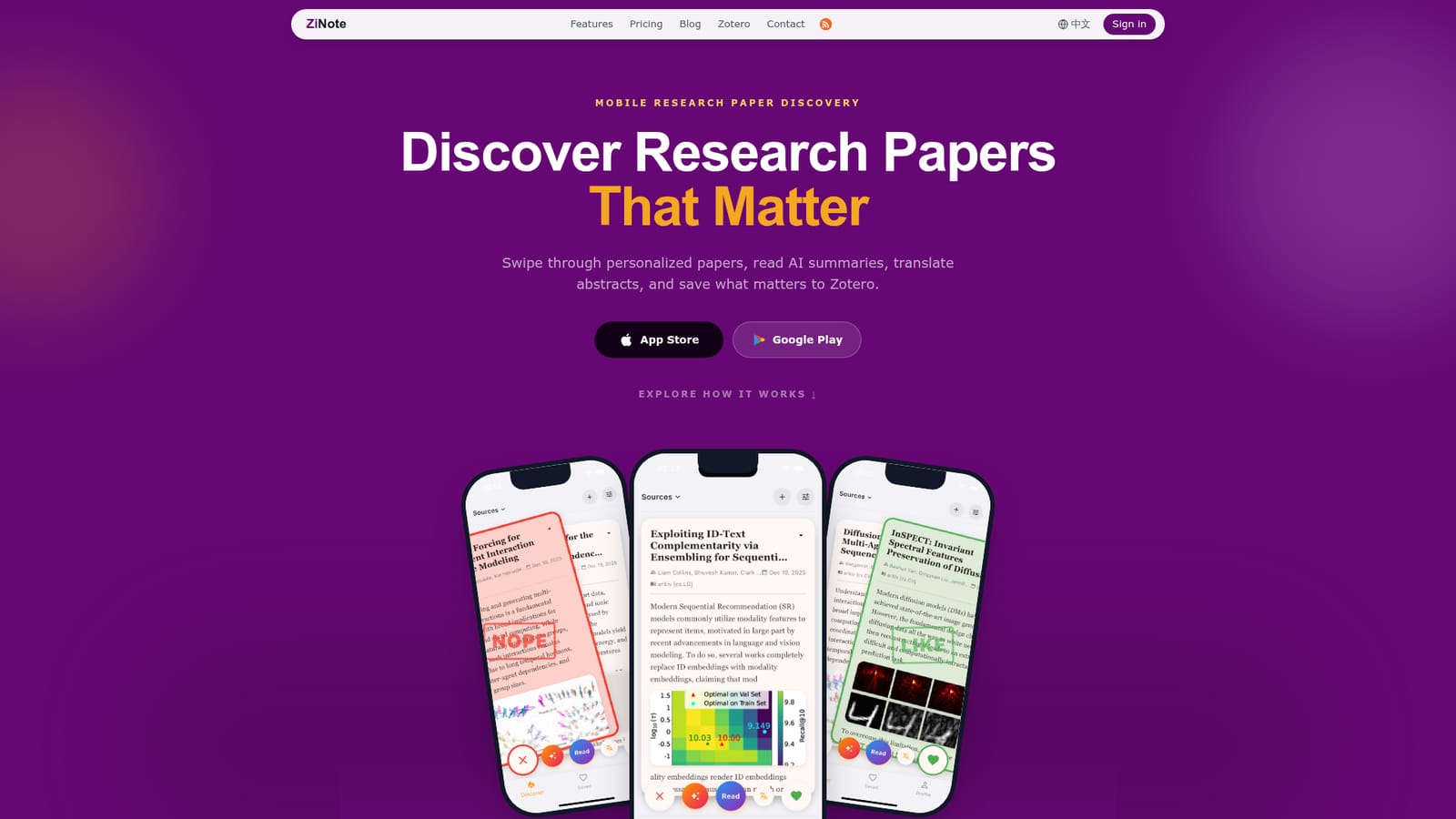
ZiNote is an iOS and Android app that delivers a personalized daily feed of research papers based on your keywords and tracked journals. Cards include AI summaries and abstract translation, and saved papers sync to Zotero. Free covers one topic and 20 papers a day, while Pro expands to 10 topics and 200 papers.
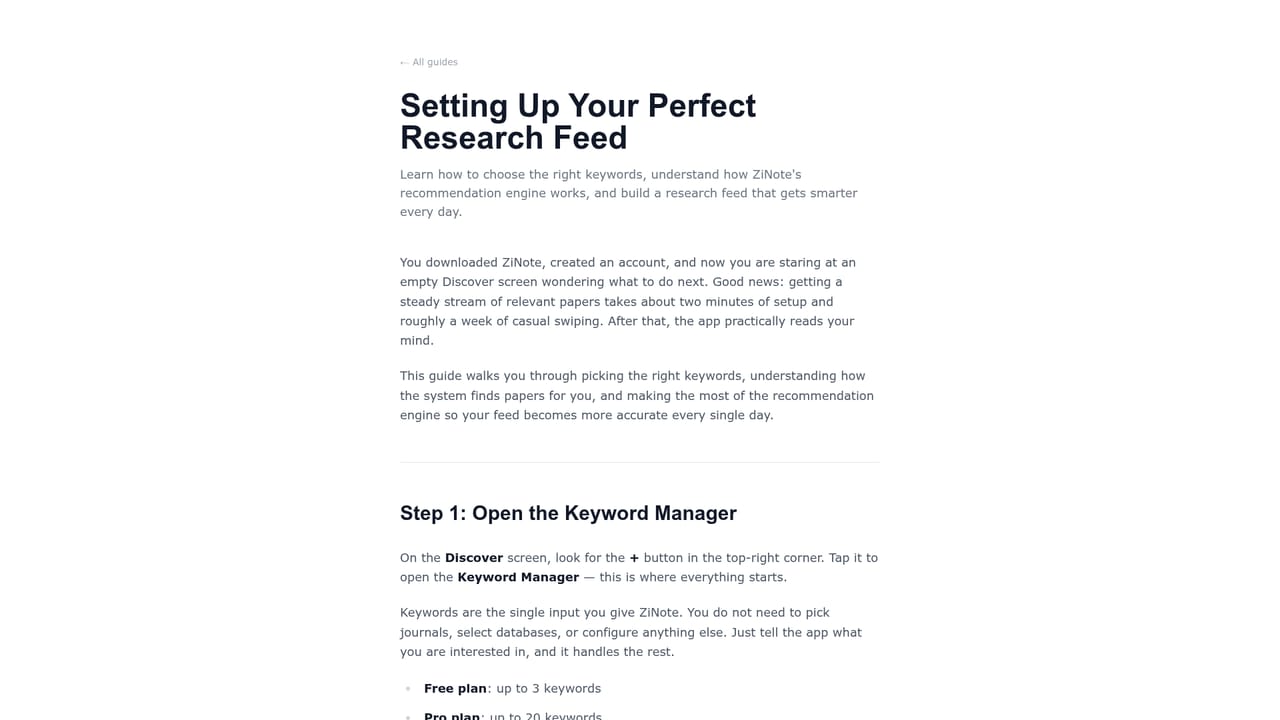
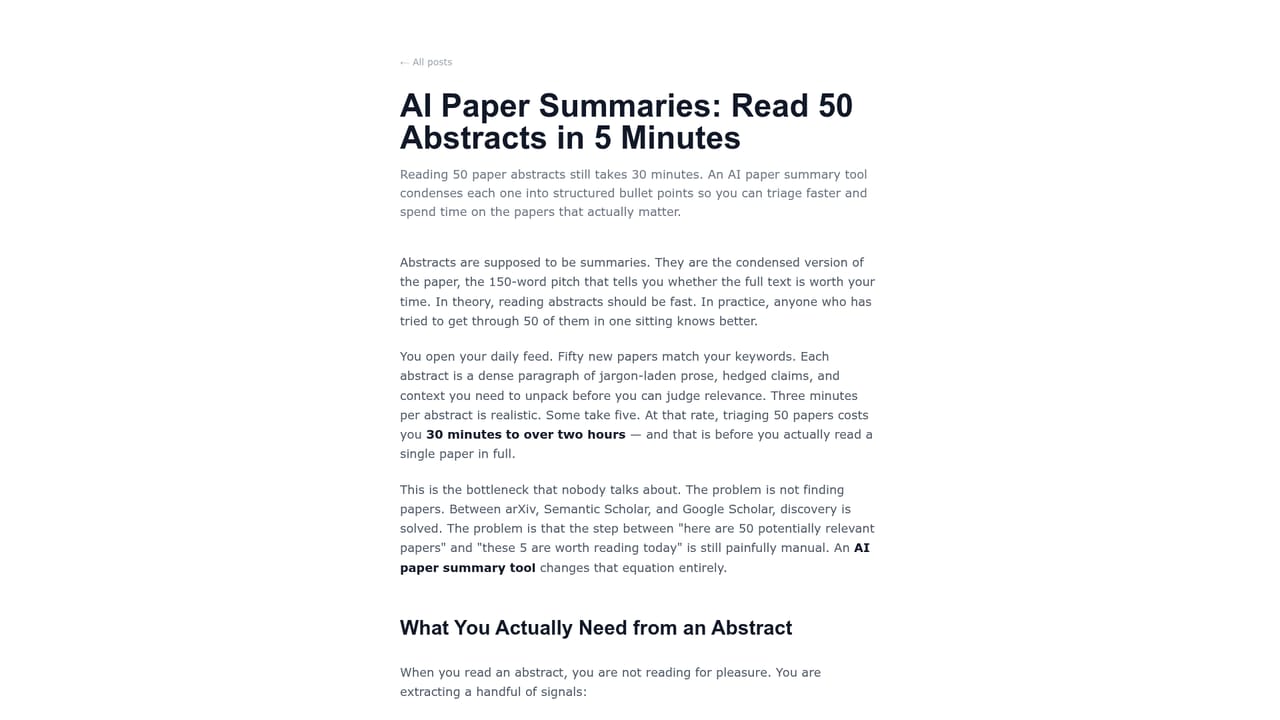
ZiNote is a mobile app for researchers who want new papers to come to them instead of rebuilding the same searches every morning. You define what you study once, following focused keywords and journals, and ZiNote assembles a daily feed of matching papers inside an iOS or Android app. Each card shows a match score next to the title, so the feed communicates why a paper surfaced rather than presenting a generic trending list. Triage happens at the card level. You swipe through titles and abstracts, and the built-in AI summary condenses a paper's method and contribution so you can judge relevance before committing to a full read. Titles and abstracts can be translated in place, which helps when the source language is not one you read fluently. Anything worth keeping is saved, then moved into Zotero or exported so it joins the library you already maintain. The positioning is deliberately narrow. Google Scholar and Semantic Scholar serve researchers who already know what to search for, and Zotero handles citation and annotation after papers are found. ZiNote occupies the gap between those two stages: recurring discovery and early filtering. It is not a full PDF reader, so deep reading still happens in the original source or your reference manager. The feed also learns from behavior, since saving and skipping papers adjusts future recommendations. The free tier sets clear limits: one topic with three keywords, three tracked journals, and 20 papers per day. Pro raises this to 10 topics with 10 keywords each, 30 journals, and 200 papers per day, which suits researchers covering several subfields at once. Anyone who primarily reads PDFs on a desktop, or who needs annotation and note taking inside the discovery tool, will find ZiNote only part of the answer.
A permanent Free plan is offered with one topic, three journals and 20 papers per day. The homepage does not mention a time limited trial of Pro.
Learn moreZiNote runs a Free plan and a Pro plan. Free includes 1 topic with 3 keywords, 3 tracked journals, and 20 papers per day. Pro includes 10 topics with 10 keywords each, 30 journals, and 200 papers per day. Exact Pro pricing is listed on the pricing page.
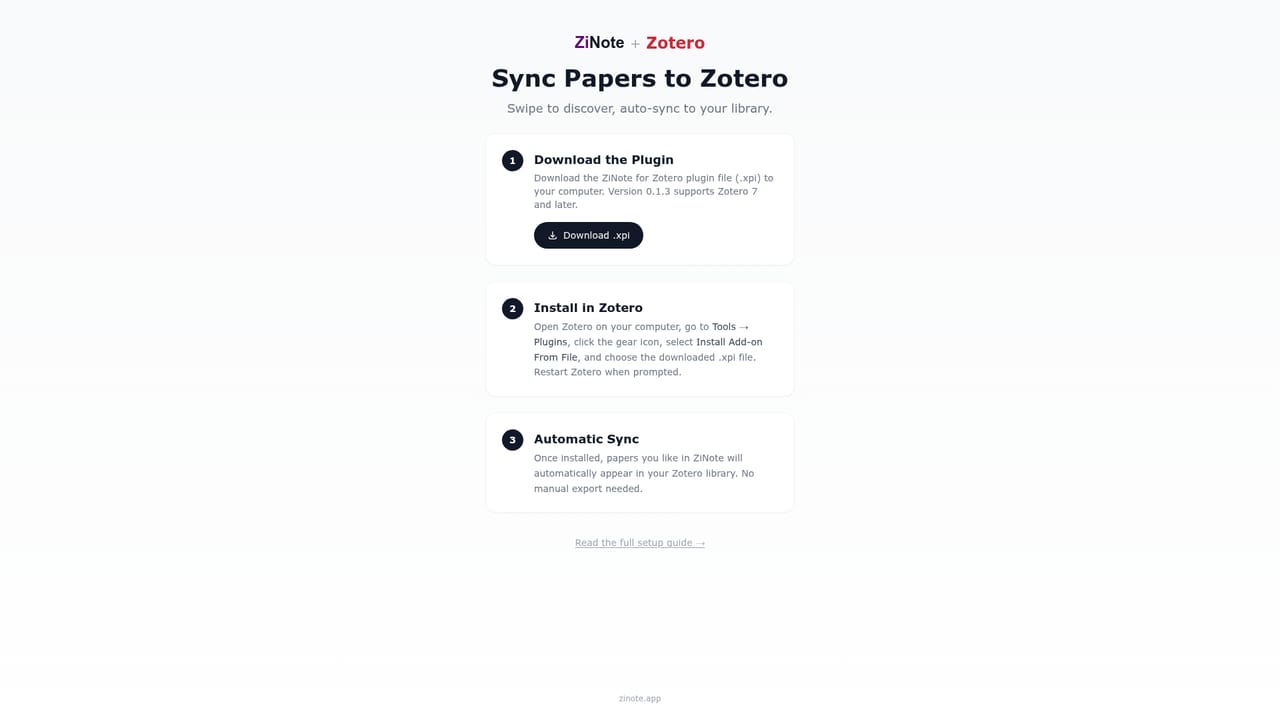
Learn moreZotero sync is the main integration, letting saved papers move into a library you already maintain. The homepage also mentions export into an existing research workflow.
Learn morePersonalized daily paper feed built from chosen keywords and journals, with recommendations that adapt as you save or skip. AI summaries explain a paper's method and contribution on the card, and titles and abstracts can be translated in place. Saved papers sync to Zotero or export into an existing research workflow. The app is designed for short mobile triage sessions rather than full PDF reading.
Learn more AI Angels400+ customizable AI girlfriends for NSFW chat, voice calls, and roleplay
 Candy AIExperience the future of companionship with AI friends who chat, role-play, and connect with you on a human level.
 ourdream.aiA vast AI roleplay platform with millions of characters for chat, images, video and voiceAI Angels400+ customizable AI girlfriends for NSFW chat, voice calls, and roleplayCandy AIExperience the future of companionship with AI friends who chat, role-play, and connect with you on a human level.ourdream.aiA vast AI roleplay platform with millions of characters for chat, images, video and voice