Support
11x describes itself as fully managed, implying hands-on onboarding and ongoing campaign management, though no support tiers or SLA details appear on the homepage.
AI revenue agents for outbound, inbound and expansion

11x is a lead generation tool. 11x sells AI revenue agents (Alice for outbound email and social, Julian for inbound voice and chat) that research accounts, personalize outreach, qualify leads and book meetings across six channels. Fully managed, CRM-native and sold through demos rather than self-serve signup.
11x builds AI revenue agents that handle prospecting, lead qualification and account expansion across voice, email, chat, social, SMS and WhatsApp. The company positions itself for frontier revenue teams, meaning sales and growth organizations that want pipeline activity running continuously rather than in batches tied to rep working hours. Two named agents anchor the lineup: Alice works the outbound and email side, researching accounts and writing personalized messages, while Julian takes inbound voice and chat conversations, qualifying callers and booking meetings. In practice the platform consolidates what would otherwise be a stack of point tools. Inbound agents respond to form fills in under a minute, either through on-site chat or a phone callback, then follow up over SMS, WhatsApp and email. Outbound agents run multi-step cadences and generate message copy per prospect rather than from a shared template library. Expansion agents work existing accounts for upsell and cross-sell conversations. A human dialer mode gives live reps the buyer research and context before they pick up the phone, so the AI and the human team share the same account intelligence. The pitch is speed of deployment and low operational load: 11x describes the service as fully managed and CRM-native, with setups going live in days rather than quarters. The homepage names Salesforce, HubSpot, Pipedrive and Microsoft Dynamics as CRM options in its demo form, so teams already running one of those should expect a familiar data flow. Published customer stories include Checkr, Leica Biosystems, Canibuild, Questex, Mapped, Brainsuite, MMB Networks and Unitech, with quoted reply-rate, meeting-volume and conversion improvements. Where it fits: 11x sits in the AI SDR and revenue agent category alongside tools such as Artisan and more established sales engagement suites like Outreach. Its differentiator is channel breadth in a single platform plus managed onboarding. Buyers who want self-serve software and transparent list pricing will not find that here; the product is sold through demos and contracts. Teams with small deal sizes or highly technical, consultative sales motions should test output quality carefully before committing.
11x describes itself as fully managed, implying hands-on onboarding and ongoing campaign management, though no support tiers or SLA details appear on the homepage.
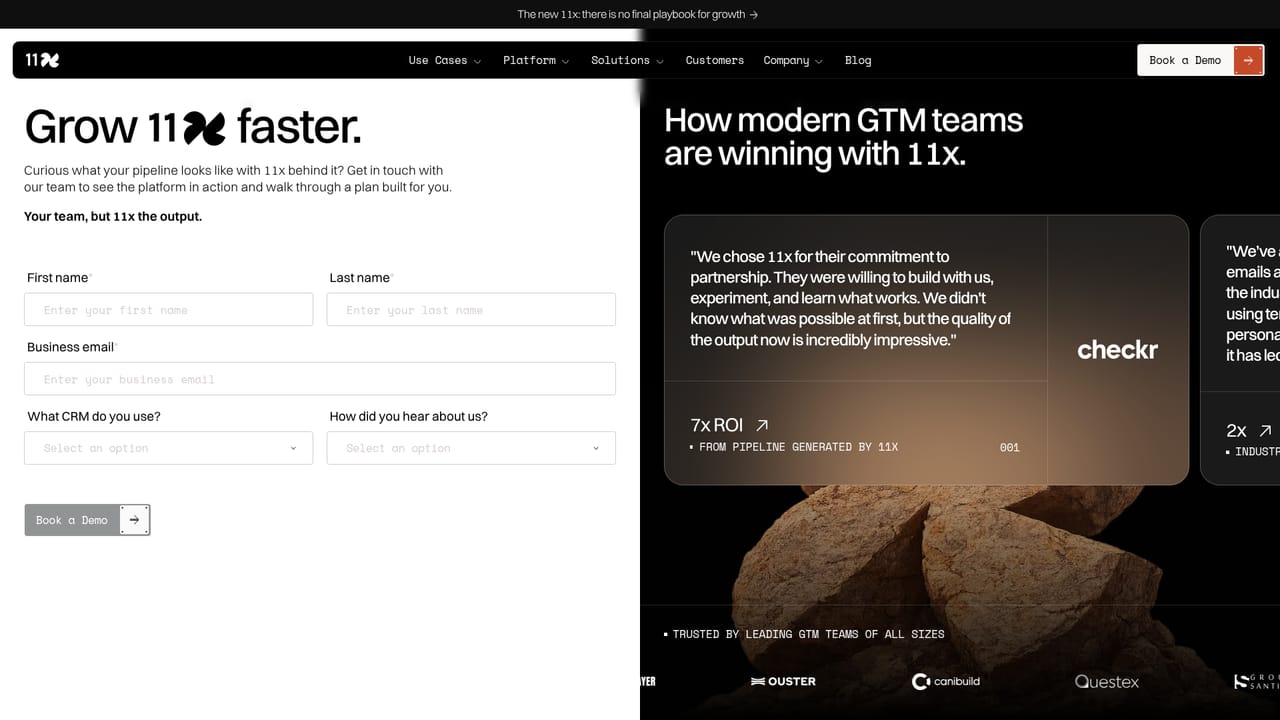
The demo form lists Salesforce, HubSpot, Pipedrive and Microsoft Dynamics as CRM options, and the platform is described as CRM-native. No wider integration directory is published on the homepage.
Agents across voice, email, chat, social, SMS and WhatsApp. Inbound voice and chat agents respond in under 60 seconds, qualify on fit, needs, timeline and buying context, then book meetings with routing rules. Outbound agents research accounts and generate personalized messages at volume. Expansion agents target upsell and cross-sell. A human dialer mode supplies reps with buyer research before calls. Described as fully managed and CRM-native.
Learn more AI Angels400+ customizable AI girlfriends for NSFW chat, voice calls, and roleplay
 Candy AIExperience the future of companionship with AI friends who chat, role-play, and connect with you on a human level.
 ourdream.aiA vast AI roleplay platform with millions of characters for chat, images, video and voiceAI Angels400+ customizable AI girlfriends for NSFW chat, voice calls, and roleplayCandy AIExperience the future of companionship with AI friends who chat, role-play, and connect with you on a human level.ourdream.aiA vast AI roleplay platform with millions of characters for chat, images, video and voice


