Free trial
No separate trial is described: the free plan itself works as the entry point, with unlimited forms and collaborators plus 3,000 responses per month and no card required.
Learn moreAI form builder for registration, surveys, payments, and quizzes

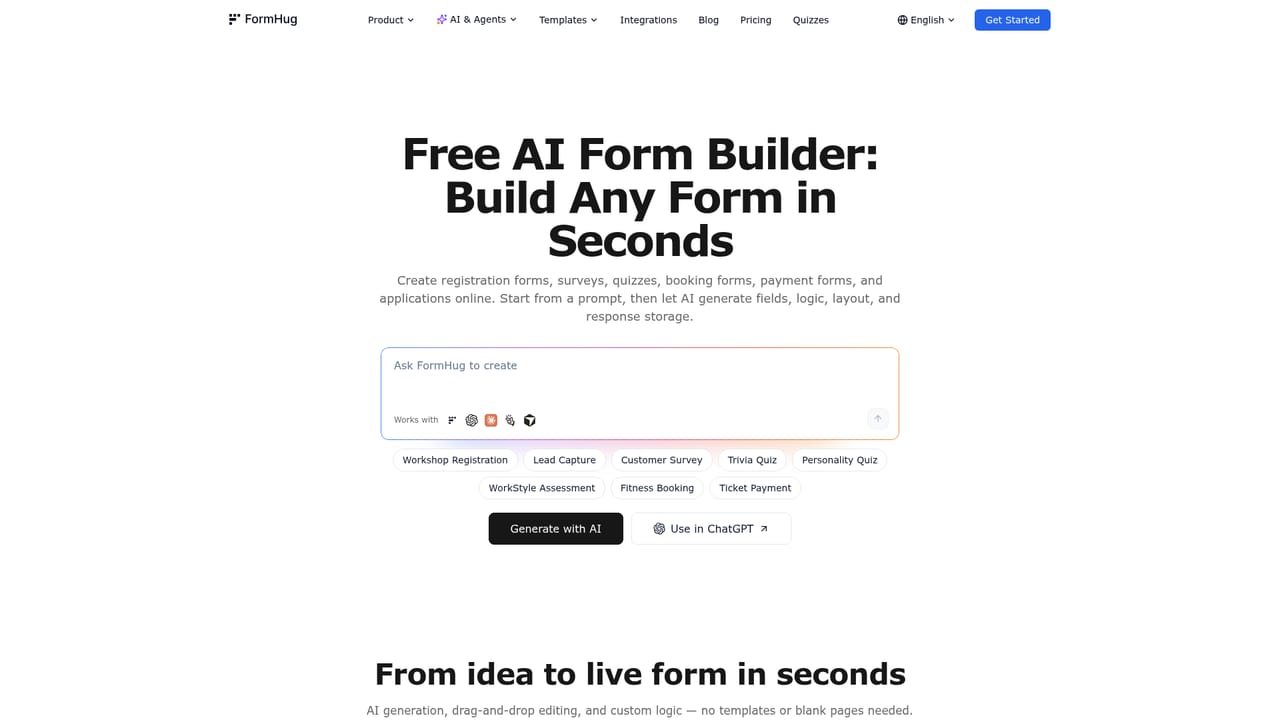
FormHug builds registration, survey, quiz, booking, and payment forms from a plain-language description, then manages responses with live analytics, scoring, certificates, and self-service lookup pages. An MCP server lets agents create and manage forms. Free plan covers unlimited forms, unlimited collaborators, and 3,000 responses per month.
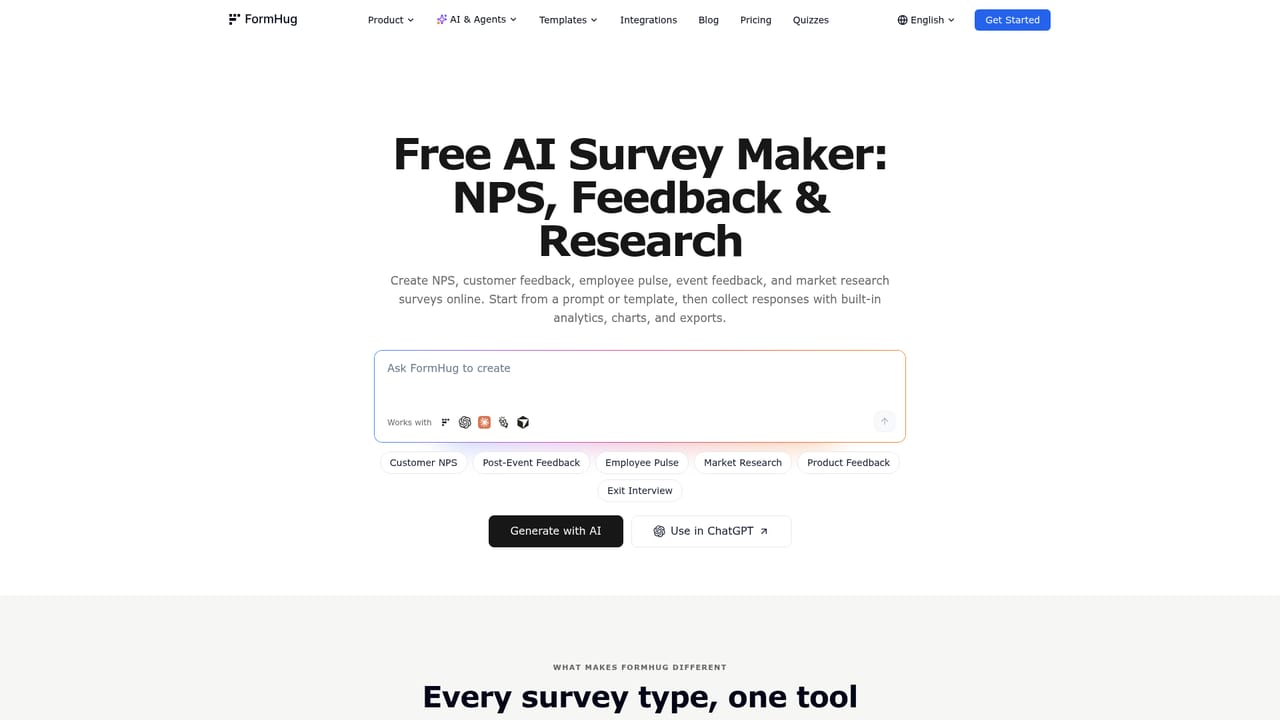
FormHug is an AI form builder aimed at people who need a working form quickly and a clean way to handle the answers afterward. Instead of assembling fields one at a time, you describe the form you want in plain language and the builder drafts the fields, wording, cover image, and a QR poster, leaving you to adjust structure and publish. Supported formats include event registration, customer surveys, lead capture, scored quizzes, skill assessments, appointment booking, payment and order forms, and application intake. What separates it from a plain survey tool is the emphasis on the whole response lifecycle. Responses can be read in real time with analytics, filtered, and shared as a live link, and a feature called Public Query turns submissions or imported Excel data into a self-service lookup page where a visitor enters an ID or email and sees only their own record, such as a score, certificate detail, or registration status. Quizzes and assessments add scoring, answer explanations, dimension reports, radar charts, and certificates. Payment forms accept orders, tickets, and deposits through Stripe, and booking forms manage availability, slots, and capacity. The editor offers Classic and Card layouts, custom end pages, conditional logic, calculation fields, file uploads, e-signatures, matrix questions, and more than 30 field types. A second audience is automated: an MCP server lets agents such as Claude, Cursor, Manus, and Windsurf create forms, edit fields, read submissions, and submit entries, and FormHug is also reachable inside ChatGPT and Claude. That makes it a reasonable pick for teams who want an agent to run form operations rather than just draft text. It fits best with event organizers, HR and training teams, researchers, and small operations that need registration, payment, scoring, and follow-up in one workflow. Teams wanting only a lightweight embeddable survey may find the surface larger than necessary, and buyers needing published tier prices should confirm details directly, since the homepage lists free-plan limits but no paid rates.
No separate trial is described: the free plan itself works as the entry point, with unlimited forms and collaborators plus 3,000 responses per month and no card required.
Learn moreThe homepage describes a free plan with unlimited forms, unlimited collaborators, and 3,000 responses per month, with no credit card required to start. Upgrading is mentioned for higher response limits, custom branding, and advanced features, but no paid tier prices are published on the homepage.
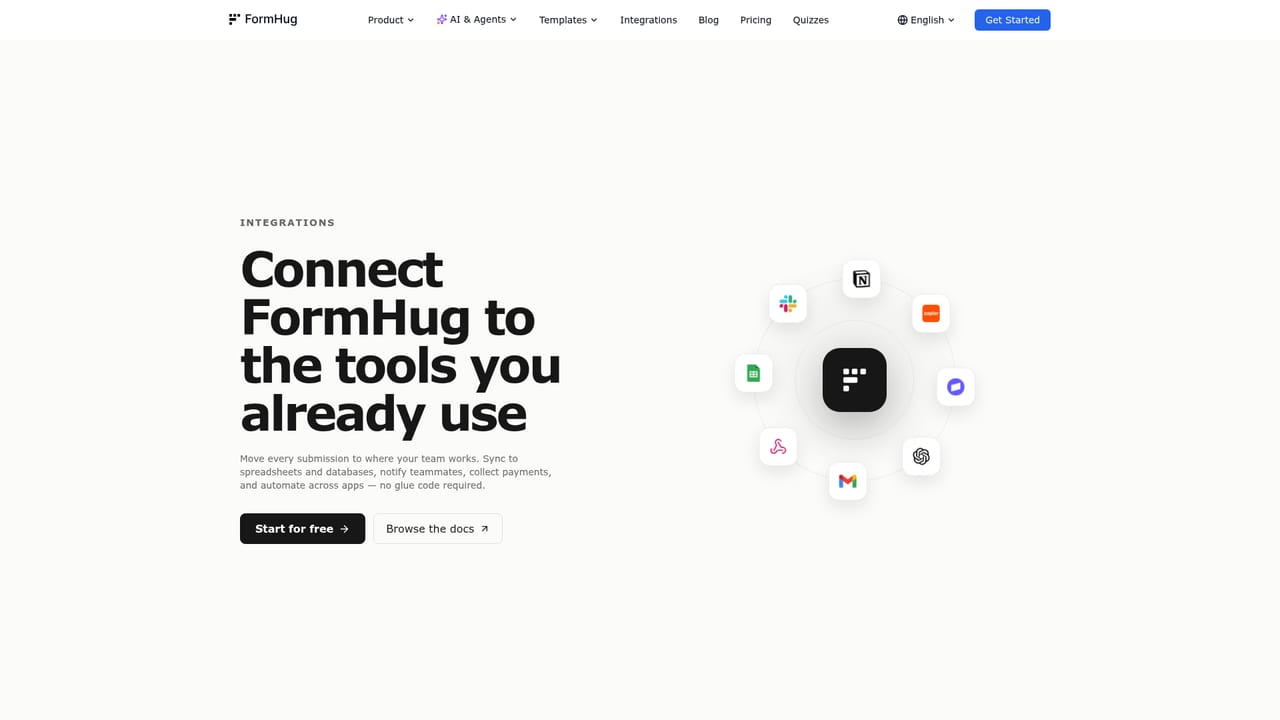
Learn moreGoogle Sheets, Notion, Slack, Gmail, Stripe, and Zapier, the last giving access to more than 5,000 apps. An MCP server connects agents such as Claude, Cursor, Manus, and Windsurf, and FormHug is also available inside ChatGPT and Claude.
Learn moreAI drafting of fields, wording, cover images, and QR posters; registration, survey, lead capture, quiz, assessment, booking, payment, and intake formats; Classic and Card layouts with custom end pages; conditional logic, calculations, 30+ field types, uploads, e-signatures, and matrix questions; quiz scoring with explanations, dimension reports, radar charts, and certificates; Public Query self-service lookup pages; real-time response analytics; Stripe payments.
Learn more AI Angels400+ customizable AI girlfriends for NSFW chat, voice calls, and roleplay
 Candy AIExperience the future of companionship with AI friends who chat, role-play, and connect with you on a human level.
 ourdream.aiA vast AI roleplay platform with millions of characters for chat, images, video and voiceAI Angels400+ customizable AI girlfriends for NSFW chat, voice calls, and roleplayCandy AIExperience the future of companionship with AI friends who chat, role-play, and connect with you on a human level.ourdream.aiA vast AI roleplay platform with millions of characters for chat, images, video and voice


