Support
A help centre and support page are published, and the site cites a G2 award for Best Support for Enterprise. A sales contact route exists for demos and procurement questions.
Learn moreMicrolearning delivered by text, chat, email or QR, even without an LMS login

7taps is a courses tool. A microlearning delivery platform that sends five-minute, phone-first courses to Teams, Slack, email, SMS, WhatsApp, links, QR codes or kiosks, so training reaches deskless and external audiences without an LMS login. Reporting shows who started, finished and dropped off.
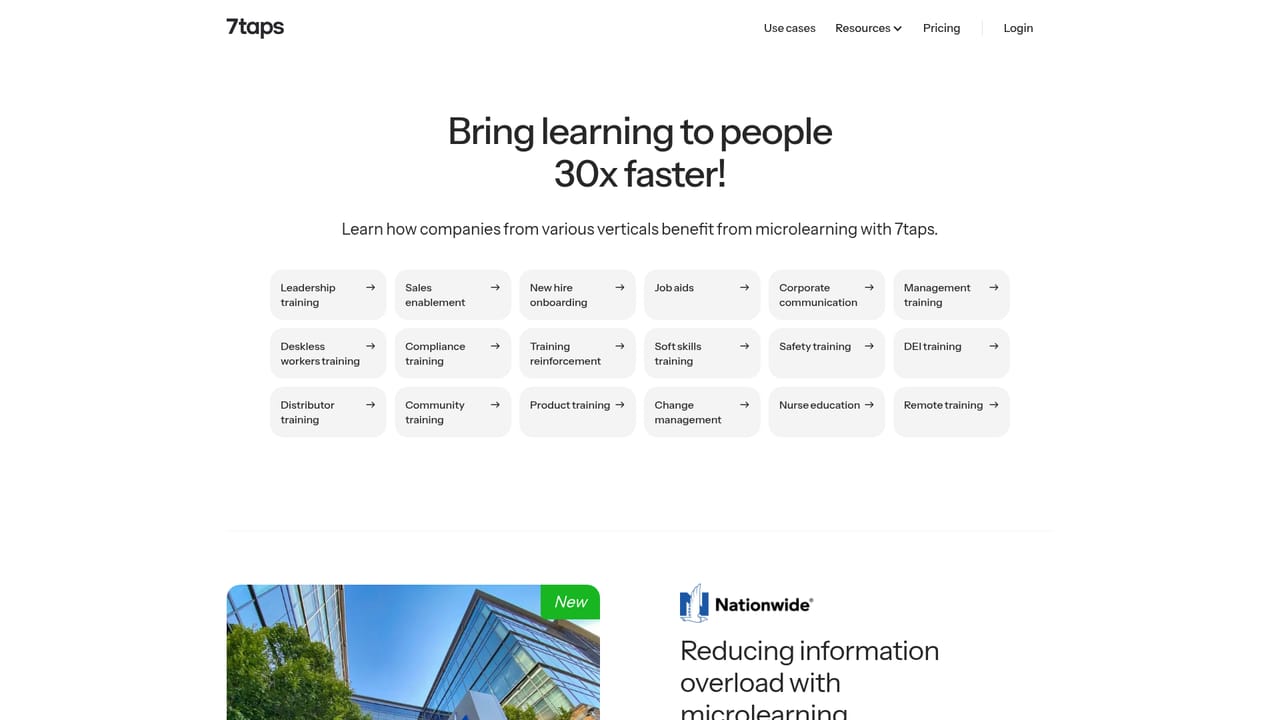
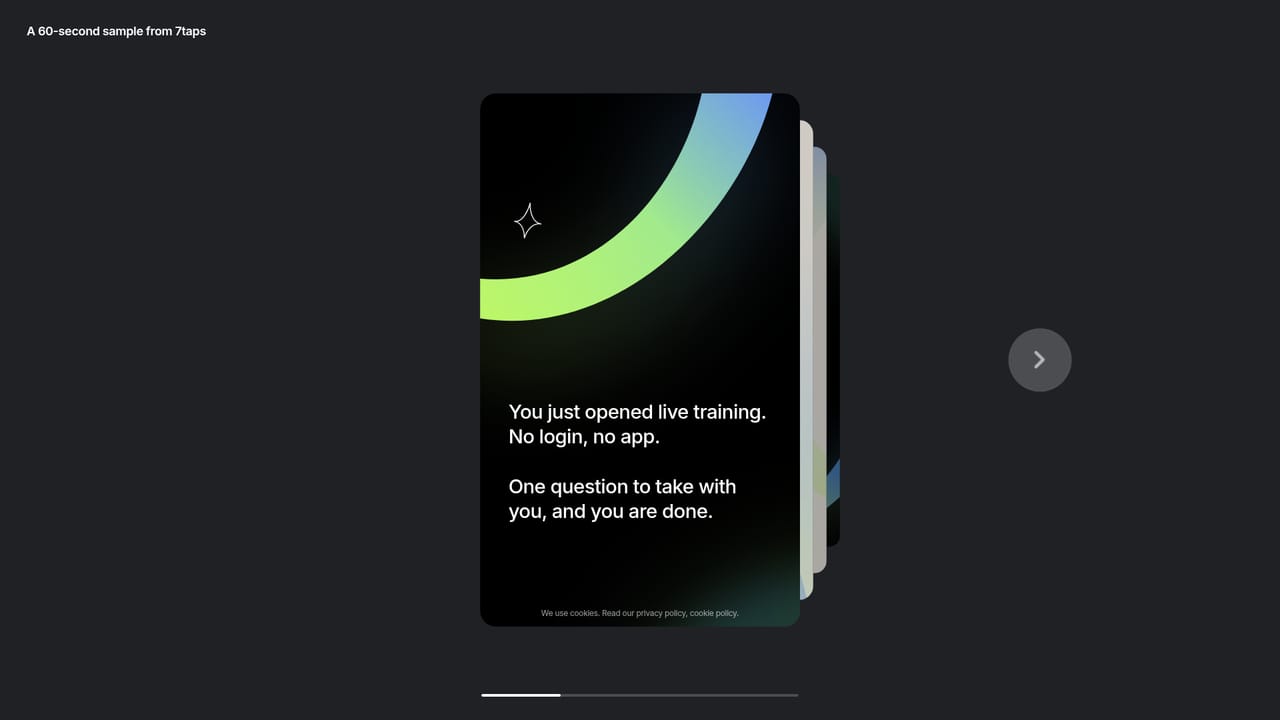
7taps is a learning delivery platform built around a single argument: most corporate training fails not because the content is poor, but because people never show up to the system that holds it. Rather than asking learners to log into an LMS, 7taps pushes short phone-first courses to the channels where staff already spend time, including MS Teams, Slack, email, SMS, WhatsApp, a plain link, a QR code or a shared kiosk tablet. A course opens in one tap, has no download, and is designed to be finished in about five minutes. The platform targets three audiences that traditional systems tend to miss. Desk-based staff who have an LMS account but rarely use it get nudges through chat; frontline teams in stores, warehouses, clinics and field roles receive training by text or by scanning a QR code posted next to the equipment or SOP it relates to; and external groups such as dealers, franchisees, partners and customers get a single link with no account required. Authors draft a course, pick a delivery route per audience and launch; reporting then shows who started, who completed, who dropped off and how each question was answered, exportable on request. 7taps positions itself as a companion to an existing LMS rather than a replacement. The LMS keeps its records while 7taps handles reach and reports completion back, and rosters can be synced from a stated 45+ HR systems. Customer results on the site include Premium Retail Services moving from 8% completion in its LMS to 70% in 7taps, Wave Utilities cutting onboarding from three weeks to three hours, and ACS reaching 93% verified completion among people without corporate email. Teva is cited running 233 compliance courses a year for 40,000 people with a four-person team. It suits L&D, compliance and operations teams in large, distributed or deskless workforces, and buyers who need SOC 2 Type 2, ISO 27001 and GDPR assurances for an IT review. Teams wanting a full authoring suite, deep assessment engines or an all-in-one LMS should look elsewhere; 7taps is deliberately narrow and optimised for delivery and verified completion.
A help centre and support page are published, and the site cites a G2 award for Best Support for Enterprise. A sales contact route exists for demos and procurement questions.
Learn moreMS Teams, Slack, email, SMS, WhatsApp, links, QR codes and kiosk tablets for delivery, plus roster sync from a stated 45+ HR systems and reporting back into an existing LMS.
Learn moreMulti-channel delivery (MS Teams, Slack, email, SMS, WhatsApp, link, QR code, kiosk), one-tap phone-first courses designed for about five minutes, per-audience delivery routing, language variants per team, completion and answer reporting by name without logins, exportable reports, roster sync from a stated 45+ HR systems, and LMS co-existence where 7taps reports completion back to the existing system.
Learn more AI Angels400+ customizable AI girlfriends for NSFW chat, voice calls, and roleplay
 Candy AIExperience the future of companionship with AI friends who chat, role-play, and connect with you on a human level.
 ourdream.aiA vast AI roleplay platform with millions of characters for chat, images, video and voiceAI Angels400+ customizable AI girlfriends for NSFW chat, voice calls, and roleplayCandy AIExperience the future of companionship with AI friends who chat, role-play, and connect with you on a human level.ourdream.aiA vast AI roleplay platform with millions of characters for chat, images, video and voice


