Free trial
The generator can be used free without a card. Three attempts are provided on the page before a limit screen points to the Pro plan for unlimited access.
Learn moreTurn a topic prompt into a structured online course

AcademyOcean is a content tool that turns a topic prompt into a structured online course. A course generation tool inside the AcademyOcean LMS. Enter a topic, pick a language, learning style and tone, and the AI drafts structured lessons and paragraphs that you review and refine.
AcademyOcean's AI Course Creator is a generator built into the company's learning management platform. Instead of writing lessons by hand, an administrator supplies a topic (or picks one of the suggested concepts) and the tool produces structured course material, splitting the subject into lessons and paragraphs that can be reviewed and edited before publishing. The output is meant to be a working draft, not a finished curriculum, so the editing pass remains part of the job. The prompt form exposes three controls that shape the result beyond the topic itself. Language covers English, Spanish, French, German, Ukrainian and Russian. Learning Styles offers Global, Visual, Verbal, Active, Intuitive and Reflective, which lets the same subject be framed for different learner preferences. Tone Styles ranges from Encouraging and Neutral to Informative, Friendly and Humorous. The page cites example prompts such as leadership development modules and compliance training for a named industry. The natural audience is an L&D, HR or enablement team that already runs training inside AcademyOcean or is evaluating the platform as a whole. Because generation sits inside an LMS, the produced lessons plug into the surrounding machinery: branding controls, learner progress tracking, certification, analytics and content updates. That combination is what separates it from standalone AI writing tools that output text into a document and leave the hosting problem to the buyer. Usage limits define the free tier. The page shows three free attempts before a limit screen appears, with unlimited access reserved for the Pro plan, which also adds design customization, unlimited course storage, API and Zapier connections, and a Copilot. Teams that need predictable volume across many courses should plan for the paid tier rather than relying on the trial allowance.
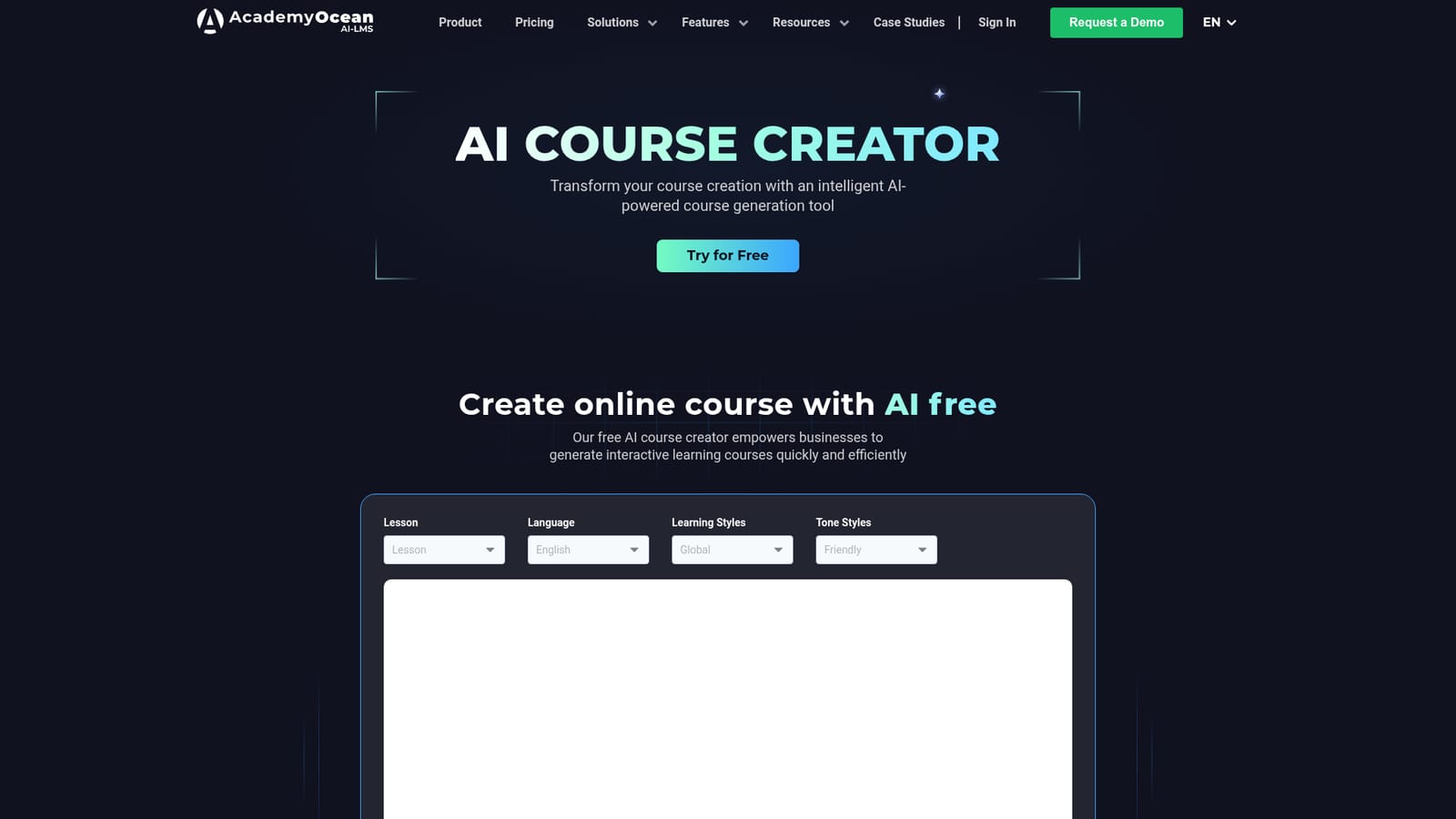
The generator can be used free without a card. Three attempts are provided on the page before a limit screen points to the Pro plan for unlimited access.
Learn moreTwo tiers are described. The free tier allows three generation attempts and asks for no credit card. The Pro plan removes the attempt cap and adds design customization, unlimited course storage, API and Zapier integration, and Copilot. No prices are published on the page.
Learn moreAPI and Zapier connections are listed among the Pro plan features. The page does not detail which systems those connections reach.
Topic to structured course generation with lessons and paragraphs; output in six languages; learning style presets (Global, Visual, Verbal, Active, Intuitive, Reflective); tone presets from encouraging to humorous; suggested course concepts; editing of generated content; Pro additions of Copilot, design customization, unlimited storage and platform integrations.
 AI Angels400+ customizable AI girlfriends for NSFW chat, voice calls, and roleplay
 Candy AIExperience the future of companionship with AI friends who chat, role-play, and connect with you on a human level.
 ourdream.aiA vast AI roleplay platform with millions of characters for chat, images, video and voiceAI Angels400+ customizable AI girlfriends for NSFW chat, voice calls, and roleplayCandy AIExperience the future of companionship with AI friends who chat, role-play, and connect with you on a human level.ourdream.aiA vast AI roleplay platform with millions of characters for chat, images, video and voice


