Free trial
15 free minutes of the interview copilot are offered without a credit card, opened inside the Acedly app.
Learn moreA real-time interview copilot grounded in your resume and target role

Acedly AI is a career tool. Acedly AI combines a live interview copilot, AI mock interviews with scored feedback, and ATS resume scoring. It reads your resume and job description so suggestions reflect your own experience, transcribes 30+ languages, and runs over system audio on Zoom, Teams, Meet and similar platforms.
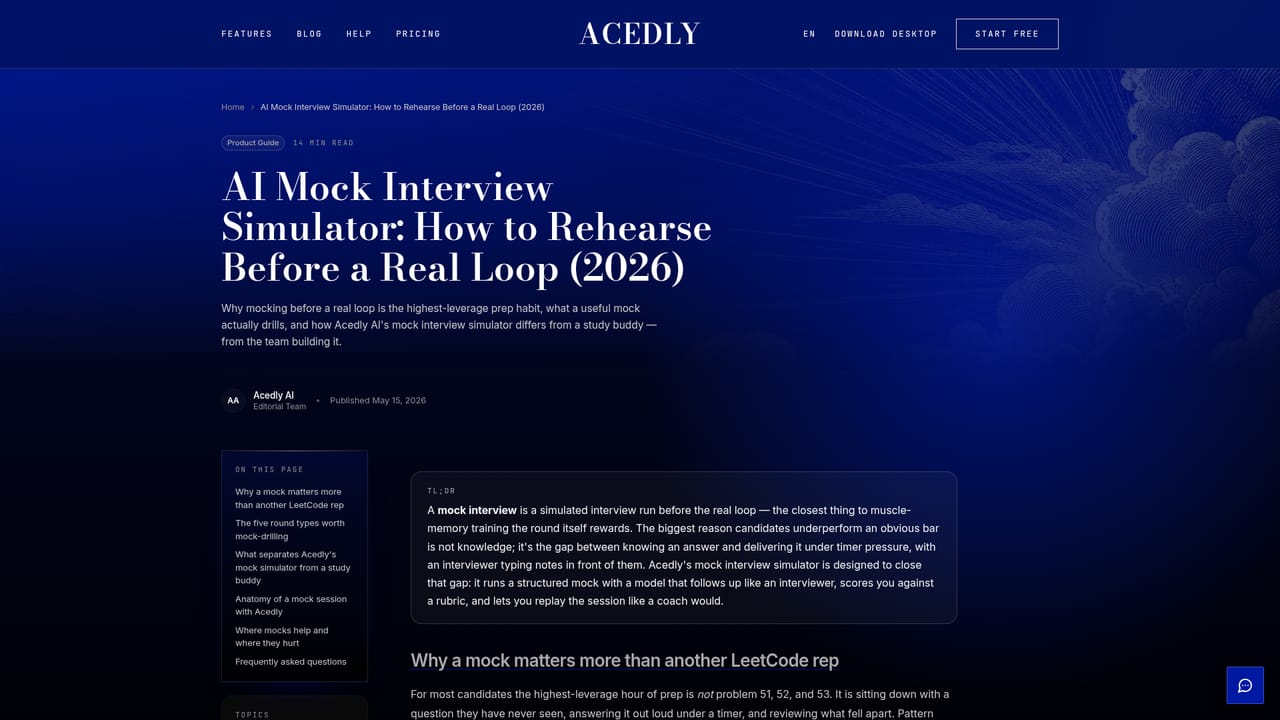
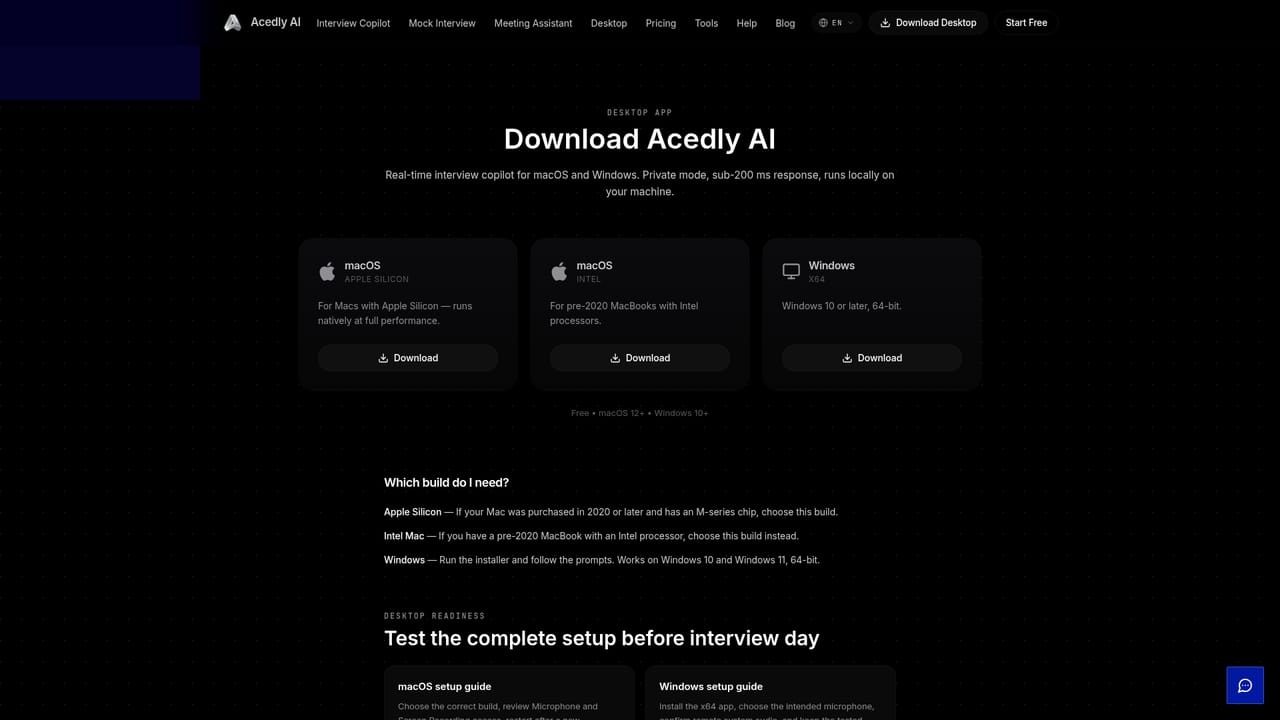
Acedly AI is an interview preparation and live assistance tool that combines three jobs in one product: real-time answer guidance during actual calls, AI-run mock interviews for practice, and a resume audit that scores a CV against applicant tracking system criteria. The common thread is personalization. Users upload a resume, a job description and supporting documents, and the tool draws on that material rather than producing generic advice. Guidance appears on screen while a question is being asked, with the company claiming median latency of under 200 milliseconds from spoken question to displayed talking points. The live copilot works through system audio, so it does not depend on dedicated plugins for each platform. Acedly lists compatibility with Zoom, Google Meet, Microsoft Teams, Webex, Lark, Amazon Chime, Coderpad and HackerRank, and notes that any tool routing audio through the system works. Live transcription covers more than 30 spoken languages with translation, which matters for bilingual or code-switching interviews. A coding mode captures problem statements directly from the screen, suggests an approach before writing code, and surfaces time and space complexity alongside the solution, which makes it more useful for technical rounds than a general meeting assistant. Practice is handled separately through mock interviews. Users pick an interviewer avatar, set the company, role and difficulty, then answer out loud in a video session where the AI asks follow-ups and probes deeper. Acedly advertises 76 or more scenarios spanning behavioral rounds, system design, LeetCode-style algorithms and business functions, and each session ends with a scored report covering communication, answer structure and technical depth. Sessions are saved to a history where an AI review can be run later for per-question feedback. The product competes with a crowded field of interview copilots such as Cluely, Parakeet AI and Final Round AI, and it differentiates through resume grounding, multilingual transcription and a plugin marketplace (GitHub, Notion, Google Drive) included with paid tiers. The desktop app is the main workspace, with a web app available too. It suits active job seekers in technical and business roles who want rehearsal and live support in one place.

15 free minutes of the interview copilot are offered without a credit card, opened inside the Acedly app.
Learn moreThe homepage advertises 15 free minutes with no credit card and names Pro and Lifetime plans that include the plugin marketplace. Specific prices, monthly minute allowances and renewal terms are not stated on the homepage.
Learn moreWorks through system audio with Zoom, Google Meet, Microsoft Teams, Webex, Lark, Amazon Chime, Coderpad and HackerRank. Plugin connections cover GitHub, Notion and Google Drive on paid tiers.
Learn moreReal-time answer suggestions with sub-200 ms response, live transcription and translation in 30+ languages, resume and job description grounding, AI mock interviews with video avatars across 76+ scenarios, scored session reports, screen-aware coding interview coaching with complexity analysis, ATS resume scoring, and a plugin marketplace with GitHub, Notion and Google Drive.
 AI Angels400+ customizable AI girlfriends for NSFW chat, voice calls, and roleplay
 Candy AIExperience the future of companionship with AI friends who chat, role-play, and connect with you on a human level.
 ourdream.aiA vast AI roleplay platform with millions of characters for chat, images, video and voiceAI Angels400+ customizable AI girlfriends for NSFW chat, voice calls, and roleplayCandy AIExperience the future of companionship with AI friends who chat, role-play, and connect with you on a human level.ourdream.aiA vast AI roleplay platform with millions of characters for chat, images, video and voice


