Free trial
No trial is needed because the Free plan is permanent: $0, no credit card, 2 tokens per day, one portfolio, job search and career coach included.
Learn moreCareer platform that joins job search, tracking and interview prep

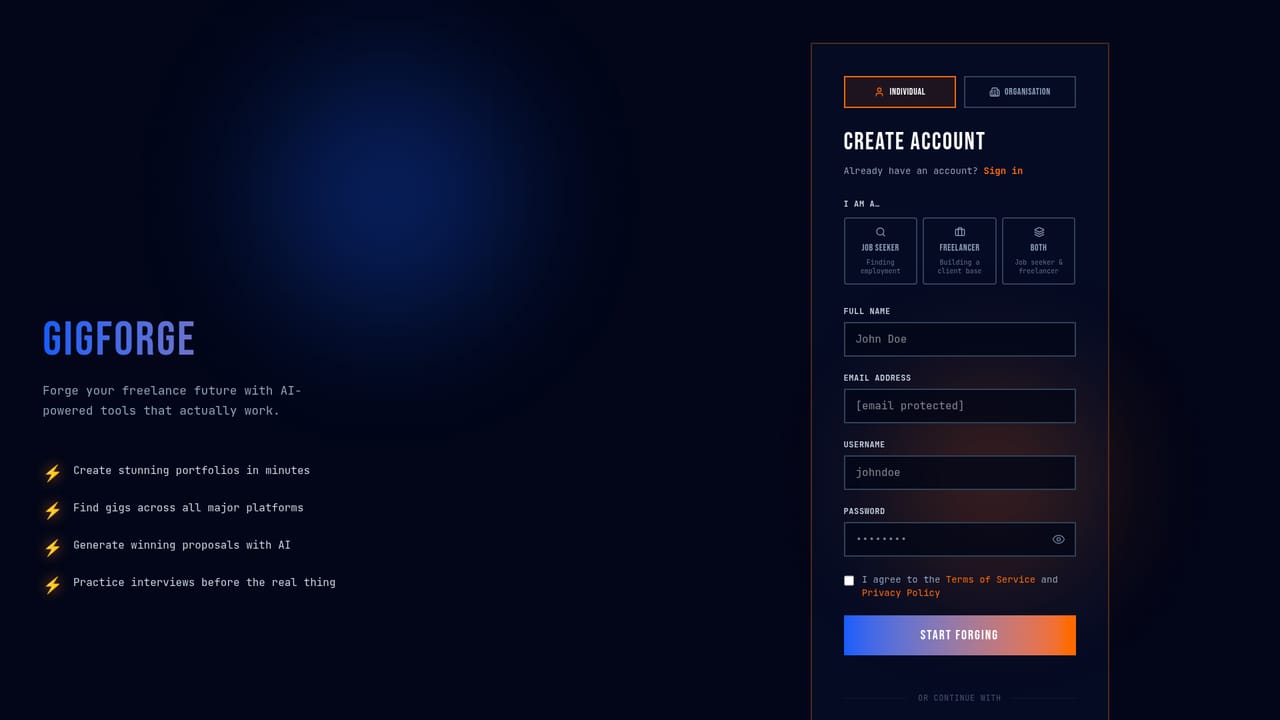
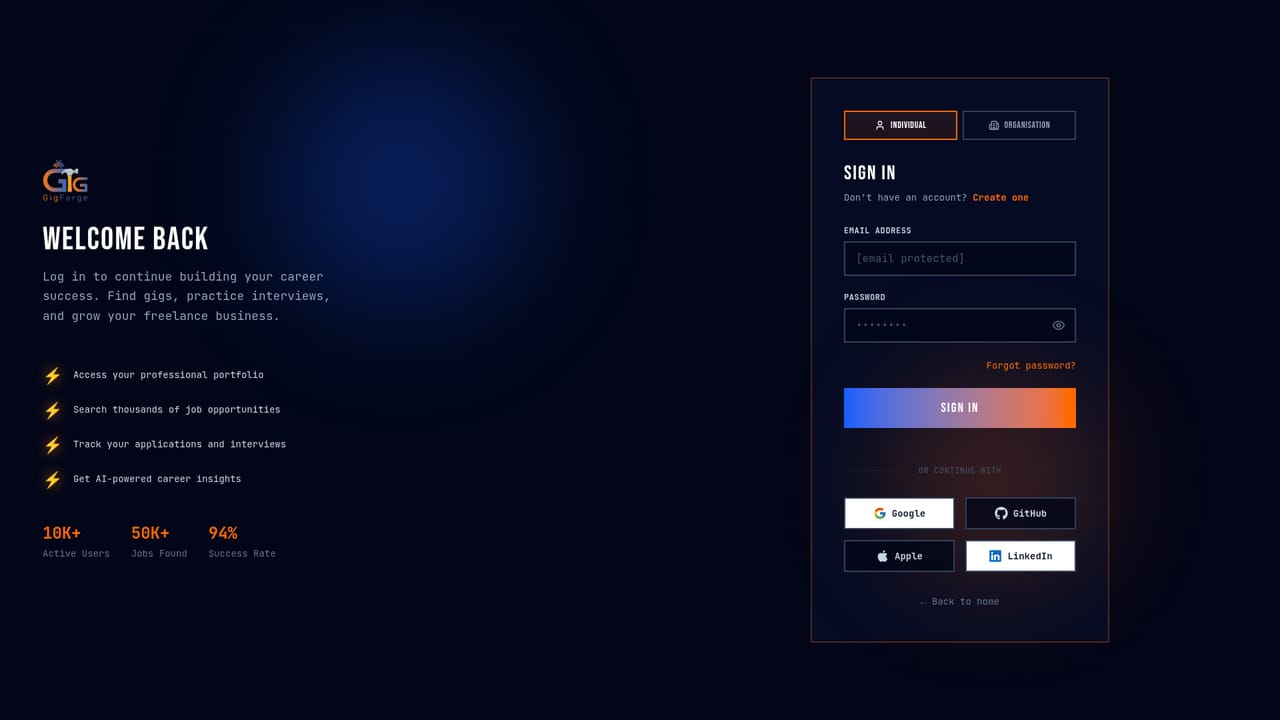
GigForge is a career tool. An all-in-one career workspace for freelancers, job seekers and hiring teams. It combines a portfolio builder, multi-board job search, Kanban application tracking, AI resume and proposal writing, mock interviews and a career coach. Access runs on daily tokens plus optional top-ups.
GigForge is an AI career platform built around a single workspace rather than a set of disconnected tools. Job seekers and freelancers get a portfolio builder, a job aggregator that pulls listings from Upwork, Fiverr, LinkedIn and Indeed, an application tracker with Kanban and list views, a resume optimizer with ATS scoring, and mock interview sessions run by AI. Hiring teams get the mirror side of the same product: job posting, automated CV screening and voice interview reports. The home page positions the tool for three audiences at once, and the interface switches its feature set depending on which one you pick. In practice the workflow runs from portfolio to pitch. A guided builder produces a portfolio on a custom subdomain, with the AI build option generating a full site from an uploaded CV. Search costs one token and covers all connected boards at once. Proposals and cover letters are drafted from the job description, and each application can be logged with notes, follow-up dates, contacts and salary details. The career coach draws on your profile to advise on pricing, positioning and pitch writing. Interview practice is billed by the minute and gets feedback after each session. Pricing is token based on top of a subscription tier. Free accounts get two tokens per day, one portfolio and 50 MB of storage. Paid tiers from $9 to $49 per month raise daily tokens, portfolio counts and storage, and add custom domains, advanced analytics, interview minutes and API access. Feature costs vary widely: a job search is one token, a proposal or resume optimization is three, and a full AI portfolio build is twenty five. Top-up packs are sold separately and never expire, which suits people who work in bursts rather than daily. GigForge competes less with a single resume builder and more with the patchwork of a LinkedIn profile, a spreadsheet tracker, a portfolio host and a separate interview prep service. Its advantage is continuity: the same profile feeds the portfolio, the coach and the application log. Anyone who wants a lightweight tracker or only occasional resume help may find the token accounting more structure than they need, and the freelancer-first framing shows in how heavily proposals are weighted.
No trial is needed because the Free plan is permanent: $0, no credit card, 2 tokens per day, one portfolio, job search and career coach included.
Learn moreFree plan with 2 tokens per day, one portfolio and 50 MB storage. Paid individual tiers: Starter $9/mo (10 tokens/day), Pro $19/mo (30 tokens/day), Enterprise $49/mo (100 tokens/day, API access). Annual billing saves around 20 percent. Token top-ups from $4 for 50 up to $50 for 1150, and interview minutes from $5 for 30 up to $40 for 300.
Learn moreCommunity support on the Free plan, email support from Starter, and priority 24/7 support from Pro upward. Enterprise adds a dedicated account manager and an SLA guarantee.
Job listings are aggregated from Upwork, Fiverr, LinkedIn and Indeed. API access is listed only on the Enterprise tier.
Portfolio builder with custom subdomains, multi-platform job search across Upwork, Fiverr, LinkedIn and Indeed, AI proposal and cover letter generation, resume optimization with ATS scoring, Kanban and list application tracking, AI career coach, and AI interview practice. Hiring teams add job posting, AI CV screening and voice interview reports.
 AI Angels400+ customizable AI girlfriends for NSFW chat, voice calls, and roleplay
 Candy AIExperience the future of companionship with AI friends who chat, role-play, and connect with you on a human level.
 ourdream.aiA vast AI roleplay platform with millions of characters for chat, images, video and voiceAI Angels400+ customizable AI girlfriends for NSFW chat, voice calls, and roleplayCandy AIExperience the future of companionship with AI friends who chat, role-play, and connect with you on a human level.ourdream.aiA vast AI roleplay platform with millions of characters for chat, images, video and voice


