Free trial
The site advertises a free trial and a free consultation, but the trial's scope and length are not described on the homepage.
Learn moreAI chatbots that answer questions, book appointments and capture leads 24/7

ACEPAL builds done-for-you AI chatbots for websites, combining a knowledge-based assistant with optional search, appointment booking and analytics modules. Setup is priced per component, implementation takes one to two weeks, and the vendor handles the technical work.
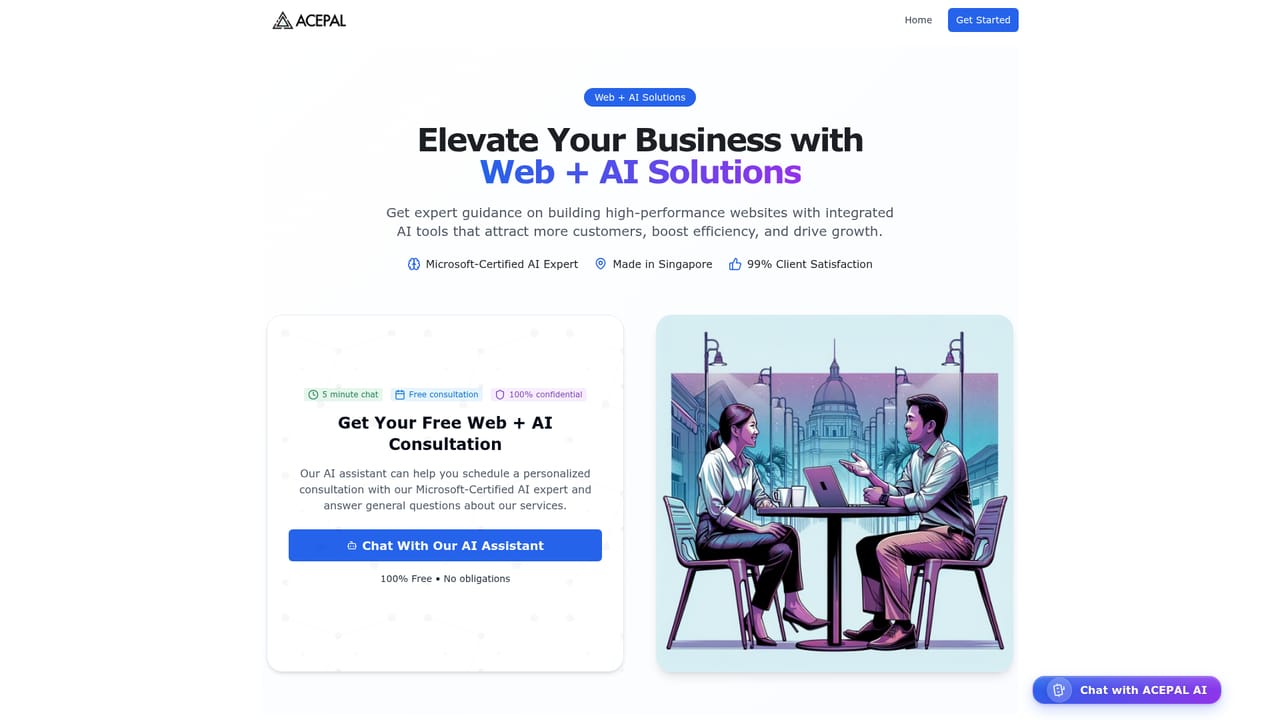
ACEPAL is a Singapore-built AI chatbot service aimed at businesses that want their website to work as a sales and support channel around the clock. The core product is a base chatbot trained on a company's own knowledge, so visitors get answers to common questions in natural language without waiting for a staff member. From there, owners can bolt on modules for searching structured records, booking and managing appointments, and viewing analytics on how conversations unfold. The component model is unusual for this market. Instead of a monthly seat-based subscription, ACEPAL sells one-time setup fees per module. A base chatbot can be combined with search, appointment booking, analytics dashboards and management controls, and each addition requires the module it depends on (analytics for search only makes sense once search is enabled, for example). A separate enterprise track covers custom actions, custom integration and dedicated support for larger deployments. In practice the vendor handles the technical build. Customers supply knowledge base content and typically go live within one to two weeks. The appointment module connects to an appointments database, shows available slots, confirms bookings and manages rescheduling, while search lets customers query records directly, such as filtering helpers by language or care experience, which suits directory-style and service-matching businesses. Analytics dashboards then report on conversation patterns and chatbot performance. ACEPAL competes with self-serve chatbot builders rather than with them directly: it is a done-for-you engagement service priced as a project, with ongoing infrastructure billed monthly from a starting figure. That makes it a reasonable fit for small and mid-sized firms that lack technical staff and value hands-on implementation, and a weaker fit for teams that want to experiment cheaply or manage prompts and flows themselves.
The site advertises a free trial and a free consultation, but the trial's scope and length are not described on the homepage.
Learn moreComponent-based one-time setup fees in SGD, with the base chatbot listed at $5000; each additional module (search, appointment booking, analytics, management) is also $5000, and modules have dependencies. Monthly infrastructure starts from $30 and is quoted per client. Enterprise pricing is not published.
Learn moreSupport runs through a contact form and scheduled calls, with dedicated support offered in the enterprise package. The vendor handles technical setup and website integration during onboarding.
Learn moreAppointment booking connects to an appointments database and calendar; broader website integration and custom integrations are handled by the vendor, with custom work reserved for the enterprise package.
Core chatbot answers questions from company knowledge with context-aware, multi-turn conversation. Add-ons cover search across structured records, appointment booking with slot selection and rescheduling, analytics dashboards for conversations and bookings, plus knowledge, data and appointment management controls.
 AI Angels400+ customizable AI girlfriends for NSFW chat, voice calls, and roleplay
 Candy AIExperience the future of companionship with AI friends who chat, role-play, and connect with you on a human level.
 ourdream.aiA vast AI roleplay platform with millions of characters for chat, images, video and voiceAI Angels400+ customizable AI girlfriends for NSFW chat, voice calls, and roleplayCandy AIExperience the future of companionship with AI friends who chat, role-play, and connect with you on a human level.ourdream.aiA vast AI roleplay platform with millions of characters for chat, images, video and voice


