Free trial
No separate trial is needed because the product is described as free forever with no credit card required at signup.
Learn moreAI knowledge base and chatbot that deflects support tickets.

Help Center is an AI chat bot tool. Help.center combines an AI knowledge base, a website chat widget and a shared inbox for support teams. It imports existing articles, answers customer questions in their own language, suggests new articles from conversation gaps and escalates unresolved chats to email.
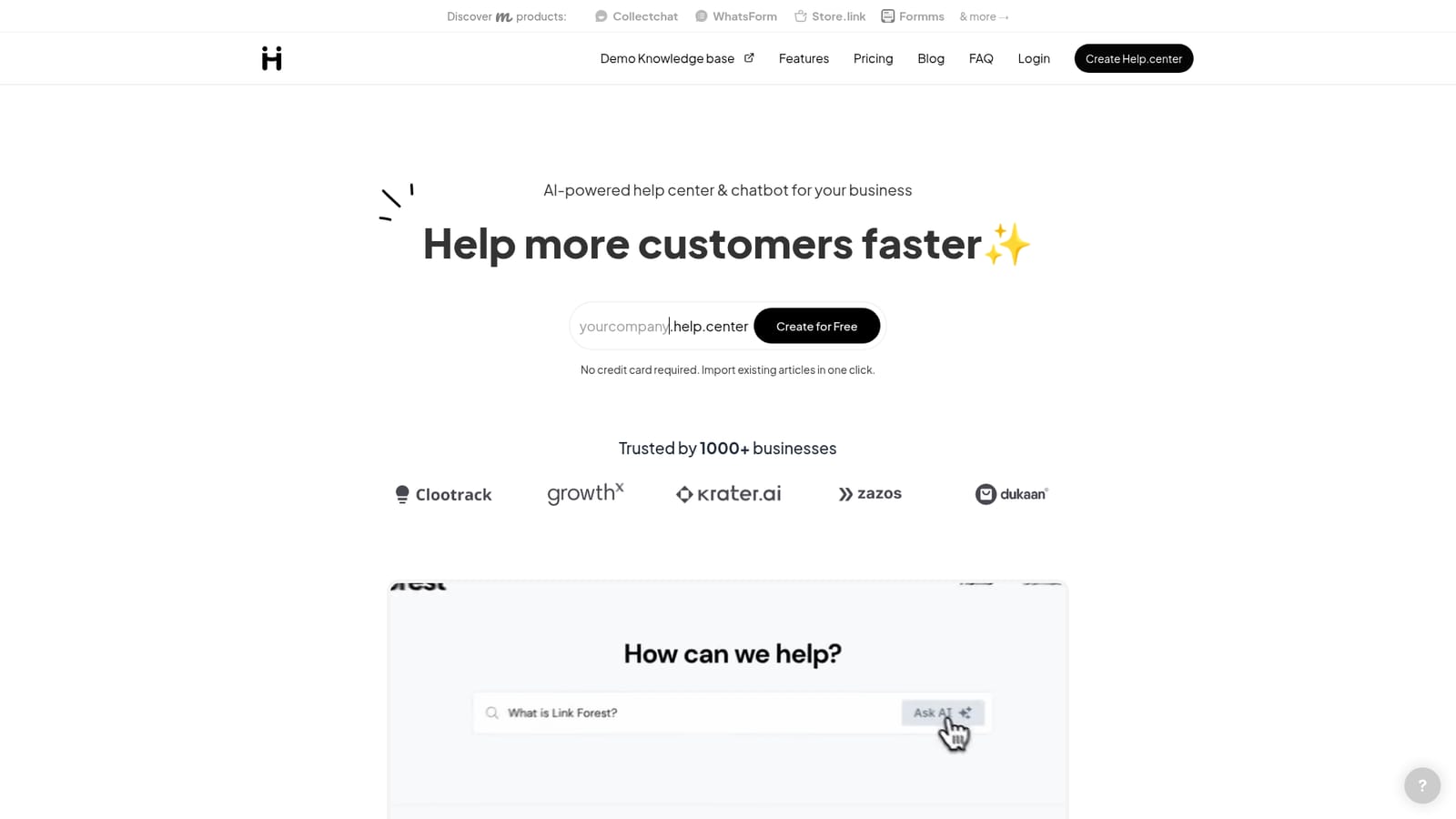
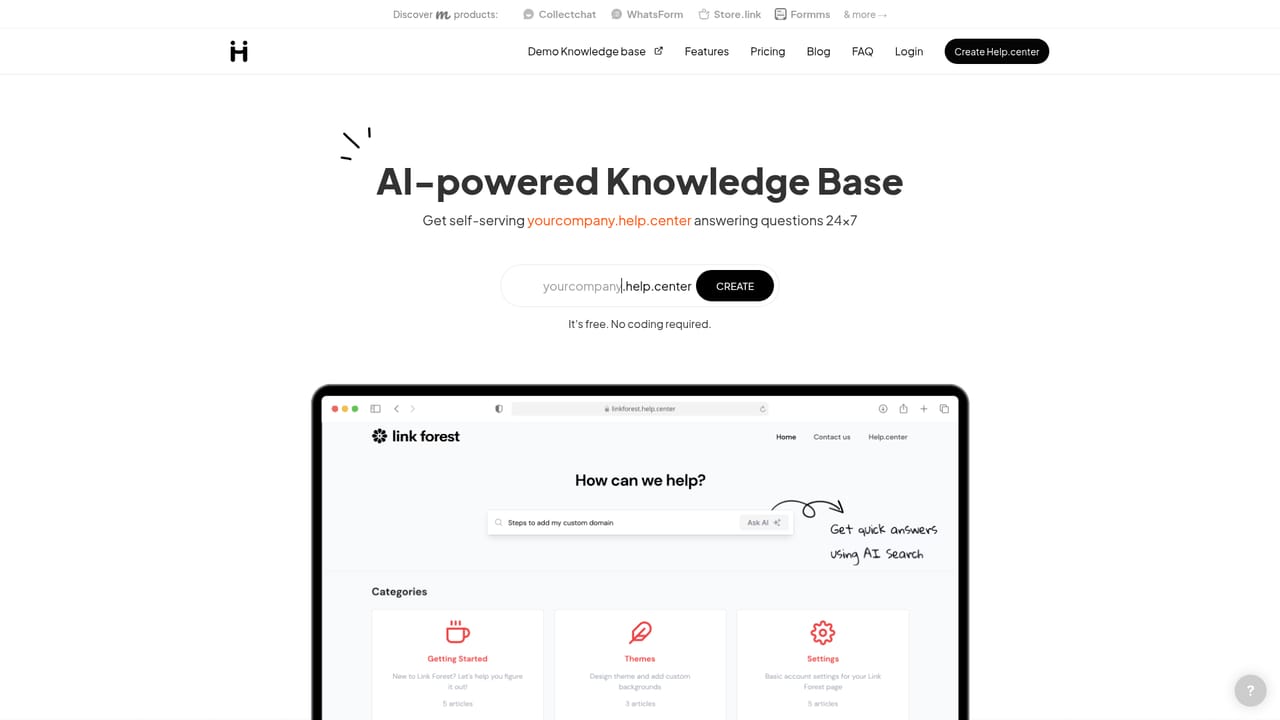
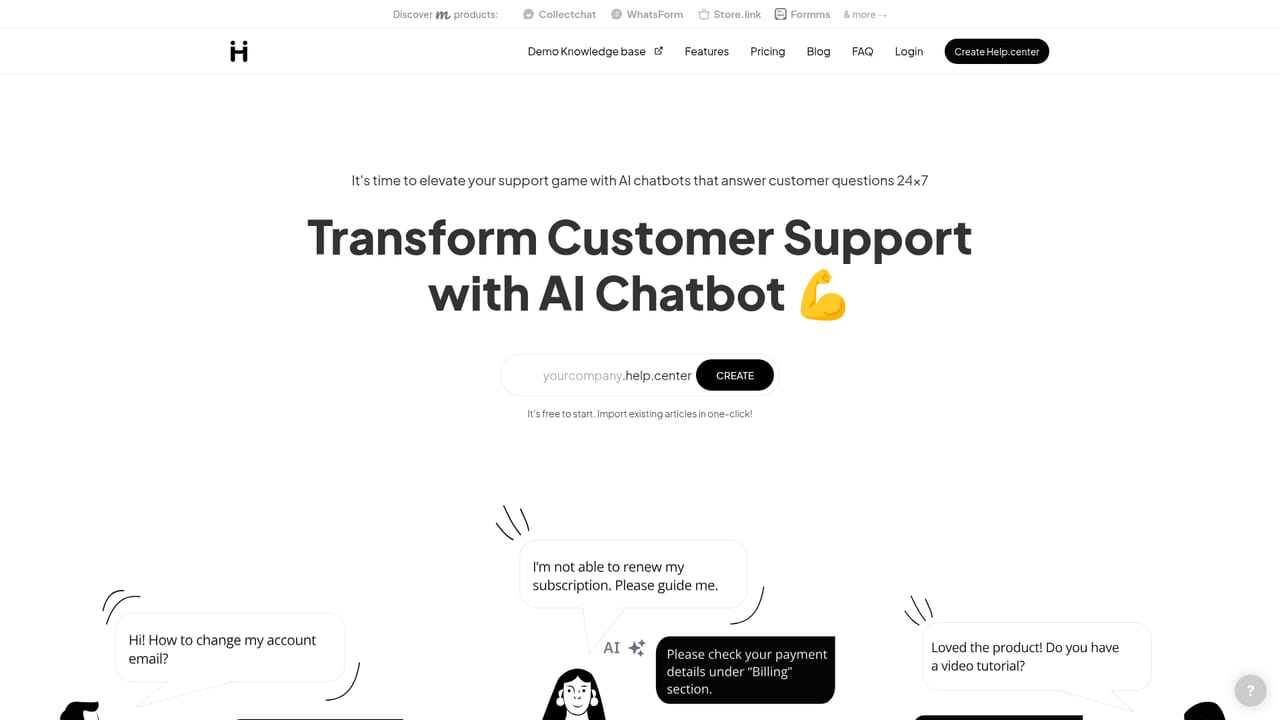
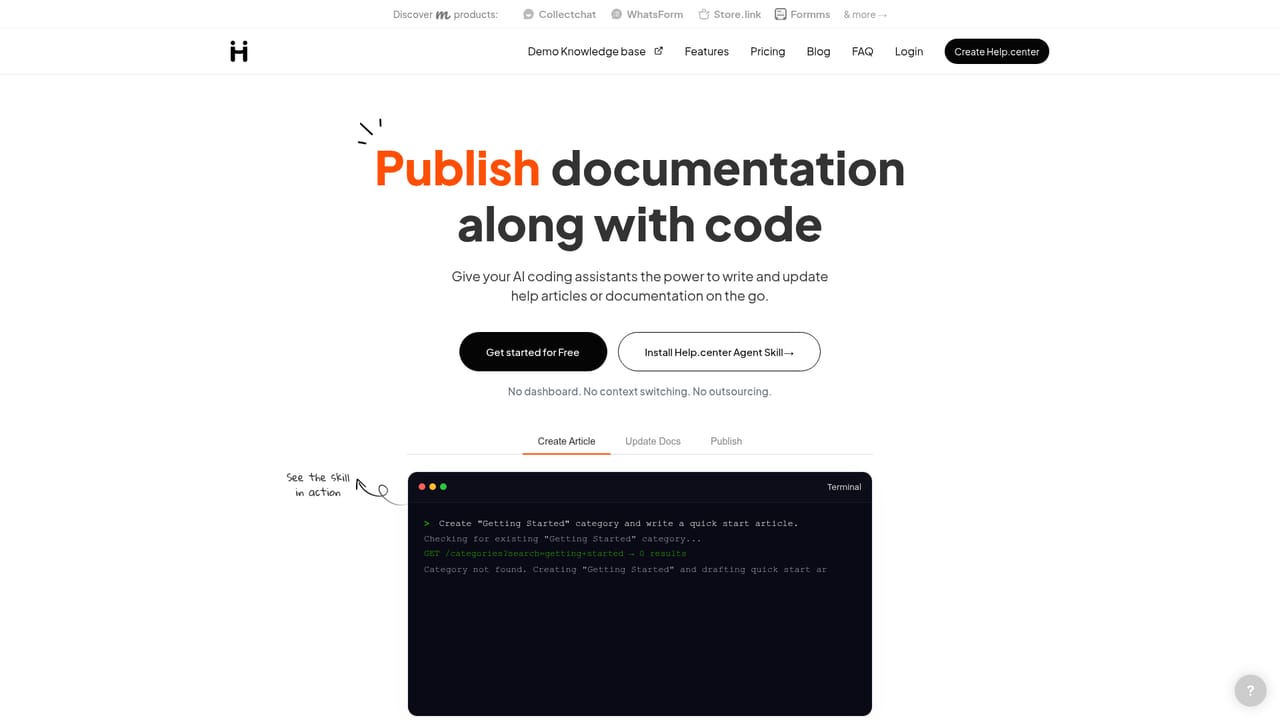
Help.center is a customer support platform built around an AI knowledge base and chatbot. It gives a business a branded help site at yourcompany.help.center (or a custom domain) where customers can search articles and ask questions in natural language. The same AI can be deployed as a chat widget on any website, so visitors get answers without leaving the page. The system learns from your help articles, custom AI FAQs and connected websites, with no extra setup required. The product is aimed at small to mid-sized support teams that want to deflect repetitive questions without building a complex knowledge management workflow. Articles can be imported from Intercom, Crisp, Zendesk or Freshdesk in one click, which lowers the cost of switching. When the AI cannot resolve a conversation, it moves to a shared team inbox where agents can reply, assign tickets and close the loop. The homepage also lists AI-assisted gap detection, which analyzes past conversations to suggest articles you should write next. In practice, the AI answers in the customer's language and can be corrected by editing the underlying articles or adding more detail to an answer. For teams adopting AI assistants, Help.center supports llms.txt and Agent Skills so external AI tools can read, search and manage the help center through conversation. It sits alongside traditional help desk tools, but its center of gravity is self-service rather than ticketing. Data is hosted on AWS in the EU region, though AI features may process content with providers like OpenAI outside the EU. The product is free to start, with no credit card required.
No separate trial is needed because the product is described as free forever with no credit card required at signup.
Learn moreThe homepage describes the product as free forever with no credit card required, but it does not publish tier details, usage limits or paid plan prices.
Learn moreSupport is available by email at care@help.center. The same address handles custom domain requests and import help.
Articles can be imported from Intercom, Crisp, Zendesk and Freshdesk. The AI can also draw on content from connected websites, and Agent Skills let external AI assistants manage the help center.
Features include an AI knowledge base that learns from articles, custom FAQs and connected websites, a conversational chat widget, a shared email inbox with assignment, AI suggested articles based on past conversations, multilingual answers, llms.txt and Agent Skills support, and a mobile and SEO friendly help site.
Learn more AI Angels400+ customizable AI girlfriends for NSFW chat, voice calls, and roleplay
 Candy AIExperience the future of companionship with AI friends who chat, role-play, and connect with you on a human level.
 ourdream.aiA vast AI roleplay platform with millions of characters for chat, images, video and voiceAI Angels400+ customizable AI girlfriends for NSFW chat, voice calls, and roleplayCandy AIExperience the future of companionship with AI friends who chat, role-play, and connect with you on a human level.ourdream.aiA vast AI roleplay platform with millions of characters for chat, images, video and voice


