Free trial
The first 14 days are free and no credit card is required to sign up.
Learn moreLaunch an AI customer assistant in minutes, or have the team build it for you.

Ebi is a customer support AI assistant platform from a team with 24 years in AI and digital transformation. Organisations can build and launch an assistant in about ten minutes through self-serve software, or hand the work to Ebi's managed service.
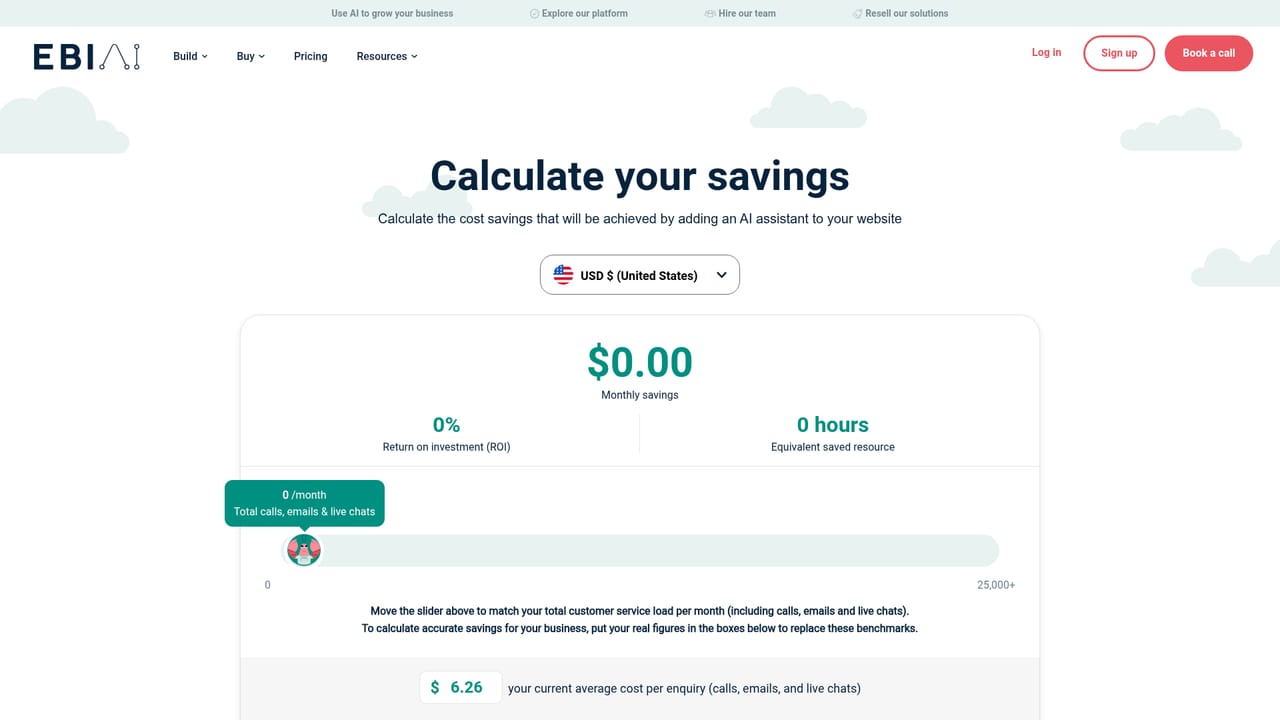
Ebi is a customer support AI assistant platform built for organisations that want to answer customer enquiries quickly and cheaply. A business signs up, builds an assistant trained on its own content, and launches it in as little as ten to fifteen minutes. The company behind it reports more than twenty years of experience in AI, data and digital transformation, and it offers two paths: self-serve software for teams who want to build and manage the assistant themselves, or a managed service where Ebi runs the assistant on the client's behalf. The practical case rests on cost. Ebi states that phone calls and emails can cost up to £5 per enquiry, and that its customers have reached up to 533% ROI within six months of launch. It also reports assistants handling 35% of calls outside contact centre hours and saving close to £50,000 in direct costs over six months. A savings calculator on the site lets a prospect model their own numbers before committing. The tool is aimed at support and operations leaders in retail, e-commerce, travel, leisure and fitness, finance and insurance, property and local government. Ebi publishes dedicated pages for each of those sectors, and its customer roster includes Legal & General, BMW, JLL, AB InBev, Stena Line, Coventry City Council and Mytime Active. Assistants can operate across multiple channels, so travel and hospitality customers can reach the assistant wherever they already are. Compared with generic chatbot builders, Ebi leans on supervised deployment and sector templates rather than leaving everything to the customer. That suits mid-sized and large organisations that want a support assistant live quickly but still want a human partner to tune answers and oversee quality. Teams that want deep custom engineering from day one, or a pure developer API, may find the self-serve tier a starting point rather than a finished toolkit. The platform is a browser-based web app. Sign-up needs no credit card and the first 14 days are free, after which users pick a tier based on the features they found useful during the trial.
The first 14 days are free and no credit card is required to sign up.
Learn morePricing is pay-as-you-grow: build, launch and manage an assistant for free, then use the first 14 days to learn which features you need and select a tier afterwards. No specific monthly figures are published on the homepage.
Learn moreThe homepage lists HubSpot, Zendesk, Zapier, Jira, Trello, Freshdesk, Dropbox Sign, Shipstation, Mailchimp, Make and Campaign Monitor among integrations.
Self-serve AI assistant builder with a claimed 15 minute launch, multi-channel customer support, sector templates for retail, e-commerce, travel, leisure, insurance, property and local councils, a managed AI supervision service, and wider AI services for applying the technology across an organisation.
 AI Angels400+ customizable AI girlfriends for NSFW chat, voice calls, and roleplay
 Candy AIExperience the future of companionship with AI friends who chat, role-play, and connect with you on a human level.
 ourdream.aiA vast AI roleplay platform with millions of characters for chat, images, video and voiceAI Angels400+ customizable AI girlfriends for NSFW chat, voice calls, and roleplayCandy AIExperience the future of companionship with AI friends who chat, role-play, and connect with you on a human level.ourdream.aiA vast AI roleplay platform with millions of characters for chat, images, video and voice


