Support
The homepage mentions dedicated onboarding and customer support teams, without detailing hours or channels.
AI ad generator and launcher inside Adriel's marketing platform.

AdGen AI is Adriel's ad creation module, producing image variations and ad copy from a website URL and launching campaigns to Google and Meta. It pairs generation with live performance dashboards.
AdGen AI is the ad creation module inside Adriel, a marketing data and operations platform. It generates ad creatives and copy, then pushes campaigns live to Google Search, Google Display and Meta from a single interface. Rather than a standalone design or copywriting tool, it sits alongside Adriel's dashboards, alerts and data connectors, so the same workspace that reports on performance can also produce the next round of ads. The image generator takes one uploaded image and returns a set of creative variations without requiring a prompt for each version. The copy generator works from a website URL: it reads the existing site copy and value propositions, then writes original ad text for Google Search and Meta, with tone and voice adjustable to match the brand. The launcher handles publishing in a few clicks, closing the loop between generation and deployment. It fits performance marketers, in-house growth teams and agencies already running paid media across several channels, especially those tired of exporting reports and rebuilding creative in separate tools. Because AdGen AI is tied to Adriel's 650+ connectors, creative output can be judged against live campaign data in the same dashboard. Teams using standalone AI ad tools should expect AdGen to feel more like part of an ad operations stack than a creative studio. Pricing is not stated on the homepage, and the ad generation tools are described as coming soon, so buyers should confirm current availability before committing.
The homepage mentions dedicated onboarding and customer support teams, without detailing hours or channels.
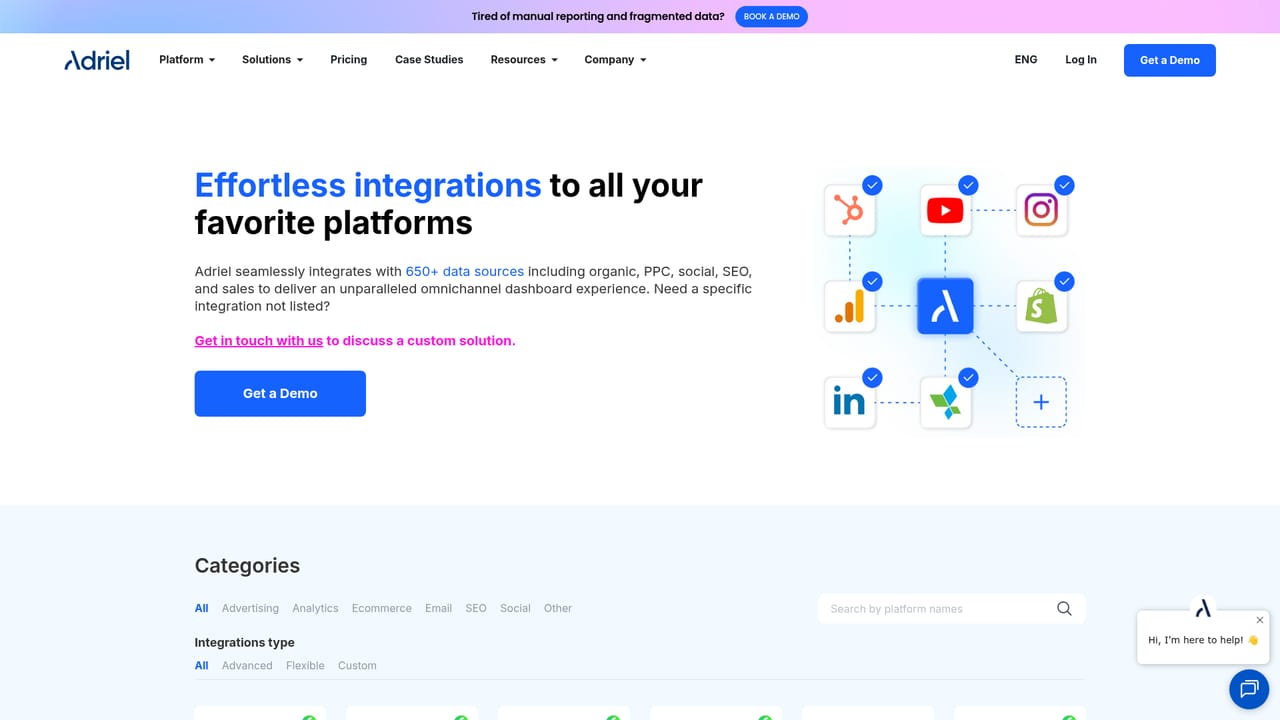
Adriel offers 650+ no-code connectors across paid ad channels, analytics and marketing platforms, with logos shown for Facebook, Instagram, Reddit, Twitter, TikTok, LinkedIn, Pinterest and Spotify.
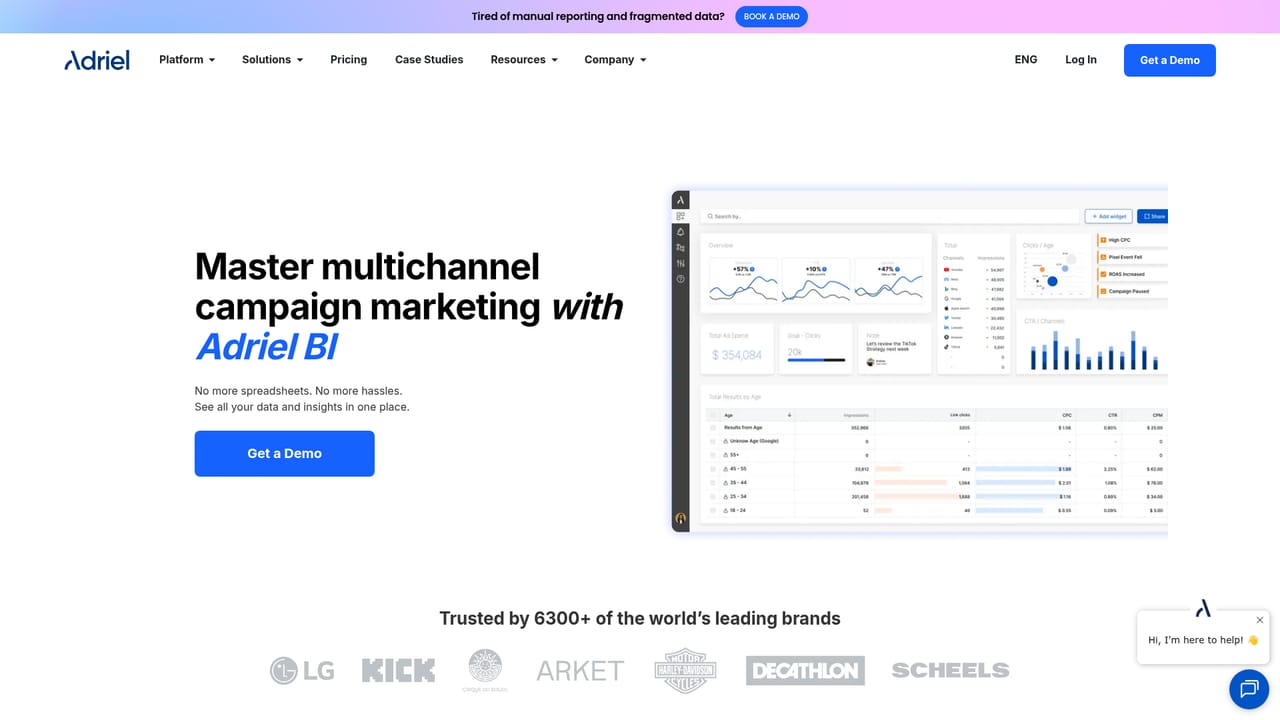
Learn moreAdGen AI covers creative image generation from a single upload, ad copy generation from a website URL with adjustable tone, and a launcher for publishing to Google Search, Display and Meta. It is part of Adriel's wider stack, which includes drag and drop dashboards, white-label reporting, campaign alerts and management, AI insights and a no-code data pipeline.
 AI Angels400+ customizable AI girlfriends for NSFW chat, voice calls, and roleplay
 Candy AIExperience the future of companionship with AI friends who chat, role-play, and connect with you on a human level.
 ourdream.aiA vast AI roleplay platform with millions of characters for chat, images, video and voiceAI Angels400+ customizable AI girlfriends for NSFW chat, voice calls, and roleplayCandy AIExperience the future of companionship with AI friends who chat, role-play, and connect with you on a human level.ourdream.aiA vast AI roleplay platform with millions of characters for chat, images, video and voice


