Agent Barn

Self-hosted control plane for running AI agents across Slack and Teams.

Advanced
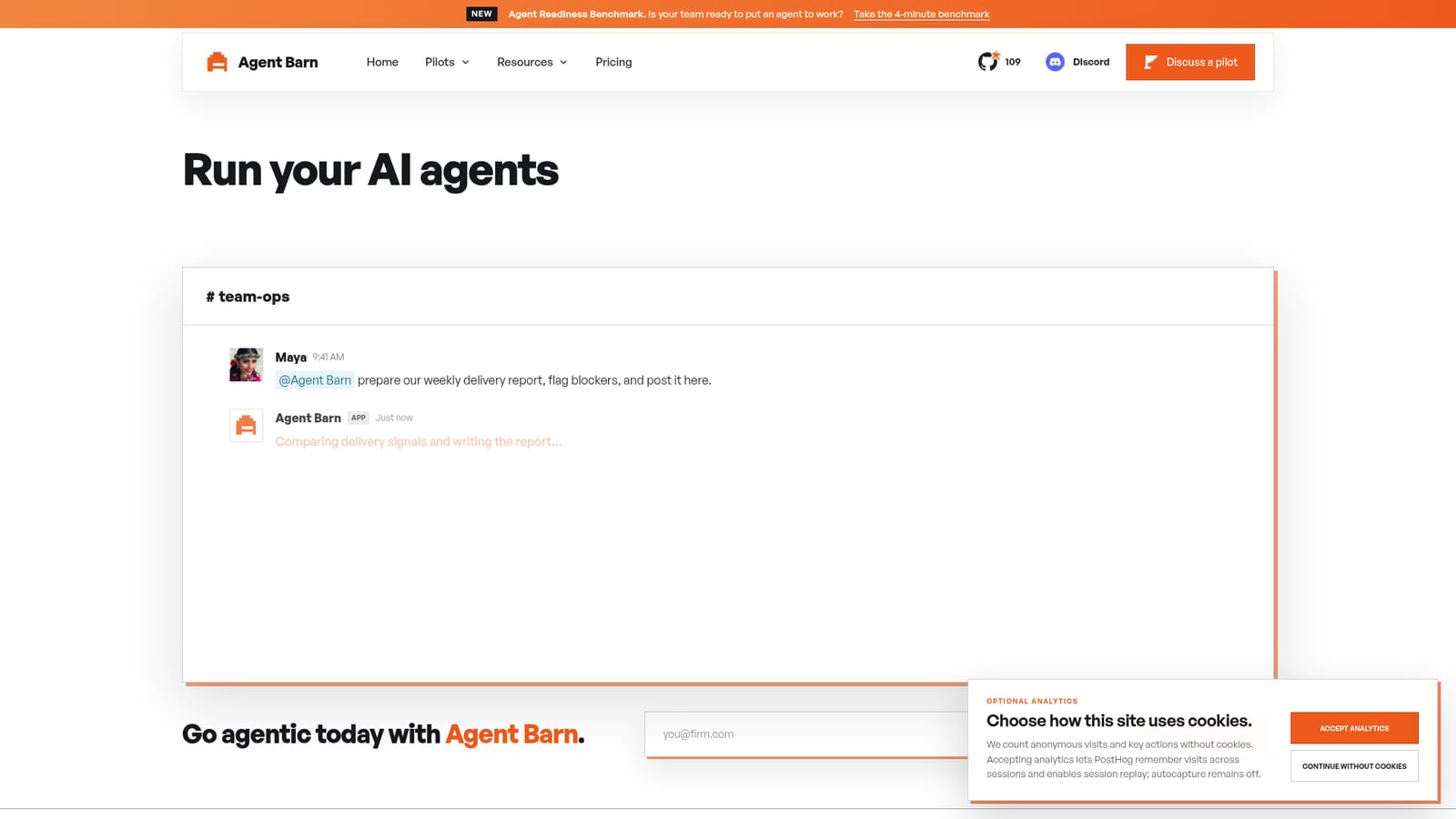
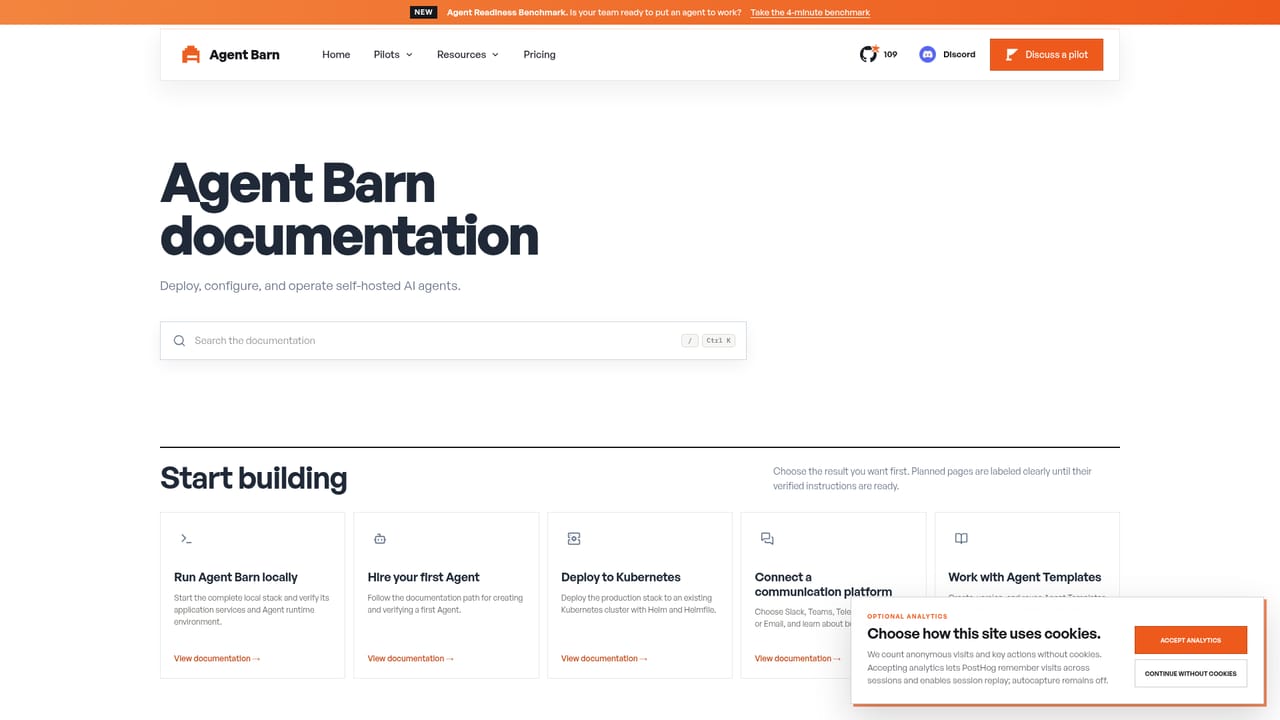
Screenshot of Agent Barn, Self-hosted control plane for running AI agents across Slack and Teams

What is Agent Barn?

Agent Barn is a self-hosted control plane that lets teams create, run, and monitor AI agents across Slack, Teams, and Telegram from their own Kubernetes infrastructure.

Agent Barn is a self-hosted control plane for creating, configuring, and monitoring AI agents that work inside the chat tools teams already use. Rather than routing conversations through a vendor's cloud, the platform deploys into a customer's own Kubernetes cluster via Helm, with PostgreSQL holding product state and LiteLLM handling model routing and cost attribution. Agents are reachable through Slack, Microsoft Teams, and Telegram, so staff can ask them to search Jira, check GitHub activity, pull Confluence pages, or produce a scheduled report without leaving a normal conversation. The product is built for organizations with repeatable, high context workflows rather than one off chat experiments. Agent Barn highlights manufacturing coordination (RFQ intake, custom quoting, drawing checks, order status) and legal operations (procurement claims, precedent search, document review, email intake) as applied pilot areas, alongside general team ops tasks like weekly delivery reporting. Administrators define an agent's role, instructions, tools, and restrictions in versioned markdown templates, then attach reusable skills and encrypted credentials for services such as Jira, Confluence, GitHub, Bitbucket, and Gmail. In practice, a team starts by scoping a single workflow worth automating, deploys the control plane into its own infrastructure, and assigns each agent a runtime (OpenClaw or Hermes) along with the skills it needs. Every conversation, tool call, log line, lifecycle change, and cost figure is recorded centrally, giving operators a way to audit exactly what an agent did and why, broken down per agent, per tool, and per day. Among AI agent platforms, Agent Barn sits apart from fully managed SaaS offerings by keeping data, credentials, and infrastructure under the customer's control. That trade off suits engineering led organizations comfortable running Kubernetes workloads and willing to operate the platform themselves, more than teams looking for an instant, no-infrastructure agent sign up.
How do you use Agent Barn?

  1. 1Define the workflow worth automating
    Pick one repeatable, high context task, such as weekly delivery reporting or legal document intake, as the first target for an agent.
    Agent Barn — Define the workflow worth automating
  2. 2Deploy the control plane to your cluster
    Install Agent Barn with Helm onto your Kubernetes cluster, connecting PostgreSQL for product state and LiteLLM for model routing and cost tracking.
    Agent Barn — Deploy the control plane to your cluster
  3. 3Build a template and assign skills
    Write a versioned markdown template describing the agent's role, instructions, and restrictions, then attach skills that connect to tools like Jira, GitHub, or Gmail with encrypted credentials.
  4. 4Choose a runtime for the agent
    Select OpenClaw or Hermes for the agent; Agent Barn renders its configuration and manages its lifecycle from that point on.
  5. 5Connect the agent to a chat channel
    Make the agent reachable in Slack, Microsoft Teams, or Telegram so your team can talk to it directly inside existing conversations.
  6. 6Monitor activity and spend
    Use the control plane dashboard to review conversations, tool executions, logs, lifecycle state, and cost per agent over time.

Pros and cons

Pros

  • Self-hosted deployment keeps credentials and business data inside your own infrastructure.AI
  • Supports two agent runtimes, OpenClaw and Hermes, that can be mixed and matched per agent.AI
  • Deep operational visibility into conversations, tool calls, logs, lifecycle state, and per-agent costs.AI
  • Reusable markdown templates make it straightforward to define consistent agent behavior.AI
  • Built in integrations with common engineering and legal tools like Jira, GitHub, Confluence, and Gmail.AI

Cons

  • Requires a Kubernetes cluster and Helm deployment, a steep technical bar for small or non-technical teams.AI
  • Pricing details are not published on the homepage, so evaluating cost requires a direct conversation.AI
  • Agent reachable channels are limited to Slack, Microsoft Teams, and Telegram, with no other channels listed.AI
  • No self-serve signup or free trial is described, pilots appear to start through a sales style intake form.AI
  • Skill coverage depends on the integrations Agent Barn ships with, unlisted tools likely need custom work.AI

How much does Agent Barn cost?

Support

Community channels include a public Discord and GitHub, alongside a pilot intake process for direct engagement with the Agent Barn team.

Integrations

Connects agents to Jira, Confluence, GitHub, Bitbucket, and Gmail through scoped skills with encrypted credentials, and reaches users through Slack, Microsoft Teams, and Telegram.

Features

Centralized control plane for building agents from versioned markdown templates, assigning reusable skills and encrypted credentials for tools like Jira, Confluence, GitHub, Bitbucket, and Gmail, choosing a runtime per agent (OpenClaw or Hermes), and tracking conversations, tool calls, logs, lifecycle state, and cost.

Frequently asked questions about Agent Barn

  • How do you use Agent Barn?
    The walkthrough on this page covers 6 steps: 1. Define the workflow worth automating 2. Deploy the control plane to your cluster 3. Build a template and assign skills 4. Choose a runtime for the agent 5. Connect the agent to a chat channel 6. Monitor activity and spend.
  • What platforms does Agent Barn support?
    Agent Barn is available on Web App and Linux.
  • What does Agent Barn integrate with?
    Connects agents to Jira, Confluence, GitHub, Bitbucket, and Gmail through scoped skills with encrypted credentials, and reaches users through Slack, Microsoft Teams, and Telegram.
  • What are the limitations of Agent Barn?
    Requires a Kubernetes cluster and Helm deployment, a steep technical bar for small or non-technical teams. Pricing details are not published on the homepage, so evaluating cost requires a direct conversation. Agent reachable channels are limited to Slack, Microsoft Teams, and Telegram, with no other channels listed.

Status

StatusActive
Views0
Outbound clicks0
Added10/13/2026

Platforms

Web AppLinux

Pricing

Paid