Pricing
The headshot page says no hidden extra fee applies and pitches the tool as a way to save money compared with appointing a local studio, but it does not list specific plans or prices.
Learn moreTurn selfies into studio-grade professional headshots in minutes.

AI Ease is an avatar tool that turns selfies into studio-grade professional headshots in minutes. A web based AI headshot generator from AI Ease that turns uploaded selfies into photorealistic business and studio portraits, positioned as a faster, cheaper alternative to booking a local photography studio.
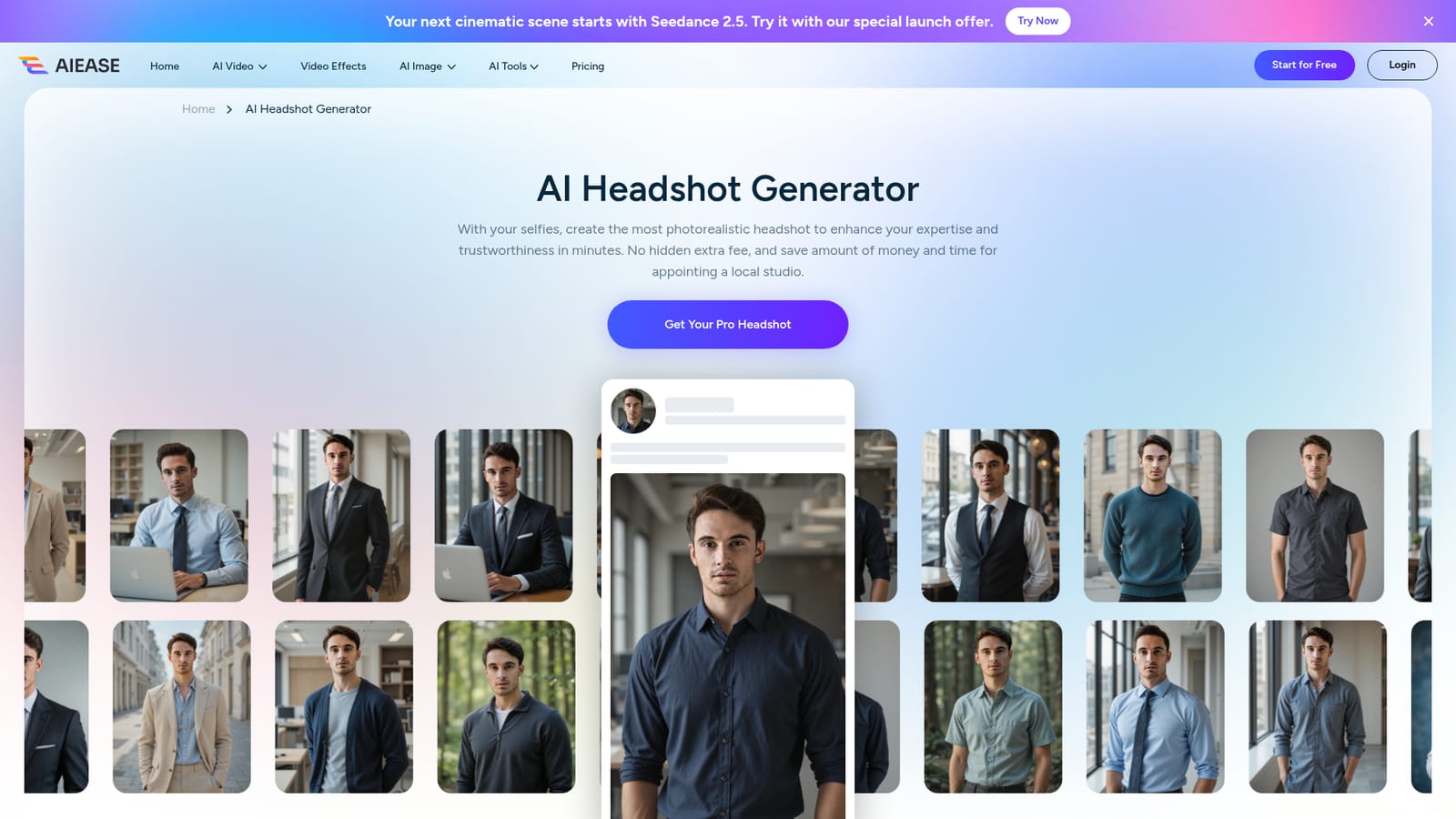
AI Ease's AI Headshot Generator is a web tool that transforms ordinary selfies into photorealistic professional headshots. The pitch is straightforward: upload a set of photos of yourself, let the model restyle them into business and studio looks, and download the results in minutes. It is aimed at people who need a polished portrait for LinkedIn, a company profile, a resume, or a speaker bio without booking a photographer or a studio session. In practice, the workflow runs on the source site's own generator: you pick the pro headshot flow, supply selfies, and the system produces headshots in varied settings such as indoor offices, outdoor backdrops, and studio setups, with wardrobe ranging from suits and ties to sweaters and hoodies. The gallery of sample outputs on the page gives a clear sense of the range before you commit. Because it sits inside the wider AI Ease suite, it is one tool among many photo and video utilities, so a single account can also handle background removal, photo enhancement, and other portrait edits. Compared with dedicated headshot services that market corporate team packages, AI Ease positions itself as a fast, low friction option: the homepage promises no hidden extra fee and frames the tool as a money and time saver versus a local studio. The trade off is that the page does not spell out resolution, number of delivered images, or a money back guarantee, so buyers should check those details before relying on it for an important corporate shoot. For a quick profile refresh, a freelancer's first professional portrait, or a batch of consistent images for a team page, it fits well within the broader generative image category, alongside other AI portrait and avatar tools.
The headshot page says no hidden extra fee applies and pitches the tool as a way to save money compared with appointing a local studio, but it does not list specific plans or prices.
Learn moreGenerates photorealistic professional headshots from user selfies, with outputs shown across indoor office, outdoor, and studio settings and a range of business and casual outfits. The flow runs on the AI Ease site and sits alongside the wider AI Ease photo and video toolset.
 AI Angels400+ customizable AI girlfriends for NSFW chat, voice calls, and roleplay
 Candy AIExperience the future of companionship with AI friends who chat, role-play, and connect with you on a human level.
 ourdream.aiA vast AI roleplay platform with millions of characters for chat, images, video and voiceAI Angels400+ customizable AI girlfriends for NSFW chat, voice calls, and roleplayCandy AIExperience the future of companionship with AI friends who chat, role-play, and connect with you on a human level.ourdream.aiA vast AI roleplay platform with millions of characters for chat, images, video and voice


