Free trial
A 7 day free trial is offered for the Digital Workforce and for Workforce Connect, with signup handled through the Workforce Connect registration page. Studio also promotes a 7 day free trial.
Learn moreLifelike Digital Workers and embodied AI agents for real conversations
Own Soul Machines? Verify ownership to get a dofollow link

Soul Machines creates lifelike embodied AI agents, offering role based Digital Workers, Workforce Connect deployment inside existing workflow tools, and Studio for custom builds. Built for organizations that want conversational agents with a human face rather than plain chat.
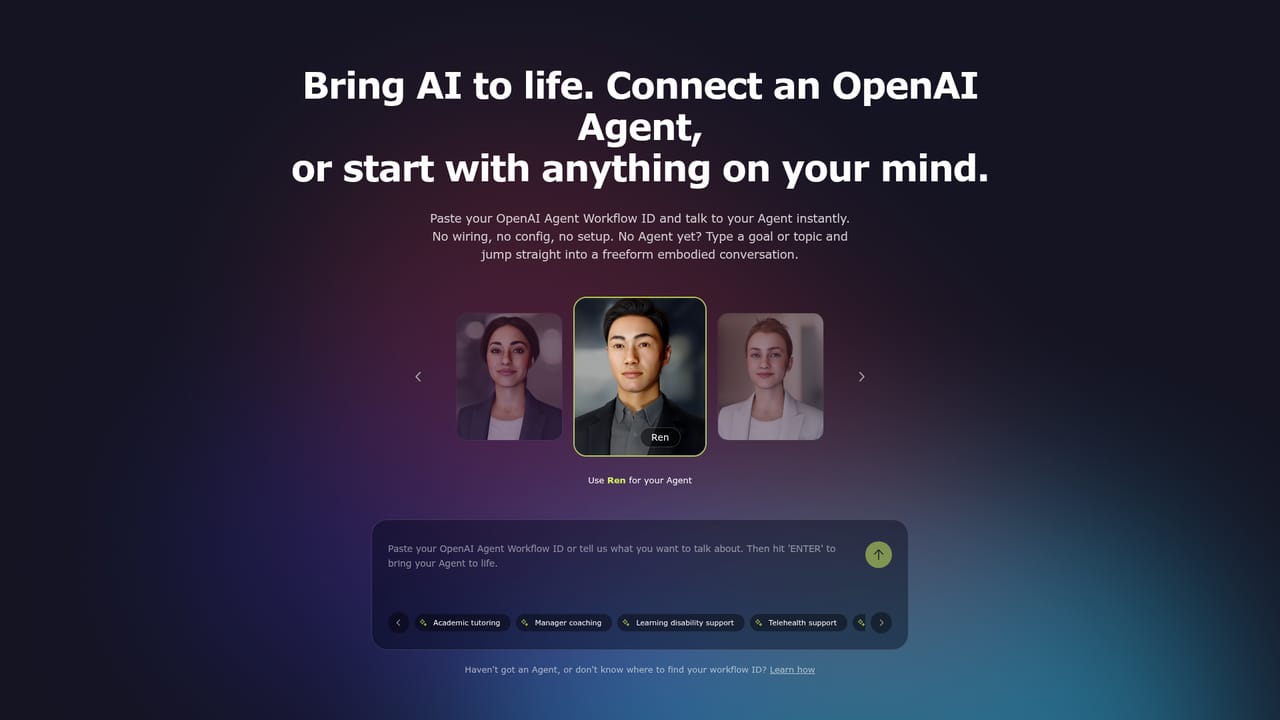
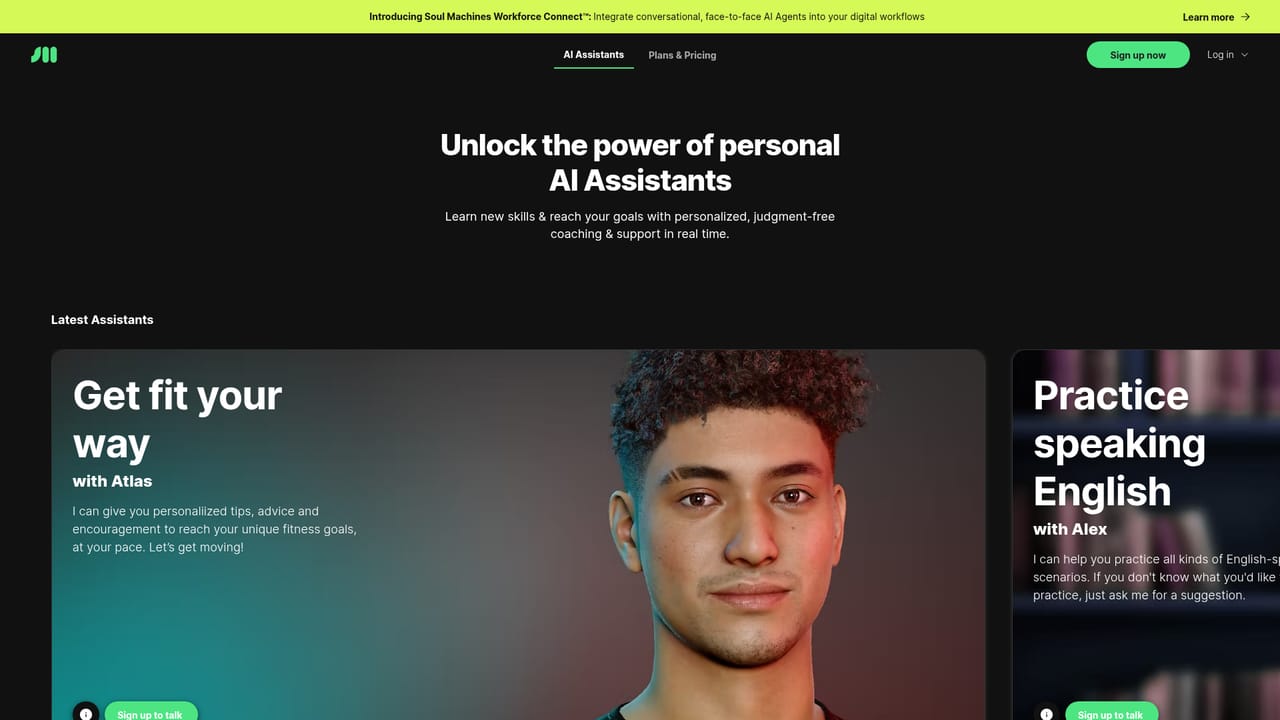
Soul Machines builds embodied AI agents: conversational software that appears as a lifelike digital person rather than a text box. The company sells three connected products. Digital Workforce offers ready made Digital Workers for common business roles, including a customer service agent, an HR benefits agent, an operations optimization coach and a clinical trial onboarding agent. Workforce Connect deploys those workers inside workflow software an organization already runs. Soul Machines Studio is the developer destination for building custom agents and testing bespoke integrations. Buyers are mostly organizations rather than individuals. The role based templates suggest customer support, HR, healthcare and internal operations teams that handle repetitive but sensitive conversations. Studio targets developers and product teams that want to shape the agent themselves, and agents.soulmachines.com lets anyone try a face to face conversation without setup, including running an OpenAI agent as an embodied interface. In practice a team picks a template or starts from scratch, then deploys the worker into the tools staff already use. The pitch is intelligent orchestration across the AI stack, so the animated face sits on top of underlying models and business systems instead of replacing them. Soul Machines positions the agents against text only chatbots and voice assistants, where the differentiator is presence: a face, expression and spoken exchange intended to keep people engaged and raise adoption. The tradeoffs are worth weighing. The homepage shows logos for Salesforce, ServiceNow, OpenAI, Microsoft, Zapier and others, but concrete technical detail lives in the product rather than the public site. Pricing is split across separate Workforce Connect, Digital Workforce and Studio pages, so cost comparison takes homework. The emphasis on emotive, human like interaction also raises questions about realism, brand fit and whether a rendered face helps or distracts in a given workflow.
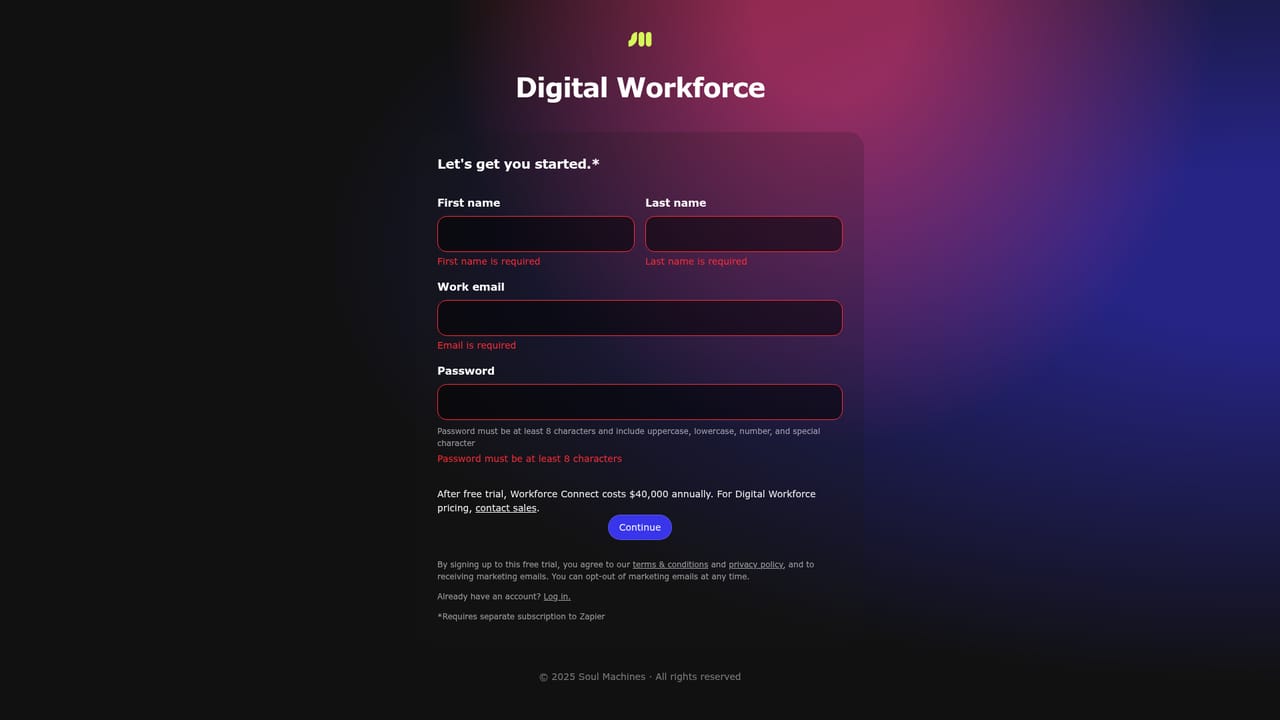
A 7 day free trial is offered for the Digital Workforce and for Workforce Connect, with signup handled through the Workforce Connect registration page. Studio also promotes a 7 day free trial.
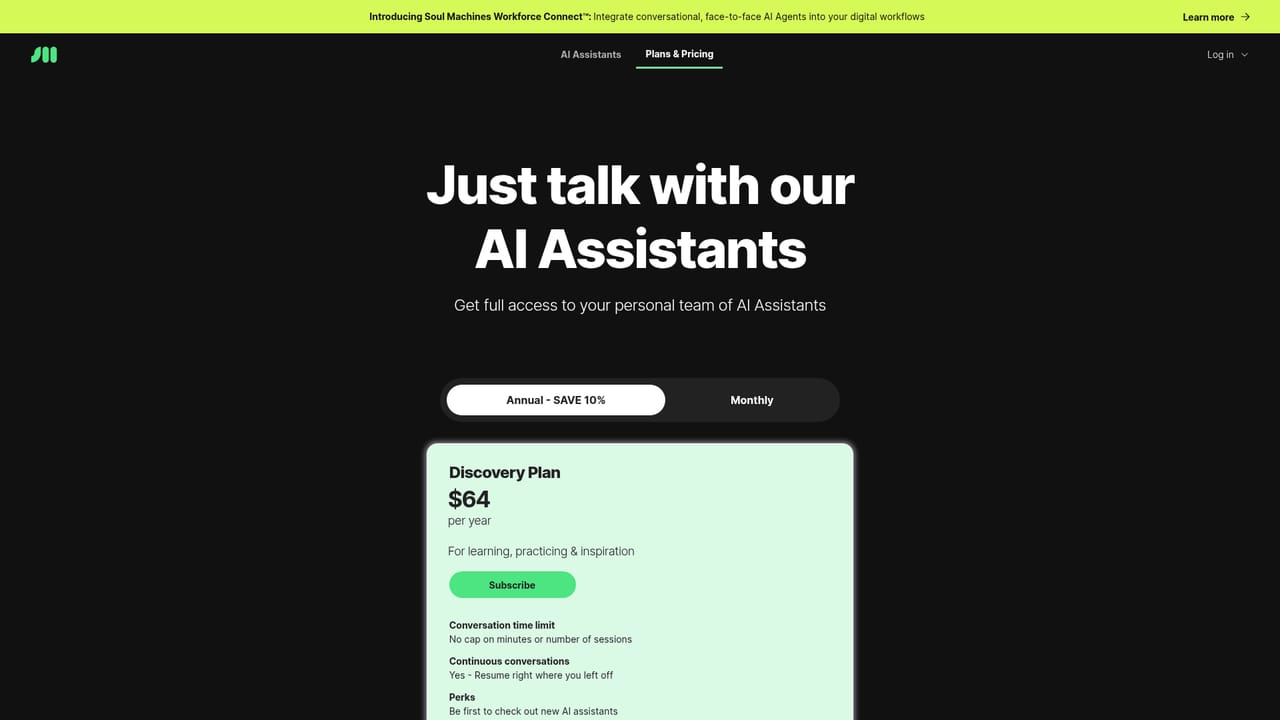
Learn moreSoul Machines splits pricing by product, with separate pages for AI Assistants, Workforce Connect and Digital Workforce, plus Studio plans. Specific figures are not shown on the homepage, so check each pricing page before choosing a plan.
Learn moreA dedicated support page is linked from the site navigation, though the homepage does not describe support channels, response times or service level commitments.
Learn moreLogos on the homepage include Salesforce, ServiceNow, OpenAI, Microsoft and Zapier, with more described as coming soon. The site does not detail the depth of each connector.
Learn moreRole based Digital Workers for customer service, HR benefits, operations optimization and clinical trial onboarding. Workforce Connect deploys workers inside existing workflow products. Soul Machines Studio supports custom builds and integration testing. Agents can be tried face to face without setup, and existing OpenAI agents can run as embodied interfaces.
Learn more AI Angels400+ customizable AI girlfriends for NSFW chat, voice calls, and roleplay
 Candy AIExperience the future of companionship with AI friends who chat, role-play, and connect with you on a human level.
 ourdream.aiA vast AI roleplay platform with millions of characters for chat, images, video and voiceAI Angels400+ customizable AI girlfriends for NSFW chat, voice calls, and roleplayCandy AIExperience the future of companionship with AI friends who chat, role-play, and connect with you on a human level.ourdream.aiA vast AI roleplay platform with millions of characters for chat, images, video and voice


