Free trial
No separate trial is listed. The free plan acts as the trial, offering five generations and explanations per month with Chrome extension access.
Learn moreTurn plain English into working Excel and Sheets formulas

AI Excel Bot is an AI chat bot tool that turns plain English into working Excel and Sheets formulas. A focused assistant that converts plain English prompts into Excel and Google Sheets formulas, explains existing formulas line by line, and writes or interprets VBA code.
AI Excel Bot is a formula assistant for spreadsheet work. You describe what you want to calculate in ordinary language, and the tool returns an Excel or Google Sheets formula that does it. The homepage example is a prompt like "Sum column A when cell B10 equals the word hello", which comes back as a SUMIF expression. It also handles lookups such as VLOOKUP, and the output is plain text you paste into a cell rather than a live connection to your workbook. Beyond generating formulas, the product has two companion functions. The explain mode takes an existing formula and breaks it down step by step, which is useful when you inherit a workbook or copy a nested formula from somewhere else. The VBA side covers both directions: writing VBA code from a description and explaining VBA that already exists. The same engine is offered as a Chrome extension so it can be opened from inside Google Sheets or Excel without switching tabs, and paid plans add an Excel add-in. The natural audience is spreadsheet users who know what they want but not the exact syntax: analysts building one-off reports, finance and operations staff, students, and anyone who works in Sheets without a programming background. For people who write formulas daily, the value is mostly in the explain and VBA features rather than basic syntax help. It sits in the same space as general chatbots, which can also write formulas, but is narrower and asks for less setup. The pricing is low enough that the decision is mostly about whether the Chrome extension saves more time than copying formulas into a chat window. Limitations matter here. The tool produces formula text, not results, so correctness depends on the AI and should be checked against a small sample. It does not read your sheet automatically, so you have to describe columns and ranges accurately, and it cannot debug errors that stem from your data rather than the formula.
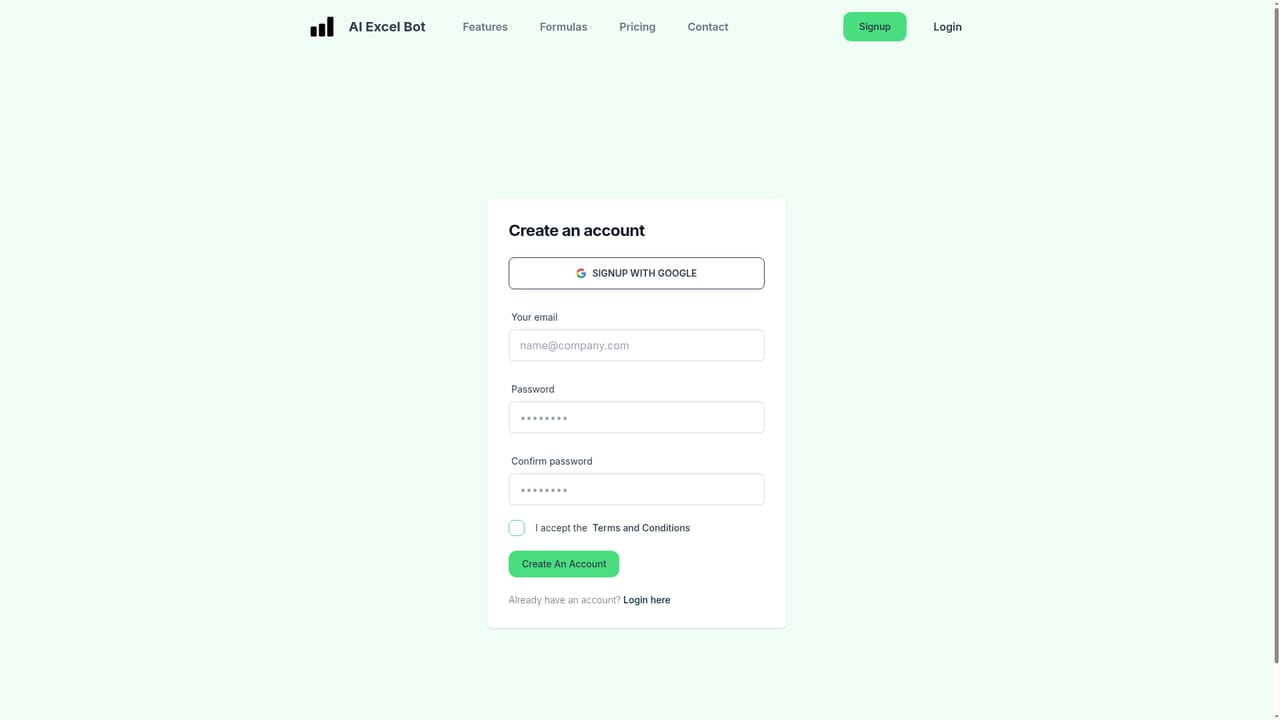
No separate trial is listed. The free plan acts as the trial, offering five generations and explanations per month with Chrome extension access.
Learn moreFree plan at $0 with five formula, code or task generations and explanations per month plus Chrome extension access. Pro is $2.99 per month with unlimited generation and explanations for formulas, VBA and tasks, the Chrome extension and the Excel add-in. Pro Annual is $24.99 per year, advertised as a 30 percent saving.
Learn moreEmail support is included on the free plan, with priority support on the Pro and Pro Annual plans. A contact form on the site reaches the founder directly.
A Chrome extension places the assistant inside Google Sheets and Excel in the browser, and paid plans add a dedicated Excel add-in.
Formula generation from text prompts for Excel and Google Sheets, including functions such as SUMIF and VLOOKUP. Explanation of existing formulas with a step by step breakdown. VBA code generation and VBA explanation. Task explanation on paid plans. Delivered through the web app and a Chrome extension, with an Excel add-in on Pro.
 AI Angels400+ customizable AI girlfriends for NSFW chat, voice calls, and roleplay
 Candy AIExperience the future of companionship with AI friends who chat, role-play, and connect with you on a human level.
 ourdream.aiA vast AI roleplay platform with millions of characters for chat, images, video and voiceAI Angels400+ customizable AI girlfriends for NSFW chat, voice calls, and roleplayCandy AIExperience the future of companionship with AI friends who chat, role-play, and connect with you on a human level.ourdream.aiA vast AI roleplay platform with millions of characters for chat, images, video and voice


