Free trial
Speed Mode is free to try without registration, limited to 10 jersey designs per 12 hours. Free registration raises the limit to 12 per 12 hours and adds saved design history. No credit card is required for free features.
Learn moreDual-mode AI jersey concepts in as little as 5 seconds
Own AI Jersey Generator by Fastjrsy? Verify ownership to get a dofollow link

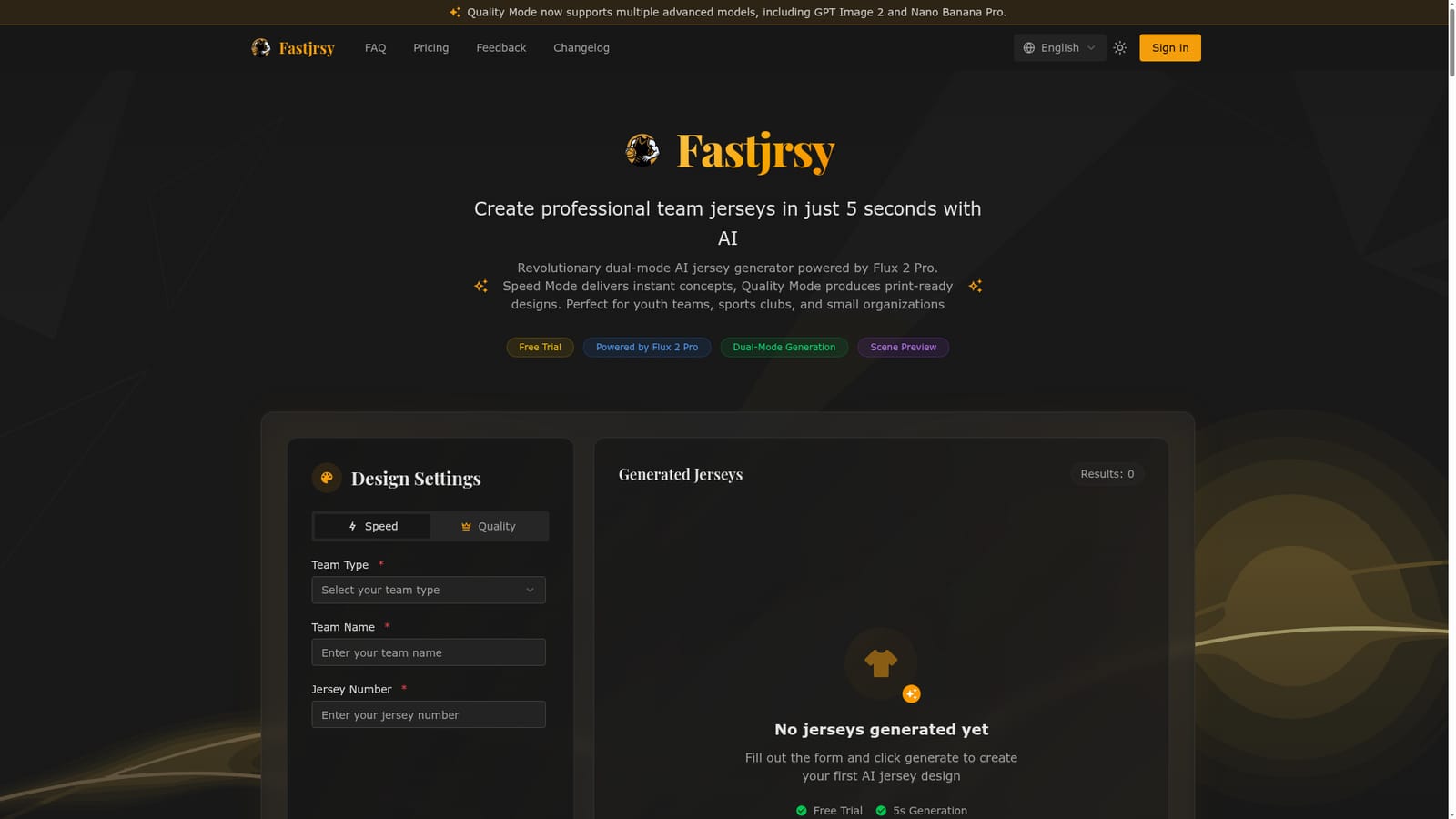
AI Jersey Generator by Fastjrsy is a clothes mockups tool. A dual-mode AI jersey generator from Fastjrsy, powered by Flux 2 Pro. Speed Mode returns a concept in about 5 seconds, Quality Mode produces 1280x960 designs with front and back views, and scene previews show the kit on a wearer.
Fastjrsy is a browser-based jersey design tool built on the Flux 2 Pro image model. It is aimed at the small organizations that usually get priced out of custom uniform work: youth teams, recreational leagues, school programs, corporate sides and tournament organizers. Instead of hiring a designer or wrestling with a complicated vector editor, a coach picks a sport, enters a team name and a jersey number, and the generator produces a finished-looking kit. The defining feature is the two-speed approach. Speed Mode returns a single front view in roughly 5 seconds, which suits quick concept rounds and team votes. Quality Mode takes a bit longer (the site says within 30 seconds) and produces 1280x960 output with front and back views, richer detailing and fabric rendering the vendor describes as print-ready. A scene preview step also places the jersey on a wearer in a realistic setting, so you can judge how a color scheme reads on a body rather than on a flat mockup. The site lists ten team types, including basketball, football, American football, baseball, volleyball, tennis, ice hockey, track and field, swimming and badminton. The free tier is genuinely usable without an account: anonymous visitors can run Speed Mode, capped at 10 generations per 12 hours. Registering raises that to 12 per 12 hours and adds saved design history. Quality Mode, high-resolution exports and priority support sit behind a premium tier, and regeneration draws on credits in both modes. There is no minimum order and no requirement to buy printed garments, so the output is a design file and a visual reference rather than a manufacturing pipeline. Against alternatives, Fastjrsy sits between free flat-mockup generators and full design agencies. It beats the former on realism and scene preview; it undercuts the latter on price and turnaround. Buyers should treat it as a concept and presentation tool, since final print specification still depends on your supplier.
Speed Mode is free to try without registration, limited to 10 jersey designs per 12 hours. Free registration raises the limit to 12 per 12 hours and adds saved design history. No credit card is required for free features.
Learn moreThe homepage does not publish prices. Speed Mode is described as genuinely free with no hidden fees, while Quality Mode, high-resolution export and priority support are positioned as premium. Regeneration uses credits in both modes. Exact plan costs and credit rules are not stated on the homepage.
Learn moreDirect email contact is listed as contact@fastjrsy.com. The homepage also mentions priority support as a premium perk, but no other support channels or documentation are described.
Dual-mode generation (Speed Mode in about 5 seconds, Quality Mode within about 30 seconds at 1280x960), front and back views, real scene preview on a wearer, ten sport types, saved design history for registered users, and unlimited AI regeneration via credits.
 AI Angels400+ customizable AI girlfriends for NSFW chat, voice calls, and roleplay
 Candy AIExperience the future of companionship with AI friends who chat, role-play, and connect with you on a human level.
 ourdream.aiA vast AI roleplay platform with millions of characters for chat, images, video and voiceAI Angels400+ customizable AI girlfriends for NSFW chat, voice calls, and roleplayCandy AIExperience the future of companionship with AI friends who chat, role-play, and connect with you on a human level.ourdream.aiA vast AI roleplay platform with millions of characters for chat, images, video and voice


