AITWO.CO

A free creative suite for AI image editing, home design and fashion shots

Beginner
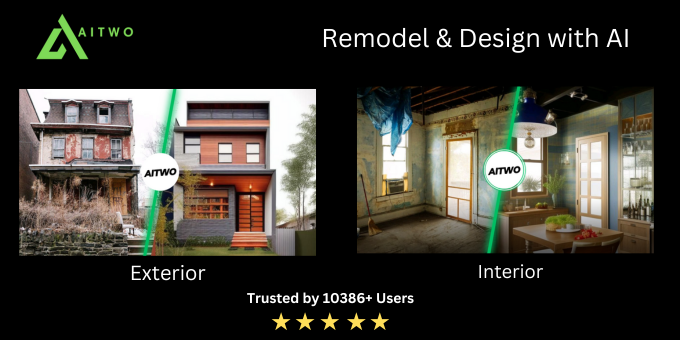
Screenshot of AITWO.CO, A free creative suite for AI image editing, home design and fashion shots

What is AITWO.CO?

AITWO.CO is a clothes mockups tool. A free, browser based AI studio for recolouring images, restyling rooms, generating product and fashion photography, and producing voice-overs, wrapped around a searchable library of thousands of AI tools.

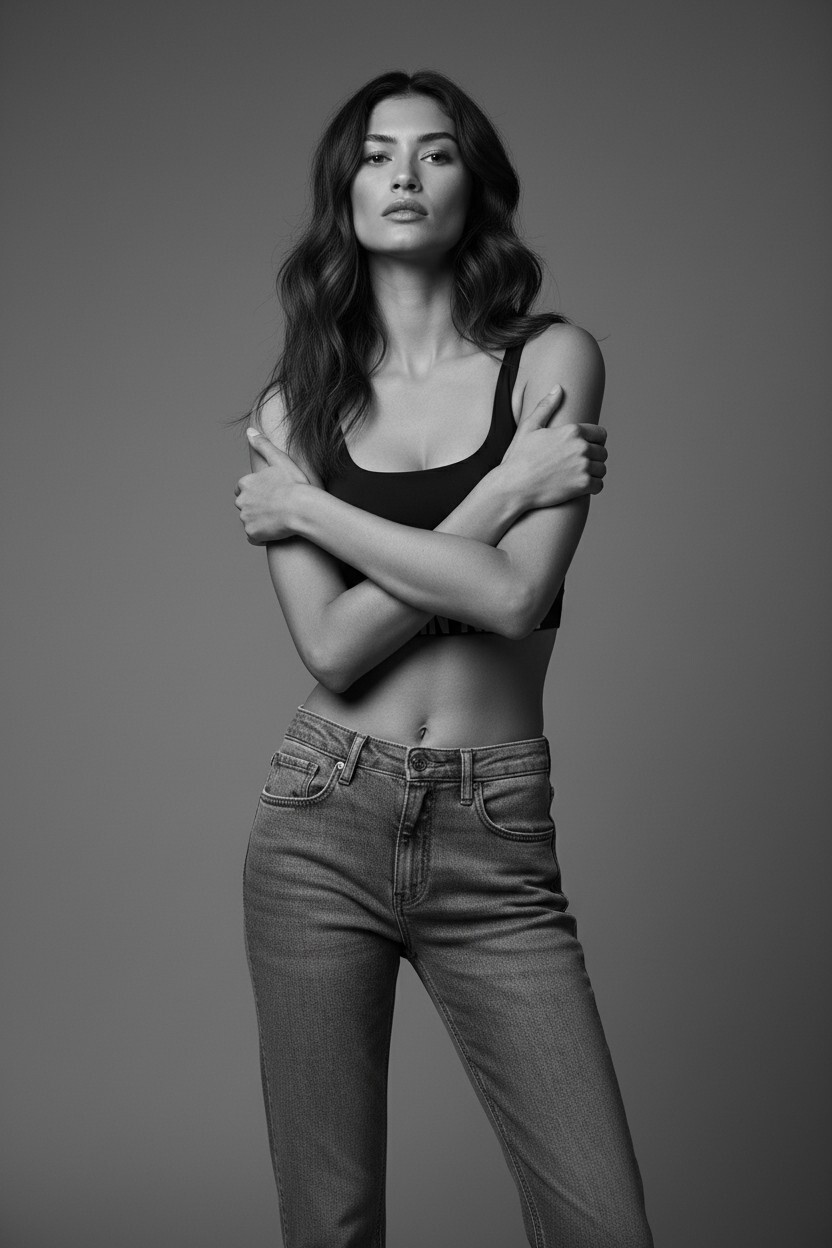
AITWO.CO is a browser based AI creative suite that bundles several editing and generation studios under one account. The image editing work is the strongest part of the offering: a colour changer that recolours objects, photos and product shots, plus specialised variants for motorcycle paint, wall paint and ceiling colours. Home and interior editing sits alongside it, with tools to repaint exteriors, restyle rooms, redesign gardens and turn sketches into photorealistic renders. Fashion and product photography makes up the second major cluster. Sellers upload a garment, shoe, scarf or piece of jewellery and generate shots of it on an AI model, or use virtual try-on to place a product on a person or in a lifestyle scene. That is aimed squarely at small ecommerce teams that need catalogue imagery without booking a studio. A voice studio (text to speech in English and Hindi, character voices, voice-over) and an AI humanizer for rewriting machine generated text round out the collection, and a QR studio handles practical utility work. The platform also works as a directory of roughly 5,000 tools, sorted by category and a weekly usage ranking. Users can describe a tool they need and have one generated, which explains oddities such as a yacht interior prompt builder or a clothing length adjuster sitting next to mainstream editors. Everything runs in the browser, generation is fast enough to iterate visually, and the site advertises more than 350,000 creators. For image editing specifically, AITWO.CO competes with dedicated recolouring and product photography services, but its advantage is breadth: one login covers a recolour job, a room render and a voice-over. The trade-off is depth. Outputs are tuned for quick visualisation rather than precise retouching, and anyone needing layer level control will still reach for conventional editing software.

How do you use AITWO.CO?

  1. 1Pick the studio that matches your edit
    Open the homepage and jump into the Home Design and Fashion studio hubs, or go straight to a tool such as the AI Color Changer for object recolouring.
  2. 2Upload the photo or product shot
    Inside the chosen tool, upload the image you want to edit. Product and fashion tools expect a clean shot of the item; interior tools expect a room or exterior photo.
  3. 3Describe the change you want
    Type a short prompt naming the new colour, material or setting, then run the generation. Iterate by adjusting the wording rather than restarting from scratch.
  4. 4Compare results on the trending tools
    If you are unsure which tool fits, check the weekly usage ranking on the library page to see what other creators are actually running for similar jobs.
  5. 5Build a custom tool when nothing fits
    Describe the specific edit you need on the chat page and the platform will generate a tailored tool, which you can then reuse from your library.

Pros and cons

Pros

  • Recolouring tools cover objects, photos, motorcycle paint, walls and ceilings in one placeAI
  • Fashion and product photography flows (jewellery, footwear, scarves, virtual try-on) target ecommerce sellers directlyAI
  • Home design tools handle interiors, exteriors, landscaping and sketch to render without separate subscriptionsAI
  • Usage data is public, so trending tools with tens of thousands of weekly uses are easy to identifyAI
  • Image editing, voice and text utilities share one account and one interfaceAI

Cons

  • Outputs suit fast visualisation rather than precise retouching, with no layer or mask level control describedAI
  • Large parts of the catalogue are user generated one-off tools, so quality and longevity vary widelyAI
  • No API, plugin or editor integration is documented; work stays inside the AITWO.CO interfaceAI
  • Voice and humanizer features are unrelated to image editing and can clutter the workflowAI
  • Real usage limits and what the free tier actually permits are not spelled out on the homepageAI

How much does AITWO.CO cost?

Features

Recolour objects and photos, including motorcycle, wall and ceiling paint variants. Restyle interiors and exteriors, redesign gardens and convert architecture or room sketches into renders. Place garments, footwear, jewellery and scarves on AI fashion models or virtual try-on scenes for ecommerce. Generate English and Hindi text to speech, character voices and voice-overs. Humanize AI written text. Create QR codes. Browse or generate custom tools from a library of thousands.

Learn more

Frequently asked questions about AITWO.CO

  • How do you use AITWO.CO?
    The walkthrough on this page covers 5 steps: 1. Pick the studio that matches your edit 2. Upload the photo or product shot 3. Describe the change you want 4. Compare results on the trending tools 5. Build a custom tool when nothing fits.
  • What platforms does AITWO.CO support?
    AITWO.CO is available on Web App.
  • What are the limitations of AITWO.CO?
    Outputs suit fast visualisation rather than precise retouching, with no layer or mask level control described. Large parts of the catalogue are user generated one-off tools, so quality and longevity vary widely. No API, plugin or editor integration is documented; work stays inside the AITWO.CO interface.

Status

StatusActive
Views0
Outbound clicks0
Added10/21/2026

Platforms

Web App

Pricing

FreeFreemium