Free trial
The homepage offers a Play for free button that opens the design app, but it does not state trial length or which features are limited.
Learn moreA design workspace with an infinite canvas built for e-commerce visuals

Glorify is an online design workspace with an infinite canvas, e-commerce templates, background removal, mockups, and video and animation tools for entrepreneurs and marketers creating social and ad visuals at scale.
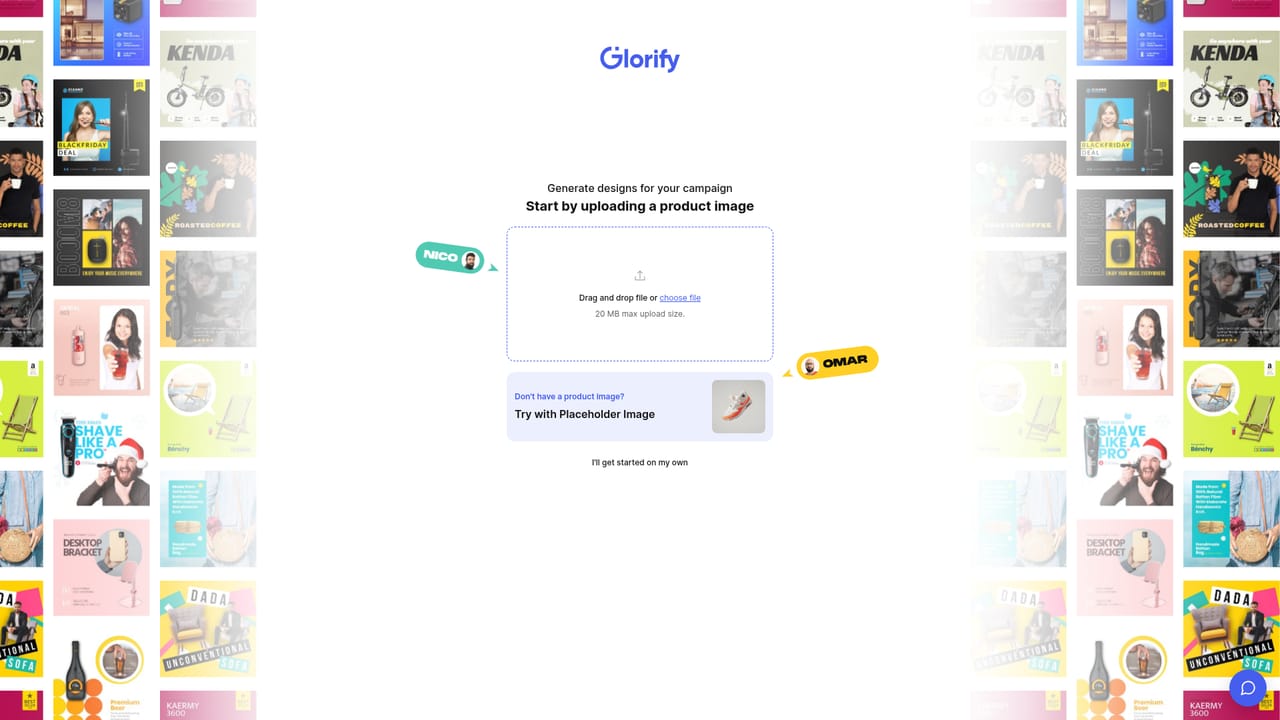
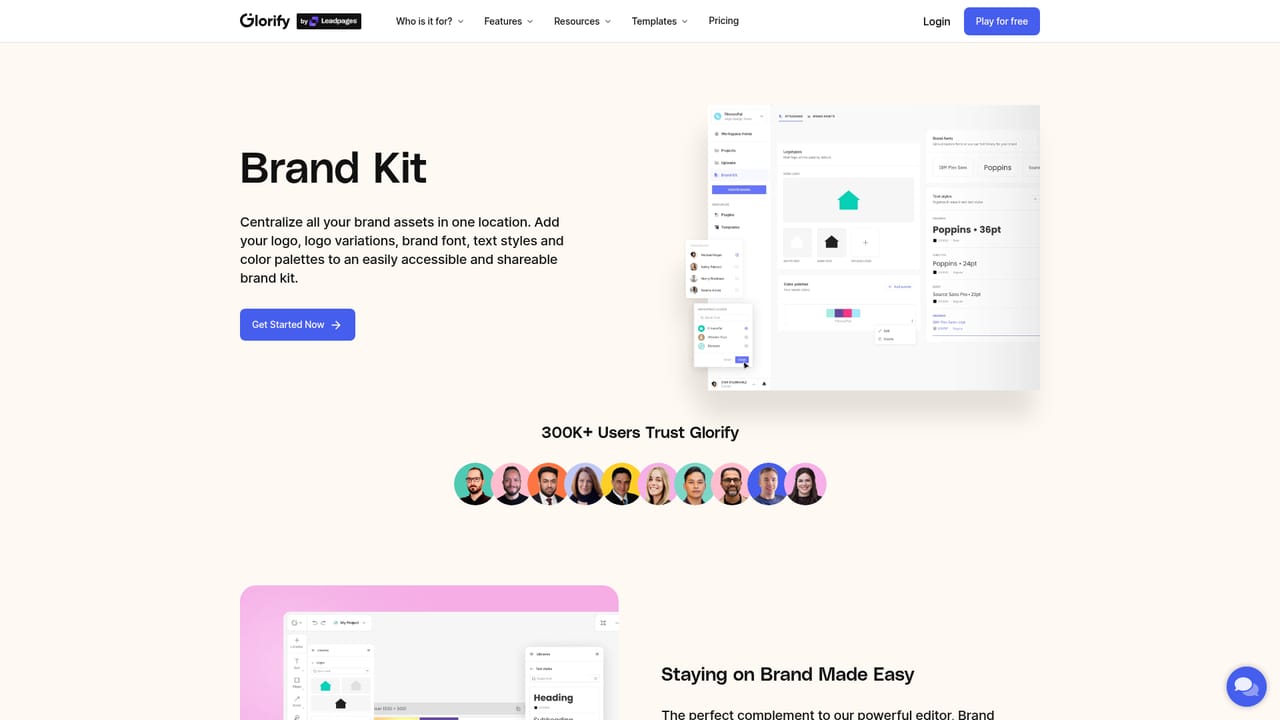
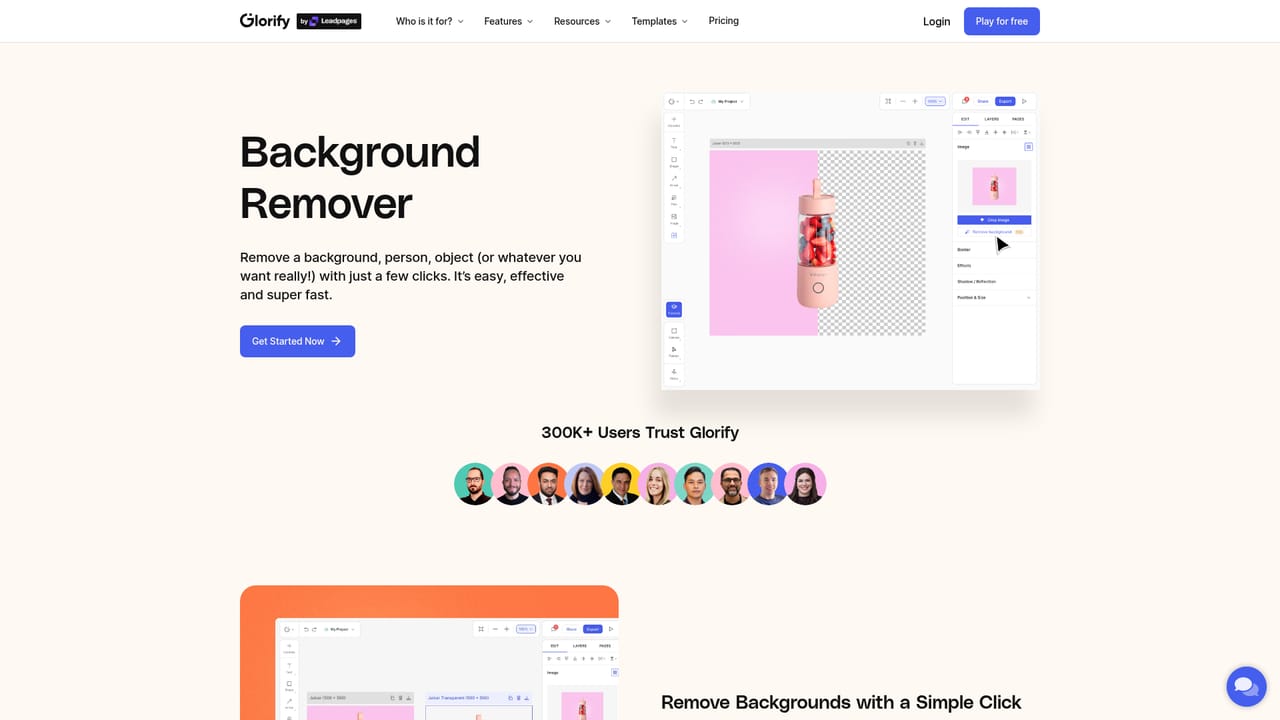
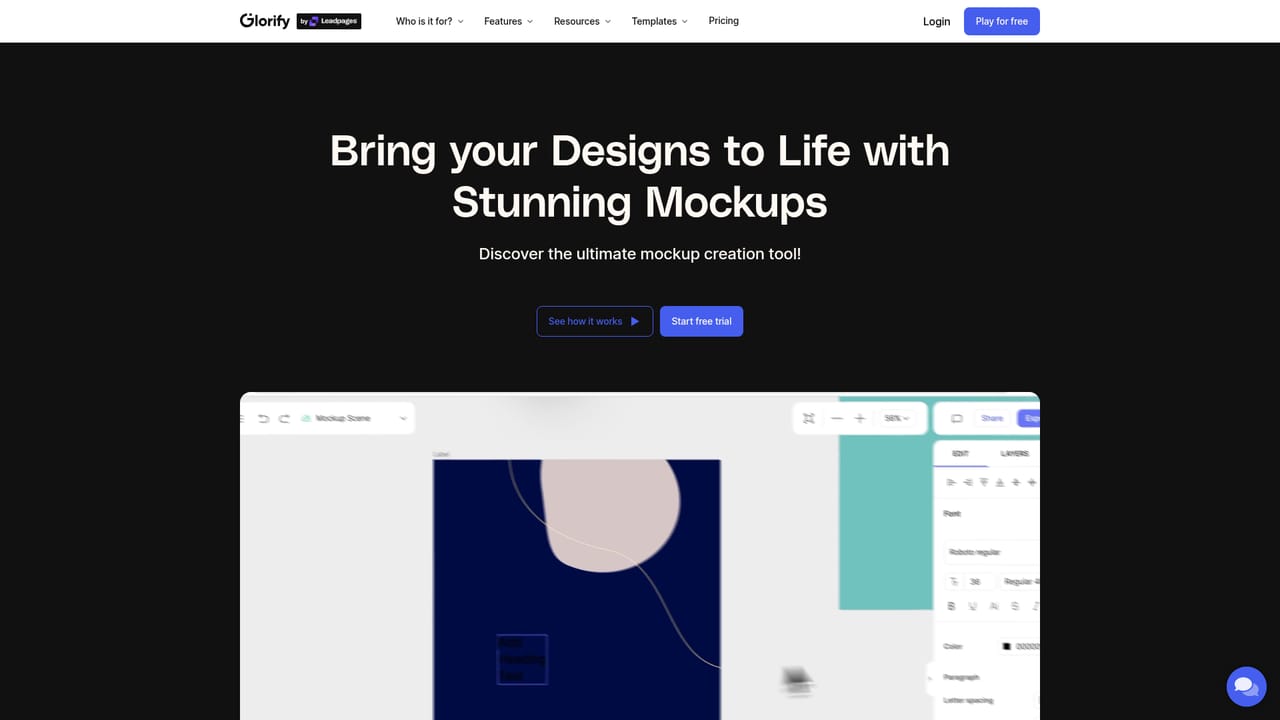
Glorify is a browser-based design tool aimed at e-commerce sellers and marketers who need to produce a steady stream of promotional graphics. The homepage positions it as a single home for social posts, ads, infographics, presentations, videos, and product mockups. The defining idea is an infinite canvas: instead of opening one file per graphic, you work across a large, limitless space where multiple designs sit side by side. That suits teams that plan a full campaign, from a product hero shot to a set of ad variants, and want the assets grouped in one place rather than scattered across separate documents. In practice, the workflow starts from a template or a blank canvas, then moves through a set of editing tools that cover the parts of product visuals that are usually fiddly. A background remover isolates product shots, a mockup tool places designs onto product scenes, and shadow and reflection effects add depth. Smart resize reframes a design for different placements, a brand kit keeps logos and colors consistent, and the stock image library supplies photography without licensing busywork. Video and animation support means a single project can yield static and motion assets. The homepage frames the tool as a middle ground between Photoshop and Canva: more control than a pure template editor, less overhead than a professional photo suite, with no extra charges for templates and stock assets. Glorify's strongest fit is the e-commerce operator who publishes frequently, whether a solo founder or a small marketing team. The homepage cites more than 300,000 entrepreneurs and marketers using it, and reviews repeatedly mention mockups and e-commerce templates as the reason to stay. Against Canva or VistaCreate, the pitch is the infinite canvas and the product-focused feature set; against Kittl or Visme, the emphasis is on marketing output rather than artful typography or presentations. The template marketplace and expert directory extend the product into a small ecosystem of contributors and services.
The homepage offers a Play for free button that opens the design app, but it does not state trial length or which features are limited.
Learn moreSupport options are not described on the homepage. The site links to a feedback board and a directory of Glorify experts for help.
Learn moreCore features include an infinite canvas for organizing multiple designs, background removal, mockups, shadows and reflections, smart resize, brand kit, stock images, video and animation, and an annotation tool. Templates span e-commerce, social media, adverts, website graphics, and presentation formats.
Learn more AI Angels400+ customizable AI girlfriends for NSFW chat, voice calls, and roleplay
 Candy AIExperience the future of companionship with AI friends who chat, role-play, and connect with you on a human level.
 ourdream.aiA vast AI roleplay platform with millions of characters for chat, images, video and voiceAI Angels400+ customizable AI girlfriends for NSFW chat, voice calls, and roleplayCandy AIExperience the future of companionship with AI friends who chat, role-play, and connect with you on a human level.ourdream.aiA vast AI roleplay platform with millions of characters for chat, images, video and voice


