Free trial
Google sign-in grants 10 credits with no credit card, enough for one complete rap experience including lyrics and song. Free tier downloads are watermark free, but commercial rights require a paid plan.
Learn moreWrite the bars first, then let the AI cut the track.
Own AI Rap Creator.com? Verify ownership to get a dofollow link

AI Rap Creator.com is a diss track maker tool that writes the bars first, then let the AI cut the track. A two stage rap generator that writes editable verses and hooks first, then renders beats, vocals and mixed MP3s in eight sub genres including Trap, Drill and Boom Bap.
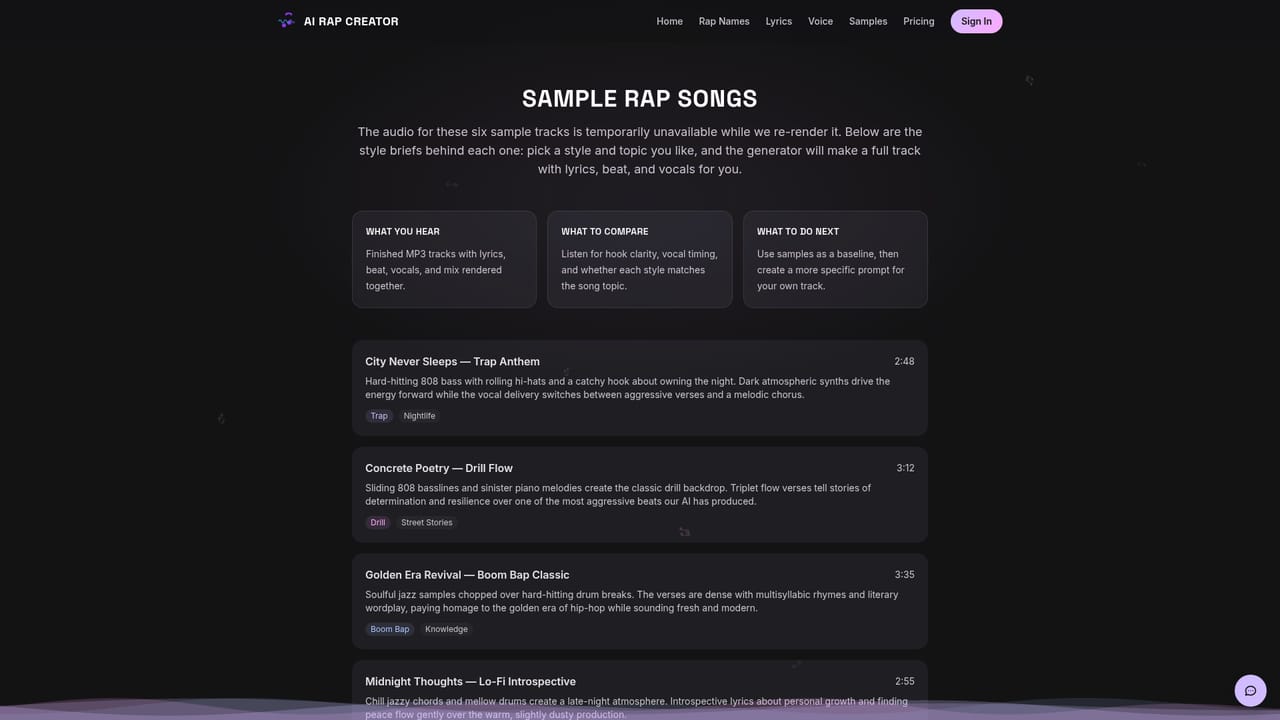
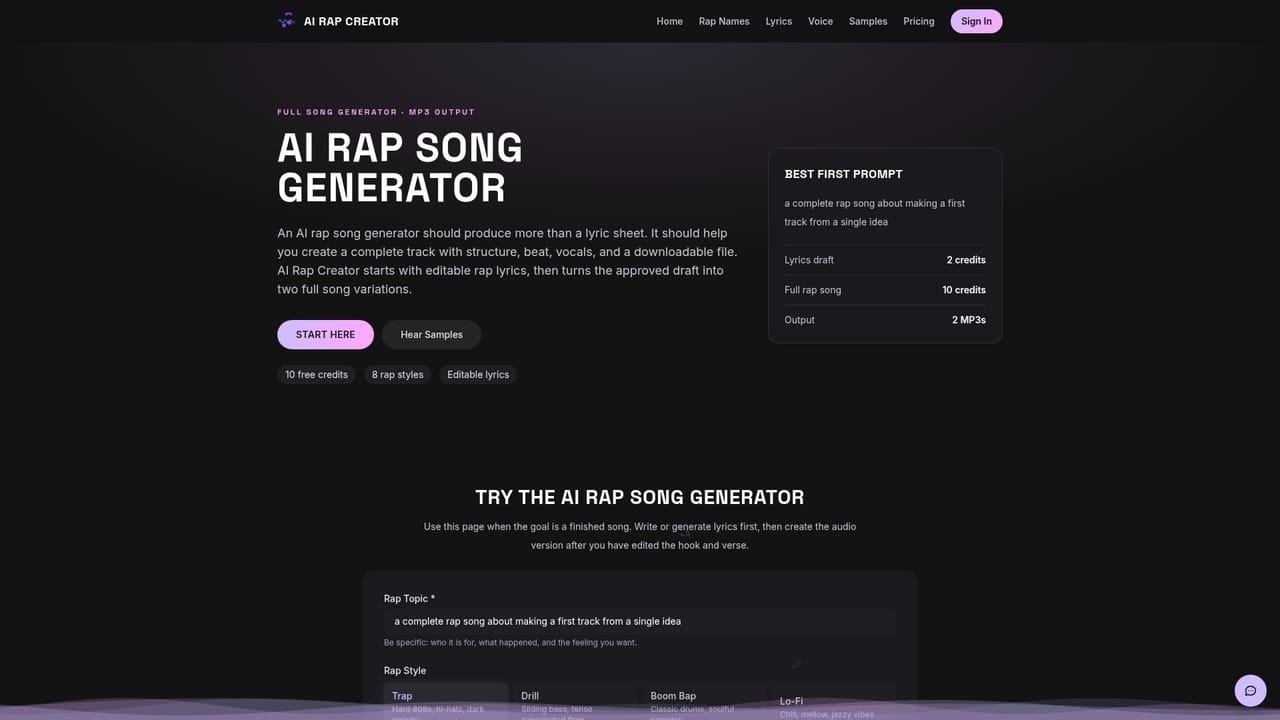
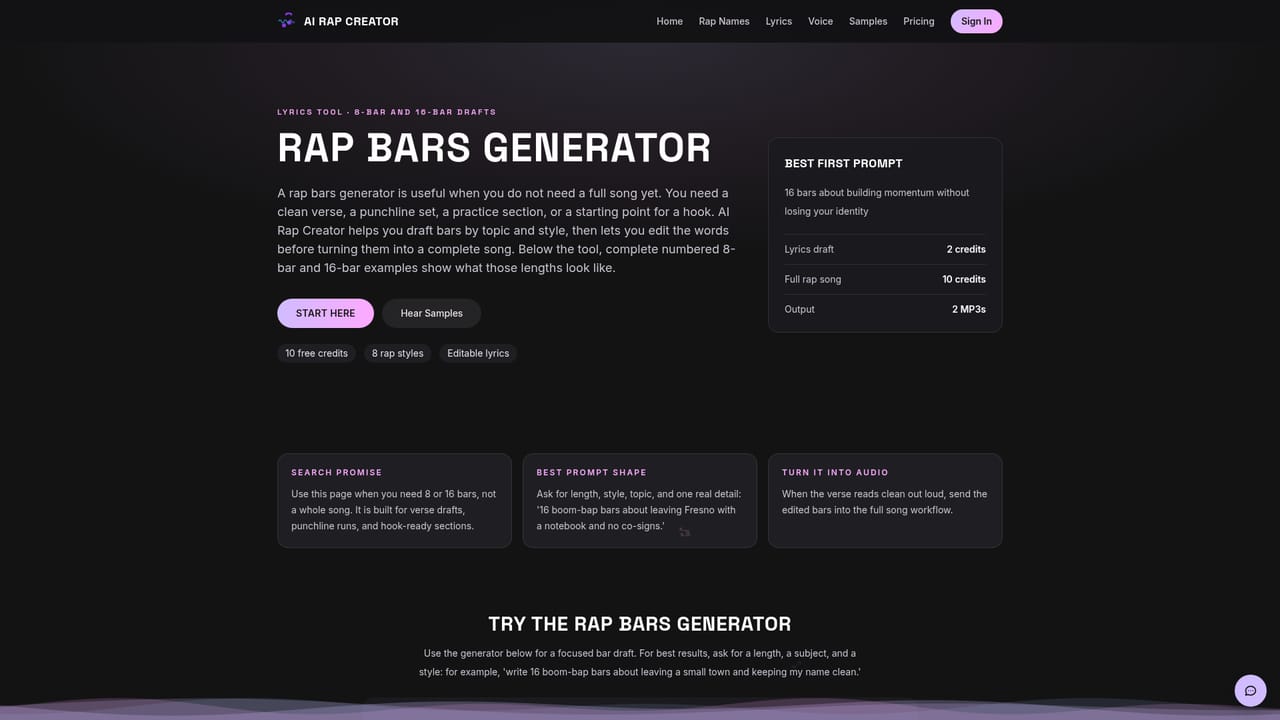
AI Rap Creator is a browser based generator that splits rap production into two separate stages: lyric writing and audio rendering. You describe a topic, pick one of eight sub genres, and optionally set a mood or add custom instructions. The language model then returns a structured lyric sheet with verses, a hook, a bridge and an outro rather than a loose block of rhyming text. Everything stays editable in a text area, so you can rewrite lines, swap the chorus or add your own bars before any audio credits are spent. When the lyrics are ready, the music engine composes an instrumental in the chosen style, renders vocals over it and mixes the result. Each run returns two MP3 variations, and the site puts full song generation at under two minutes. The eight styles cover Trap, Drill, Boom Bap, Lo-Fi, Freestyle, Old School, Mumble and Conscious, and the style choice shapes both the vocabulary of the lyrics and the production of the beat. Output files are clean MP3s with no watermark, including tracks made with free credits. The tool is aimed at people who need original rap audio without a studio: TikTok and YouTube creators who want copyright safe sound, aspiring rappers studying song structure or practicing flow over finished beats, and anyone building a personalized gift track for a birthday, wedding or roast. A set of topic landing pages (love, money, life, friendship, hustle) plus Christmas gift variants for family members make the personalized angle easy to start from. There are also narrower entry points for bars, hooks, verses, rapper names and a voice rendering workflow. Against general purpose music generators, the differentiator is the lyrics first pipeline: you get a draft you can actually edit, and the audio step only runs once you approve it. Against plain lyric chatbots, it adds beats, vocals and mixing. The tradeoff is that the platform is built around a single genre family, so producers needing stems, MIDI or multi track control will find it shallow.
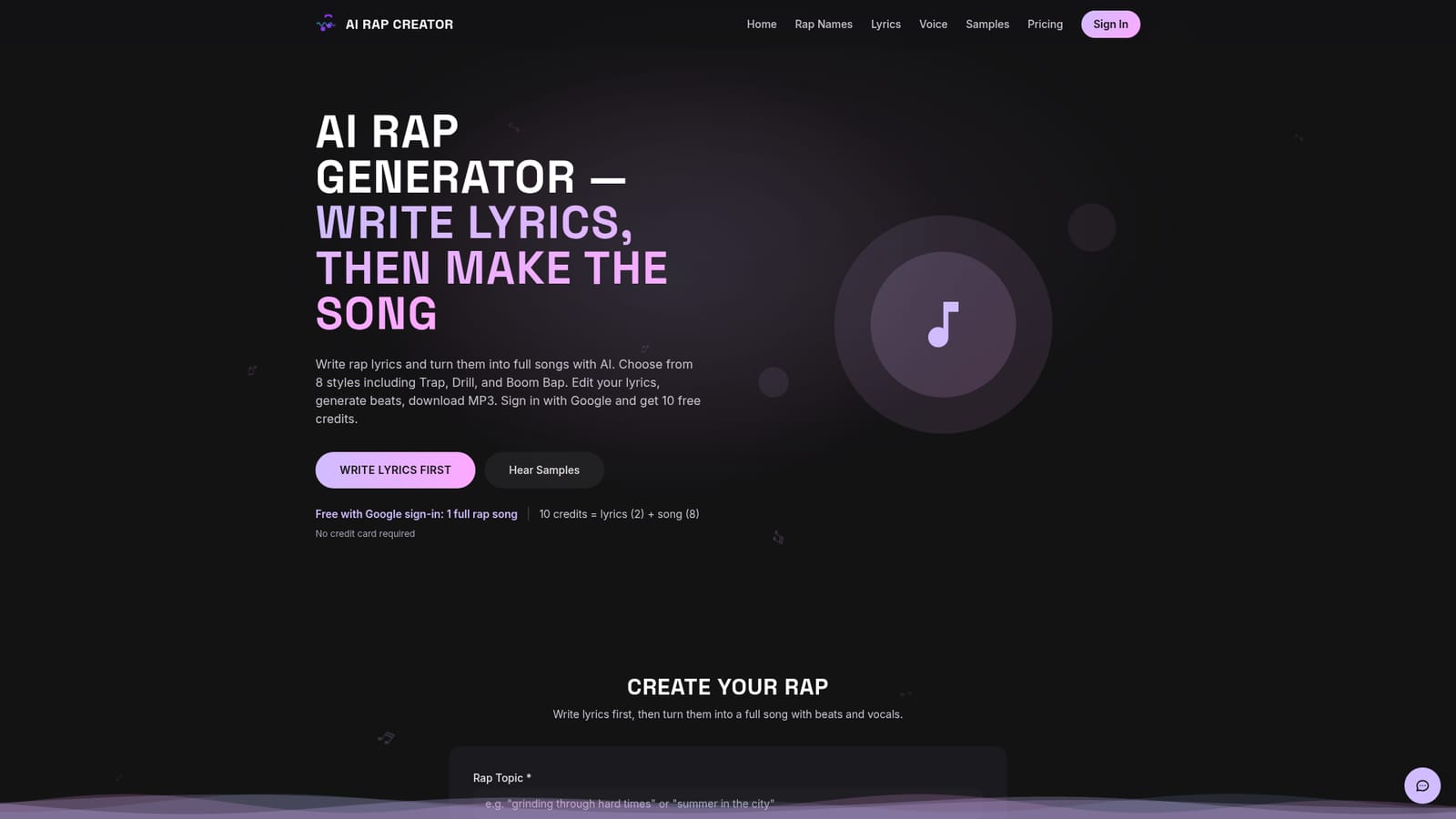
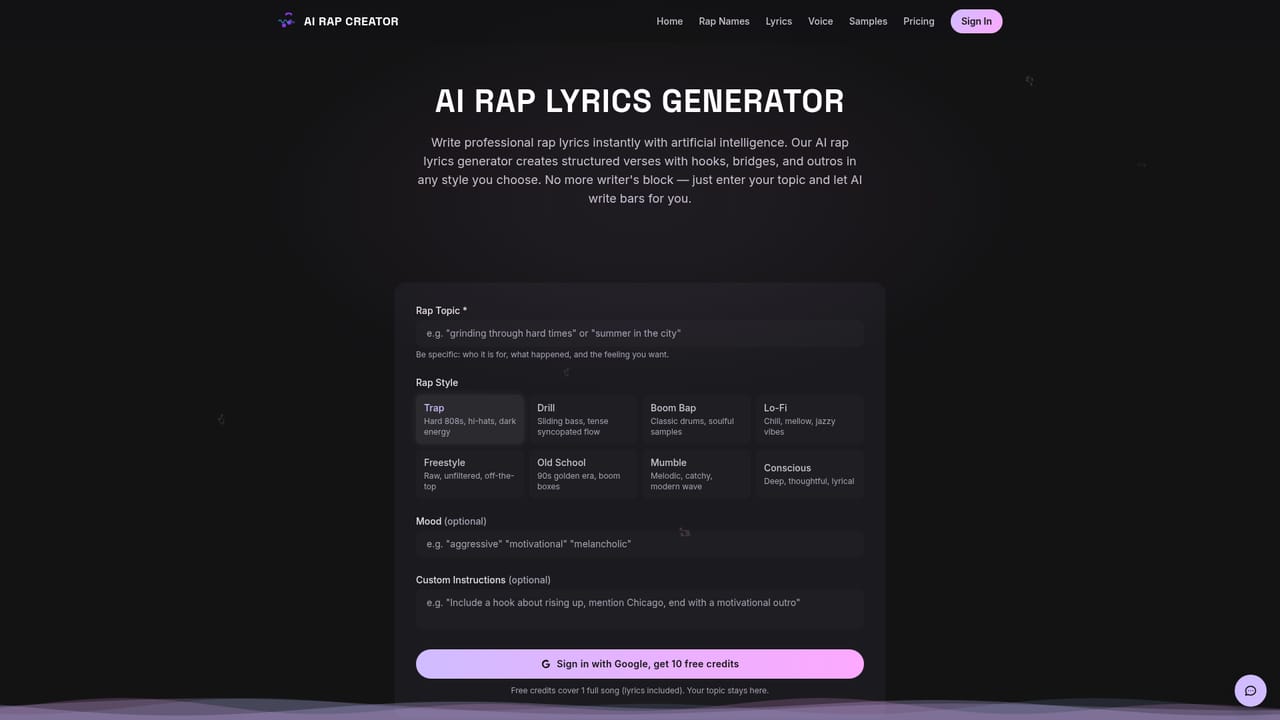
Google sign-in grants 10 credits with no credit card, enough for one complete rap experience including lyrics and song. Free tier downloads are watermark free, but commercial rights require a paid plan.
Learn more10 free credits on Google sign-in, which covers one full song (2 credits for lyrics plus 8 for the song). Monthly plans start at $4.99 per month from 50 credits a month, and a one-time 100 credit pack is listed at $9.99. Commercial usage rights come with the paid Starter, Pro and credit pack options.
Learn moreTwo stage pipeline that writes structured lyrics (verses, hook, bridge, outro) and then renders beats, vocals and a mixed MP3. Eight styles: Trap, Drill, Boom Bap, Lo-Fi, Freestyle, Old School, Mumble and Conscious. Topic, mood and custom instruction inputs, a full lyric editor, two variations per generation, downloads with no watermark, and separate entry points for bars, hooks, verses, rapper names and vocal rendering.
Learn more AI Angels400+ customizable AI girlfriends for NSFW chat, voice calls, and roleplay
 Candy AIExperience the future of companionship with AI friends who chat, role-play, and connect with you on a human level.
 ourdream.aiA vast AI roleplay platform with millions of characters for chat, images, video and voiceAI Angels400+ customizable AI girlfriends for NSFW chat, voice calls, and roleplayCandy AIExperience the future of companionship with AI friends who chat, role-play, and connect with you on a human level.ourdream.aiA vast AI roleplay platform with millions of characters for chat, images, video and voice