Free trial
A free tier is available with daily use and the V 1.0 model, with watermarked free downloads not mentioned. No formal time limited trial is described.
Learn moreTurn a written idea into a full rap track with AI vocals and beats

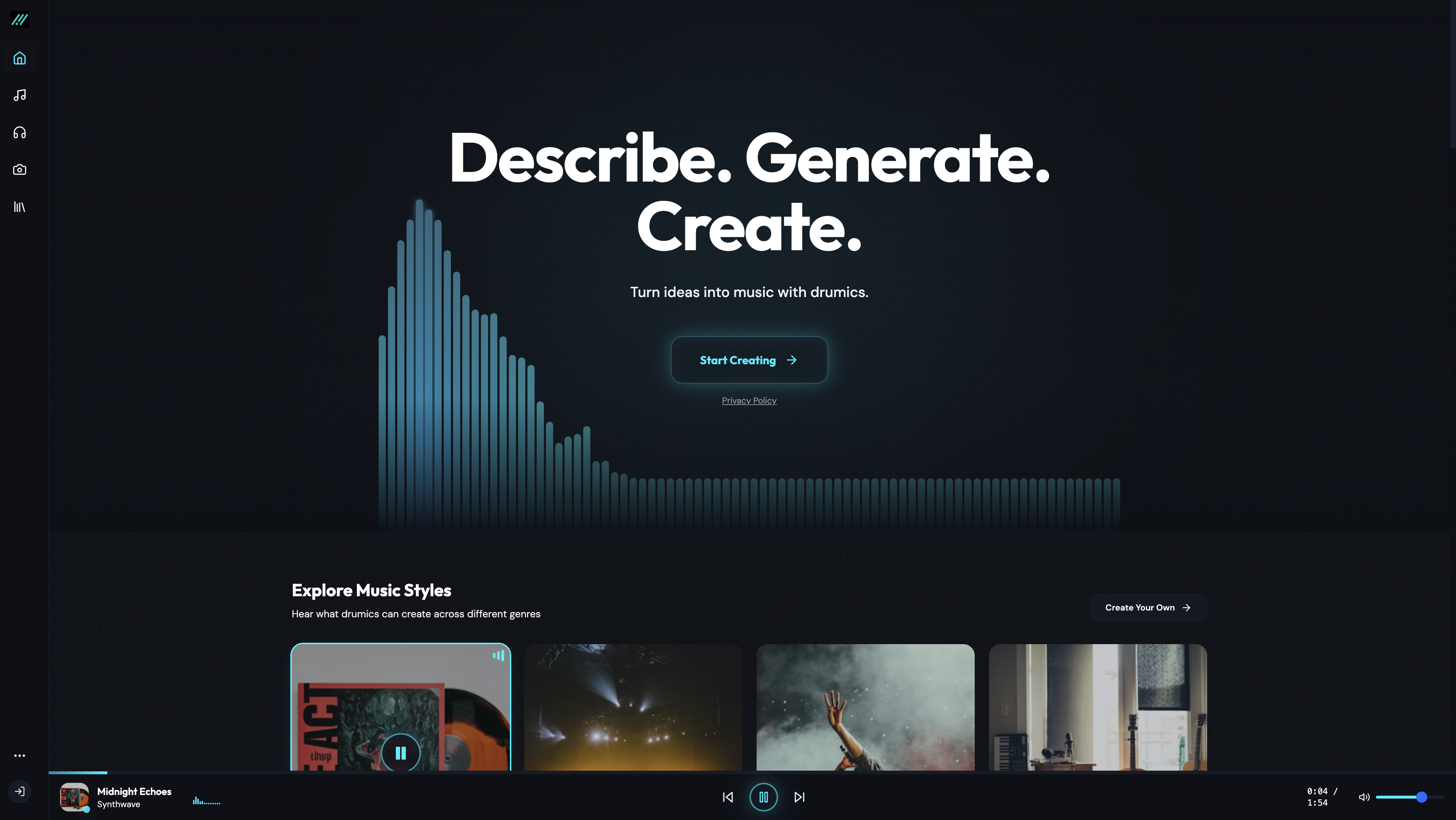
AIRapGen.com is a diss track maker tool that turns a written idea into a full rap track with AI vocals and beats. A browser based AI rap generator that turns lyrics or a short theme into a full track with vocals and beat.
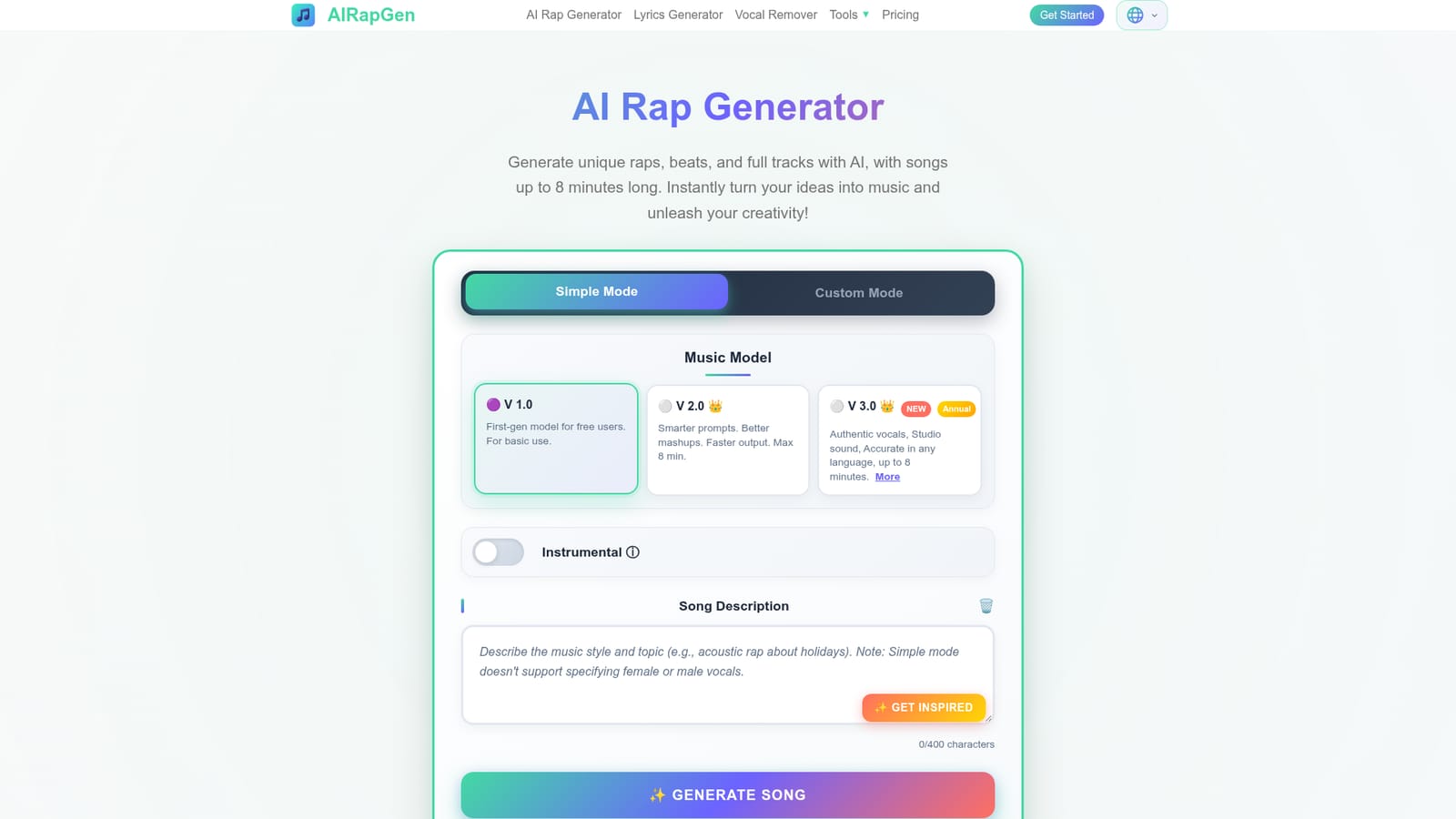
AIRapGen is a browser based music generator built around one specific job: turning text into rap songs. You type lyrics or just describe a theme, pick a genre and mood, and the service produces a finished track with vocals, beat and title. The free V 1.0 model covers basic use, while V 2.0 and V 3.0 sit behind a premium tier and add smarter prompt handling, faster output and songs that run up to eight minutes. Output can be downloaded as MP3 or WAV without watermarks. The tool splits its workflow into Simple mode and Custom mode. Simple mode is the fast path for anyone who wants a track from a short description. Custom mode hands over the controls: a lyrics field, a separate style field, and dropdown menus for genre, mood, voice type, instruments and tempo. The genre list is wide but leans hard on hip hop and its neighbours (Trap, Drill, Boom Bap, Lo-Fi, Old School), and the voice options include male, female, a cappella, harmonized and dedicated rap vocals. Instrumental mode skips lyrics entirely. Two songs can be generated in a single pass, which helps when you want to compare two directions on the same idea. Beyond generation, the paid tier is where the production utilities live. Vocal removal splits any song, whether generated on the platform or uploaded, into a vocal stem and an instrumental. Audio to MIDI converts generated or uploaded audio into a MIDI file. Song extension stretches a track toward the eight minute ceiling, and synced lyrics can be exported as LRC or SRT. A music video maker turns one image plus one audio file into a short lyric video with subtitles. It fits best with content creators, hobbyist rappers and video makers who need usable background tracks quickly and without a DAW. Commercial use is gated: the license certificate and the higher monthly generation caps (300 to 1000 songs) come with paid plans, so anyone monetizing output should budget for a subscription rather than relying on the free tier.
A free tier is available with daily use and the V 1.0 model, with watermarked free downloads not mentioned. No formal time limited trial is described.
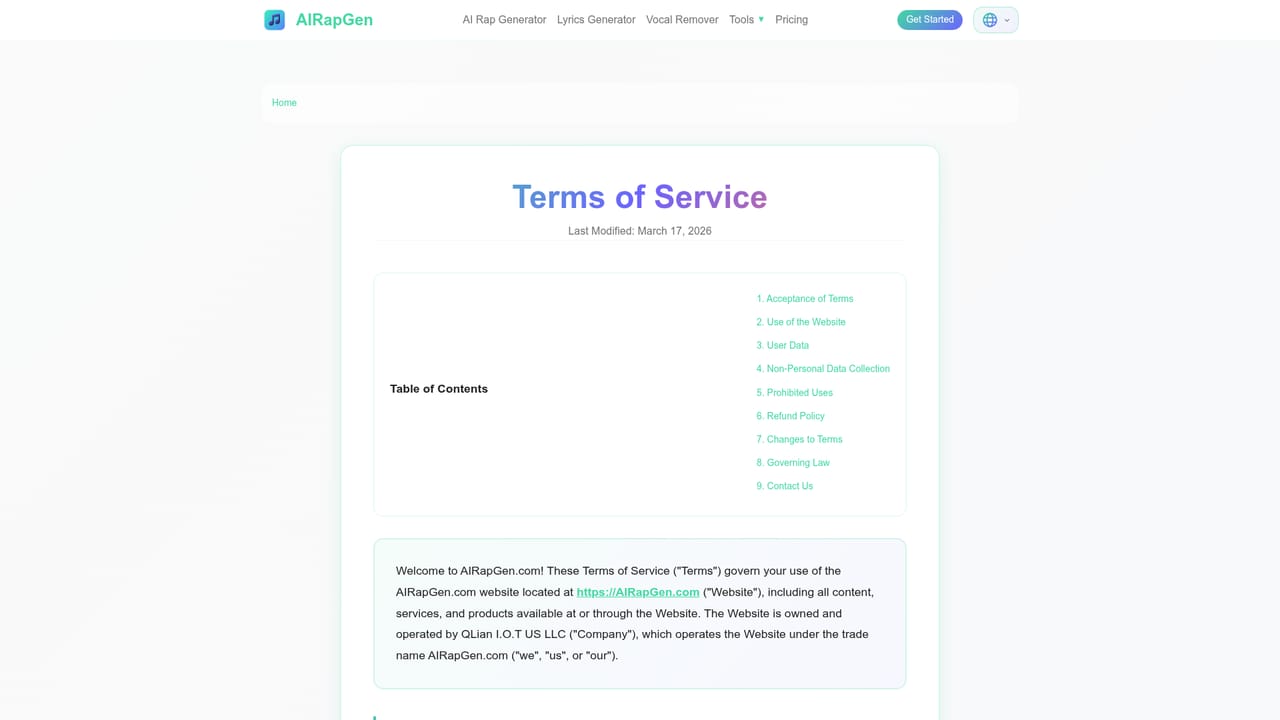
Learn moreThe homepage confirms a free tier for daily use and separate paid subscriptions, with an annual plan advertised at over 50 percent savings versus monthly. Annual membership is required for the V 3.0 model, the commercial license and extras such as unlimited WAV downloads and MIDI export. Subscribers can also buy one-time credits that do not expire.
Learn moreNo help centre is published. The homepage FAQ answers common questions and notes that failed generations caused by artist names are refunded one credit automatically.
Text to rap song generation with vocals and beats, Simple and Custom modes, genre and mood and voice and instrument and tempo selectors, instrumental mode, an AI lyrics generator, two songs per run, song extension to eight minutes, vocal and instrumental separation, Audio to MIDI, MP3 and WAV downloads, synced lyric export as LRC and SRT, custom cover upload, and a short lyric music video maker.
 AI Angels400+ customizable AI girlfriends for NSFW chat, voice calls, and roleplay
 Candy AIExperience the future of companionship with AI friends who chat, role-play, and connect with you on a human level.
 ourdream.aiA vast AI roleplay platform with millions of characters for chat, images, video and voiceAI Angels400+ customizable AI girlfriends for NSFW chat, voice calls, and roleplayCandy AIExperience the future of companionship with AI friends who chat, role-play, and connect with you on a human level.ourdream.aiA vast AI roleplay platform with millions of characters for chat, images, video and voice