AI Video Generator Free - Text to Video AI

Free text and image to video generation across multiple AI models

Beginner
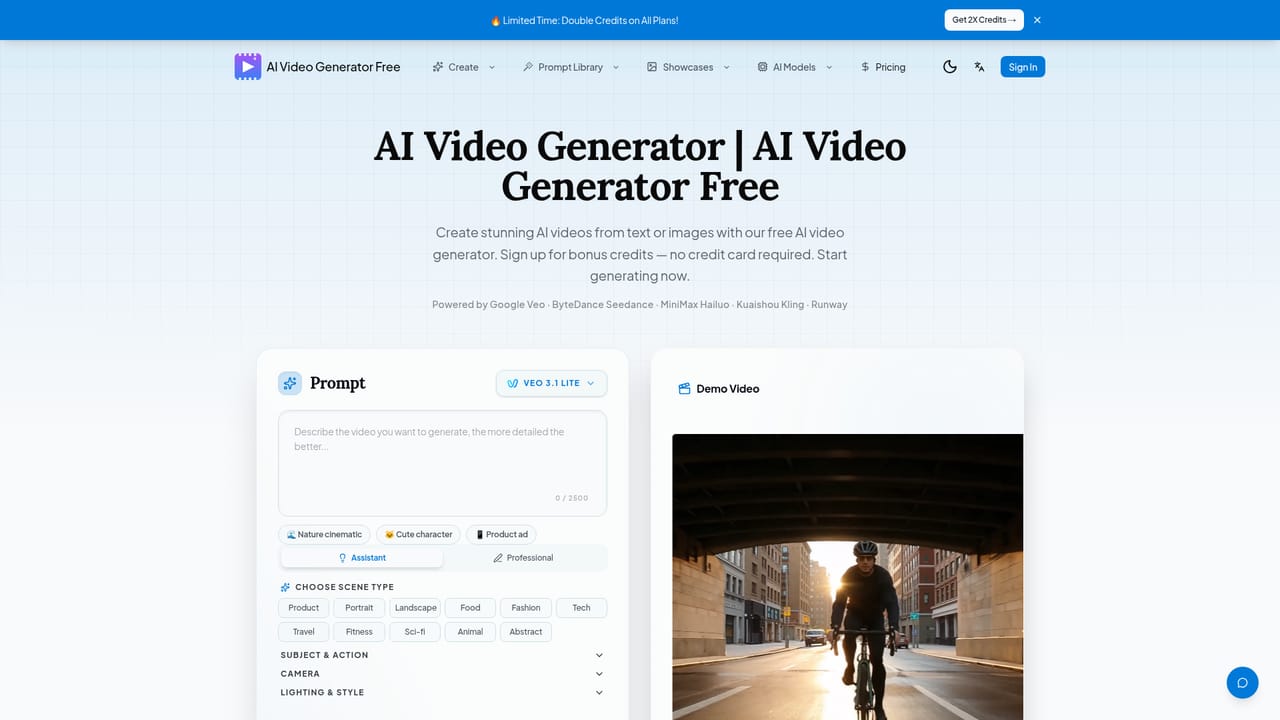
Screenshot of AI Video Generator Free - Text to Video AI, Free text and image to video generation across multiple AI models

What is AI Video Generator Free - Text to Video AI?

AI Video Generator Free - Text to Video AI is a text-to-video tool. A web app that turns text prompts or uploaded images into short AI videos using multiple models (Veo, Seedance, Hailuo, HappyHorse), with free sign-up credits and no credit card required to start.

AI Video Generator Free is a web based platform that converts text prompts or static images into short AI generated video clips. It targets creators, marketers, and hobbyists who want to experiment with cinematic motion without learning traditional video editing software. The service positions itself around free access, giving new accounts bonus credits at signup so users can test text to video and image to video workflows before considering a paid plan. In practice, a user types a descriptive prompt covering subject, setting, camera movement, and mood, or uploads a photo, then selects one of several underlying video models to render the clip. The platform offers access to models from different providers, including Google's Veo 3.1 for photorealistic cinematic output, ByteDance's Seedance 2.0 for multi shot storytelling with native audio and lip sync, MiniMax's Hailuo 2.3 and Hailuo 02 for image driven animation, and the open source HappyHorse 1.0 for native 1080p text and image to video generation. Each model lists its own resolution range, duration limits, and credit cost, letting users match a tool to a specific project rather than relying on one rendering engine. Additional free credits come from daily check ins and a referral program, keeping light users active without a subscription. Within the broader text to video landscape, AI Video Generator Free differentiates itself less through proprietary generation technology and more by aggregating several well known models behind one interface backed by a free credit system. That makes it a reasonable starting point for users who want to compare model output side by side before committing budget to a single vendor's dedicated app, though heavier or commercial workloads will eventually require paid credits.
How do you use AI Video Generator Free - Text to Video AI?

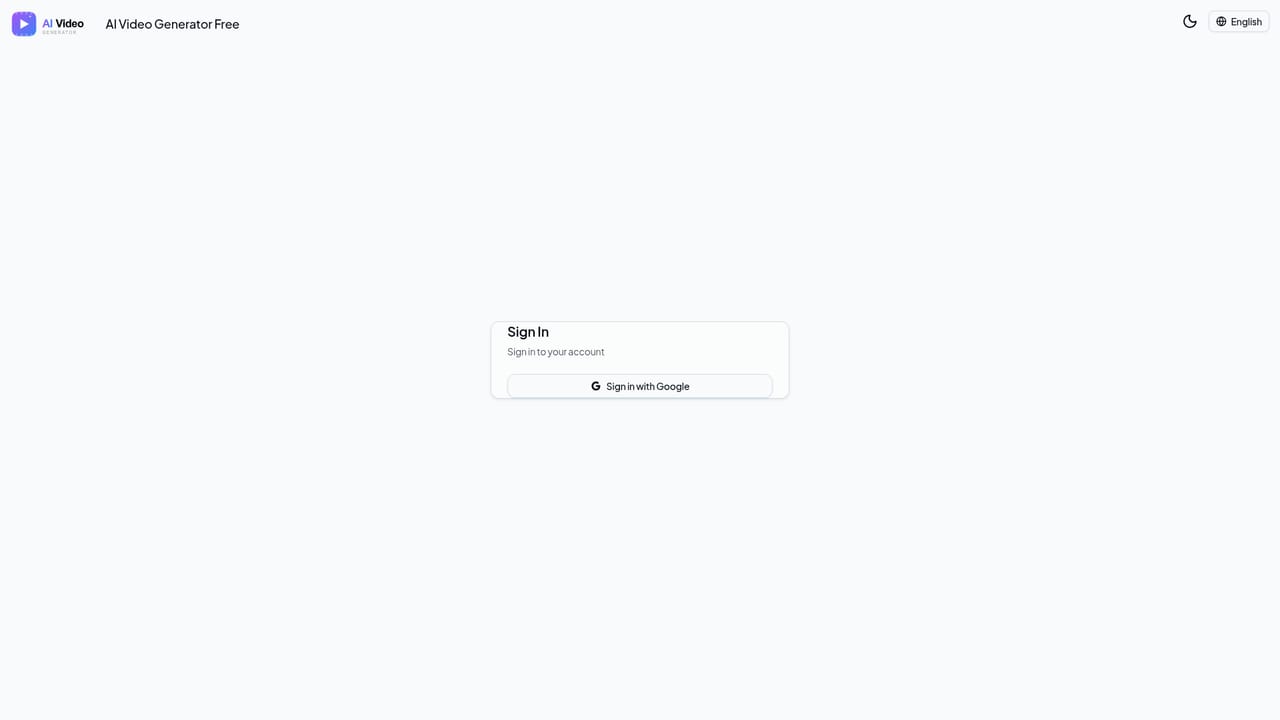
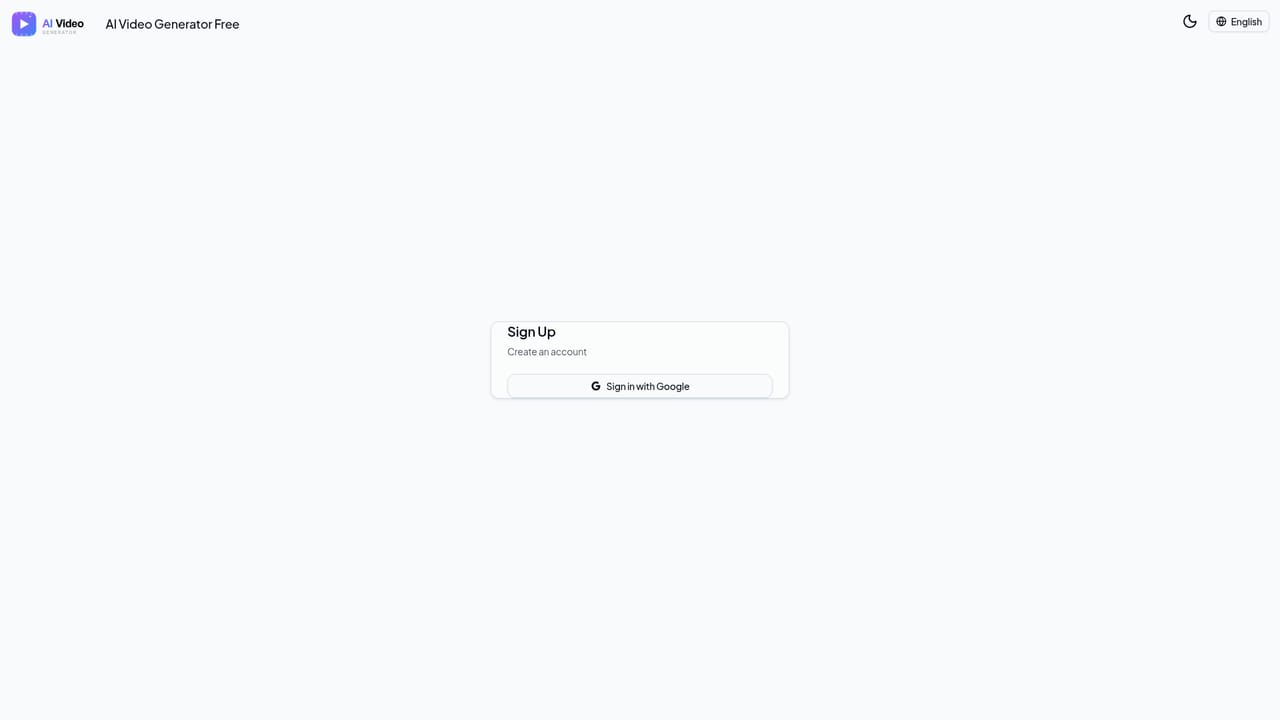
  1. 1Create a free account
    Sign up to receive bonus credits instantly with no credit card required, giving immediate access to the video generation tools.
    AI Video Generator Free - Text to Video AI — Create a free account
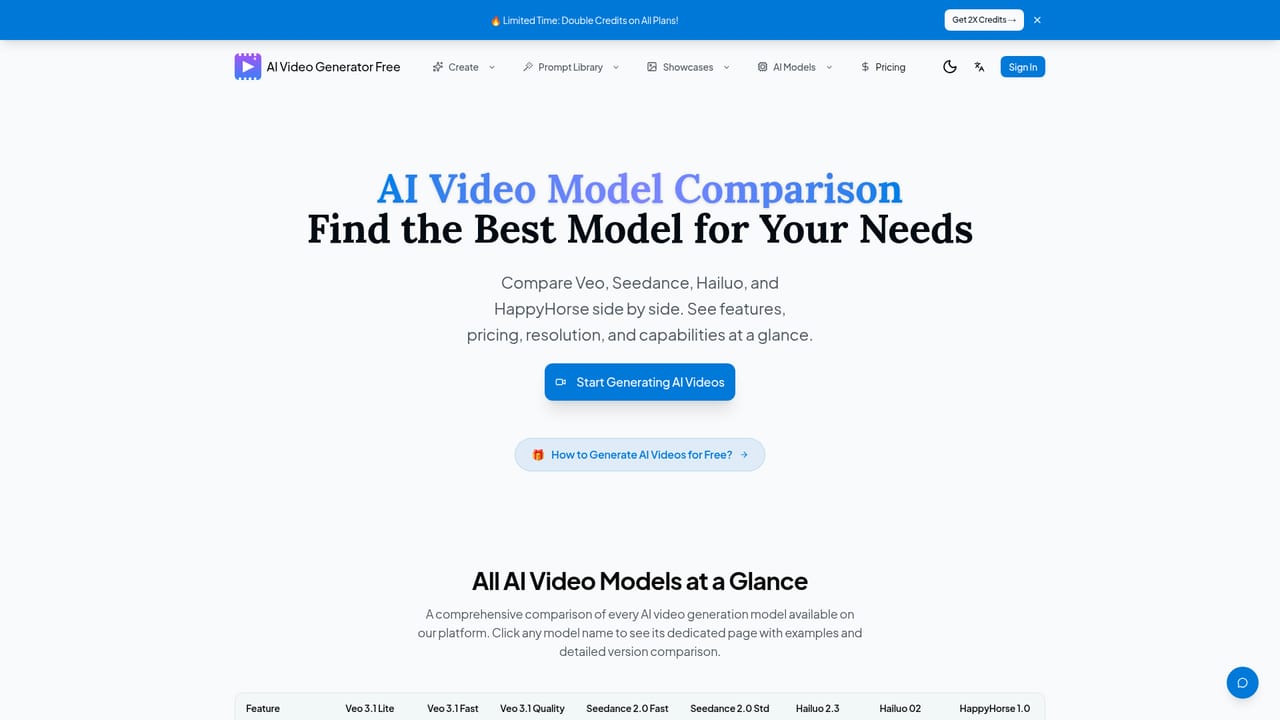
  2. 2Choose an AI video model
    Compare available models such as Veo 3.1, Seedance 2.0, Hailuo 2.3, Hailuo 02, and HappyHorse 1.0 to match resolution, duration, and style needs.
    AI Video Generator Free - Text to Video AI — Choose an AI video model
  3. 3Write a prompt or upload an image
    Enter a descriptive text prompt covering subject, setting, camera movement and mood, or upload a photo for the image to video tool.
    AI Video Generator Free - Text to Video AI — Write a prompt or upload an image
  4. 4Generate and review the video
    Submit the request and review the rendered clip, adjusting the prompt or model choice if the result needs refinement.
  5. 5Earn more free credits
    Return daily to claim check-in bonuses or share a referral link with friends to accumulate additional credits over time.
    AI Video Generator Free - Text to Video AI — Earn more free credits

Pros and cons

Pros

  • Free sign-up credits let new users generate videos without entering a credit cardAI
  • Provides access to several leading video models (Veo, Seedance, Hailuo, HappyHorse) in one interfaceAI
  • Supports both text-to-video and image-to-video generation workflowsAI
  • Daily check-in and referral programs offer ongoing ways to earn more free creditsAI
  • Generated videos are described as watermark-free and cleared for commercial useAI

Cons

  • Exact credit costs and paid plan pricing are not detailed on the homepageAI
  • Generated clips are limited to short durations, roughly 5-15 seconds depending on modelAI
  • Free credits are limited, so regular or commercial use likely requires a paid planAI
  • No mobile apps are mentioned, limiting access to the web app onlyAI
  • Output quality depends on which third-party model is selected rather than one consistent engineAI

How much does AI Video Generator Free - Text to Video AI cost?

Free trial

New users receive bonus credits instantly upon signup with no credit card required, and can earn further free credits through daily check-ins and referrals.

Learn more

Pricing

A dedicated pricing page lists paid plans, but exact prices are not stated on the homepage itself. New accounts start with free sign-up credits that can be spent across text-to-video and image-to-video generation.

Learn more

Support

Support is handled through Discord and email contact; no separate help center or documentation page is listed on the site.

Features

Converts text prompts or uploaded images into short cinematic videos, gives access to multiple underlying models (Veo 3.1, Seedance 2.0, Hailuo 2.3/02, HappyHorse 1.0), and aims for character consistency across generations with watermark-free exports.

Learn more

Frequently asked questions about AI Video Generator Free - Text to Video AI

  • How much does AI Video Generator Free - Text to Video AI cost?
    A dedicated pricing page lists paid plans, but exact prices are not stated on the homepage itself. New accounts start with free sign-up credits that can be spent across text-to-video and image-to-video generation.
  • Does AI Video Generator Free - Text to Video AI offer a free trial?
    New users receive bonus credits instantly upon signup with no credit card required, and can earn further free credits through daily check-ins and referrals.
  • How do you use AI Video Generator Free - Text to Video AI?
    The walkthrough on this page covers 5 steps: 1. Create a free account 2. Choose an AI video model 3. Write a prompt or upload an image 4. Generate and review the video 5. Earn more free credits.
  • What platforms does AI Video Generator Free - Text to Video AI support?
    AI Video Generator Free - Text to Video AI is available on Web App.
  • What are the limitations of AI Video Generator Free - Text to Video AI?
    Exact credit costs and paid plan pricing are not detailed on the homepage. Generated clips are limited to short durations, roughly 5-15 seconds depending on model. Free credits are limited, so regular or commercial use likely requires a paid plan.

Status

StatusActive
Views0
Outbound clicks0
Added10/16/2026

Platforms

Web App

Pricing

FreeFreemium