Grok Imagine 3rd party

AI video generation from text or images, with synced audio and a spicy creative mode

Beginner
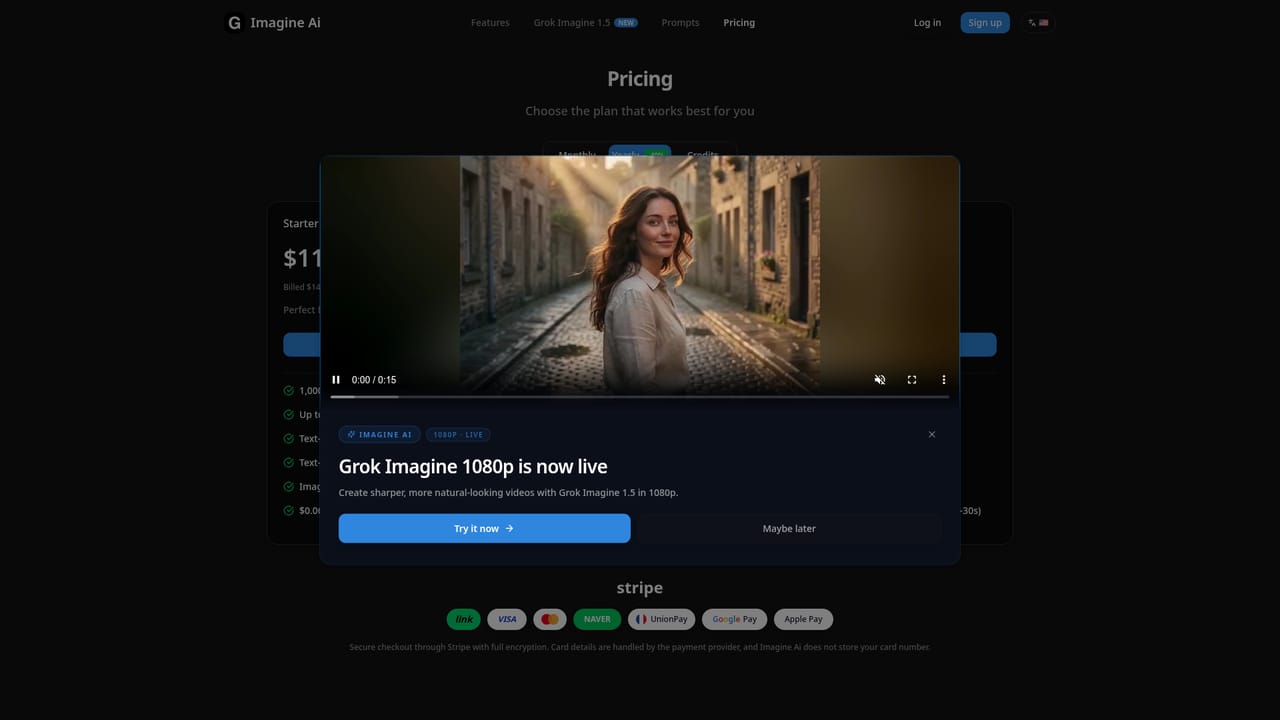
Screenshot of Grok Imagine 3rd party, AI video generation from text or images, with synced audio and a spicy creative mode

What is Grok Imagine 3rd party?

Grok Imagine 3rd party converts text prompts or images into short AI videos with synced audio, offering Normal, Fun, and Spicy creative modes plus multiple aspect ratios for social and commercial use.

Grok Imagine 3rd party is an AI video and image generator built on xAI's Aurora engine. It turns a text prompt or a single uploaded image into a short video clip, typically between six and thirty seconds, complete with auto-generated background music and sound effects. The tool also handles standalone image generation, supporting five image ratios and five video ratios so output can be tailored to platforms like TikTok, Instagram, or widescreen formats. The product is aimed at people who need fast visual content without a production pipeline: social media managers, marketers, indie filmmakers, podcasters repurposing clips, and freelancers looking to add video services to their offering. Three creative modes shape the tone of output. Normal mode produces clean, professional-looking results suited to commercial use, Fun mode leans into bright, playful animation for social content, and Spicy mode pushes bolder colors and more expressive stylization; note that image-to-video generation only supports Normal and Fun modes, not Spicy. In practice, a user writes a prompt or uploads a reference image, picks a mode and aspect ratio, triggers generation, and downloads the finished clip with audio already baked in, no separate editing step required. A prompt library ships alongside the generator with curated examples across styles like sci-fi, portraiture, and action scenes, which helps newcomers get usable results faster. A separate model, Grok Imagine 1.5, is positioned for cinematic image-to-video work from a single reference photo. Within the broader AI video category, Grok Imagine competes on speed and built-in audio synchronization rather than deep manual editing control. It sits closer to quick-turnaround social content tools than to full creative suites, and credit-based plans mean cost scales with how much video and image output a user actually generates each month.
How do you use Grok Imagine 3rd party?

  1. 1Sign up and claim free credits
    Create an account to receive 10 free credits, enough to test text-to-video or image-to-video generation before committing to a paid plan.
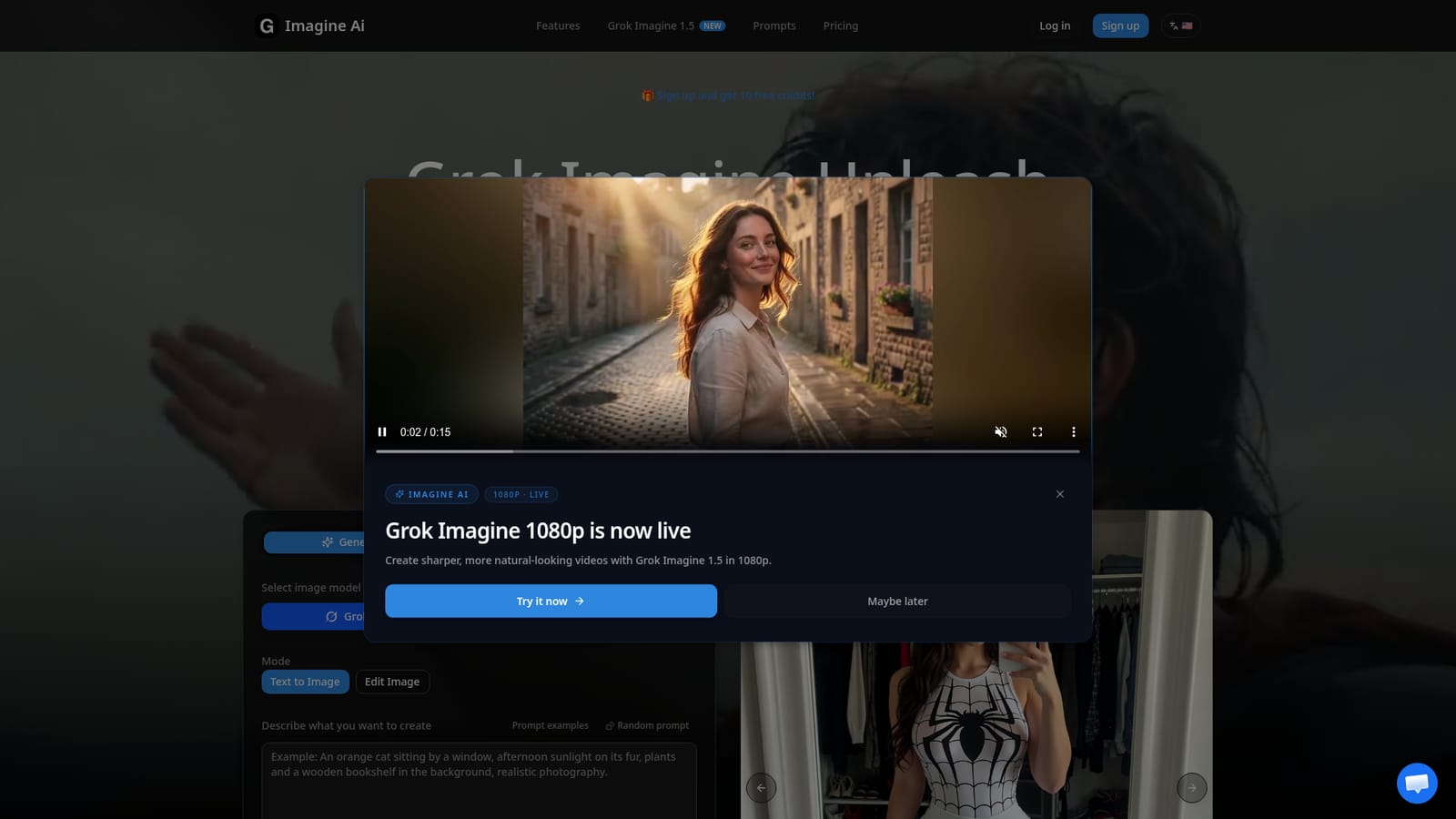
    Grok Imagine 3rd party — Sign up and claim free credits
  2. 2Browse the prompt library for inspiration
    Check curated image and video prompt examples across styles like sci-fi, portraits, and action scenes to understand what works before writing an original prompt.
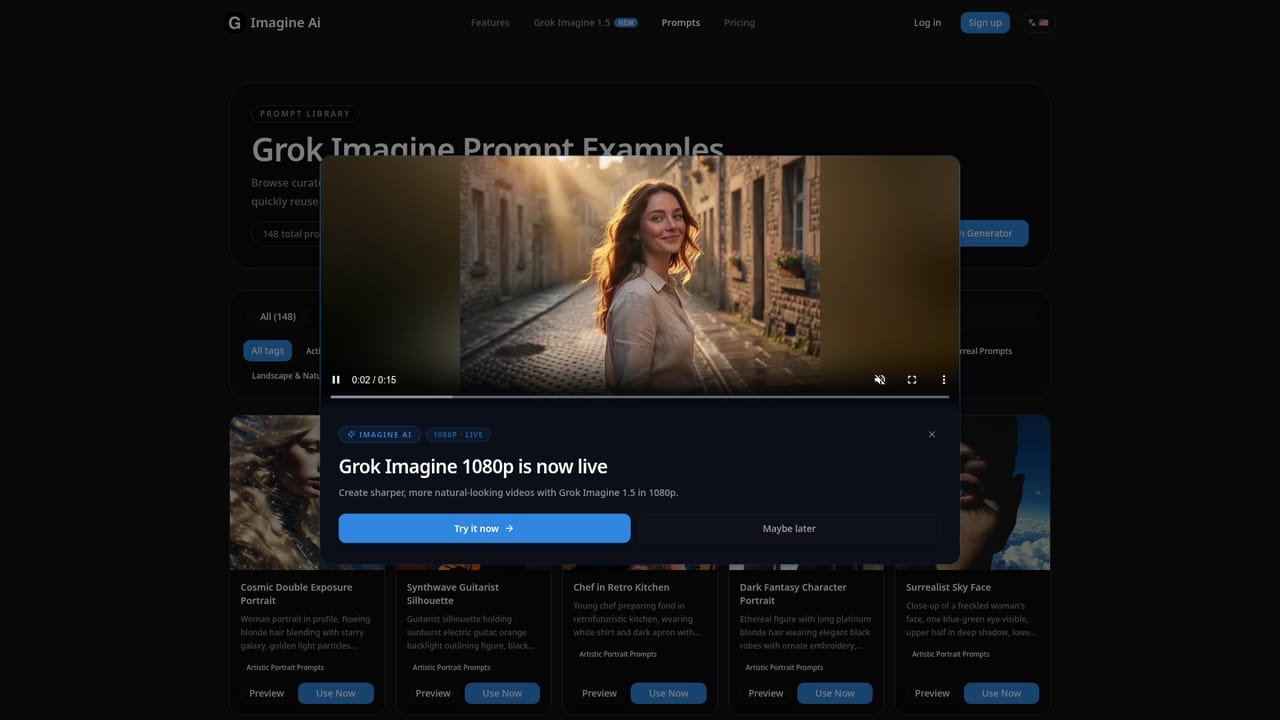
    Grok Imagine 3rd party — Browse the prompt library for inspiration
  3. 3Enter a prompt or upload a reference image
    Type a text description or upload a static image to serve as the starting point for the generated video or image.
  4. 4Choose a mode, ratio, and generate
    Select Normal, Fun, or Spicy mode (image-to-video supports only Normal and Fun), pick an aspect ratio, then trigger generation and wait for the result.
  5. 5Download the finished video with audio
    Once generation completes, download the clip, which already includes auto-generated background music and sound effects with no extra editing required.
  6. 6Review plans before scaling usage
    Compare Starter, Pro, and Studio tiers by monthly credit allowance and per-image or per-video cost to match a plan to expected output volume.
    Grok Imagine 3rd party — Review plans before scaling usage

Pros and cons

Pros

  • Generates videos with synced background music and sound effects automatically, no separate audio editing neededAI
  • Supports both text-to-video and image-to-video workflows in one toolAI
  • Three distinct creative modes let output range from professional to stylized and boldAI
  • Five image and five video aspect ratios cover most social and platform formatsAI
  • Prompt library with curated examples helps new users get usable results quicklyAI

Cons

  • Spicy mode is unavailable for image-to-video, limiting that workflow to Normal and Fun styles onlyAI
  • Credit-based pricing means heavier video users can burn through monthly allotments quicklyAI
  • Video length is capped at thirty seconds, ruling out longer-form content without stitching clips togetherAI
  • No mention of API access, team collaboration features, or mobile apps on the homepageAI
  • Generated video quality and realism are not independently verifiable from the homepage aloneAI

How much does Grok Imagine 3rd party cost?

Free trial

New users receive 10 free credits upon signup, usable toward text-to-video, image-to-video, or image generation before choosing a paid plan.

Learn more

Pricing

Three monthly subscription tiers: Starter at $11.9/month, Pro at $23.9/month, and Studio at $47.9/month (annual billing offers a 40% discount). Each tier includes a monthly credit allowance covering a mix of image and video generations, with per-unit costs decreasing at higher tiers.

Learn more

Support

A contact page is available for reaching the team with questions or support requests.

Learn more

Features

Text-to-video and image-to-video generation with auto-synced music and sound effects, three creative modes (Normal, Fun, Spicy), five image and five video aspect ratios, and photorealistic rendering via the Aurora engine.

Frequently asked questions about Grok Imagine 3rd party

  • How much does Grok Imagine 3rd party cost?
    Three monthly subscription tiers: Starter at $11.9/month, Pro at $23.9/month, and Studio at $47.9/month (annual billing offers a 40% discount). Each tier includes a monthly credit allowance covering a mix of image and video generations, with per-unit costs decreasing at higher tiers.
  • Does Grok Imagine 3rd party offer a free trial?
    New users receive 10 free credits upon signup, usable toward text-to-video, image-to-video, or image generation before choosing a paid plan.
  • How do you use Grok Imagine 3rd party?
    The walkthrough on this page covers 6 steps: 1. Sign up and claim free credits 2. Browse the prompt library for inspiration 3. Enter a prompt or upload a reference image 4. Choose a mode, ratio, and generate 5. Download the finished video with audio 6. Review plans before scaling usage.
  • What platforms does Grok Imagine 3rd party support?
    Grok Imagine 3rd party is available on Web App.
  • What are the limitations of Grok Imagine 3rd party?
    Spicy mode is unavailable for image-to-video, limiting that workflow to Normal and Fun styles only. Credit-based pricing means heavier video users can burn through monthly allotments quickly. Video length is capped at thirty seconds, ruling out longer-form content without stitching clips together.

Status

StatusActive
Views0
Outbound clicks0
Added10/15/2026

Platforms

Web App

Pricing

FreemiumSubscription