Free trial
The free tier is one removal without an account or credit card, which lets users test quality on their own image before buying credits.
Learn moreStrip logos, text and stamps from images with automatic AI inpainting.
Own AI Watermark Remover? Verify ownership to get a dofollow link

AI Watermark Remover is an image upload and edit tool. Browser based watermark remover that uses AI inpainting to delete logos, text, stamps and stickers from images. Upload a file up to 5MB, get a cleaned result in seconds, and pay per credit pack with the first removal free and no signup needed.
AI Watermark Remover is a browser based tool for cleaning overlays off photographs. Rather than asking users to clone out marks with a brush, it runs image inpainting models that locate the watermark, then rebuild the pixels underneath from surrounding context. The site positions the product around logos, text, stamps, stickers and emoji, and the same upload and processing workflow serves every one of those flows. Demonstrated before and after pairs on the homepage show photos with corner stamps and text captions reduced to clean frames. The intended audience is broad. Casual users clean up dated family photos, scan artifacts or pictures saved for personal decks. Commercial users tidy product shots for e-commerce listings, prepare visuals for client presentations, or strip stray captions from marketing imagery. Because the interface is drag and drop with no masking step in the default path, the tool suits people who do not want to learn a full photo editor. The site notes that users should hold the rights to any image they modify. In practice the loop is short: upload a PNG, JPG, JPEG, WebP or HEIC file up to 5MB, wait roughly 10 to 30 seconds while the model works, then compare the original and result side by side and download. The first removal is free and requires no account. Continuing past that point means buying a pack of 100 credits for a one-time $10 payment, with Google sign-in used to store work and manage credits. The site advertises 4.9 out of 5 from over 100 reviews. Compared with full editors such as Photoshop, this is a narrow single purpose utility: it trades control over masking and layers for speed and no learning curve. It does not claim batch pipelines, video cleanup or a public API, so buyers needing high volume or programmatic access should look elsewhere. For occasional one-off image cleanup, it is a low commitment option.
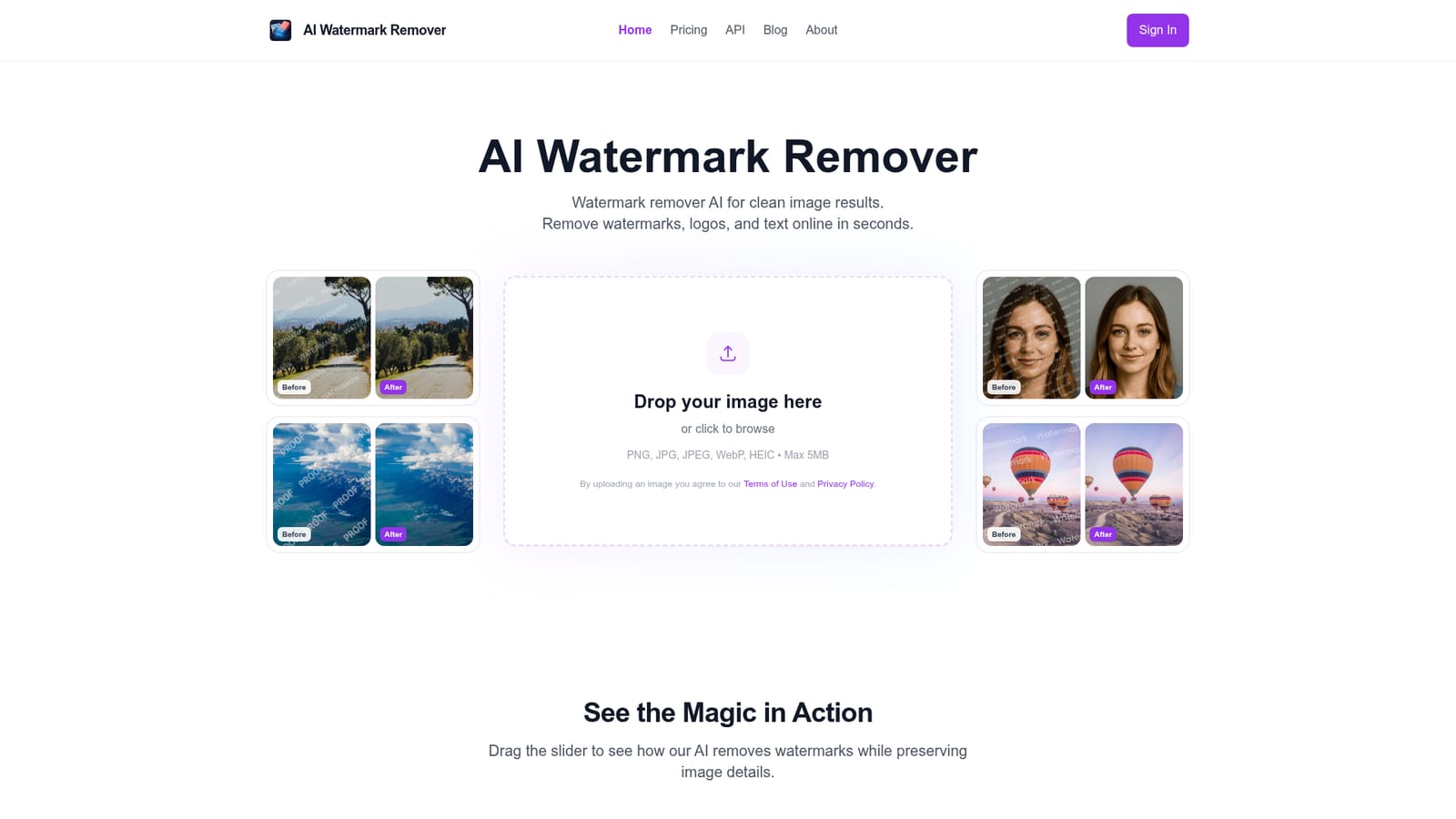
The free tier is one removal without an account or credit card, which lets users test quality on their own image before buying credits.
Learn moreThe first removal is free. After that, 100 credits cost $10 as a one-time payment with no subscription, and the site states credits never expire. Individual image cost depends on credits consumed per removal, which the homepage does not break down.
Learn moreSupport is handled through the site's contact page, which is also the fallback suggested in the FAQ for questions the page does not answer.
Learn moreAutomatic detection and removal of watermarks, logos, text, stamps and stickers using AI inpainting. Accepts PNG, JPG, JPEG, WebP and HEIC up to 5MB, returns results in roughly 5 to 30 seconds, preserves original resolution and colour, and offers a side by side before and after view. Anonymous images are deleted after processing, while account images are stored privately.
 AI Angels400+ customizable AI girlfriends for NSFW chat, voice calls, and roleplay
 Candy AIExperience the future of companionship with AI friends who chat, role-play, and connect with you on a human level.
 ourdream.aiA vast AI roleplay platform with millions of characters for chat, images, video and voiceAI Angels400+ customizable AI girlfriends for NSFW chat, voice calls, and roleplayCandy AIExperience the future of companionship with AI friends who chat, role-play, and connect with you on a human level.ourdream.aiA vast AI roleplay platform with millions of characters for chat, images, video and voice