What image upload and edit tools do
Image upload and edit tools start from a picture you already have. You upload it, then change it by typing an instruction, clicking a region or choosing a one-click tool. The AI returns a modified version without you masking layers or learning a full photo editor.
The typical reader is a seller fixing product photos, a marketer adapting a campaign image, a designer who needs a quick variation, or someone who wants a fast retouch without opening Photoshop. These tools replace manual selection, cloning and layer work for everyday edits, and they replace reshoots when the change is a background, a camera angle or a line of text. Every tool on this page runs in the browser as a web app, so nothing needs installing.
How to choose an image upload and edit tool
Start with the kind of edit you repeat most, because the tools split by job.
- Prompt-based editing: if you want to describe a change in plain language, look at tools built on named models such as Nano Banana or GPT Image 2.
- Text inside images: some tools exist only to change words in a finished image while matching font and background. Pick one of these if your edits are captions, labels or posters.
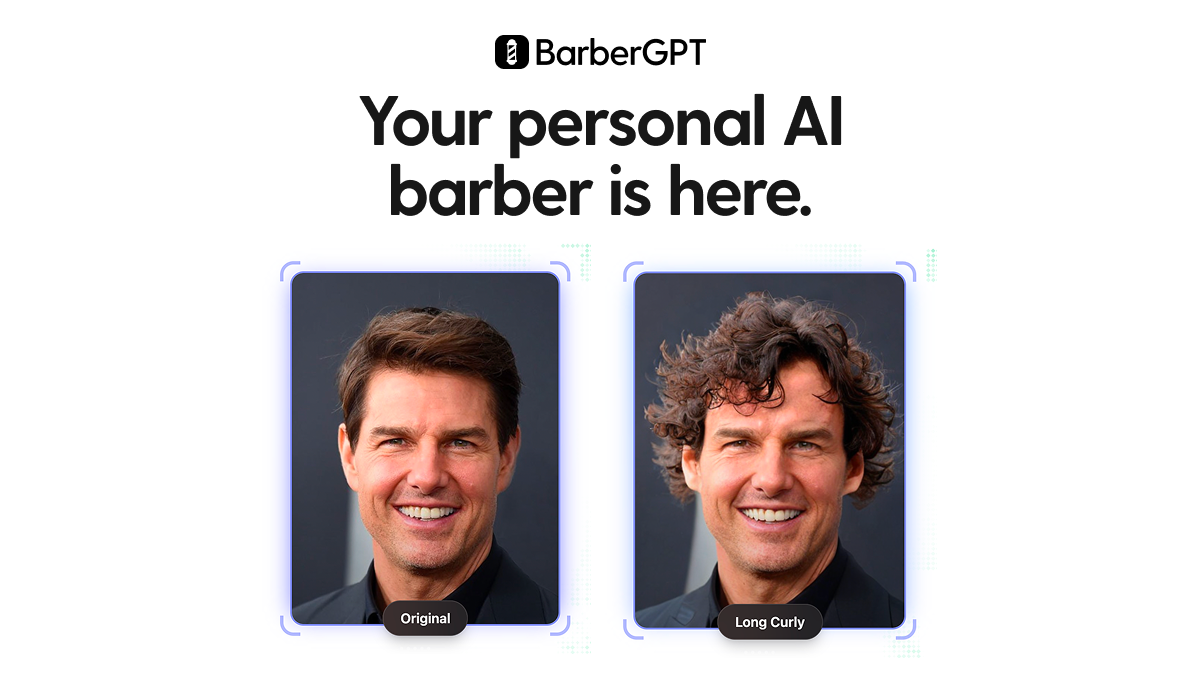
- Single-purpose edits: hairstyle previews, camera-angle changes and product photography each have dedicated tools that usually do that job more directly than a general editor.
- Multi-model studios: if you want to compare results from different models, choose a tool that offers several.
- Pricing: most tools are freemium, a few are paid only or credit-based. Check the free tier against the volume you actually need before committing.
- Fidelity: if the original must stay intact apart from the requested change, favor tools that say so explicitly.
Notable image upload and edit tools
Edit Text in Image Pro swaps words in flattened images while matching the font and background. PicText takes a different route: click the words in a finished image, type new text, and the AI rebuilds the rest.
Nano Banana Web by MagicCreator lets you describe an edit in plain language and leaves the rest to Nano Banana. AI Image to Image.io focuses on text-prompt photo editing that keeps your original image intact.
Laike.AI offers prompt-driven editing and restyling with multiple AI models. RewarxStudio turns one photo into AI product photography, models and mockups, which suits online sellers.
Common questions
Can I edit a photo without Photoshop?
Yes. The tools here take an uploaded photo and apply changes from a typed instruction or a one-click action. They suit backgrounds, retouching, style changes and text replacement, though precise pixel-level work still belongs in a traditional editor.
Are there free image editors that work from a prompt?
Several are free or freemium. AI Image Editor is described as a free browser editor built on Nano Banana, and AI Image Editor Free - Edit Photos with AI is powered by GPT Image 2 and Nano Banana. Free tiers are often limited, so check what each allows.
Can I change text that is already inside an image?
Yes, a few tools are built for this. ImageTextEditor, PicText and Edit Text in Image Pro all edit the words in an existing image without rebuilding the design from scratch.
When to look elsewhere
If the goal is a sharper or larger picture rather than a changed one, the Image Enhancer category fits better. If the edit is about replacing a person's face, Face Swap is the more specific page.