Free trial
A free 60-second start with no card required, enough to watch the first branded carousel build. No trial length or credit allowance beyond that is stated on the homepage.
Learn moreAn AI operator that does the work and texts you when it's done

aiOS is a subscription AI operator that learns your brand from a website or idea, then uses 1200+ agentic skills across Claude and GPT to produce carousels, posts, video, ads, and email, texting you when each piece is finished. Tiers from $20 to $100 per month bundle messages and integrations for solo founders and small teams.
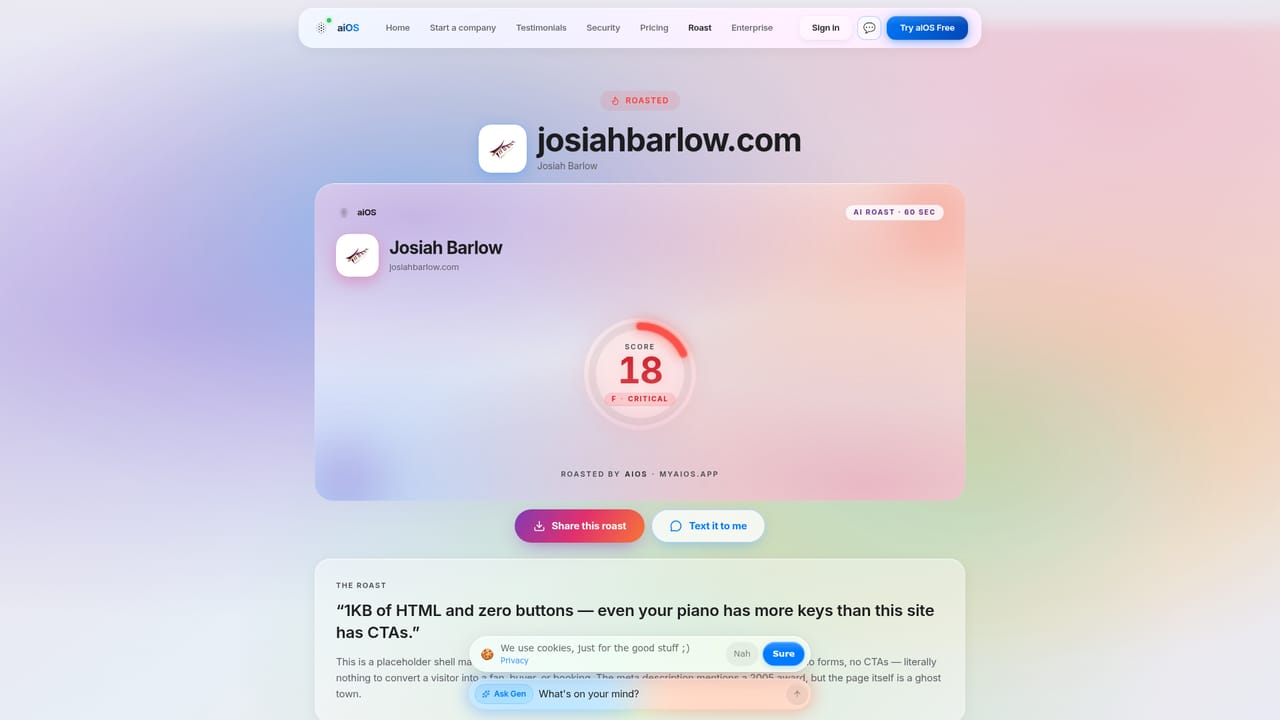
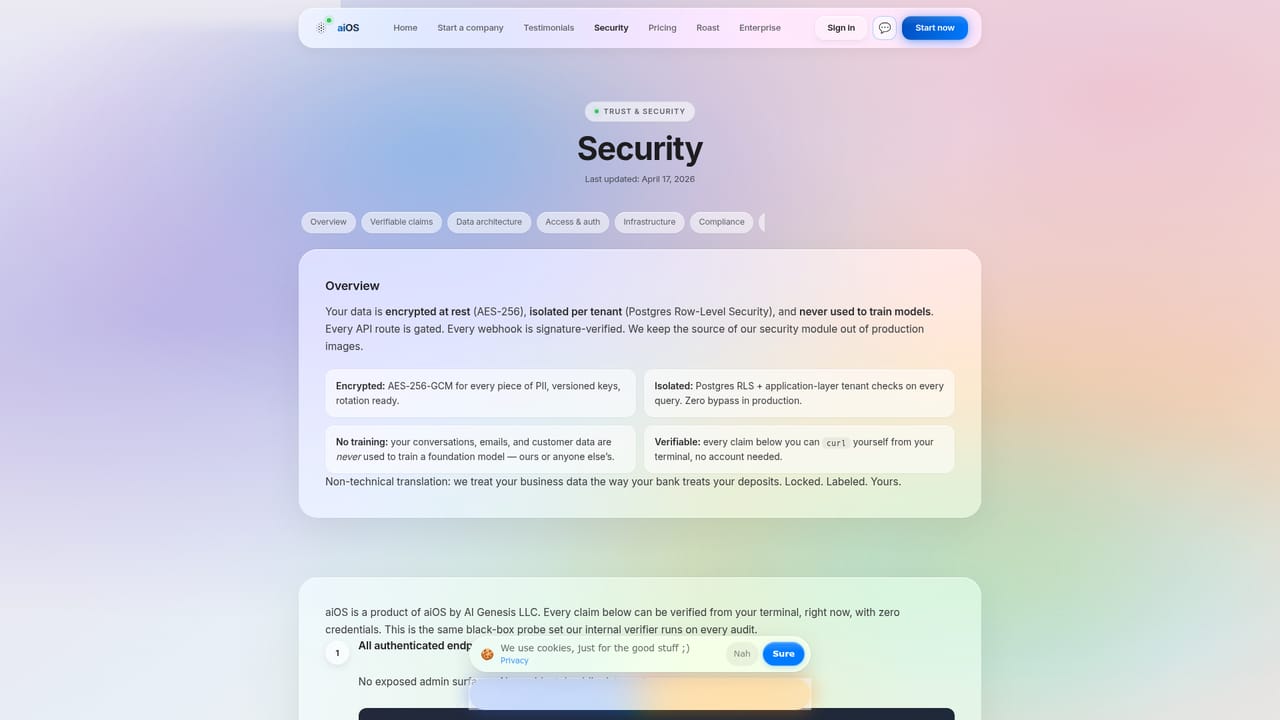
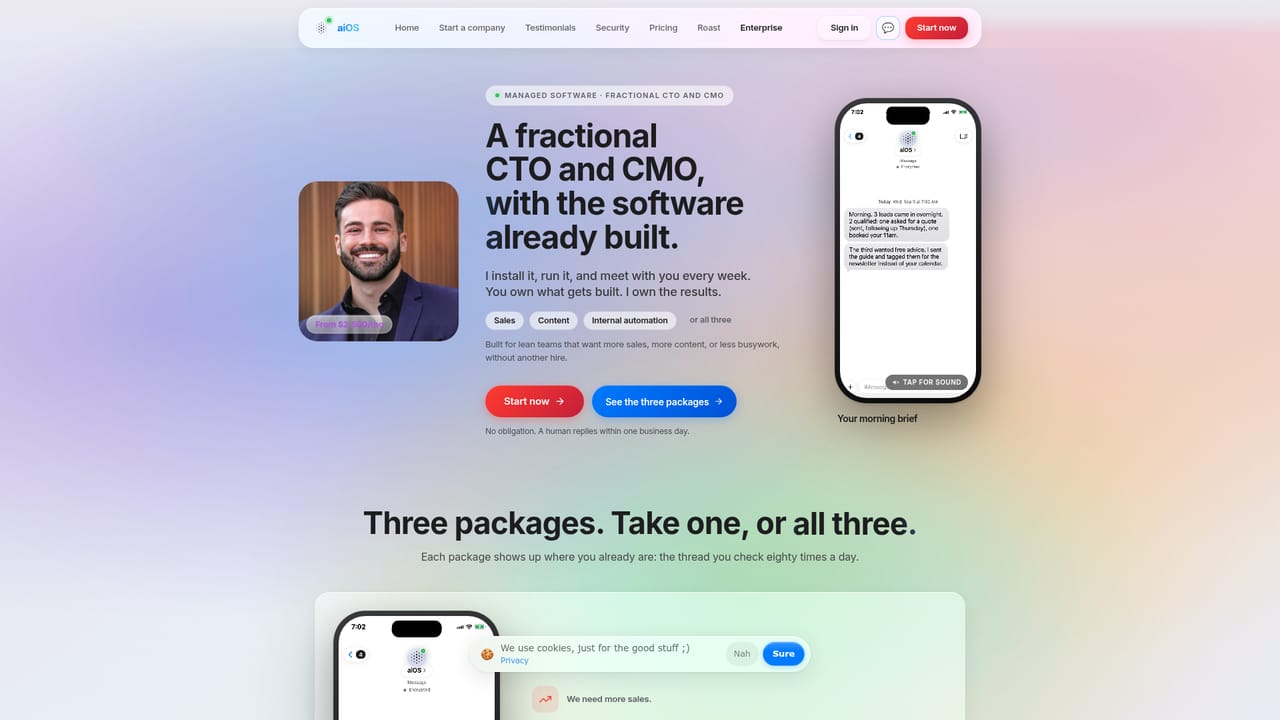
aiOS positions itself as an AI operating system for small business owners rather than another chat window. You point it at your website or describe an idea, and it maps the business, learns the brand voice, and assembles a set of specialist agents that share one memory. Those agents then produce finished assets (branded carousels, social posts, images, video, Meta ads, email, and in higher tiers live websites) instead of handing back prompts or rough drafts. Delivery happens where owners already spend time: iMessage, WhatsApp, Telegram, or the web dashboard. The engine underneath routes between Claude and GPT depending on the task, and the company claims more than 1200 agentic skills covering design, outreach, and analytics-style reporting. Image work runs on Gemini's Nano Banana 2, video on a Higgsfield-class model per the pricing page. Integrations listed include Gmail, Outlook, Instagram, Facebook, LinkedIn, Meta Ads, Shopify, HubSpot, Stripe, Slack, Notion, Linear, GitHub, Google Drive, Calendly, and Sentry, though which ones you can actually connect depends on your plan tier. The natural audience is a solo founder, coach, creator, or small ecommerce operator who is paying for several disconnected AI subscriptions and still assembling output by hand. Compared with a general assistant like ChatGPT or Claude, aiOS adds orchestration, brand memory, and multi-channel delivery. Compared with a marketing automation suite, it leans on conversational commands and finished creative rather than campaign builders. The free roast tool, which scores a site or Instagram profile, works as a low-friction entry point before any subscription. Pricing runs on message bundles: Basic at $20 per month with 750 messages, Plus at $49 per month with 1,500 messages and one business connection, and Pro at $100 per month with 3,500 messages plus video and web agents. Overage is metered pay-as-you-go. Security claims include SOC 2-aligned controls, AES-256 encryption, tenant isolation, and a commitment not to train models on customer conversations.
A free 60-second start with no card required, enough to watch the first branded carousel build. No trial length or credit allowance beyond that is stated on the homepage.
Learn moreThree self-serve tiers: Basic at $20 per month with 750 messages, Claude and GPT routing, images, voice notes, and memory; Plus at $49 per month with 1,500 messages, WhatsApp and Telegram, web search, and one business connection; Pro at $100 per month with 3,500 messages, video, web agents, live websites, and all integrations. Overage is pay-as-you-go on a meter.
Learn moreNo dedicated help centre or contact channel is published on the homepage. In-product conversation with the agent is the apparent primary route, and the security page documents data handling.
Learn moreThe homepage lists Gmail, Outlook, Instagram, Facebook, LinkedIn, Meta Ads, Shopify, HubSpot, Stripe, Slack, Notion, Linear, GitHub, Google Drive, Calendly, Sentry, WhatsApp, and Google Calendar. The tier that unlocks each connection is not fully documented.
Brand learning from a website or idea, a shared-memory team of specialist agents, 1200+ agentic skills, Claude and GPT routed per task, image generation via Gemini's Nano Banana 2, video on Pro, Meta ads, email, live website builds, a dashboard with next actions, and text delivery through iMessage, WhatsApp, Telegram, or web.
 AI Angels400+ customizable AI girlfriends for NSFW chat, voice calls, and roleplay
 Candy AIExperience the future of companionship with AI friends who chat, role-play, and connect with you on a human level.
 ourdream.aiA vast AI roleplay platform with millions of characters for chat, images, video and voiceAI Angels400+ customizable AI girlfriends for NSFW chat, voice calls, and roleplayCandy AIExperience the future of companionship with AI friends who chat, role-play, and connect with you on a human level.ourdream.aiA vast AI roleplay platform with millions of characters for chat, images, video and voice


