Free trial
The homepage invites users to start for free and states the tool can be used at no cost, without publishing trial length or card requirements.
Learn moreChat, summarize and extract insights from PDFs, books and videos
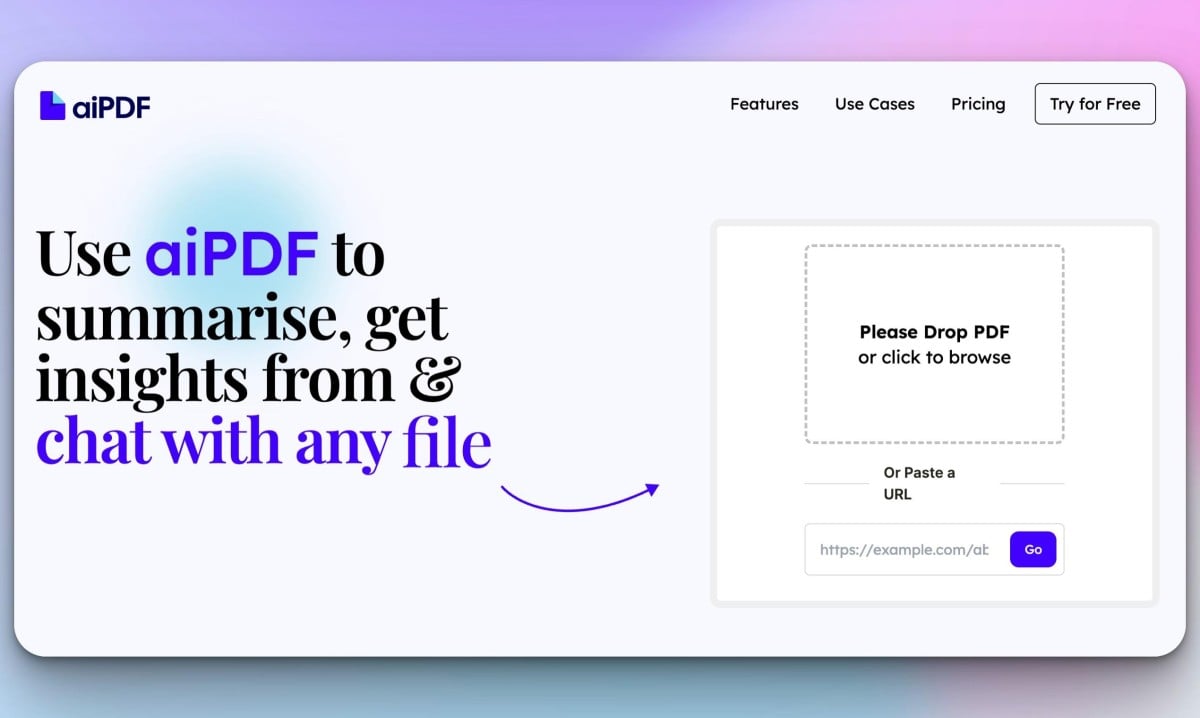
aiPDF is an AI summarizer tool that chats summarize and extract insights from PDFs, books and videos. aiPDF lets you upload PDFs, EPUB books, web articles, YouTube videos and podcasts, then summarize them, ask questions and get answers backed by references to the source text.
aiPDF is a document chat tool that works across more than one file type. You upload a PDF, an EPUB book or a web article, or you paste a URL, a YouTube link or a podcast, and the app turns that content into something you can question in plain language. The homepage frames the product as a multi-modal tool rather than a strict PDF reader, and the demo library reflects that: Moby Dick, a pricing strategy deck, a master thesis, a podcast episode and a flat earth document all sit side by side on the sample list. In practice the workflow starts with preprocessing. The system takes a short period to index a document, with the wait scaling to file size, and summaries begin generating from that index. Chat opens before the summary finishes, so you can start asking questions early. Answers are grounded in the uploaded source rather than general model knowledge, and each response carries references back to the relevant sections so claims can be checked. The app states that its Q&A quality is benchmarked against tests used by Google and Stanford, and that it replies in the language of your query. It suits students working through long reading lists, researchers comparing reports, analysts pulling figures out of financial documents and anyone who needs to interrogate a book or a transcript without reading cover to cover. Responses can be exported, which helps when insights need to land in a report or notes app. Files are stored on encrypted databases, never used in external model training, and can be deleted by hand at any time. The competitive picture is a crowded one. Single-purpose PDF chat tools are common, and aiPDF separates itself by accepting audio and video links alongside documents, by handling whole books with context intact rather than truncated excerpts, and by a charity pledge through One Percent for the Planet. Access is browser only, so there is nothing to install, and a free tier exists alongside paid plans that differ mainly in file size caps and how long documents are retained.
The homepage invites users to start for free and states the tool can be used at no cost, without publishing trial length or card requirements.
Learn moreA free tier is available and the homepage names three paid tiers (Playful, Dynamic and Flagship) that differ in upload size limits and document retention: one month, six months and indefinite storage respectively. Exact prices are not listed on the homepage.
Learn moreSupport runs through a contact page; the homepage does not describe response times or a help centre.
Learn moreSummaries and question answering over PDFs, EPUB books, web URLs, YouTube videos and podcasts, with referenced answers, multilingual support, export of responses and manual document deletion.
 AI Angels400+ customizable AI girlfriends for NSFW chat, voice calls, and roleplay
 Candy AIExperience the future of companionship with AI friends who chat, role-play, and connect with you on a human level.
 ourdream.aiA vast AI roleplay platform with millions of characters for chat, images, video and voiceAI Angels400+ customizable AI girlfriends for NSFW chat, voice calls, and roleplayCandy AIExperience the future of companionship with AI friends who chat, role-play, and connect with you on a human level.ourdream.aiA vast AI roleplay platform with millions of characters for chat, images, video and voice