Free trial
Free signup is promoted on the homepage, which states that new users can adopt AITable for free during the private beta. No time-limited trial terms are described.
Learn moreVisual database with AI that talks to your data and automates 6,000+ apps
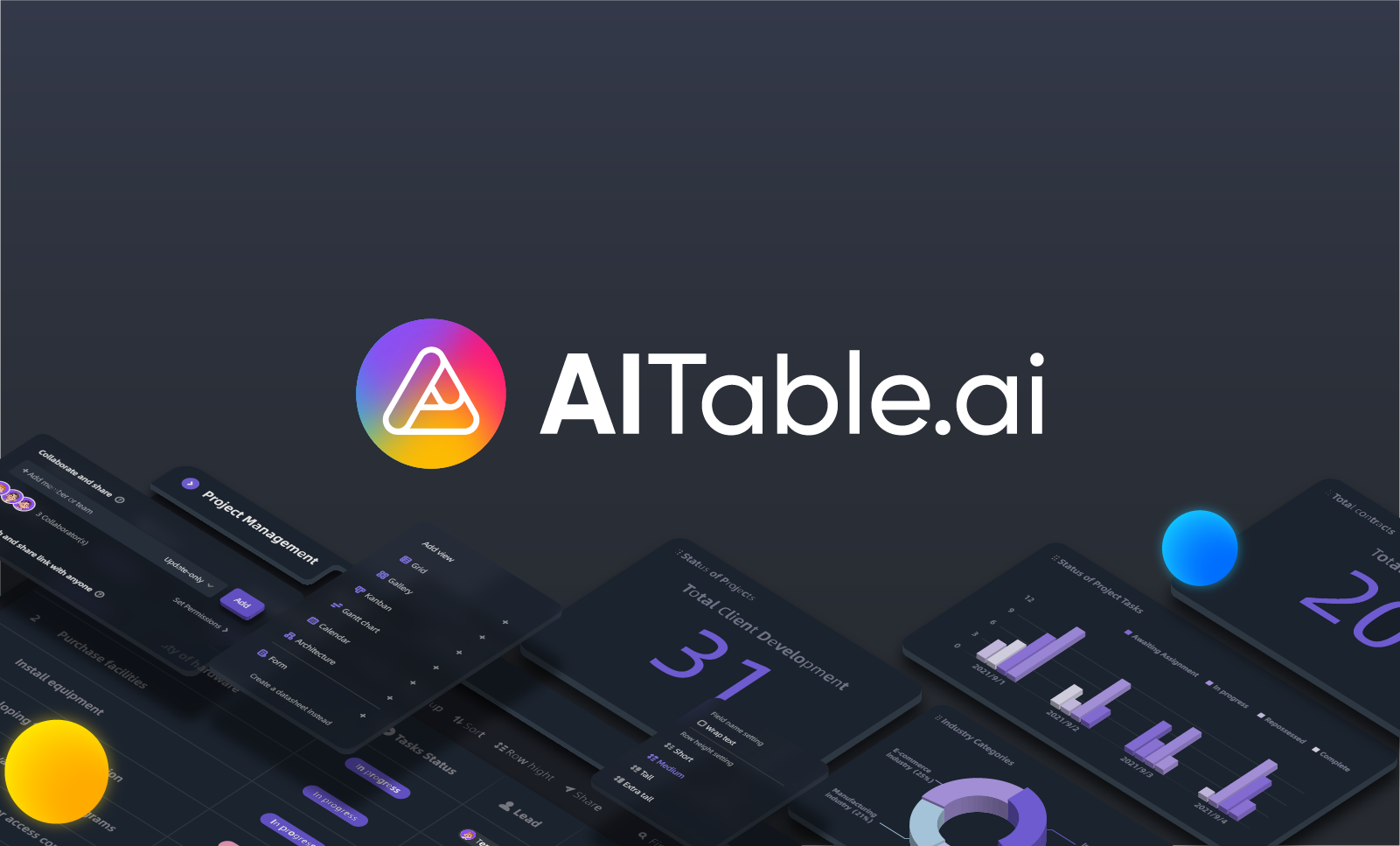
AItable is an AI project builder tool. AITable.ai combines a visual spreadsheet database with AI features: natural language queries over your data and knowledge base, AI-generated workflows and docs, a writing assistant, and a builder for custom ChatGPT support and sales agents.
AITable.ai is a no-code data platform that pairs a spreadsheet-database hybrid with AI features aimed at organizing records, building workflows and answering questions about the data it stores. The core product is a database with a familiar spreadsheet interface, extended with customizable forms, automation rules, workdoc pages and button fields. Around that base it layers a Business Intelligence Copilot that lets users query databases and knowledge bases in natural language and turn the results into charts, an AI writing assistant for emails, ads, pages and blogs, and a builder for custom ChatGPT-based support and sales agents trained on your own data. The audience is mostly operators rather than engineers: small teams running a CRM, project managers tracking sprints in lists, boards, tables, calendars or mind maps, marketers collecting leads through forms with pre-filled channel tracking, and solo founders who need one place for OKRs and client reporting. Setup follows the pattern of other visual databases. You create a base, define tables and field types, then attach forms or automations to it. When a form is submitted, for example, an automation can post a Slack message or send an email without writing code. Connections to outside systems run mainly through third-party automation platforms. Zapier, Make, Pabbly, Activepieces and albato act as bridges to a stated 6,000+ apps, so native connectors are not the main integration route. The AI workflow generation feature is best treated as a drafting aid: it can propose checklists, SOPs and low-code app structures from a task description, but the output still needs review. AITable positions itself explicitly as a cheaper alternative to Airtable, and reviewers on Product Hunt, G2, Capterra and AppSumo compare the two directly. The trade-off is maturity: users note that AI capabilities are still developing and that native integrations are thinner than the competition, which is why the automation-platform route matters so much. Teams that need deep native connectivity or proven AI accuracy should weigh that against the price advantage.
Free signup is promoted on the homepage, which states that new users can adopt AITable for free during the private beta. No time-limited trial terms are described.
Learn moreThe homepage advertises free access during a private beta and offers a Get Started button labeled as free, but it publishes no plan tiers, seat limits or paid pricing. Specific costs need to be confirmed with the vendor.
Learn moreConnections run through Zapier, Make, Pabbly, Activepieces and albato, which the homepage says reach 6,000+ apps. Automation examples include Slack messages and emails triggered by form submissions.
Visual database with a spreadsheet interface, customizable forms, automation, workdoc pages and button fields. Multiple views cover lists, boards, tables, calendars and mind maps. AI features include a Business Intelligence Copilot for querying databases and knowledge bases with charts, AI workflow and template generation, an AI writing assistant, and a custom ChatGPT builder for customer service and sales agents.
 AI Angels400+ customizable AI girlfriends for NSFW chat, voice calls, and roleplay
 Candy AIExperience the future of companionship with AI friends who chat, role-play, and connect with you on a human level.
 ourdream.aiA vast AI roleplay platform with millions of characters for chat, images, video and voiceAI Angels400+ customizable AI girlfriends for NSFW chat, voice calls, and roleplayCandy AIExperience the future of companionship with AI friends who chat, role-play, and connect with you on a human level.ourdream.aiA vast AI roleplay platform with millions of characters for chat, images, video and voice