AITextHumanize

Rewrite AI-generated drafts into text that reads human and slips past detectors

Beginner
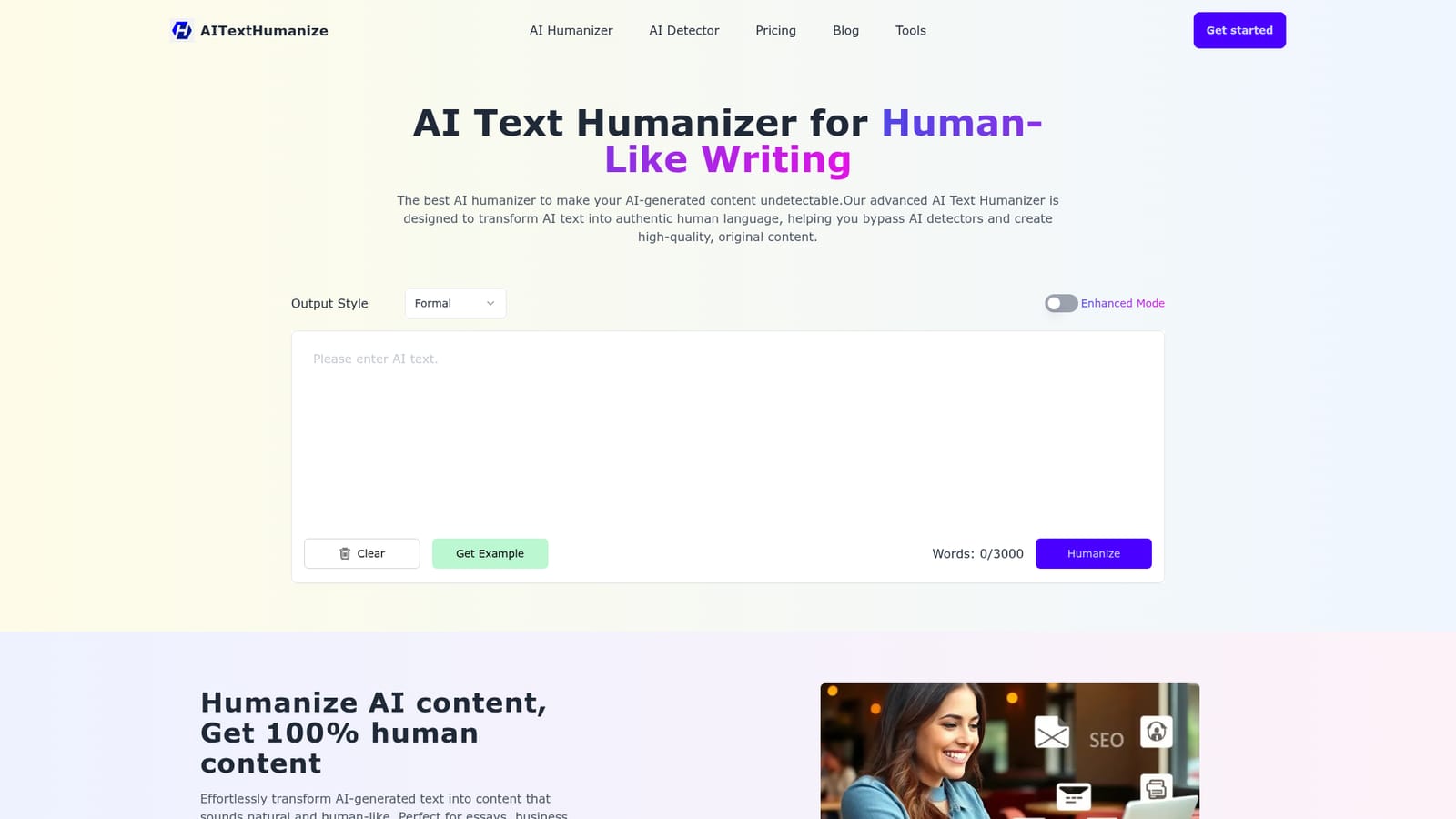
Screenshot of AITextHumanize, Rewrite AI-generated drafts into text that reads human and slips past detectors

What is AITextHumanize?

AITextHumanize is an AI detection remover tool that rewrites AI-generated drafts into text that reads human and slips past detectors. A web based AI text humanizer that rewrites ChatGPT or Claude output into more natural prose and claims to bypass detectors such as GPTZero, Turnitin and Originality AI.

AITextHumanize is a web tool built around a single job: taking text produced by ChatGPT, Claude or another generator and rewriting it so it reads like ordinary human prose. The homepage pitches this mainly as a detection workaround, claiming the output passes checks from GPTZero, ZeroGPT, Originality AI, Winston AI, Copyleaks and Turnitin, but it also frames the rewrite as a quality pass that improves readability and coherence. In practice you paste a draft, pick an output style, optionally enable Enhanced Mode, click Humanize, and the tool returns a rewritten version with an on-screen HumanScore readout. The workflow is deliberately shallow. There is no document library or project structure described, just a text box with a 3,000 word ceiling, a style selector (Formal is the example shown) and a one-click action. The tool advertises support for more than 50 languages, so non-English drafts can be run through the same pipeline. Output is copied out and taken wherever you need it, which makes the product a finishing step rather than a writing environment. The audience is fairly broad on paper: students working on essays, marketers producing copy at volume, non-native English speakers smoothing out phrasing, and video or content teams polishing scripts. Anyone already generating drafts in another tool and needing a quick pass before publishing fits the intended use. The subscription wording suggests the free experience is capped while paid tiers raise per-run and monthly word limits. Compared with general-purpose paraphrasers, AITextHumanize is narrower and more opinionated: it is optimizing specifically against detector classifiers rather than for style variety. That focus is the selling point and also the limitation, since the homepage FAQ concedes tone customization is not yet available and the current output leans neutral. Buyers should treat the detector bypass claims as marketing until they test against the specific checker their school or client uses.

How do you use AITextHumanize?

  1. 1Copy your AI-generated draft
    Produce the text in ChatGPT, Claude or any other generator, then copy the section you want rewritten. The tool accepts pasted text rather than file uploads, so keep each chunk under your plan's per-run word limit.
    AITextHumanize — Copy your AI-generated draft
  2. 2Paste it into the humanizer box
    Drop the text into the input area on the homepage. A live word counter tracks progress against the 3,000 word maximum shown on the page.
  3. 3Set output style and Enhanced Mode
    Pick an output style from the selector (Formal is the example on the page) and toggle Enhanced Mode if your plan includes it. Both settings shape how aggressively the text is rephrased.
  4. 4Run the humanize action
    Click Humanize and wait while the tool reprocesses the text. The result appears in the output panel alongside a HumanScore percentage for that rewrite.
  5. 5Check the result against your detector
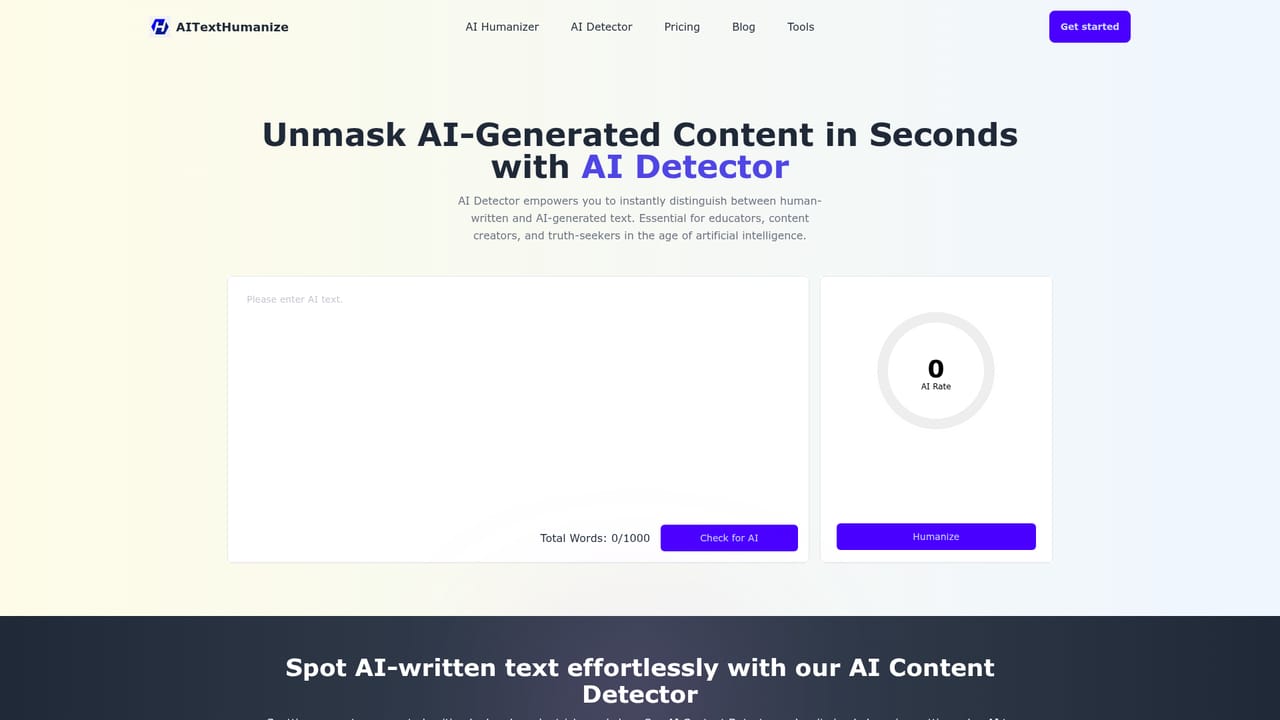
    Copy the humanized text and run it through the specific checker you care about, such as GPTZero or Turnitin. The site's own detector page can be used for a quick first pass.
    AITextHumanize — Check the result against your detector
  6. 6Copy the final text
    Use the copy control on the output panel to move the rewritten text into your document, CMS or email client.

Pros and cons

Pros

  • Single-screen workflow: paste, choose a style, humanize, copy. No setup or configuration required.AI
  • Per-run and monthly word allowances scale clearly across tiers, from 750 words per go on Basic to 3,000 on Ultra.AI
  • Advertises coverage of more than 50 languages, which is broader than many competing humanizers.AI
  • Names the specific detectors it targets, so buyers know exactly which checks to run when evaluating it.AI
  • Built-in HumanScore gives immediate feedback on each rewrite without a separate detector tab.AI

Cons

  • The homepage FAQ states the tool currently produces a neutral tone, so tone customization is promised only as a possible future update.AI
  • Detector bypass claims are self-reported; no third-party validation or methodology is published on the site.AI
  • No integrations or API are described, so output has to be copied manually into other tools.AI
  • The 3,000 word per-run ceiling on the top tier is restrictive for long documents, theses or book chapters.AI
  • Support is limited to basic or priority customer support with no documented help centre or knowledge base.AI

How much does AITextHumanize cost?

Pricing

Three subscription tiers billed monthly or annually (annual saves 17 percent): Basic at $9.99 monthly or $11.99 on the annual listing, 75K words per month and 750 words per run; Pro at $14.99 or $17.99, 300K words and 1,500 per run; Ultra at $29.99 or $35.99, 900K words and 3,000 per run. All tiers include detector bypass, Enhanced Mode and extra output styles.

Learn more

Support

The pricing table lists basic customer support on the Basic plan and priority customer support on Pro and Ultra. No help centre, documentation or contact channel is described on the homepage.

Features

Rewrites AI-generated text into more natural prose, with output style selection, an Enhanced Mode toggle, a 3,000 word input ceiling and a HumanScore percentage on each result. The site claims output passes GPTZero, ZeroGPT, Originality AI, Winston AI, Copyleaks and Turnitin. Support for over 50 languages is advertised, alongside contextual customization of tone and style and a stated emphasis on readability and coherence improvements.

Frequently asked questions about AITextHumanize

  • How much does AITextHumanize cost?
    Three subscription tiers billed monthly or annually (annual saves 17 percent): Basic at $9.99 monthly or $11.99 on the annual listing, 75K words per month and 750 words per run; Pro at $14.99 or $17.99, 300K words and 1,500 per run; Ultra at $29.99 or $35.99, 900K words and 3,000 per run. All tiers include detector bypass, Enhanced Mode and extra output styles.
  • How do you use AITextHumanize?
    The walkthrough on this page covers 6 steps: 1. Copy your AI-generated draft 2. Paste it into the humanizer box 3. Set output style and Enhanced Mode 4. Run the humanize action 5. Check the result against your detector 6. Copy the final text.
  • What platforms does AITextHumanize support?
    AITextHumanize is available on Web App.
  • What are the limitations of AITextHumanize?
    The homepage FAQ states the tool currently produces a neutral tone, so tone customization is promised only as a possible future update. Detector bypass claims are self-reported; no third-party validation or methodology is published on the site. No integrations or API are described, so output has to be copied manually into other tools.

Status

StatusActive
Views0
Outbound clicks0
Added10/21/2026

Platforms

Web App

Pricing

FreePaidSubscription