Free trial
The homepage states that creation can start for free, with a direct Start Creating For Free link into the image generator. No trial length, credit allowance or paid tier limits are published on the page.
Learn moreMulti-model AI studio for images, video and game art

Aitubo is a web platform that gathers many image and video generation models in one place, plus editing, upscaling, face swap and avatar tools. It suits game artists, illustrators and social creators who want fast concept art and short clips without managing several subscriptions.
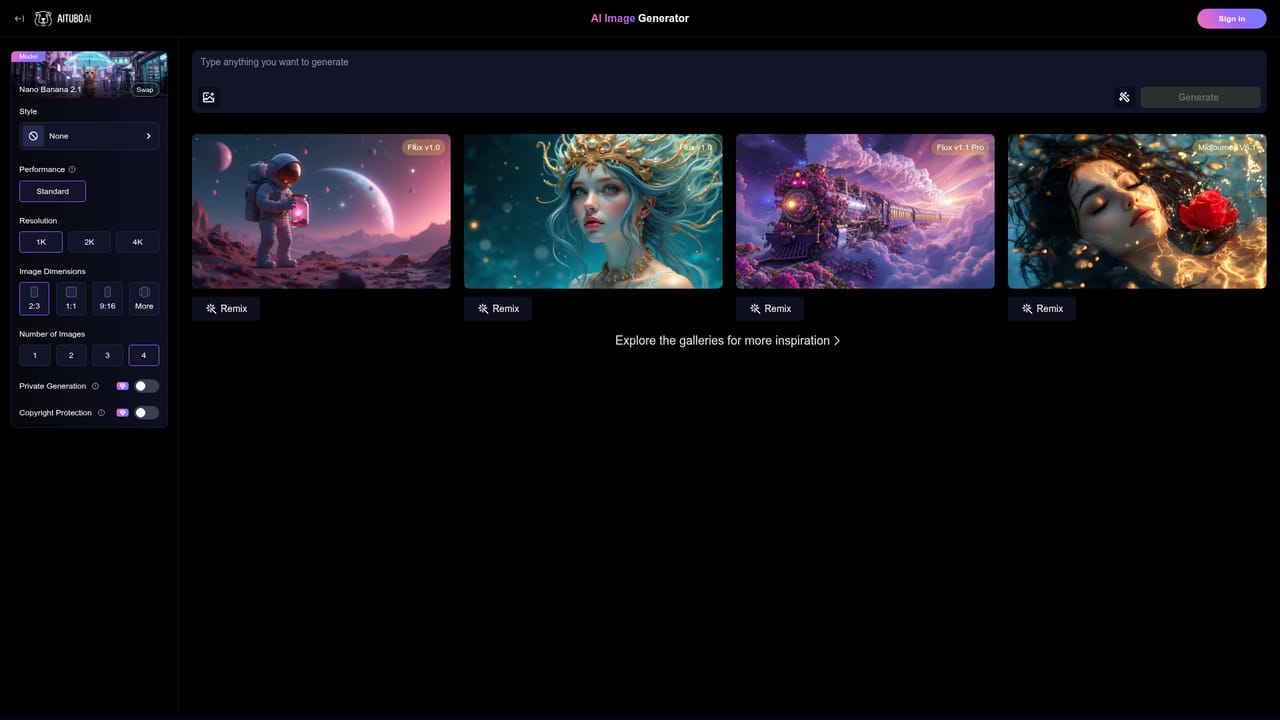
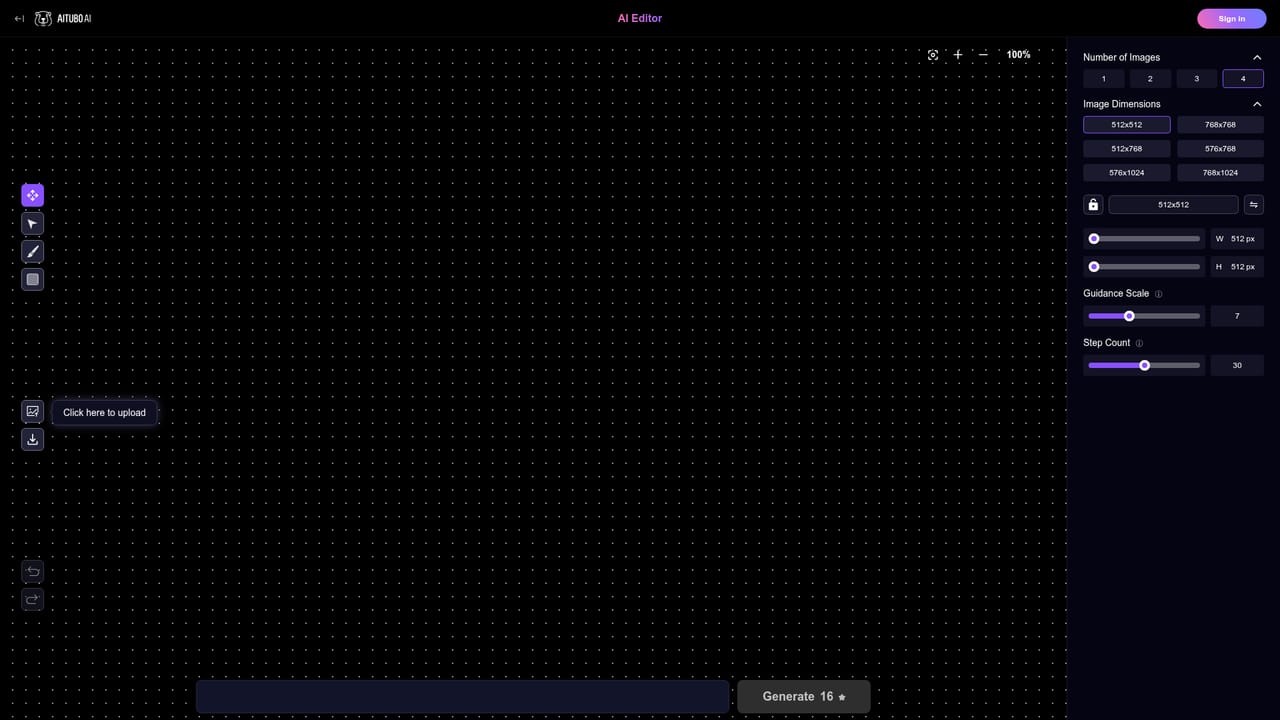
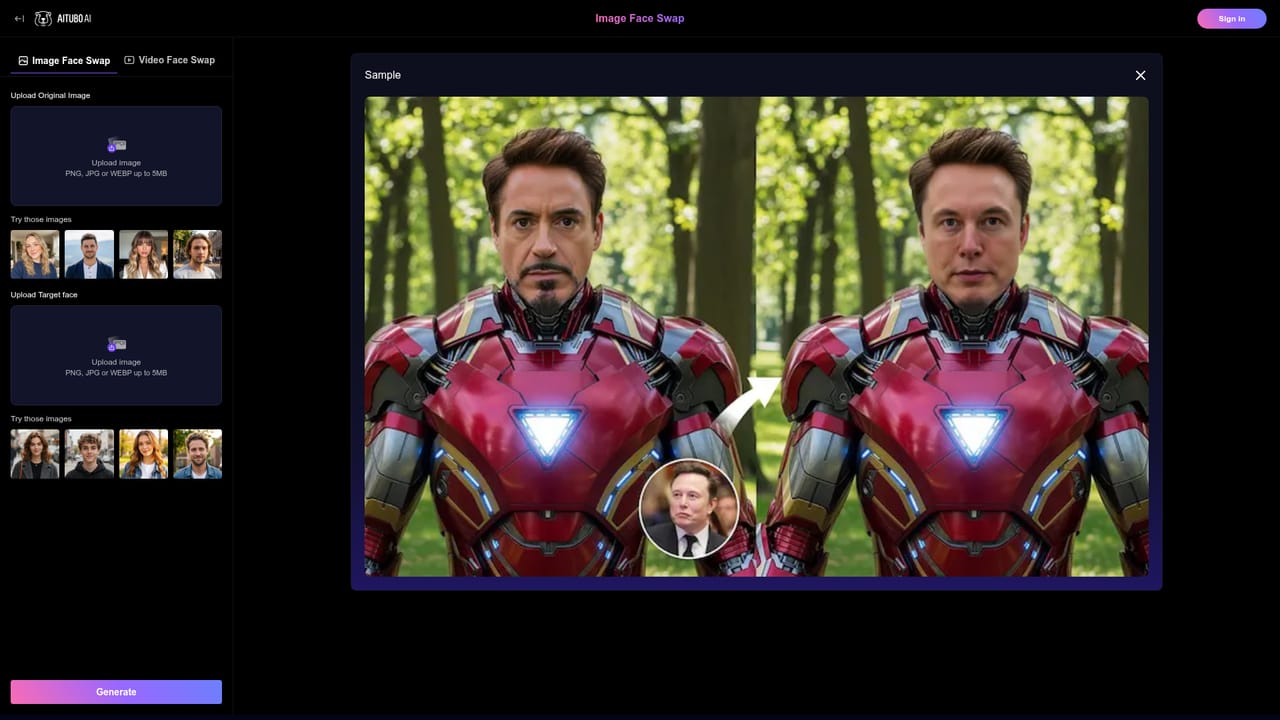
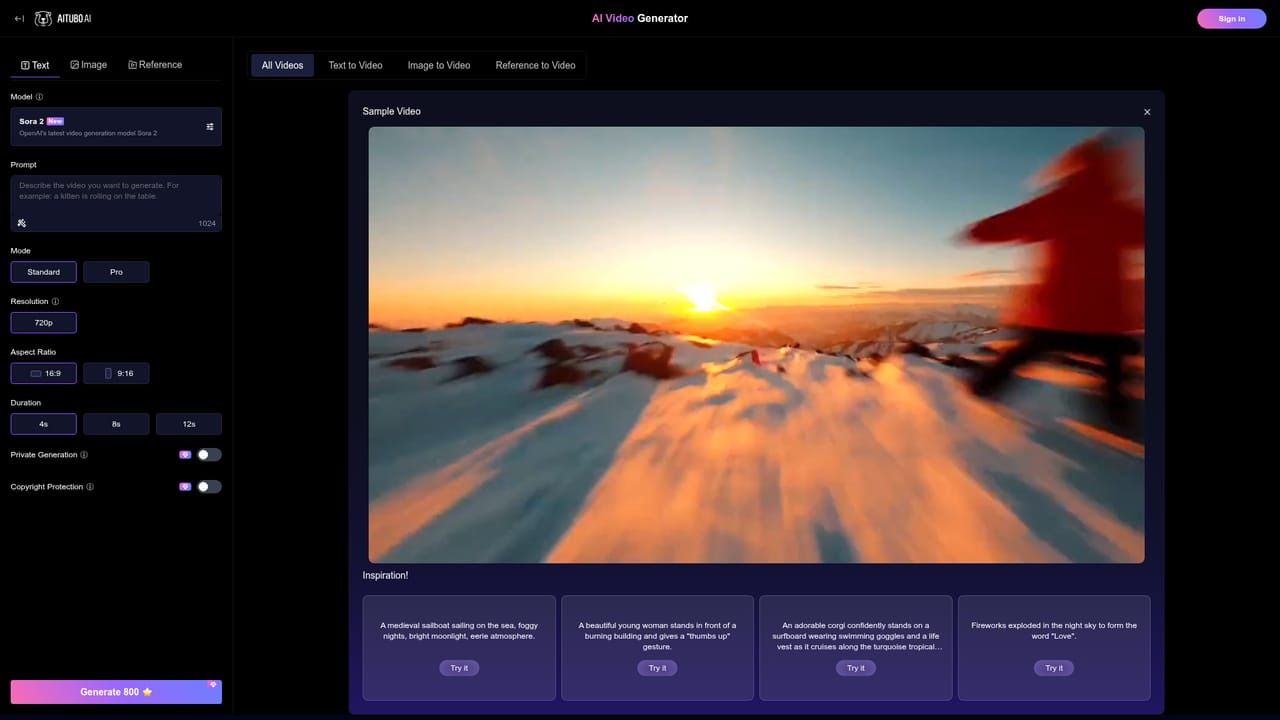
Aitubo is a browser-based creation platform that bundles a large set of third-party image and video models behind one interface. The homepage lists Seedream 5.0, Nano Banana 2, GPT Image 1.5, Flux Kontext, Imagen 4, Qwen Image and Ideogram Character as available image engines, alongside dedicated text-to-image and text-to-video apps. Instead of subscribing to each model provider separately, a creator picks a model from a menu and generates inside Aitubo's own workspace, which keeps prompts, results and edits in one place. For game and asset work, the practical flow is to write a prompt describing the object, character or scene, generate several variations, then refine the chosen frame with the AI image editor, background remover or upscaler. Character-focused work benefits from Ideogram Character and the face swap tools, while environment art tends to suit the more photographic models. Video output extends to image-to-video, talking avatars, dance generation and a catalogue of preset video effects (Ladudu, zombie, liquid metal, Squid Game and others) that are aimed at short-form social content rather than production pipelines. The audience is broad: indie game makers needing quick concept frames, illustrators exploring style, social media creators producing clips, and small studios that want many models without many accounts. Aitubo reports more than 2,000,000 users and over 300,000,000 works created, and its logo wall cites Samsung, Sony, Meta, Nike, Amazon, Be and Canva as trusted users. Against single-model tools, the appeal is breadth and the ability to compare engines on the same prompt; against professional suites, it is a lighter, faster option with less granular control and no stated integration layer. One caveat worth weighing: the model names change quickly and several listed engines are fast or lite variants, so output quality across the roster is uneven. The homepage also does not publish per-plan pricing, export formats, licensing terms or commercial usage rights, all of which matter if assets ship inside a commercial game.
The homepage states that creation can start for free, with a direct Start Creating For Free link into the image generator. No trial length, credit allowance or paid tier limits are published on the page.
Learn moreText-to-image across models including Seedream 5.0, Nano Banana 2, GPT Image 1.5, Flux Kontext, Imagen 4, Qwen Image and Ideogram Character. Text-to-video and image-to-video, an image editor, background remover, upscaler, headshot generator, image and video face swap, talking avatar, dance generator, music generator, a canvas workspace and a library of preset video effects.
Learn more AI Angels400+ customizable AI girlfriends for NSFW chat, voice calls, and roleplay
 Candy AIExperience the future of companionship with AI friends who chat, role-play, and connect with you on a human level.
 ourdream.aiA vast AI roleplay platform with millions of characters for chat, images, video and voiceAI Angels400+ customizable AI girlfriends for NSFW chat, voice calls, and roleplayCandy AIExperience the future of companionship with AI friends who chat, role-play, and connect with you on a human level.ourdream.aiA vast AI roleplay platform with millions of characters for chat, images, video and voice