Free trial
New accounts get 25 free credits with no credit card required, which is enough to try the Photo Enhancer and a few other tools before any payment decision.
Learn moreAI photo upscaling inside a broader image and video toolkit

Pixalto is an AI image upscaler tool. Pixalto bundles an AI photo enhancer and upscaler with video generation, face swap, background removal, object erasing and style transfer in a single browser dashboard, aimed at creators who want several AI image and video fixes from one account and a shared credit balance.
Pixalto is a browser based creative suite built around generative media, and upscaling sits inside it as the Photo Enhancer tool. Users who arrive for image upscaling land in a wider dashboard that also covers AI video generation, animation from still images, face swap, face talk, cartoon conversion, style transfer, background removal, blur handling, object erasing and UGC video cloning. The upscaler is therefore best understood as one utility in a shared workspace rather than a standalone product. The practical workflow is upload and process. A creator brings in a photo that is soft, small or otherwise below the resolution they need, hands it to the Photo Enhancer, and receives a cleaner, larger version. The same account and credit balance then covers the adjacent edits people usually want right after an upscale: cutting a subject out with the Background Remover, blurring or unblurring a backdrop, erasing stray objects, or extending a composition with the AI Expander. For social posts, product shots, thumbnails or print adjacent work, that sequence is short and mostly self explanatory. Pixalto is aimed at general creators rather than specialists: social media managers, small ecommerce sellers, hobbyist designers, and video first marketers who also need still image fixes. The broader suite makes it a reasonable one stop choice for teams that would otherwise subscribe to several single purpose tools, and the free starting credits lower the cost of testing. Compared with dedicated upscalers, which tend to publish precise resolution ceilings and batch options, Pixalto is broader but less transparent on the technical specifics of the upscale itself. The site does not publish plan tiers, upload limits or file format details on the homepage, so budget and capacity decisions need a look at the dashboard. Anyone whose main requirement is high volume, predictable upscaling should compare against specialist enhancers before committing. Anyone who wants decent results across many creative tasks from one login will find the bundle convenient.



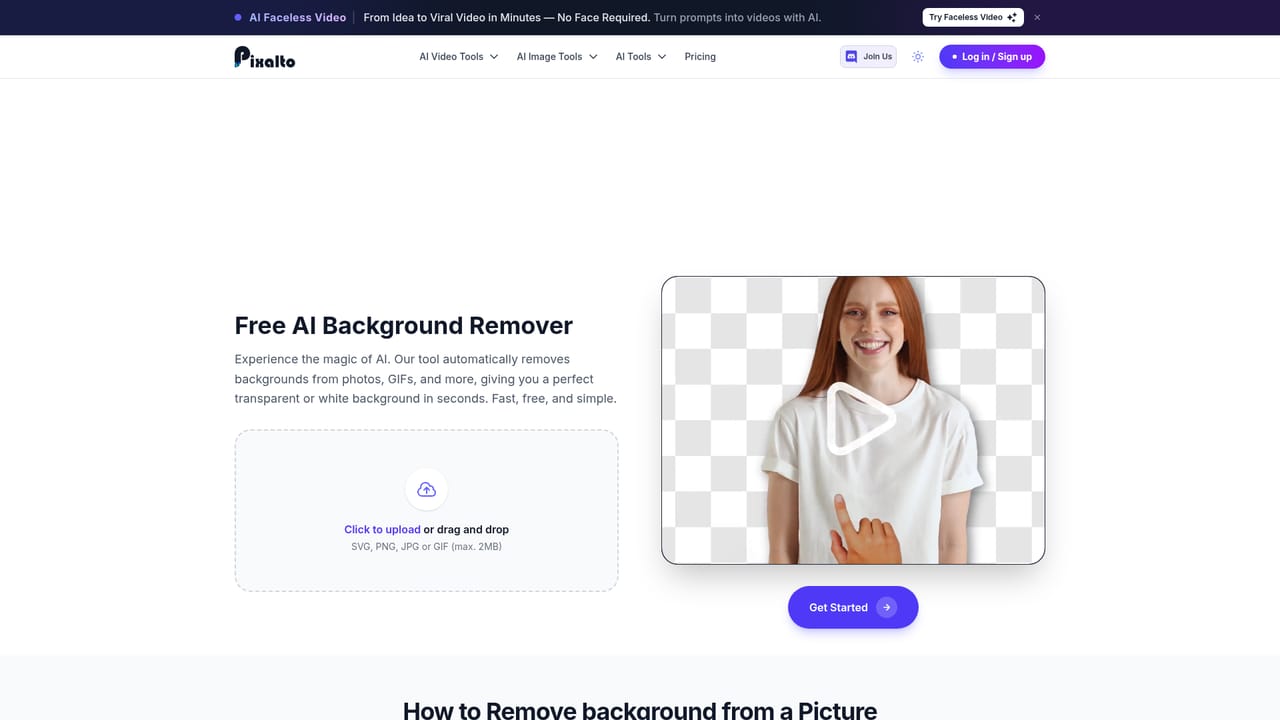
New accounts get 25 free credits with no credit card required, which is enough to try the Photo Enhancer and a few other tools before any payment decision.
Learn moreThe suite covers AI text to video, animation from static images, face swap, face talk, cartoon conversion, image style transfer and UGC video cloning, alongside still image utilities: a Photo Enhancer for upscaling, background removal, background blur and unblur, object erasing and an AI image expander. All tools run from one dashboard.
Learn more AI Angels400+ customizable AI girlfriends for NSFW chat, voice calls, and roleplay
 Candy AIExperience the future of companionship with AI friends who chat, role-play, and connect with you on a human level.
 ourdream.aiA vast AI roleplay platform with millions of characters for chat, images, video and voiceAI Angels400+ customizable AI girlfriends for NSFW chat, voice calls, and roleplayCandy AIExperience the future of companionship with AI friends who chat, role-play, and connect with you on a human level.ourdream.aiA vast AI roleplay platform with millions of characters for chat, images, video and voice


