Ipic.ai

A web based image studio for prompts, face swaps and quick background cleanups

Beginner
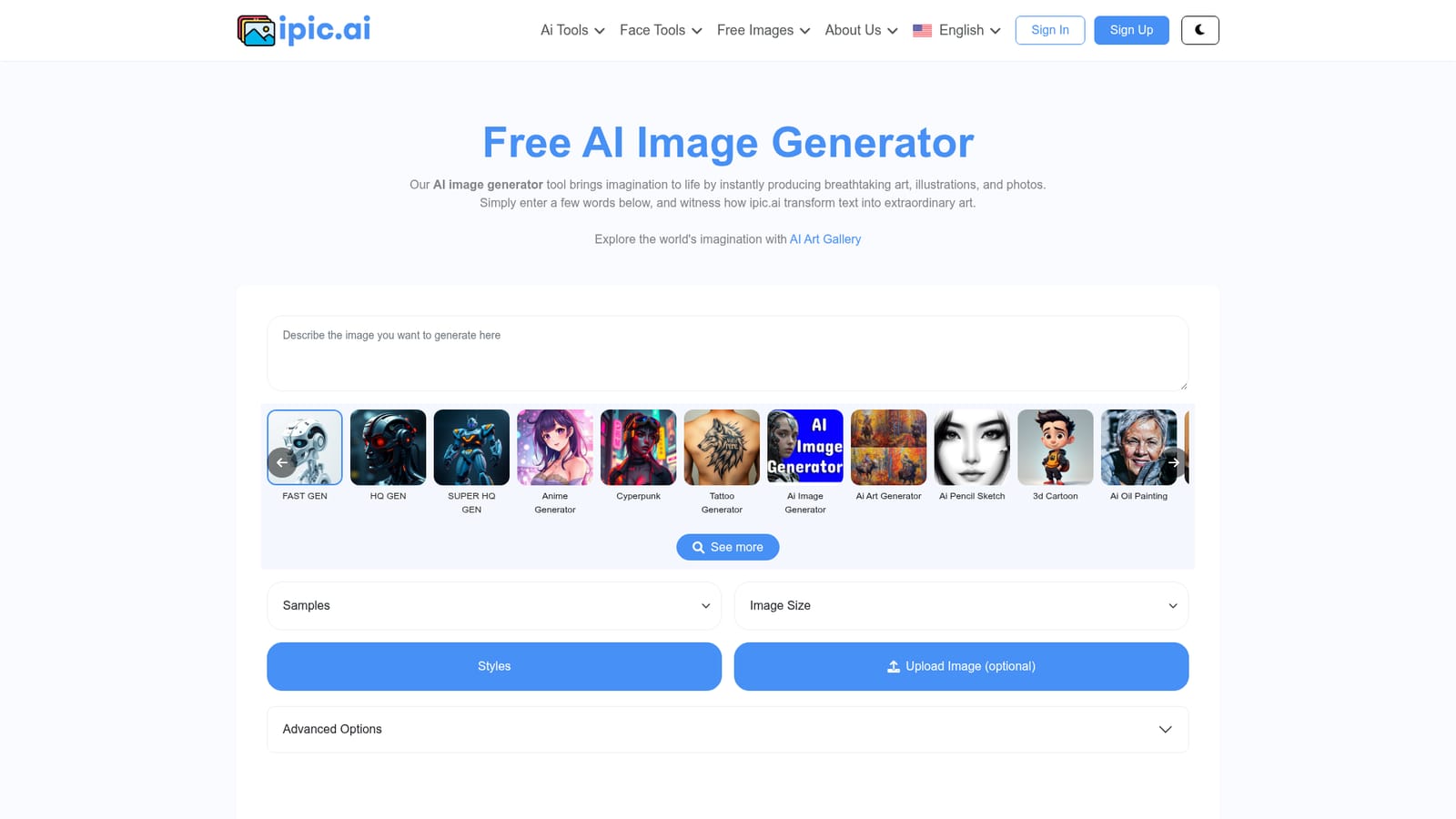
Screenshot of Ipic.ai, A web based image studio for prompts, face swaps and quick background cleanups

What is Ipic.ai?

Ipic.ai is an anime generator tool. iPic.ai bundles a text to image generator with practical photo tools: avatar and headshot creation, anime restyling, tattoo concepts, background removal, outpainting and face swapping. It runs in the browser, needs no local setup, and includes a browsable gallery of free images.

iPic.ai is a browser based image generation and photo manipulation suite. The core product turns a text prompt into a picture, and the surrounding tools cover the jobs that usually follow a first draft: removing a backdrop, extending a frame, generating an avatar or headshot, restyling a photo as anime, sketching tattoo ideas, or swapping a face. Everything sits under one account, so a single session can move from a raw prompt to a cleaned up, repurposed image without exporting to separate services. The audience is broad rather than specialist. Marketers and small business owners use it for banners and social visuals; hobbyists use it for avatars, memes and wallpapers; writers and teachers use it for illustrations. Because the interface is prompt driven and the tools are packaged as named features (Avatar Generator, Anime Generator, BG Remover, Outpainting, Headshot Generator, Tattoo Generator, Face Swapper, Meme Face), the learning curve stays low. No local GPU, model download or node graph is involved, which distinguishes it from the Stable Diffusion and ComfyUI workflows discussed on the site blog. In practice the workflow is a loop: describe the image in text, review the output, then refine with a specialised tool. A portrait can be turned into a headshot, a product shot can be re-framed with outpainting, and a photo can be restyled before being shared. The gallery of free images browsable by topic (abstract, anime, landscape, Halloween, tattoo and dozens more) doubles as a prompt reference and a source of ready made visuals. Against alternatives, iPic.ai is positioned on convenience and price rather than on fine grained control. Users who want deep parameter access, custom checkpoints or reproducible pipelines will find more room in open source stacks. Users who want a working image out of a browser tab, with adjacent cleanup and face tools attached, get a shorter path. Rights are worth reading closely: the terms of use allow commercial use of generated images, but the platform retains ownership and does not transfer it to the user.

How do you use Ipic.ai?

  1. 1Create an account
    Register with the sign up form to get an account, since the generation tools and saved history sit behind login.
  2. 2Generate a first image
    Open the AI Image Generator, enter a descriptive prompt, and produce a draft to see how the model interprets the wording.
    Ipic.ai — Generate a first image
  3. 3Browse the gallery for reference
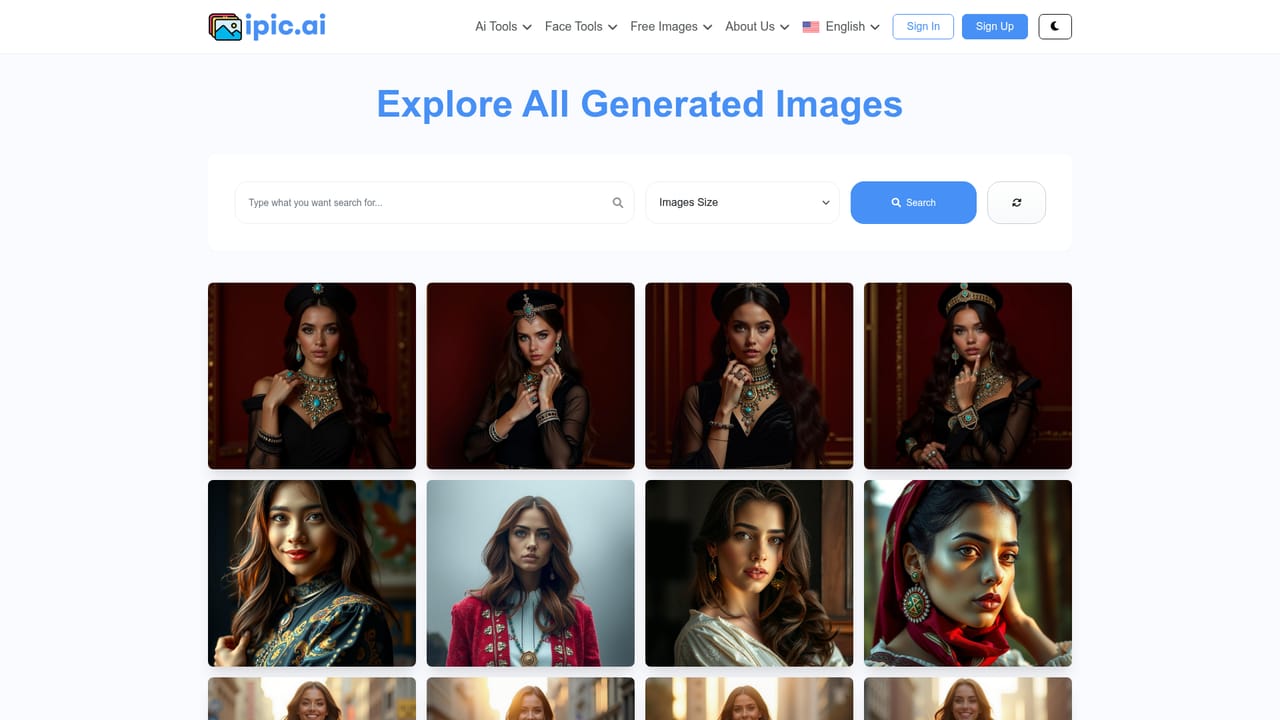
    Look through the art gallery and its topic pages to find styles and subjects worth reusing in your own prompts.
    Ipic.ai — Browse the gallery for reference
  4. 4Clean up with the background remover
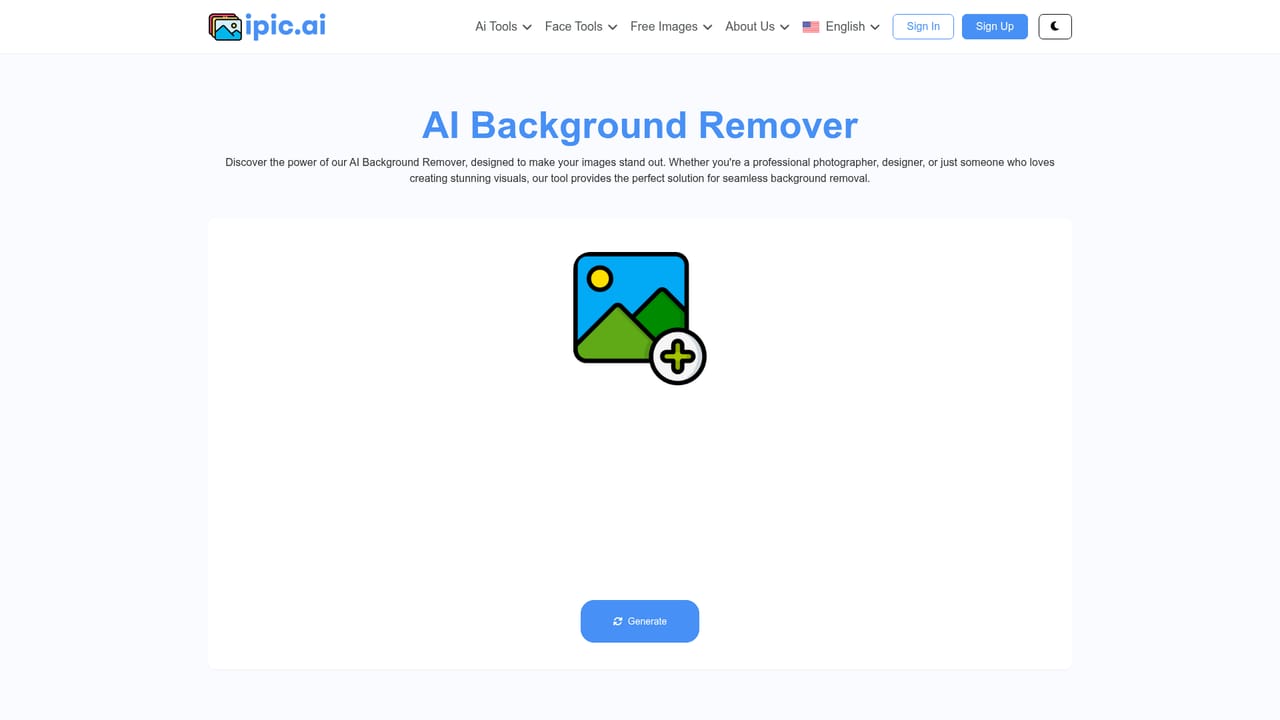
    Send a generated or uploaded picture to the background remover to isolate the subject for product shots, thumbnails or avatars.
    Ipic.ai — Clean up with the background remover
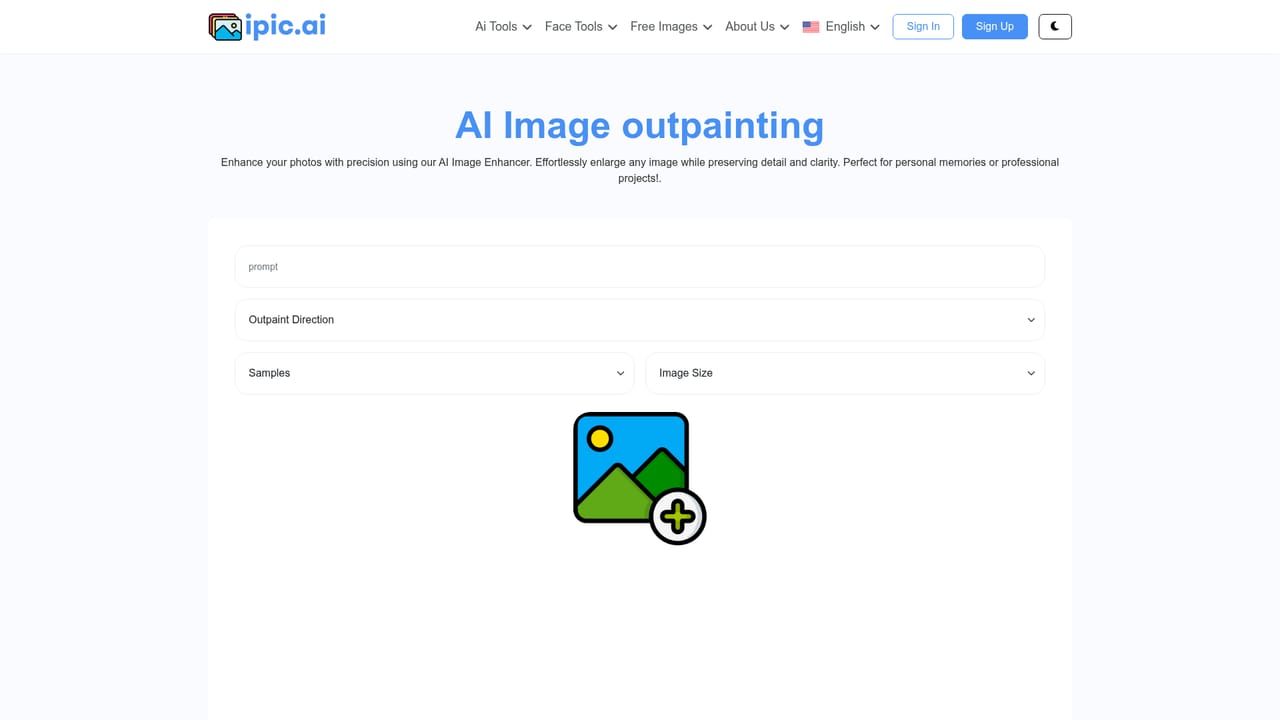
  5. 5Reframe with outpainting
    Use outpainting to extend the canvas beyond the original borders, useful when a composition needs to fit a wider banner or square post.
    Ipic.ai — Reframe with outpainting
  6. 6Review the terms before publishing
    Read the terms of use so you understand what you may do with the images and what ownership you do not receive.

Pros and cons

Pros

  • Several distinct tools (avatar, headshot, anime, tattoo, background removal, outpainting, face swap) under a single loginAI
  • No install or GPU required, so it works from any modern browserAI
  • Topic galleries of free images double as prompt inspiration for new usersAI
  • Prompt based interface keeps the barrier low for people without design trainingAI
  • Allows commercial use of generated images under the stated terms of useAI

Cons

  • Generated images stay the intellectual property of the platform, so users cannot claim ownershipAI
  • Homepage gives no details on model versions, resolution limits or output controlAI
  • No local or offline mode, and no batch workflow described for high volume workAI
  • Content policy is not spelled out on the homepage, leaving boundaries unclearAI
  • Heavy competition from other browser based generators with more transparent feature specsAI

How much does Ipic.ai cost?

Features

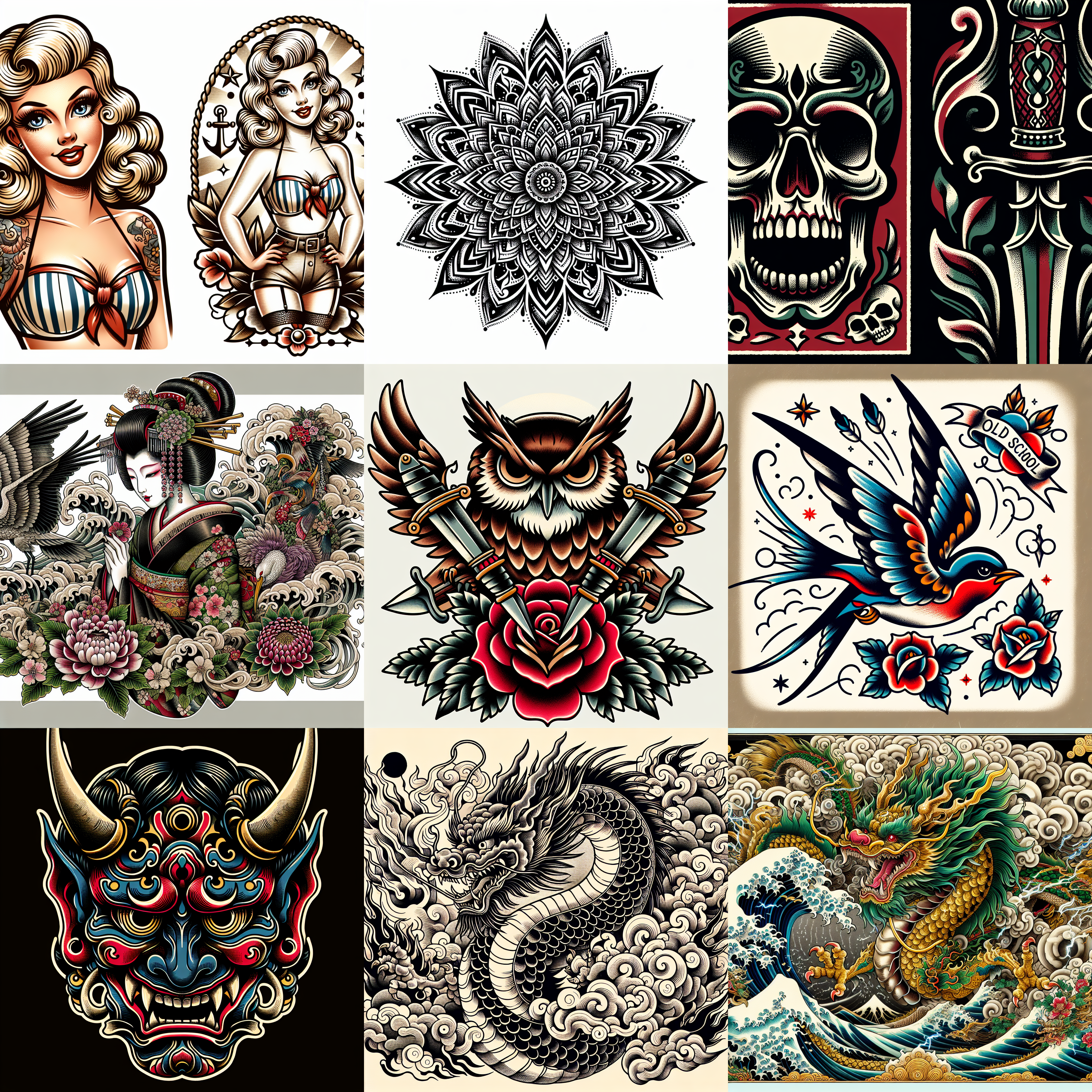
A prompt based image generator with adjacent editing tools: an avatar generator, an anime restyler, a headshot generator, a tattoo concept generator, background removal, outpainting, and two face tools (Face Swapper and Meme Face). A browsable free image gallery is organised by topic, from abstract and art to landscape, tattoo and festive themes.

Frequently asked questions about Ipic.ai

  • How do you use Ipic.ai?
    The walkthrough on this page covers 6 steps: 1. Create an account 2. Generate a first image 3. Browse the gallery for reference 4. Clean up with the background remover 5. Reframe with outpainting 6. Review the terms before publishing.
  • What platforms does Ipic.ai support?
    Ipic.ai is available on Web App.
  • What are the limitations of Ipic.ai?
    Generated images stay the intellectual property of the platform, so users cannot claim ownership. Homepage gives no details on model versions, resolution limits or output control. No local or offline mode, and no batch workflow described for high volume work.