Free trial
Free to start with no credit card required, per the homepage sign-up flow. A separate paid Pro plan exists, but the page does not state a distinct trial length for it.
Learn moreTurn a fixed K-12 curriculum into lessons that fit your real classroom.

Almanack is a courses tool that turns a fixed K-12 curriculum into lessons that fit your real classroom. Almanack adapts, differentiates and replans K-12 curriculum lessons so they fit a teacher's actual students and calendar. It generates leveled versions, IEP and ELL variants, and standards-aligned assessments, with exports to common classroom tools and school SSO.
Almanack is a curriculum implementation tool for K-12 teachers. It does not replace the curriculum a district hands over; it closes the gap between what that document asks for and what a specific group of students can actually do with it. The product centres on three moves: adapt, differentiate and replan. A teacher takes an existing lesson and adjusts its reading level, swaps in a more relevant topic, enriches the content or changes the pacing, while keeping the unit structure and standards intact. Differentiation is the strongest pitch. One lesson can be turned into several versions (below grade, above grade, English language learner and IEP-accommodated) that all point back to the same standards. Almanack also builds standards-aligned assessments that map to letter grades and produce gradebook-ready output. Replanning handles the familiar mismatch between a unit length and the calendar: if six lessons have to fit into five days, the tool lays out the trade-offs so the cut is a deliberate choice rather than a last-minute scramble. The audience is practising classroom teachers, curriculum coordinators and district teams. Outputs arrive as the file types teachers already circulate (Docs, Slides, Word, PowerPoint, PDF), and generated activities can be pushed toward quiz and game platforms. Schools get a separate setup where staff sign in through the identity provider the district already uses, including Google, Microsoft, Clever and ClassLink. Almanack states that no student data is required and that it does not replace the LMS; a curriculum coverage dashboard is aimed at directors who want to see how a course is being delivered across classrooms. Against general-purpose chatbots, the difference is scaffolding: unit structure, standards alignment and export formats are built in rather than prompted. Against full lesson-marketplace subscriptions, it is lighter and works from the district's own material. Adoption numbers cited on the homepage give a sense of scale, though the time-saved figure is a vendor claim rather than an audited result.
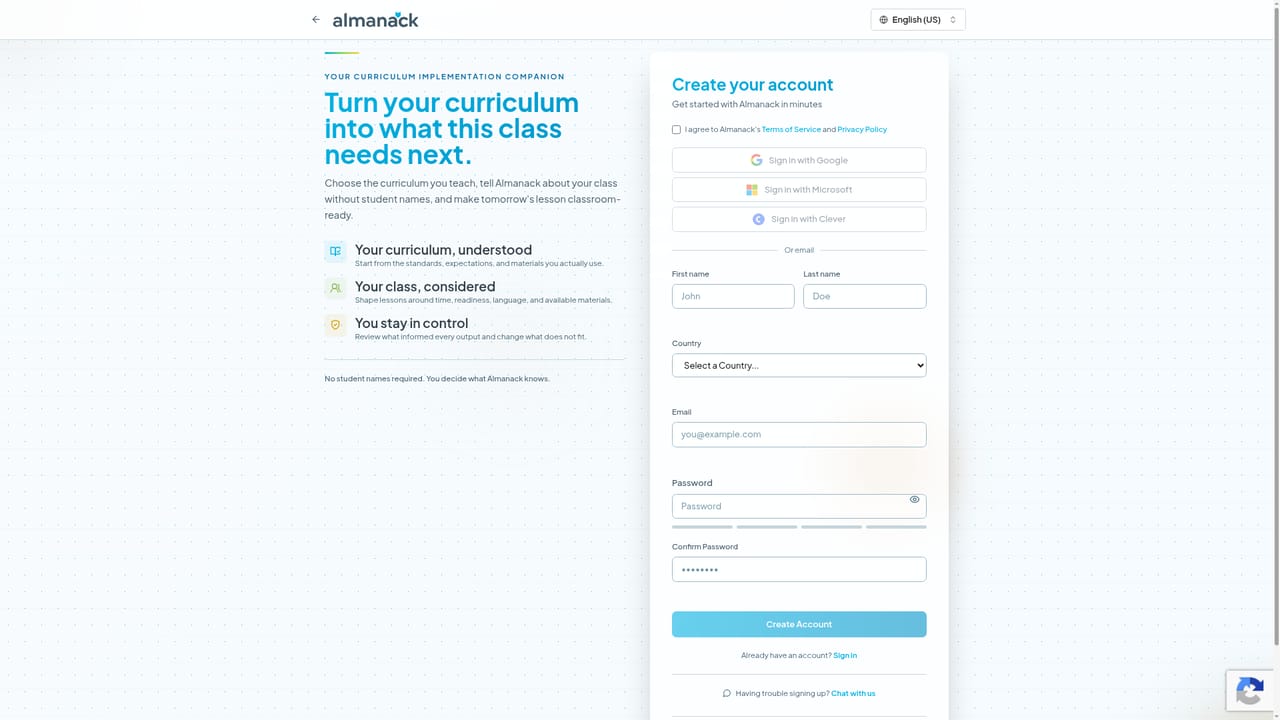
Free to start with no credit card required, per the homepage sign-up flow. A separate paid Pro plan exists, but the page does not state a distinct trial length for it.
Learn moreThe homepage confirms a free sign-up with no credit card, and mentions a paid Almanack Pro tier with unlimited lesson flows and curriculum-aligned resources. A back-to-school promotion offers 50 percent off the first three months of Pro on monthly and quarterly plans through September 30. Standard price points are not published on the homepage.
Learn moreNo dedicated help centre or support page is linked from the homepage. Onboarding runs through school and district configurations, including SSO setup for Clever and ClassLink, so support likely arrives through that channel.
Google Classroom, Google Forms, Google Slides and Google Docs; Microsoft Word and PowerPoint; PDF; Kahoot, GimKit, Blooket, Quizlet and Wayground. Single sign-on through Google, Microsoft Entra ID, Clever and ClassLink.
Lesson adaptation that preserves unit structure and standards, differentiation into below-grade, above-grade, ELL and IEP versions, calendar-aware replanning, and standards-aligned assessments that map to letter grades. Also highlighted: a curriculum coverage dashboard for schools, no LMS replacement and no student data required.
 AI Angels400+ customizable AI girlfriends for NSFW chat, voice calls, and roleplay
 Candy AIExperience the future of companionship with AI friends who chat, role-play, and connect with you on a human level.
 ourdream.aiA vast AI roleplay platform with millions of characters for chat, images, video and voiceAI Angels400+ customizable AI girlfriends for NSFW chat, voice calls, and roleplayCandy AIExperience the future of companionship with AI friends who chat, role-play, and connect with you on a human level.ourdream.aiA vast AI roleplay platform with millions of characters for chat, images, video and voice


