Free trial
A first lesson can be planned free with no card required, and a teacher account unlocks free classroom tools. Paid Starter plans and above are needed for lesson downloads.
Learn moreTurn a topic into a full lesson in about a minute.
Own Planit Teachers? Verify ownership to get a dofollow link

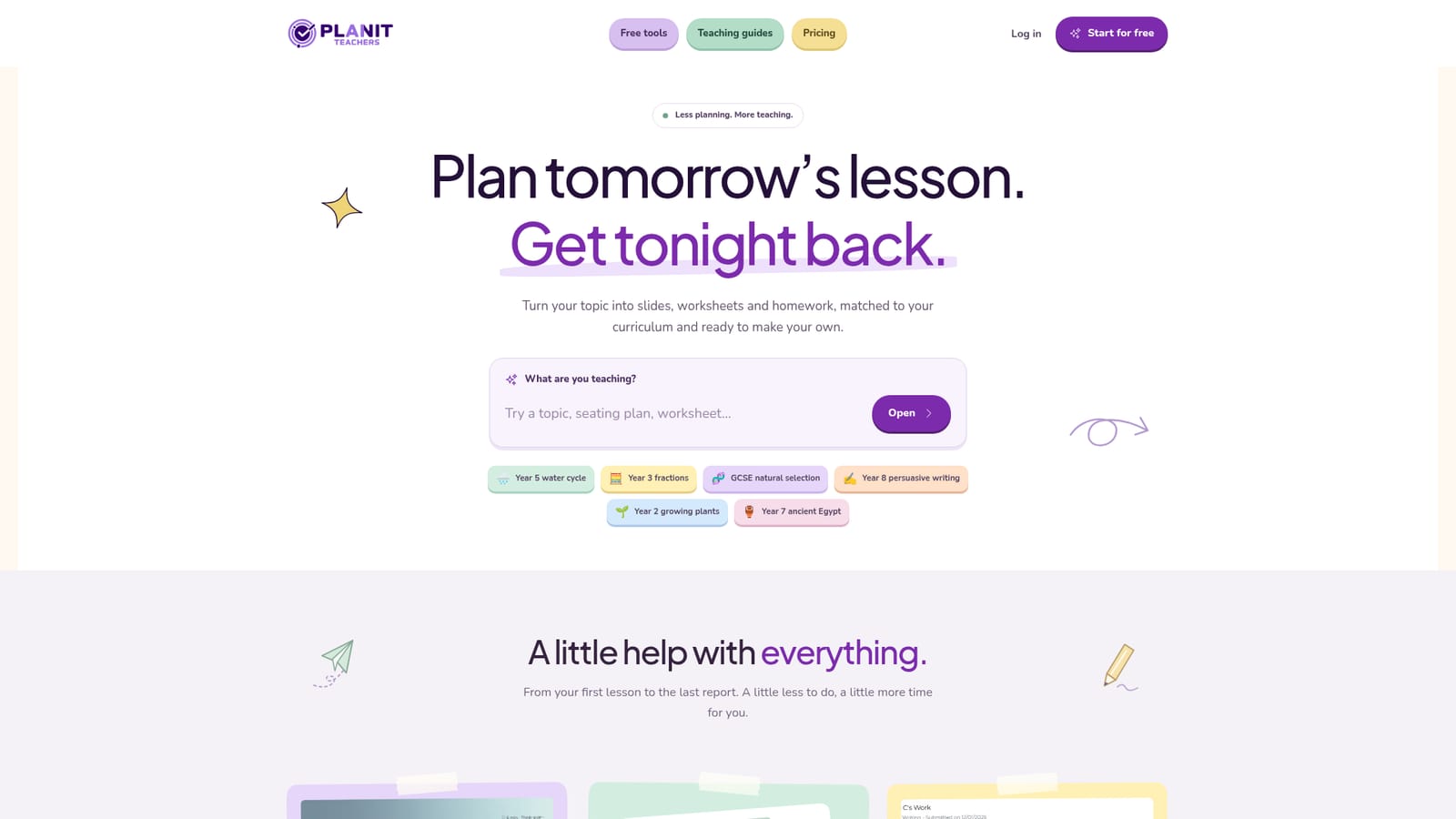
Planit Teachers is an AI task generator tool that turns a topic into a full lesson in about a minute. An AI teaching assistant that generates lesson slides, worksheets, homework, marking feedback and classroom displays from a single topic prompt, aligned to a chosen curriculum and pitched to the year group.
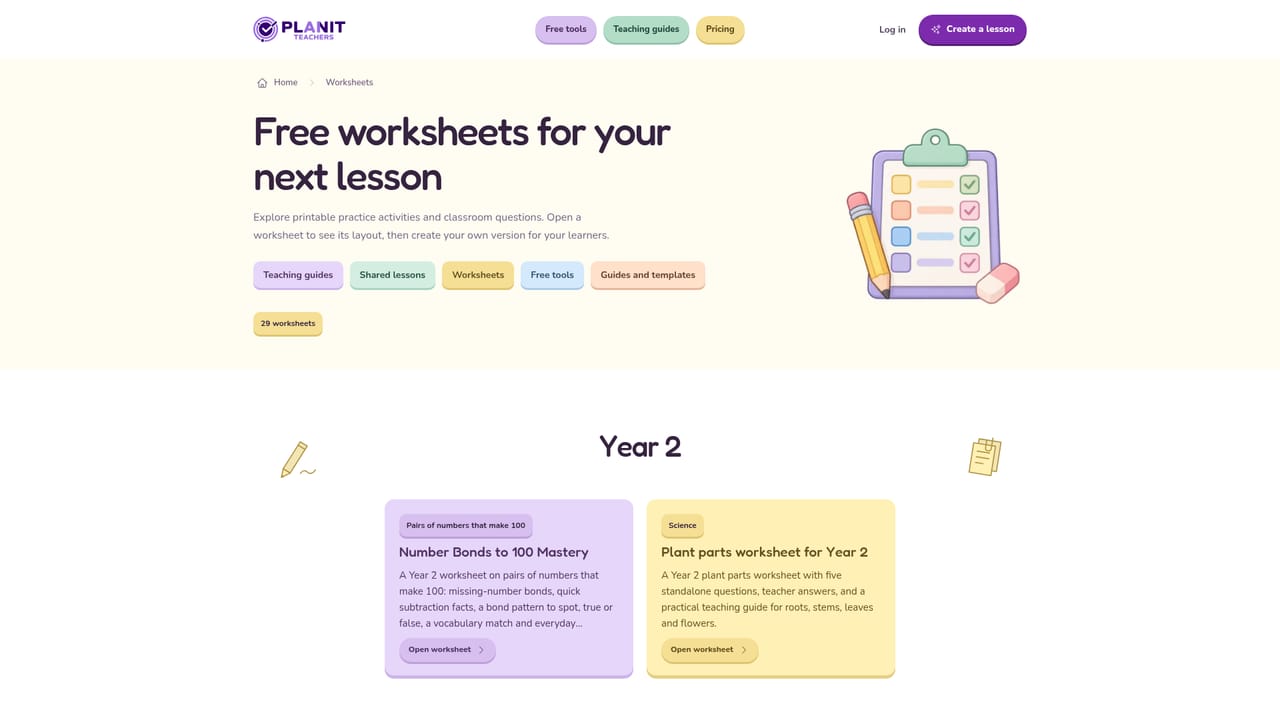
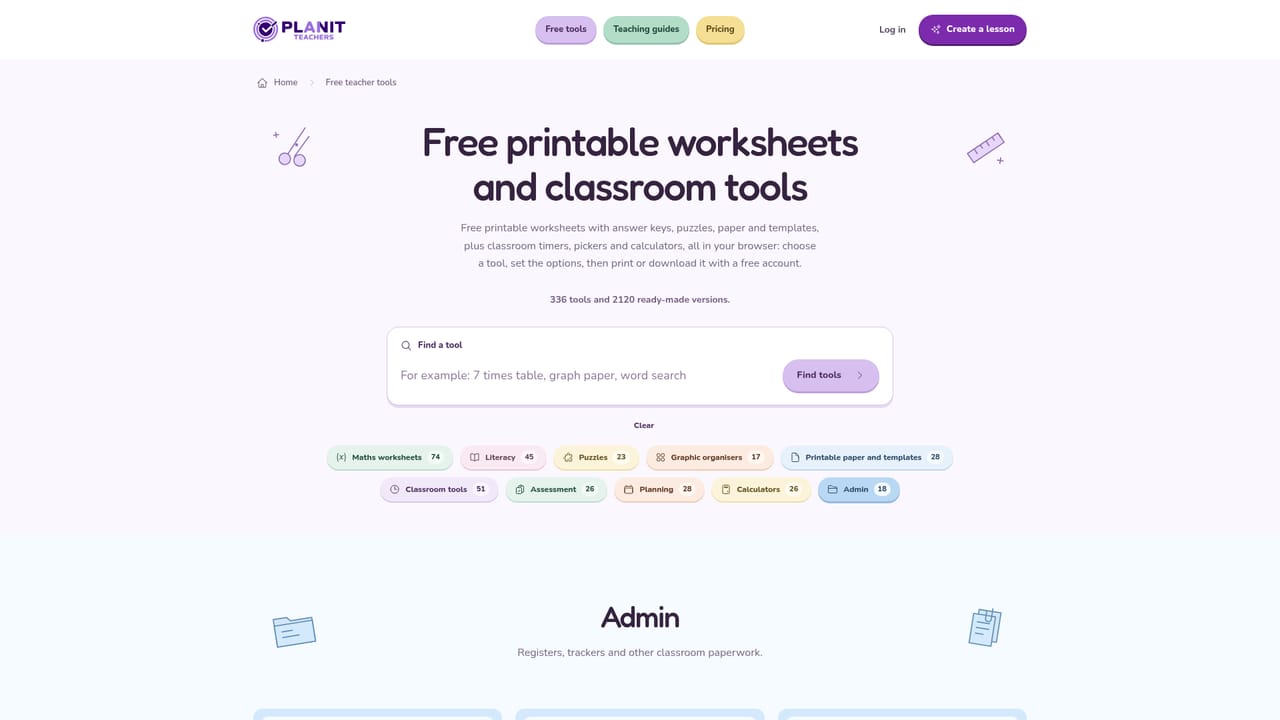
Planit Teachers is an AI planning assistant built for school teachers. You type a topic and a year group, and it returns a complete lesson package: a slide deck with speaker notes, a worksheet with an answer key and a homework task, all written from the same underlying plan so the pieces match each other. The site advertises a full lesson in around a minute, and every slide, question and instruction stays editable afterward. Lessons can be pitched to the National Curriculum, an exam board specification or another curriculum, and slides line up against the statements you choose. The product reaches well past lesson decks. A marking assistant takes a class set of written work and grades it against your objectives, quoting the evidence behind each mark so you can verify it. A seating plan and group sorter handles the organisational side, a display maker produces boards, lettering and bunting, and smaller free tools cover timers, random name pickers, crosswords, place value charts, clock faces and spinner wheels. Differentiation runs through the worksheet builder: the same question can be regenerated at support, core or stretch level, and vocabulary and difficulty adjust to the year group in front of you. In practice the workflow starts from either a blank topic prompt or a PowerPoint you already own. You keep the material you like, ask for changes to anything the model wrote, swap images and themes, then export. Slides download as editable PowerPoint or PDF, while worksheets and homework save to PDF or Word for printing. An exit ticket can be generated to check understanding before pupils leave. It sits alongside general chatbots and standalone worksheet sites rather than replacing a full learning platform. The value is in the joined-up output (plan, deck, practice and homework from one prompt) plus classroom utilities that usually live in separate apps. Teachers working across primary and secondary phases, including new staff and department leads standardising resources, are the obvious audience.
A first lesson can be planned free with no card required, and a teacher account unlocks free classroom tools. Paid Starter plans and above are needed for lesson downloads.
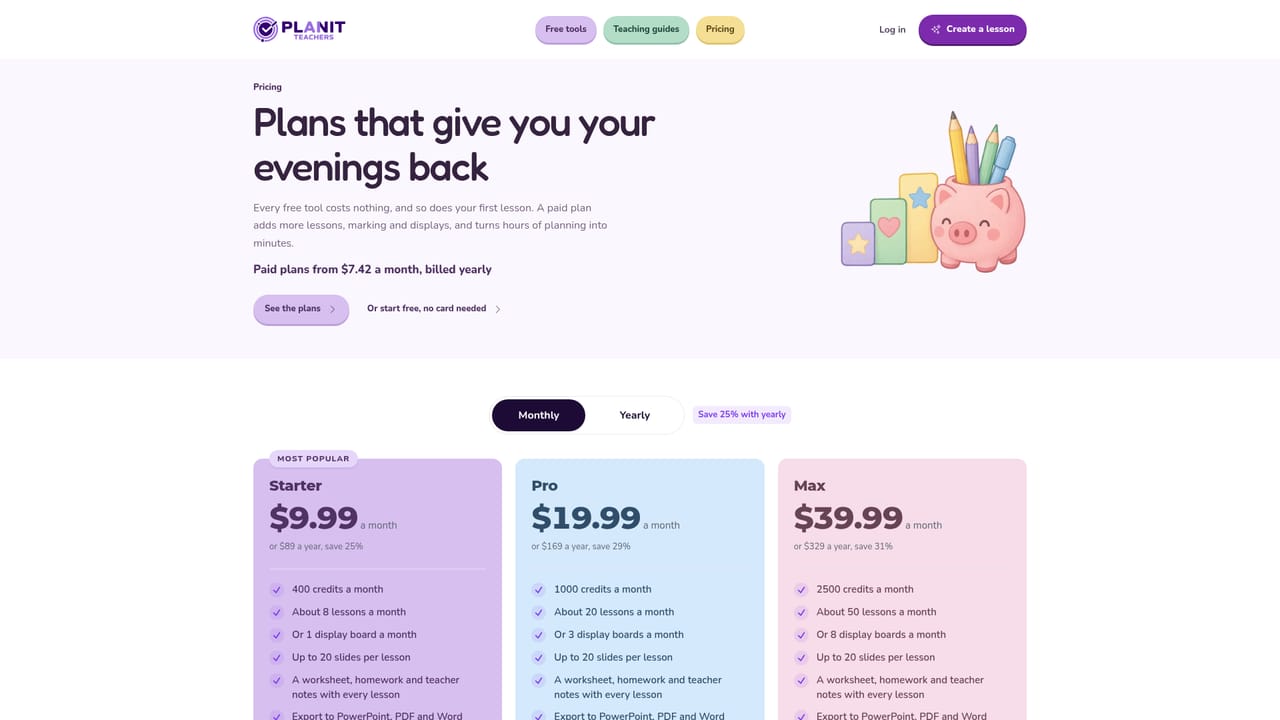
Learn moreThe homepage confirms a free starting point (plan your first lesson free, no card needed) and that lesson downloads sit with Starter and above, but it does not list subscription prices. A 10% first payment discount code is offered. See the pricing page for current tiers.
Learn moreNo support channels, help centre or contact details are described on the homepage.
Import of your own PowerPoint files is described. No connections to school management information systems or learning platforms are listed on the homepage.
Topic to full lesson in about a minute: slide decks with speaker notes, worksheets with answer keys, homework and exit tickets. Curriculum alignment, support/core/stretch differentiation, PowerPoint import, editable output, classroom displays, marking against objectives with quoted evidence, pupil reports, seating plans, group sorting, and free tools including timers, name pickers, crosswords and spinner wheels.
Learn more AI Angels400+ customizable AI girlfriends for NSFW chat, voice calls, and roleplay
 Candy AIExperience the future of companionship with AI friends who chat, role-play, and connect with you on a human level.
 ourdream.aiA vast AI roleplay platform with millions of characters for chat, images, video and voiceAI Angels400+ customizable AI girlfriends for NSFW chat, voice calls, and roleplayCandy AIExperience the future of companionship with AI friends who chat, role-play, and connect with you on a human level.ourdream.aiA vast AI roleplay platform with millions of characters for chat, images, video and voice


