Free trial
New accounts receive free credits that allow trial use of the chatbot before any subscription is purchased. The homepage does not state how many credits are granted.
Learn moreA chat-style writing bot built for long-form drafts, not quick replies.

AlphaWriter is a Qopywriter.ai chatbot built for long-form writing, usable as a Google Chat app or in the browser. It targets copywriters, SEO specialists, journalists and marketers with multilingual draft generation on monthly credit plans, plus free starter credits for new accounts.
AlphaWriter is a conversational writing tool from Qopywriter.ai that is tuned for long-form output rather than short chat replies. Drafts it is positioned around include SEO articles, blog posts, college essays, press releases and sales copy. Users describe the assignment in plain language and the bot returns extended, detailed text. The vendor says its own AI technology is used to keep the output close to human-authored prose, and that quality holds across a wide set of languages, with English, Spanish, French, German, Chinese and Japanese named among them. The intended audience is fairly narrow. Copywriters, SEO specialists, journalists, bloggers and marketing specialists are the listed user groups, which points to people who already know what a finished piece should look like and need volume. The conversational format means the brief can be refined mid-draft: ask for a section, request a rewrite, or steer tone and structure as the piece develops. Journalists and marketing teams writing press releases or email campaigns fit the same pattern. Delivery is the differentiator. AlphaWriter runs as a Google Chat app that can be added from the Google Workspace Marketplace, so drafting happens inside a chat client many teams already have open, and it also works as a standalone web tool after signup. Access is credit-based: each plan carries a set number of message credits per billing cycle, and unused credits do not carry into the following month. New accounts get a small set of free credits to evaluate quality before paying. Among ChatGPT alternatives, AlphaWriter competes on specialization rather than breadth. It is not a general assistant for research, coding or analysis; it is a long-form drafting surface inside Google Chat. Buyers who want flexible model choice or API access should look elsewhere, while writers who want a low-friction drafting chat in their existing workspace may find the tight focus useful.
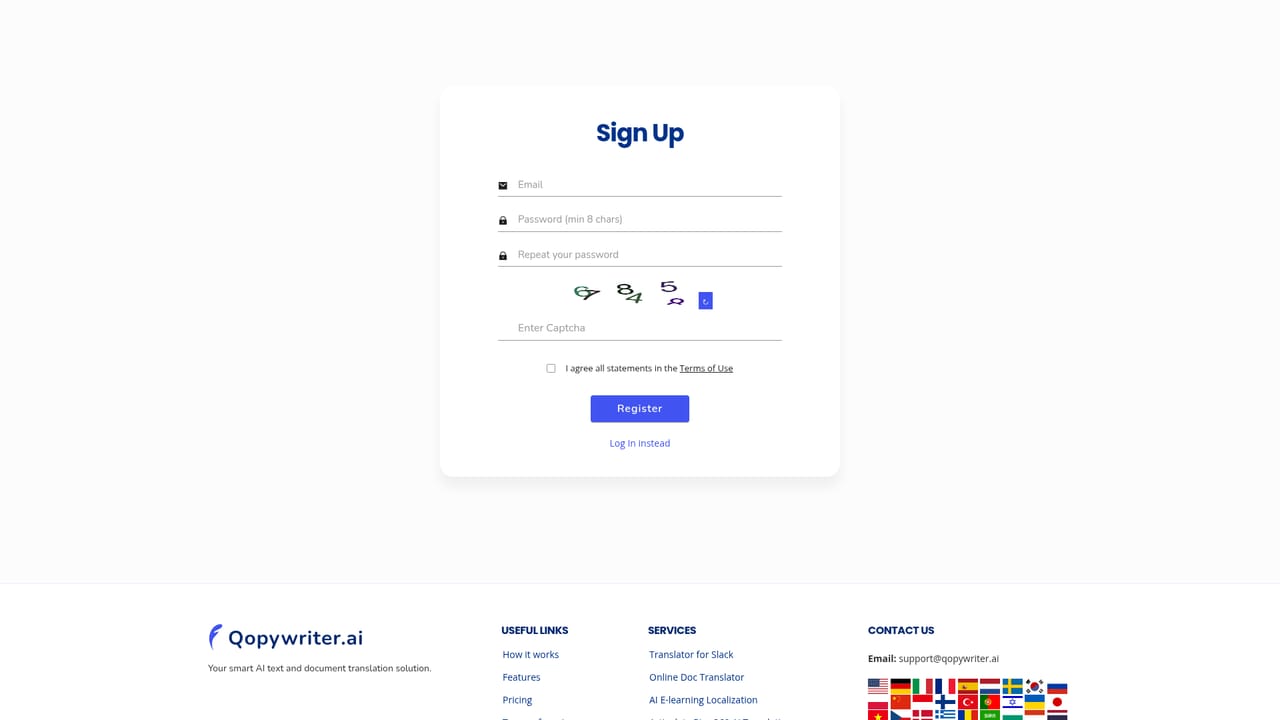
New accounts receive free credits that allow trial use of the chatbot before any subscription is purchased. The homepage does not state how many credits are granted.
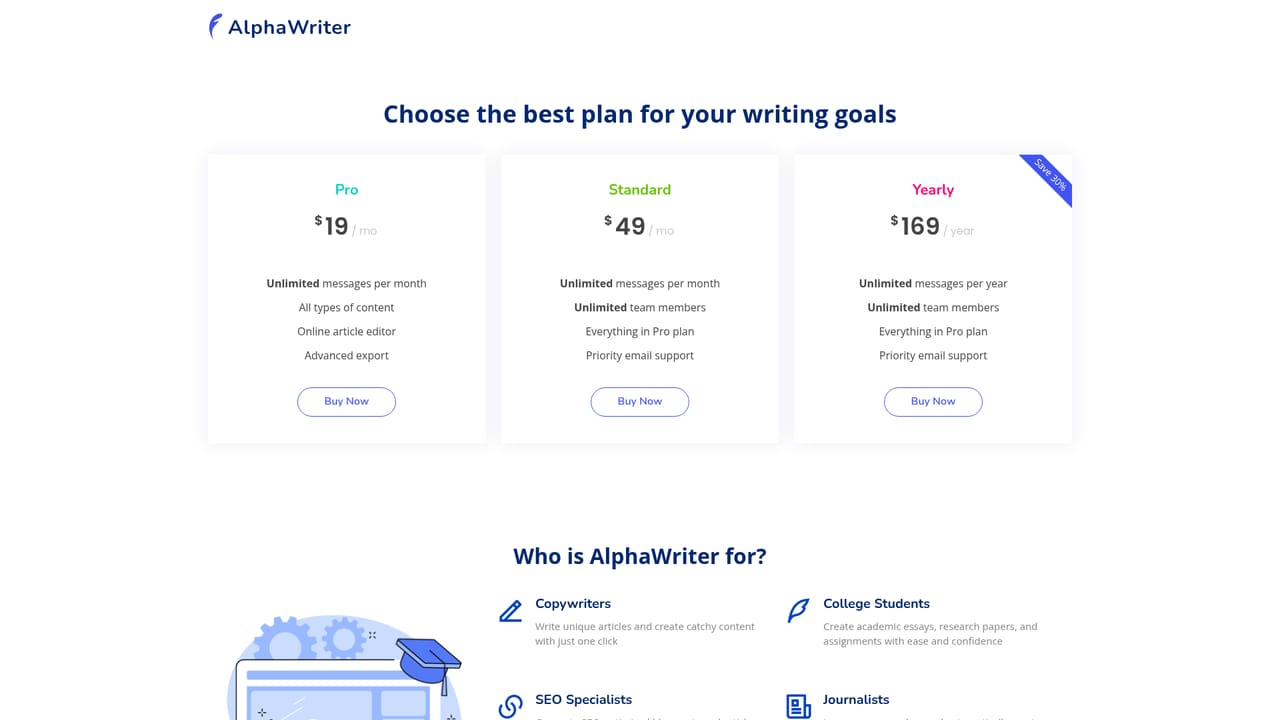
Learn morePricing is a monthly subscription priced by message credits, which cap how many chatbot messages can be sent per billing cycle. Credits reset each month and do not roll over. New accounts include free credits, and the full tier breakdown sits on a separate pricing page.
Learn moreSupport is handled by email at support@qopywriter.ai. Subscription changes are managed through a self-service account portal linked from the order receipt email.
AlphaWriter is installed as an app inside Google Chat via the Google Workspace Marketplace. No other integrations or an API are described on the homepage.
Long-form draft generation for SEO copy, blog posts, essays, press releases and sales content; a chat-based interface; vendor-built AI tuned for human-like prose; multilingual output spanning English, Spanish, French, German, Chinese and Japanese; delivery as a Google Chat app and as a web tool; monthly message-credit metering.
 AI Angels400+ customizable AI girlfriends for NSFW chat, voice calls, and roleplay
 Candy AIExperience the future of companionship with AI friends who chat, role-play, and connect with you on a human level.
 ourdream.aiA vast AI roleplay platform with millions of characters for chat, images, video and voiceAI Angels400+ customizable AI girlfriends for NSFW chat, voice calls, and roleplayCandy AIExperience the future of companionship with AI friends who chat, role-play, and connect with you on a human level.ourdream.aiA vast AI roleplay platform with millions of characters for chat, images, video and voice


