Free trial
Eligible new accounts receive 120 welcome credits after verification, valid for 7 days. No credit card is required for the free tier. The homepage does not state whether paid plans include a separate trial.
Learn moreTurn one character image into game-ready 2D sprite animations

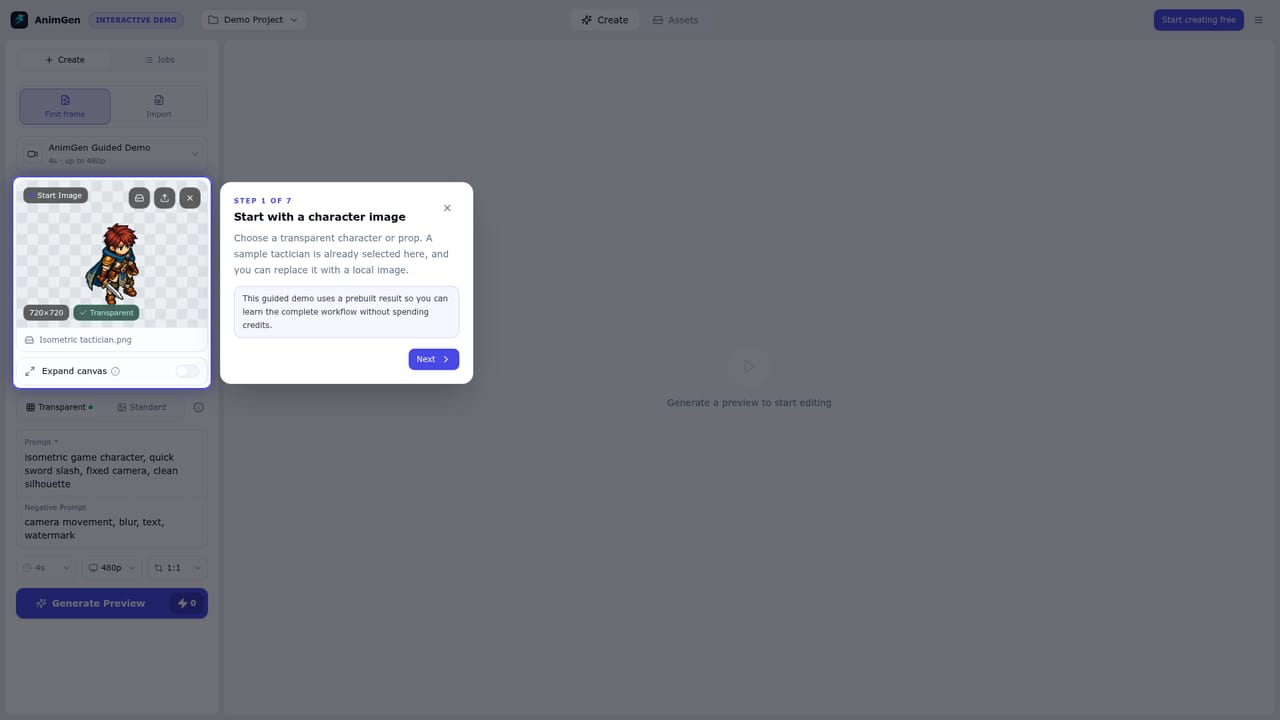
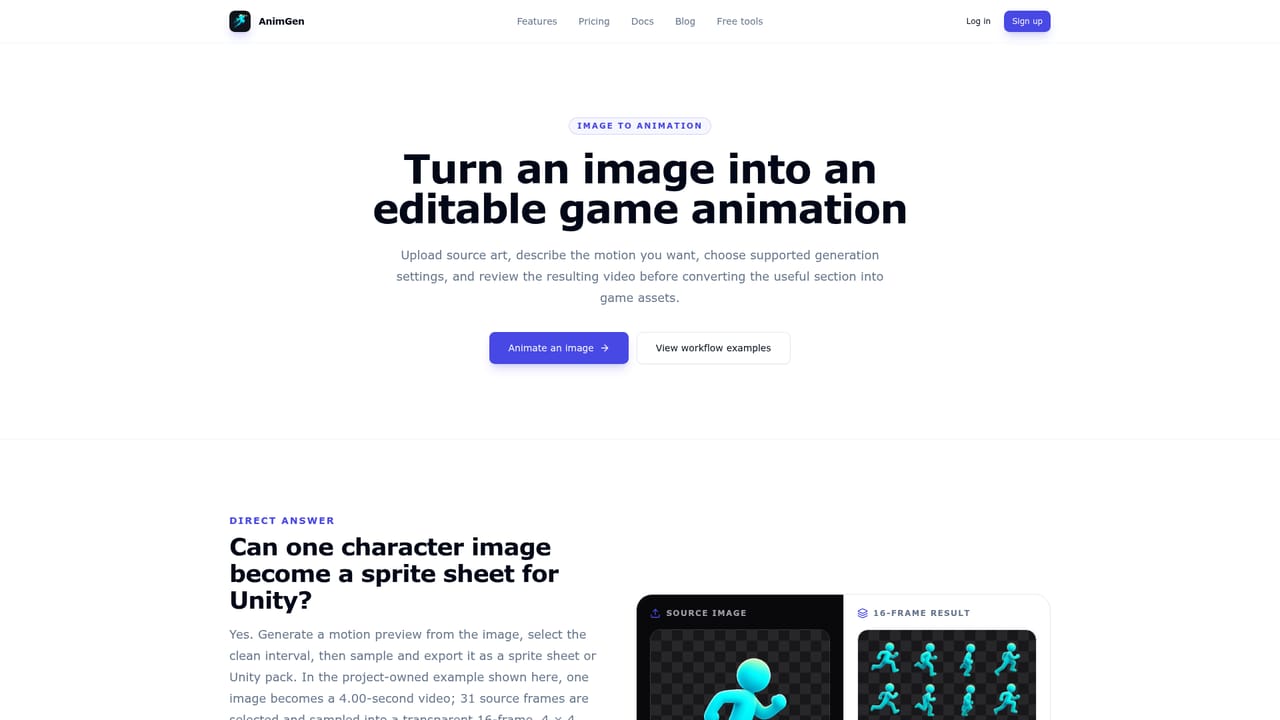
AnimGen is a generative video tool that turns one character image into game-ready 2D sprite animations. AnimGen generates 2D character sprite animations from a single image, with a frame-by-frame timeline for trimming clean loops and exports for sprite sheets, PNG sequences, and Unity, Godot, Unreal Paper2D, Cocos Creator and Construct 3.
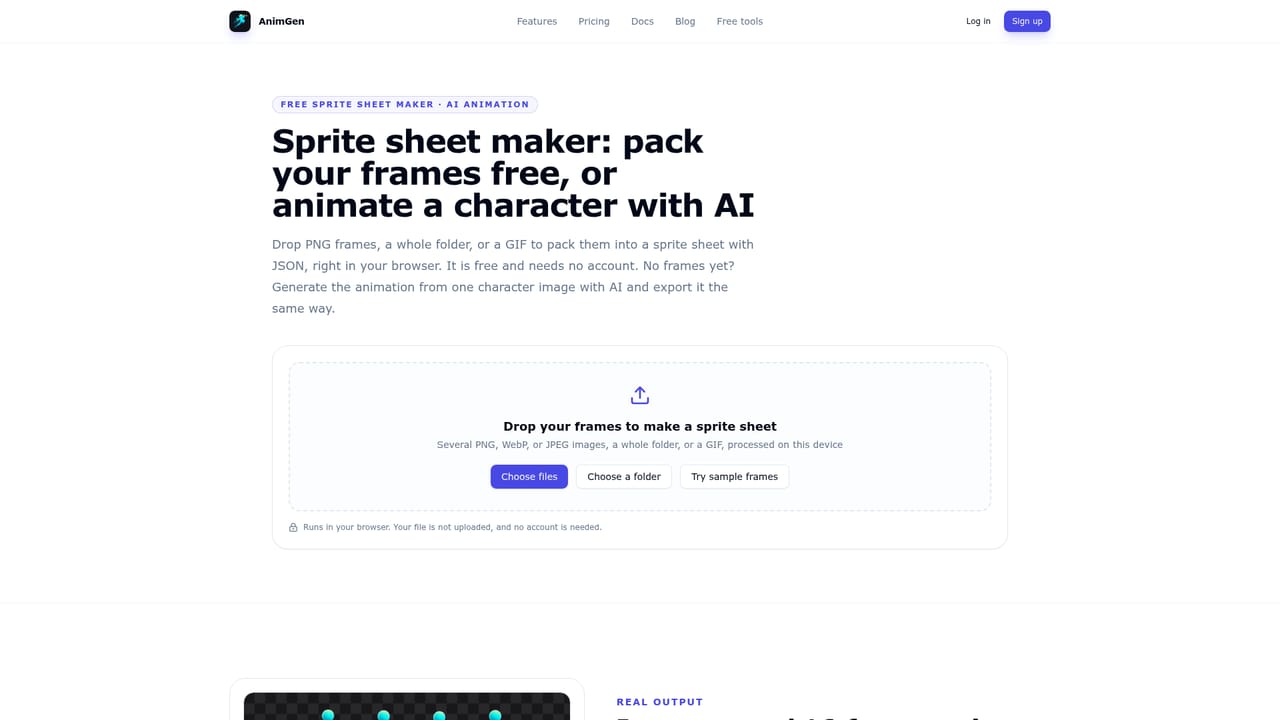
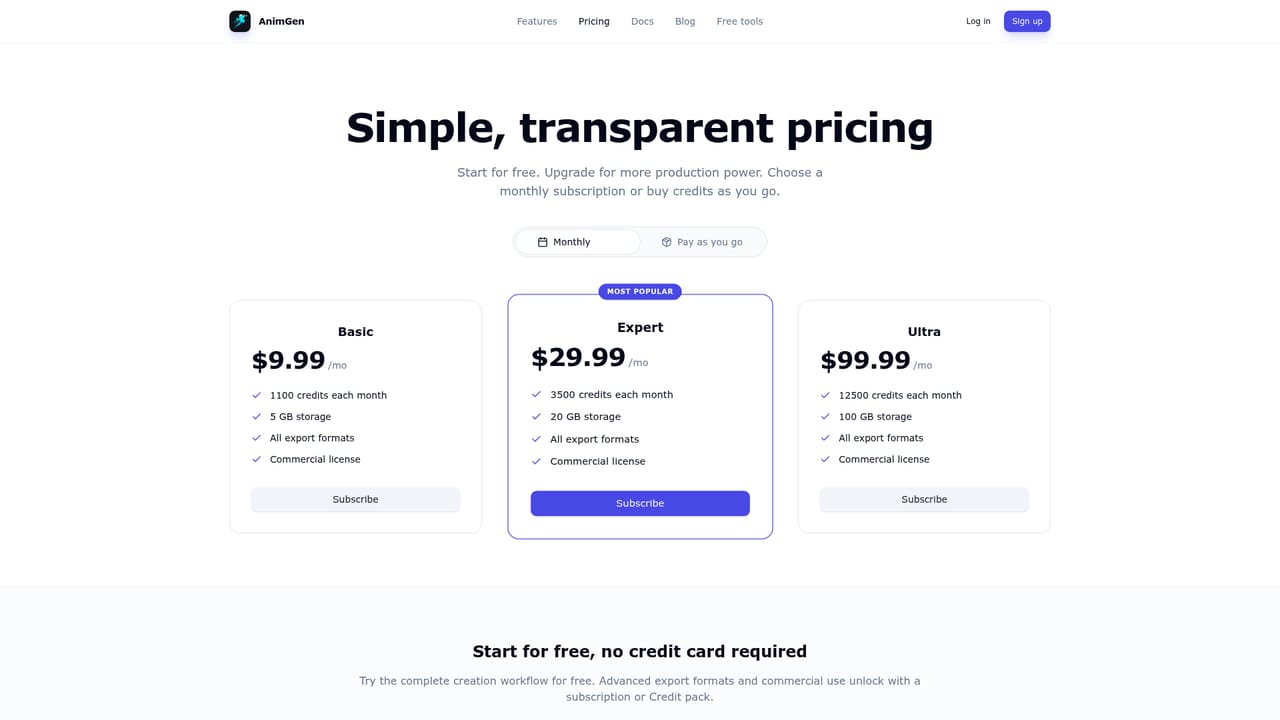
AnimGen is an AI sprite generator aimed at 2D game developers who need character animation but do not have an animator on hand. The workflow starts with a single static image, typically a transparent side-view character. After upload, the tool generates a motion preview from a text description of the action, and the developer decides whether the result is worth keeping before committing to an export. The middle step is where AnimGen differs from straight image-to-video tools. Generated motion rarely loops cleanly from the first frame to the last, so the product includes a non-destructive timeline. Users scrub frame by frame, mark the segment that reads as a clean cycle, and watch that range repeat in real time before exporting. Export frame rates are adjustable at 12, 24 and 60 FPS, and transparency processing can be applied at export time rather than being baked into the source art. Output is oriented toward engines rather than social video. Alongside plain PNG sequence ZIPs and sprite sheets with JSON metadata, AnimGen packages animation packs for Unity, Godot 4, Unreal Paper2D, Cocos Creator and Construct 3, each documented in its own guide. A pixel art mode lets users pick the output frame size and inspect edges, which matters because AI-generated frames tend to soften pixel work. The tool suits solo developers, game jam teams and studios prototyping enemy or NPC animation quickly. It competes with manual sprite work in Aseprite and with generic video generators, trading the control of hand animation for speed. Commercial use is permitted for assets made with paid subscriptions or paid credit packs, subject to the Terms. The homepage does not publish subscription prices.
Eligible new accounts receive 120 welcome credits after verification, valid for 7 days. No credit card is required for the free tier. The homepage does not state whether paid plans include a separate trial.
Learn moreExport packs and setup guides for Unity, Godot 4, Unreal Paper2D, Cocos Creator and Construct 3. No live in-editor plugin is described on the homepage.
Learn moreImage-to-motion generation from a single character image with a described action, a non-destructive timeline for frame-by-frame trimming and real-time loop preview, adjustable export FPS at 12, 24 and 60, optional transparency processing, and exports covering sprite sheets with JSON metadata, PNG sequence ZIPs, and packs for Unity, Godot 4, Unreal Paper2D, Cocos Creator and Construct 3.
Learn more AI Angels400+ customizable AI girlfriends for NSFW chat, voice calls, and roleplay
 Candy AIExperience the future of companionship with AI friends who chat, role-play, and connect with you on a human level.
 ourdream.aiA vast AI roleplay platform with millions of characters for chat, images, video and voiceAI Angels400+ customizable AI girlfriends for NSFW chat, voice calls, and roleplayCandy AIExperience the future of companionship with AI friends who chat, role-play, and connect with you on a human level.ourdream.aiA vast AI roleplay platform with millions of characters for chat, images, video and voice





