Pricing
Per-video, one-time pricing from $6.99 for 480p up to $26.99 for 1080p depending on the chosen template and quality; no subscription, no credits, price shown before upload.
Learn moreTurn a photo of you and a friend into a 15-second meme video, pay once per clip.

Put Me In is a dank meme generator tool that turns a photo of you and a friend into a 15-second meme video, pay once per clip. Put Me In lets people insert their own photos into trending meme video templates, generating a 15-second AI clip for a one-time per-video fee, starting with the Hotel Lobby template.
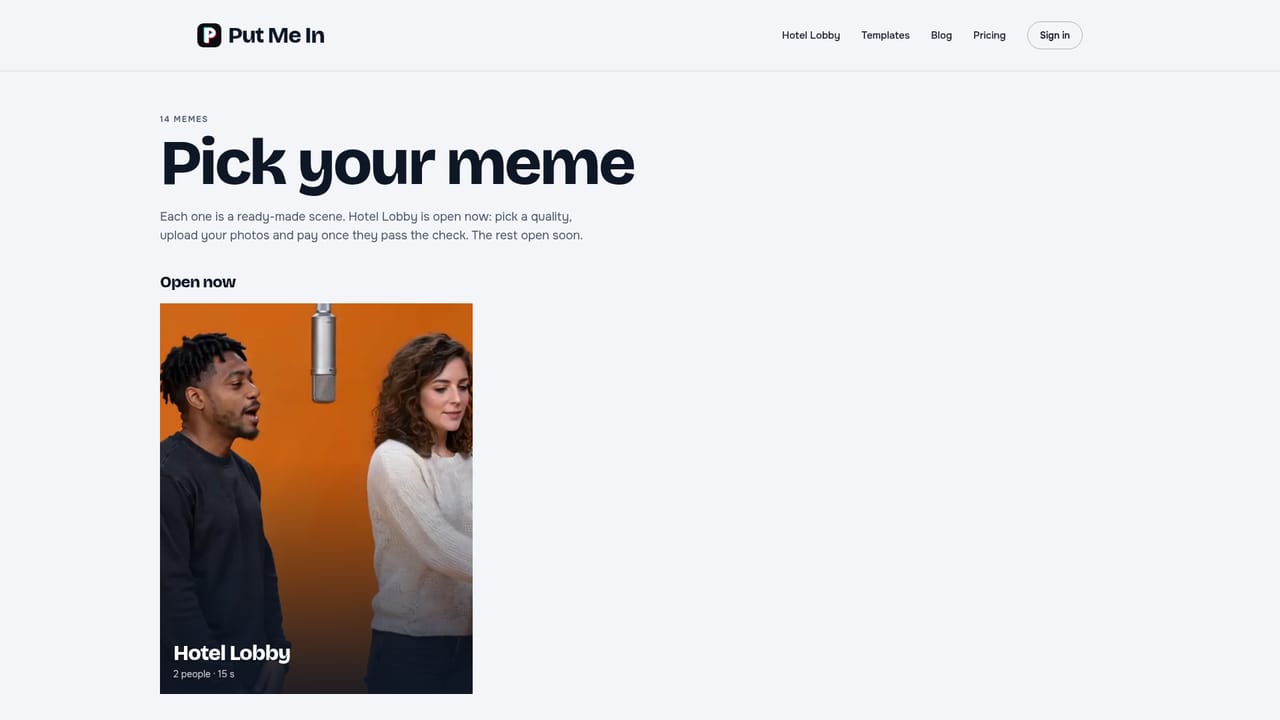
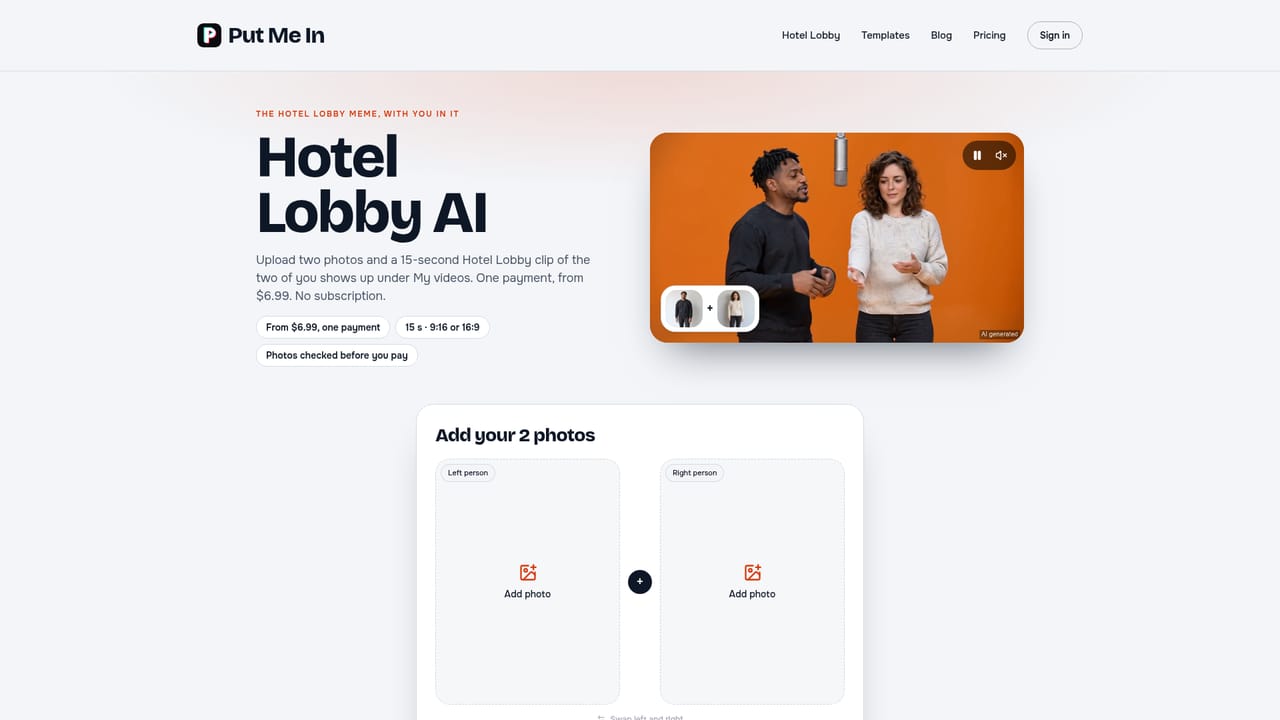
Put Me In is a web tool that turns a trending meme format into a short video starring the people in uploaded photos. A user picks a template, such as the currently live Hotel Lobby scene, uploads one face photo per person the template calls for, chooses a resolution, and pays once to generate a 15-second clip. The finished video lands under "My videos" a few minutes later, carrying the template's original music track but no voice audio. The tool suits people who want to join a meme trend quickly without video editing skills: creators posting to TikTok or Instagram, friends making inside jokes, or anyone curious about seeing themselves as the subject of a viral clip. Because every clip requires a real, clear, front-facing photo and moderation blocks images of public figures and minors, it relies on personal participation rather than impersonation of celebrities. Technically, Put Me In pairs a prepared motion reference for each template with the people's photos and renders the result through Seedance 2.5, ByteDance's video generation model. This places it closer to AI video generation tools than to face-swap or filter apps: rather than altering existing footage, it generates new footage of the uploaded likeness performing the meme's choreography or scene. Hotel Lobby is the only template fully live at launch, with thirteen more, including Ghostface, Crazy Frog and APT, marked as opening soon. Pricing is strictly per video, from $6.99 for 480p up to $26.99 for 1080p depending on template and resolution, with no subscription or credit system. Photos are checked before charging, failed generations are refunded in full, and finished videos sit in the account for 30 days before deletion. This puts Put Me In in a narrow niche: a single-purpose meme generator rather than a general-purpose AI video editor, suited to occasional, trend-driven use rather than ongoing content production.
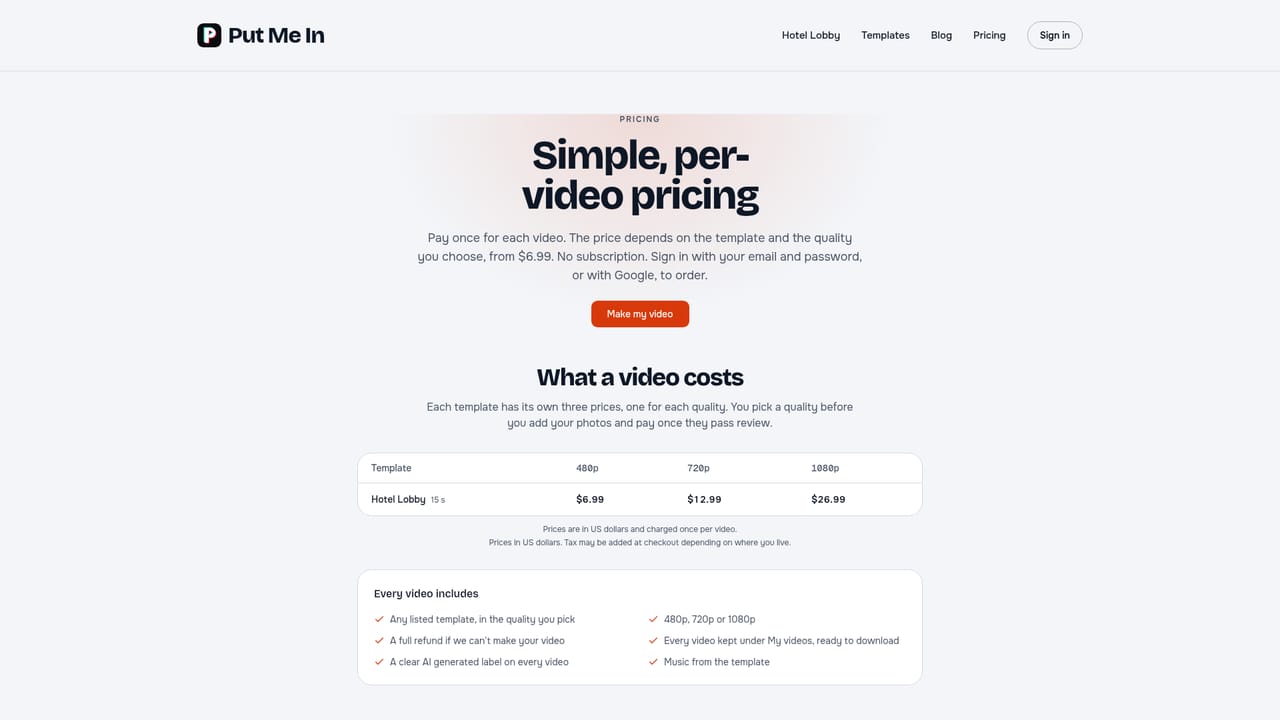
Per-video, one-time pricing from $6.99 for 480p up to $26.99 for 1080p depending on the chosen template and quality; no subscription, no credits, price shown before upload.
Learn moreSupport runs through a contact email and a published refund policy covering technical failures within 14 days of payment; photo checks reject disallowed images before any charge.
Learn moreTemplate-based AI meme video generation using Seedance 2.5: upload one photo per person, choose 480p, 720p or 1080p, and receive a 15-second MP4 with template music, no voice, in vertical or widescreen format, labeled as AI generated.
Learn more AI Angels400+ customizable AI girlfriends for NSFW chat, voice calls, and roleplay
 Candy AIExperience the future of companionship with AI friends who chat, role-play, and connect with you on a human level.
 ourdream.aiA vast AI roleplay platform with millions of characters for chat, images, video and voiceAI Angels400+ customizable AI girlfriends for NSFW chat, voice calls, and roleplayCandy AIExperience the future of companionship with AI friends who chat, role-play, and connect with you on a human level.ourdream.aiA vast AI roleplay platform with millions of characters for chat, images, video and voice


