Free trial
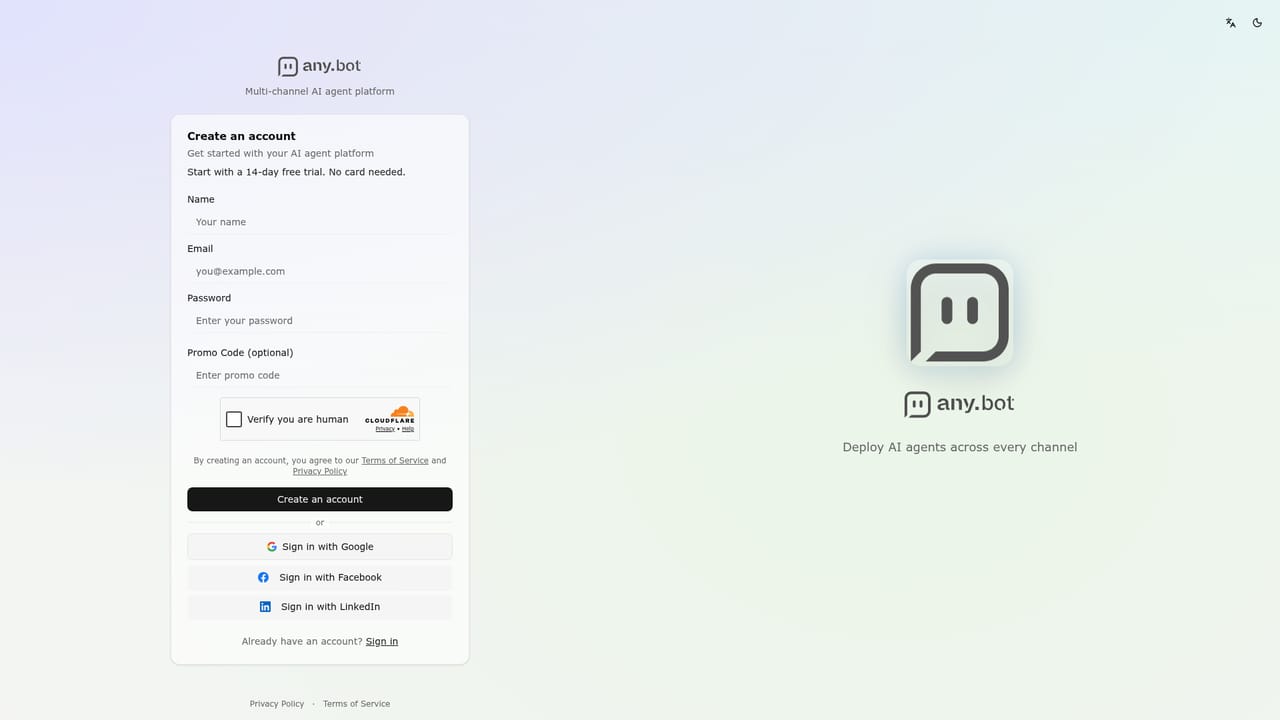
A 14-day free trial is offered with no credit card required, after which a paid plan is chosen.
Learn moreNo-code AI agents for support, social, sales and meetings

AnyBot is a no-code platform for building AI agents trained on a business's site and documents. They answer customers across ten channels, publish social posts, record meetings and capture leads, with permissions and audit logs controlling what each agent may do.
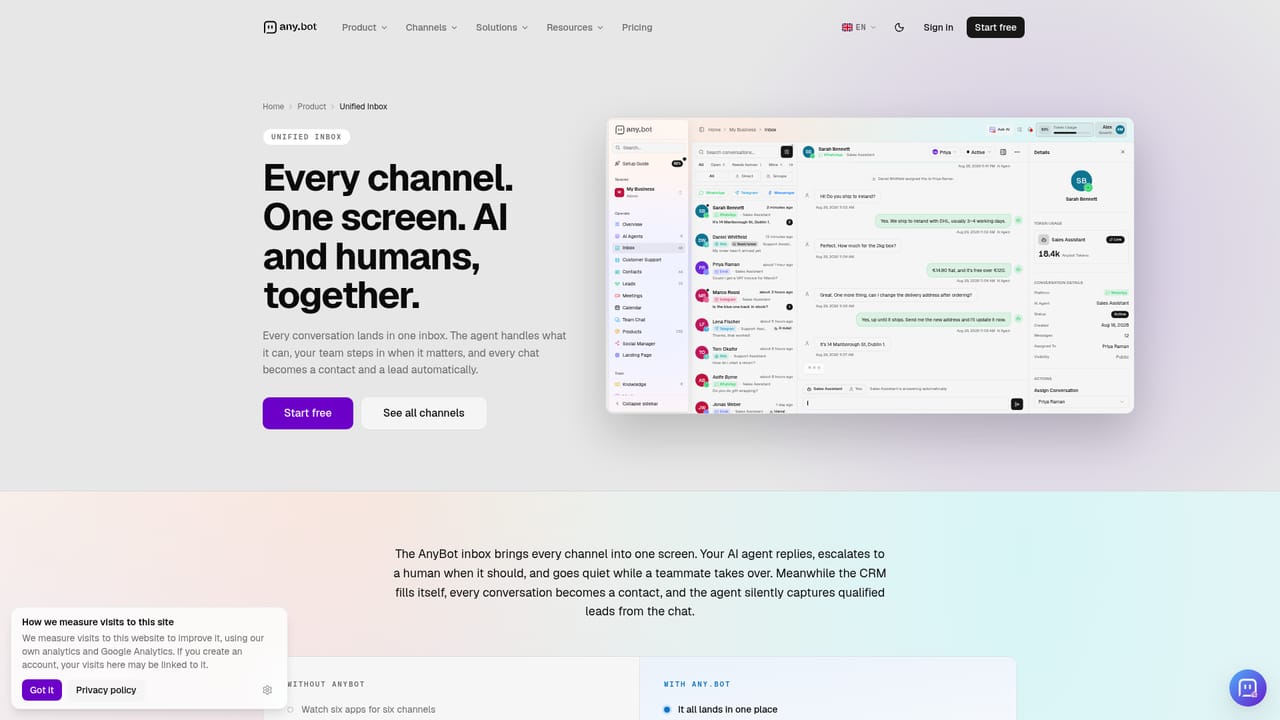
AnyBot is a workspace for building AI agents that handle customer conversations, social publishing, lead capture, meeting notes and internal team questions. Instead of a single chatbot widget, it bundles an inbox, a social composer, a meeting recorder, analytics, team chat and a product catalogue into one account, with agents that can be pointed at any of them. Setup starts with the business's own material. A user scans a website or uploads PDFs, documents or even a photo, then picks an agent from a template or the marketplace. The agent is connected to channels such as WhatsApp, Instagram, Messenger, Telegram, Slack, email, SMS, web chat and AI phone calls, and to tools like Google Drive, Sheets, Calendar, Notion, WordPress, WooCommerce and Stripe. An in-app operator called BotFather takes plain-language requests, such as connecting WhatsApp and building a support agent, and configures the pieces while the user watches. Human teammates can step into a thread from the shared inbox and hand it back, and agents are designed to admit what they cannot do and pass the conversation on. Control is a central part of the pitch. Each agent gets a permission matrix, changes are logged and reversible, nothing goes live without approval, and data is not used to train models. GDPR documentation, a data processing agreement and regional hosting are offered. A Model Context Protocol server also exposes the workspace to Claude, ChatGPT and Cursor. The audience is small businesses, growing teams and agencies. A Spaces feature keeps each client's agents, channels, knowledge and billing separate, though every space carries its own subscription. Compared with narrower chatbot builders, AnyBot covers more ground (social, meetings, sales and back office), which suits teams that want fewer separate subscriptions. Teams that need only a simple website chat widget may find the breadth more than they need, and usage is metered through token pools rather than a flat message count.
A 14-day free trial is offered with no credit card required, after which a paid plan is chosen.
Learn moreFive monthly plans: Go at €13.99, Starter at €50, Pro at €93.75, Advanced at €196.88 and Enterprise at €447.89, each cheaper when billed yearly (17% off). Plans differ in token allowance, team seats and agent count. Cancel anytime.
Learn moreA contact page and a talk-to-us option are available. Priority support is listed as a plan feature, and a GDPR and legal center is provided.
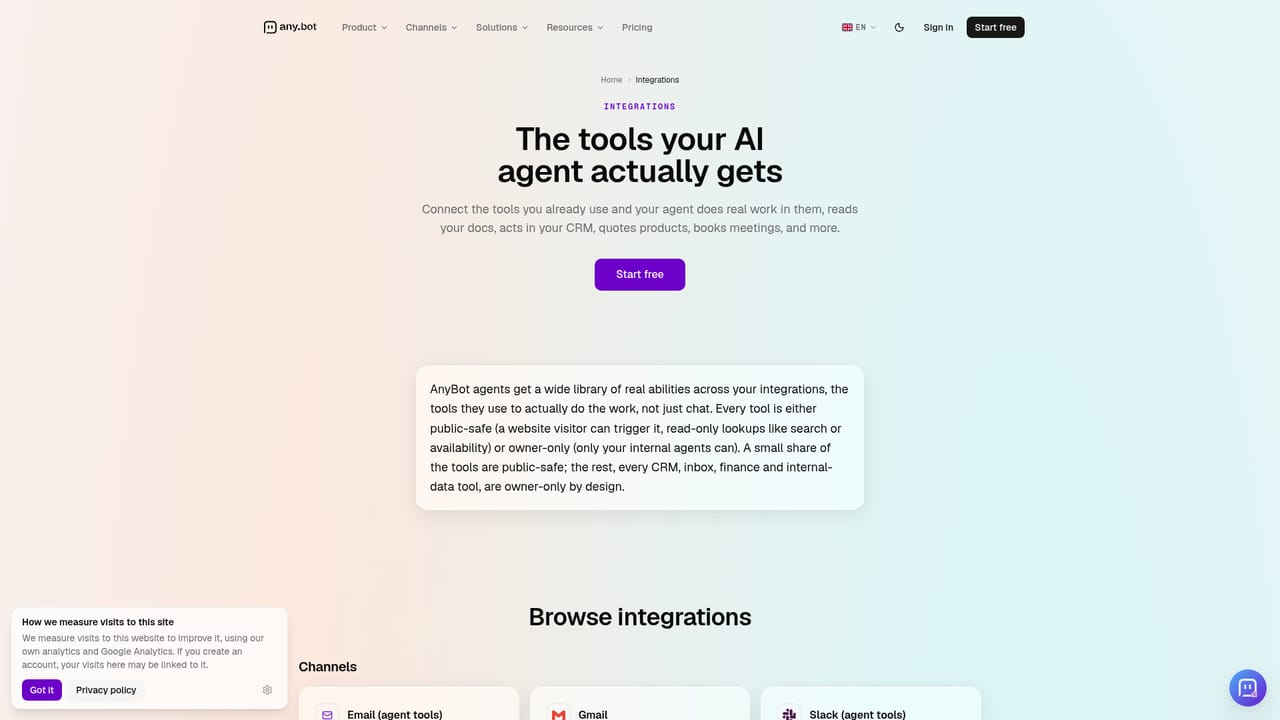
Learn moreConnects to WhatsApp, Instagram, Messenger, Telegram, Facebook, X, LinkedIn, TikTok, YouTube, Gmail, Slack, Notion, Google Drive, Sheets and Calendar, Zoom, Teams, WooCommerce, WordPress, Stripe, Twilio, MySQL and any HTTP API.
Learn moreAI agents on ten channels, AI phone calls, shared human and AI inbox, social composer and publishing, meeting recording with summaries, lead pipeline, WooCommerce catalogue, team chat, analytics, BotFather operator, permissions matrix, audit log and an MCP server with 72 tools.
Learn more


