Support
Support runs through booked one to one demonstrations with platform specialists, plus a referral route to introduce AI PreCheck to local government officials and downloadable product information on request.
AI planning compliance checks for property sites

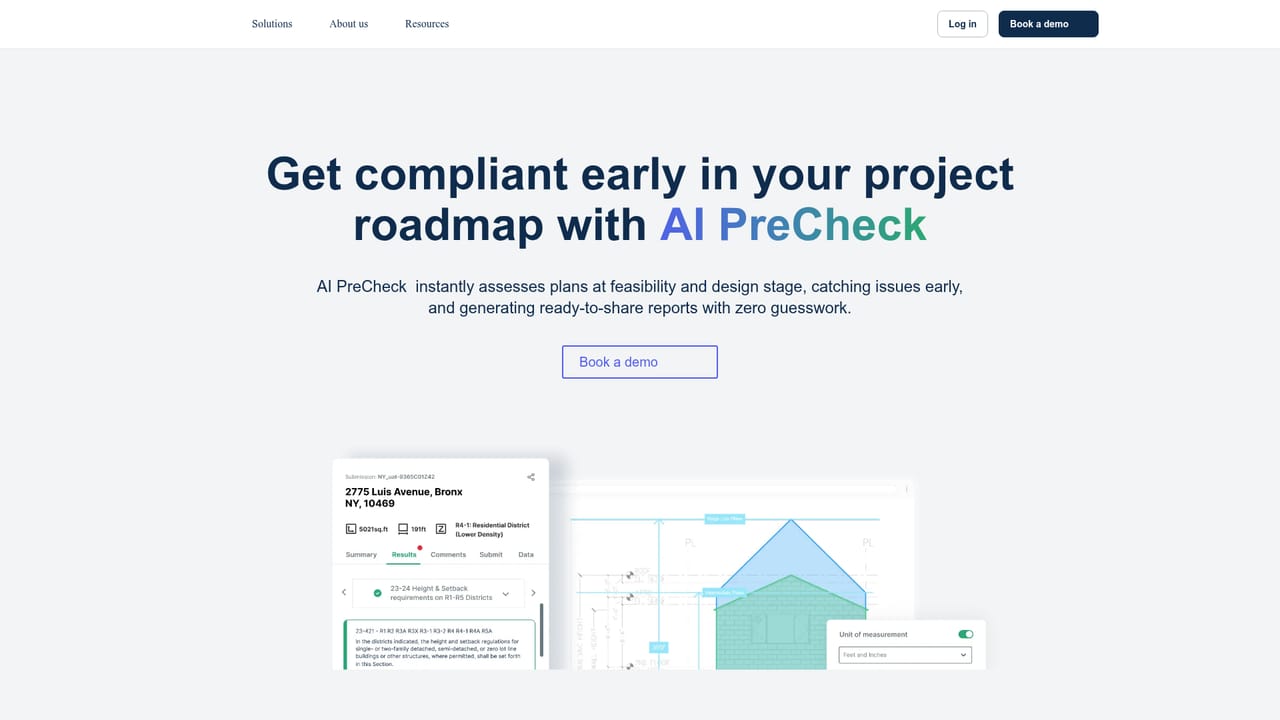
Archistar is an architecture diagram tool. AI PreCheck by Archistar tests development plans against digitised zoning and building codes early in the project, generating shareable compliance reports and surfacing compliant design options for a site. Built for developers, architects and certifiers, with coverage limited to localities where codes have been adopted.
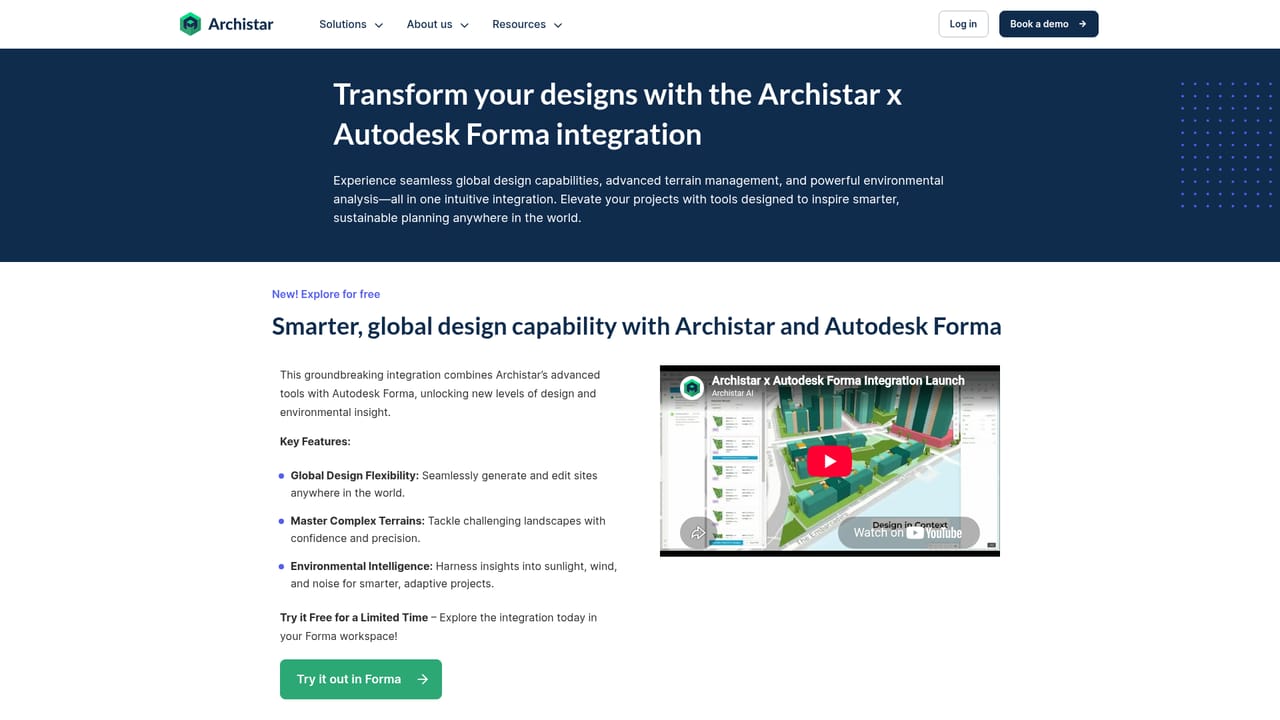
Archistar's AI PreCheck is a feasibility tool for property professionals who need to know whether a project can clear local planning rules before they commit to a design. The product takes digitised building and zoning codes and runs submitted plans against them, producing a compliance assessment at the feasibility and design stage rather than at formal lodgement. The pitch is straightforward: catch problems while changes are still cheap, and arrive at the approval process with a plan that already matches the rules. In practice the workflow centres on site selection and iteration. A user drags and drops a design onto any site covered by the digitised code, and the system reports whether that project would be compliant with local standards. There is also a 3D generative design library that can surface large numbers of compliant design options for a given site, which helps when the question is not just whether a scheme passes but which scheme performs best. Reports can be generated and shared with others, which matters for developers who need to show lenders, partners or councils why a proposal holds up. The tool is aimed at architects, developers, builders, certifiers and valuers, plus the municipal teams that assess permits. That dual audience is unusual and shapes how the product is sold: Archistar states it is used by over 1,000 industry professionals and more than 25 municipalities and governments worldwide, with named references including the City of Austin, Edmonton, and state governments in New South Wales and South Australia. A separate, free integration with Autodesk Forma extends design work to sites anywhere in the world and adds insight into sunlight, wind and noise. The main constraint is coverage. AI PreCheck only assesses against codes that have been digitised and adopted in that locality, so a developer working outside those jurisdictions gets little from it. The site directs users in uncovered areas toward referral conversations with their local officials instead. Pricing is not published on the page, and access is arranged through a booked demonstration rather than self-serve signup, which sets it apart from lighter research tools and puts it closer to enterprise property software.
Support runs through booked one to one demonstrations with platform specialists, plus a referral route to introduce AI PreCheck to local government officials and downloadable product information on request.
Autodesk Forma is the named integration, offered free and covering worldwide site generation, terrain handling and sunlight, wind and noise analysis. Amazon, Deloitte, ICC and BuildingSMART appear as affiliates and partners, but no technical integrations are described.
Learn moreCore features include automated plan assessment against digitised zoning and building codes, drag and drop placement of a design on any covered site, iterative re-checks to fix issues early, ready-to-share compliance reports, and a 3D generative design library that proposes thousands of compliant designs for a site. A separate free Autodesk Forma integration supports global site generation, complex terrain and environmental insight.
Learn more AI Angels400+ customizable AI girlfriends for NSFW chat, voice calls, and roleplay
 Candy AIExperience the future of companionship with AI friends who chat, role-play, and connect with you on a human level.
 ourdream.aiA vast AI roleplay platform with millions of characters for chat, images, video and voiceAI Angels400+ customizable AI girlfriends for NSFW chat, voice calls, and roleplayCandy AIExperience the future of companionship with AI friends who chat, role-play, and connect with you on a human level.ourdream.aiA vast AI roleplay platform with millions of characters for chat, images, video and voice


