Free trial
No formal trial is described. The GitHub app is listed as free to install with no credit card required, but that does not confirm access to the full architecture mapping product.
Learn moreLive architecture maps built from your code and cloud data

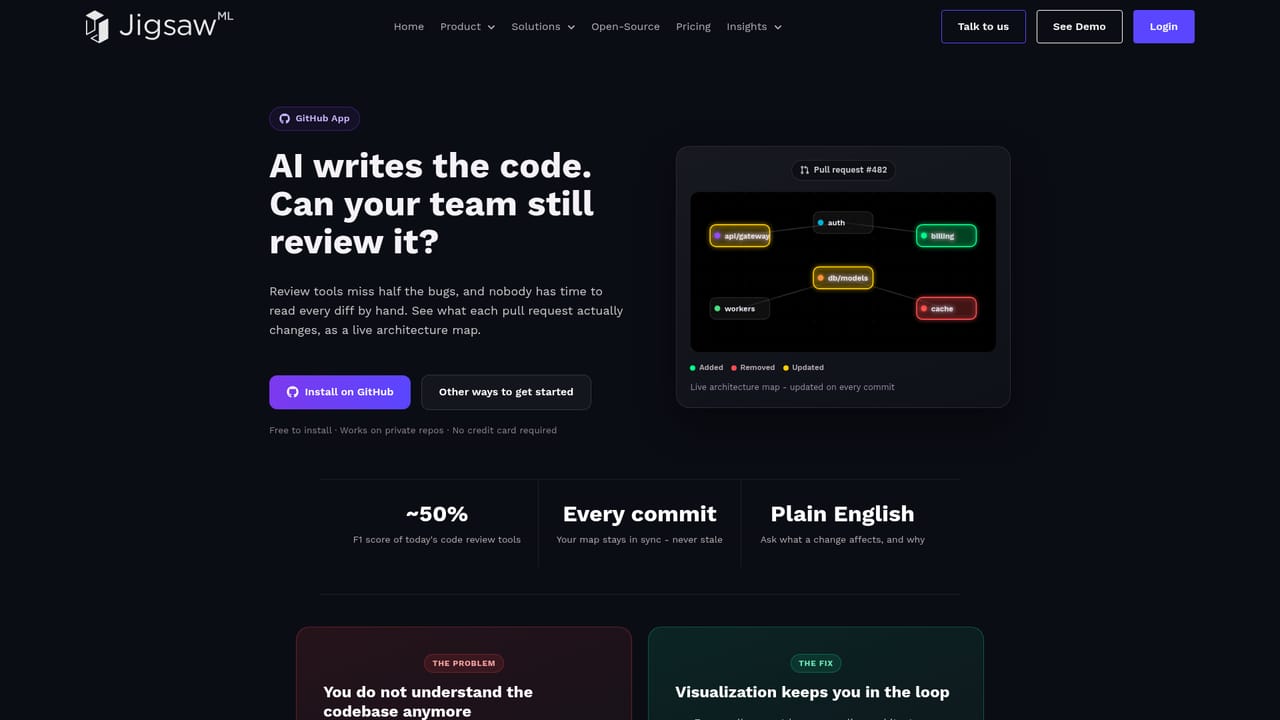
JigsawML generates a live architecture diagram from your code repositories and cloud infrastructure, then tracks how it changes. Pull request diff views, drift detection and plain English queries help teams see what AI generated code actually altered before it reaches production.
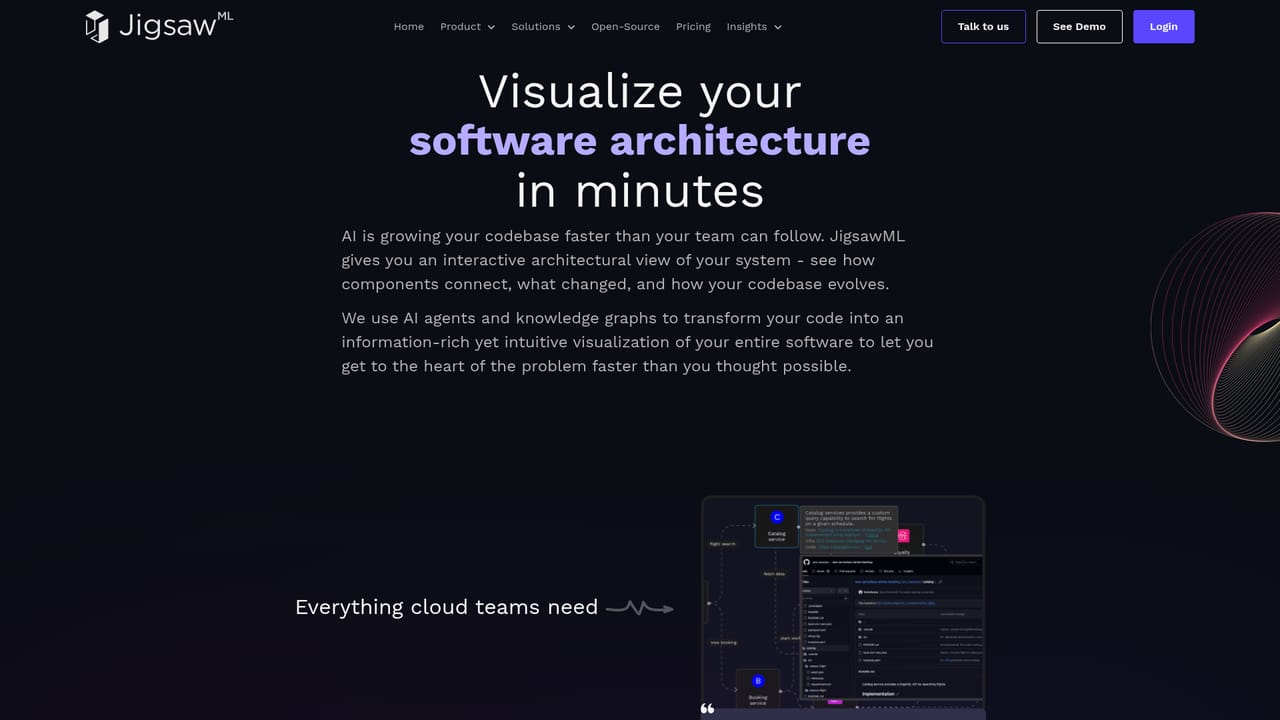
JigsawML is an architectural intelligence platform that turns a codebase and its cloud infrastructure into a single interactive map. The system combines static code analysis with live cloud metadata to identify services, APIs, dependencies and data flows, then keeps that picture current as commits land. Nothing is drawn by hand: the map is generated and refreshed from the repositories and cloud accounts a team connects. The product is aimed at engineering organizations where code now ships faster than anyone can read it. Architects get a living system diagram instead of a stale deck. Platform and DevOps groups get dependency and infrastructure health views. Engineering leaders get a record of how the system actually changed. Teams running Copilot, Claude Code or Cursor can use the diff view to see the architectural footprint of an AI generated pull request before it merges: which services, boundaries and dependencies moved. In day to day use, JigsawML runs in three stages. It analyzes code and cloud metadata, assembles the interactive map, and monitors subsequent commits for changes. A pull request helper surfaces drift and boundary violations and offers suggestions rather than bare alerts, and a governance layer tags bugs, performance bottlenecks, cost risks and extensibility gaps to the exact point in the architecture. Natural language queries handle questions such as what depends on a given service or what shifted in a domain this quarter. Deployment can be cloud hosted, containerized in your own infrastructure, or fully local with your own LLM credentials. The competitive frame is diagram-as-code tools, cloud cost dashboards and static analysis suites. JigsawML sits between them: broader than a drawing tool because it reads real code and cloud state, but narrower than a full observability stack. GitLab support is marked as in progress, AI coding agent integration is early access, and native Bitbucket and GitHub connections are the current backbone.
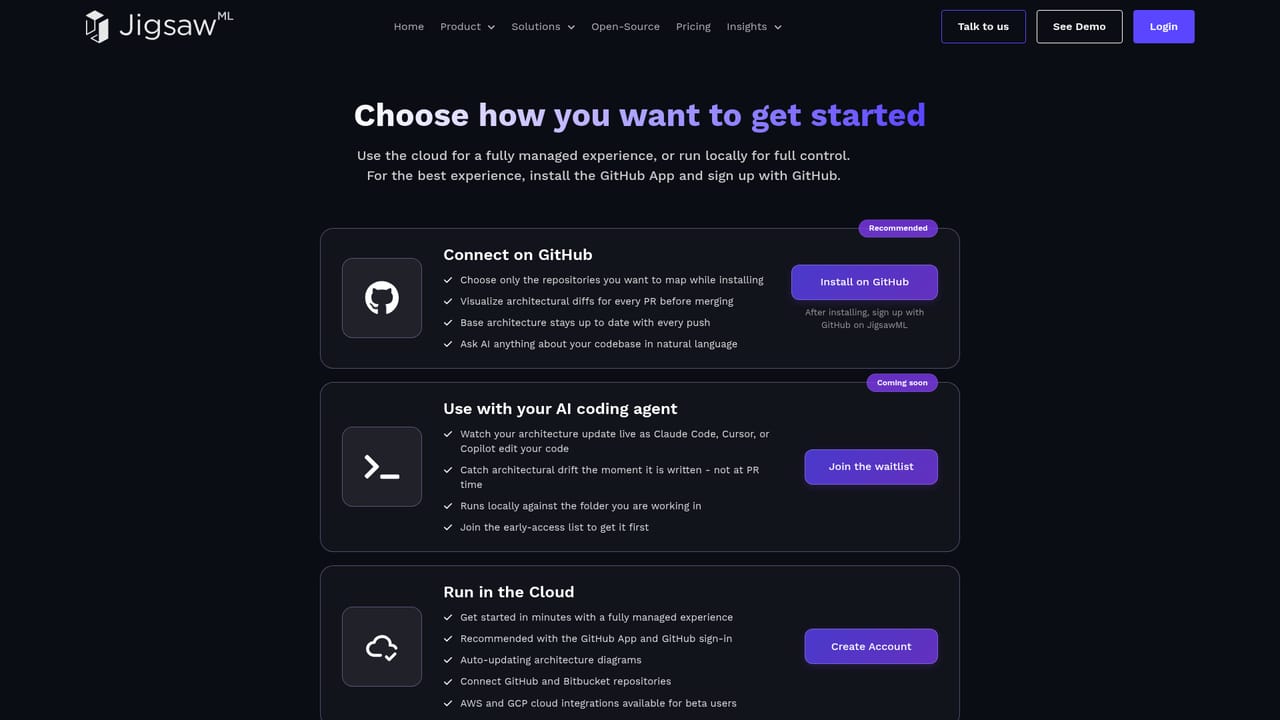
No formal trial is described. The GitHub app is listed as free to install with no credit card required, but that does not confirm access to the full architecture mapping product.
Learn moreContact is by email or a direct call scheduled with the team, described as no SDRs. A public feedback board and blog are also linked from the site.
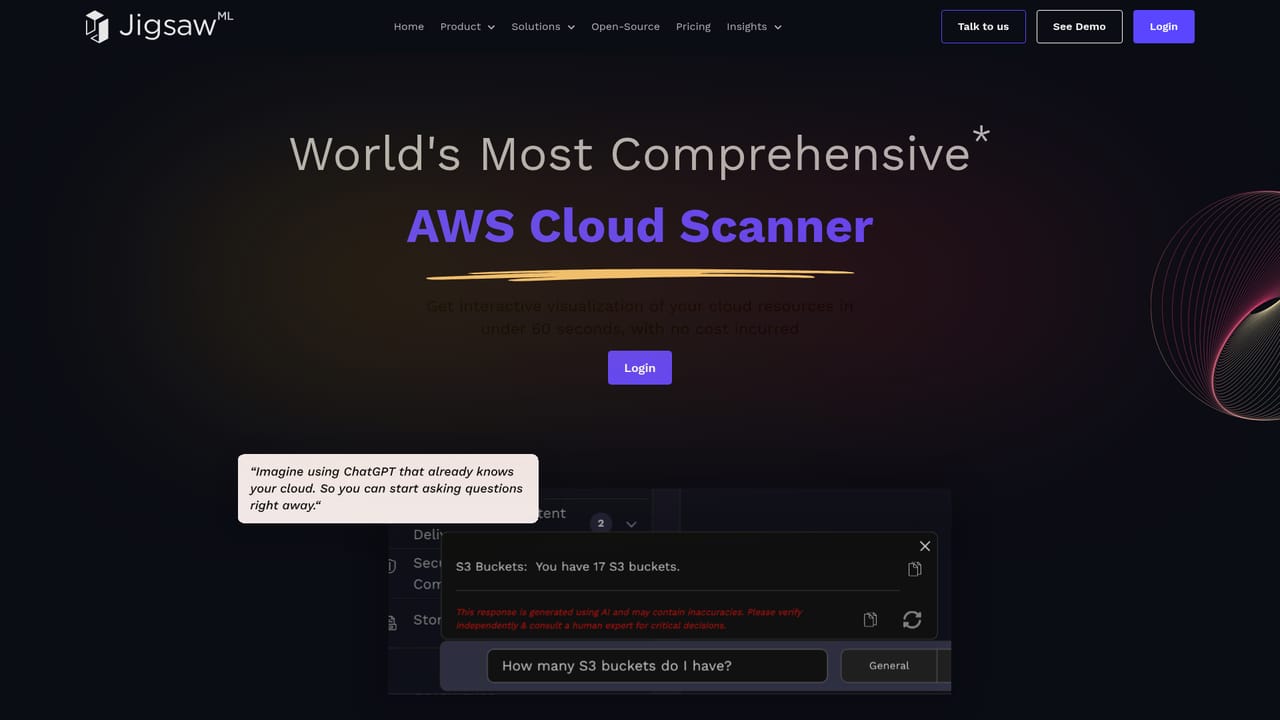
Learn moreGitHub and Bitbucket repositories connect today, with GitLab marked as in progress. Claude Code, Cursor and Copilot integration is listed as coming soon. Cloud infrastructure is read through the cloud scanner.
Learn moreAuto-generated live architecture maps from code plus cloud metadata, a pull request diff view showing affected services and dependencies, drift detection and boundary guardrails, continuous governance checks for bugs, performance, cost and extensibility, natural language queries about dependencies and recent changes, and a choice of cloud, container or local deployment with your own LLM credentials.
Learn more AI Angels400+ customizable AI girlfriends for NSFW chat, voice calls, and roleplay
 Candy AIExperience the future of companionship with AI friends who chat, role-play, and connect with you on a human level.
 ourdream.aiA vast AI roleplay platform with millions of characters for chat, images, video and voiceAI Angels400+ customizable AI girlfriends for NSFW chat, voice calls, and roleplayCandy AIExperience the future of companionship with AI friends who chat, role-play, and connect with you on a human level.ourdream.aiA vast AI roleplay platform with millions of characters for chat, images, video and voice


