Slatebox

Prompt to editable mind map, infographic or pitch deck

Beginner
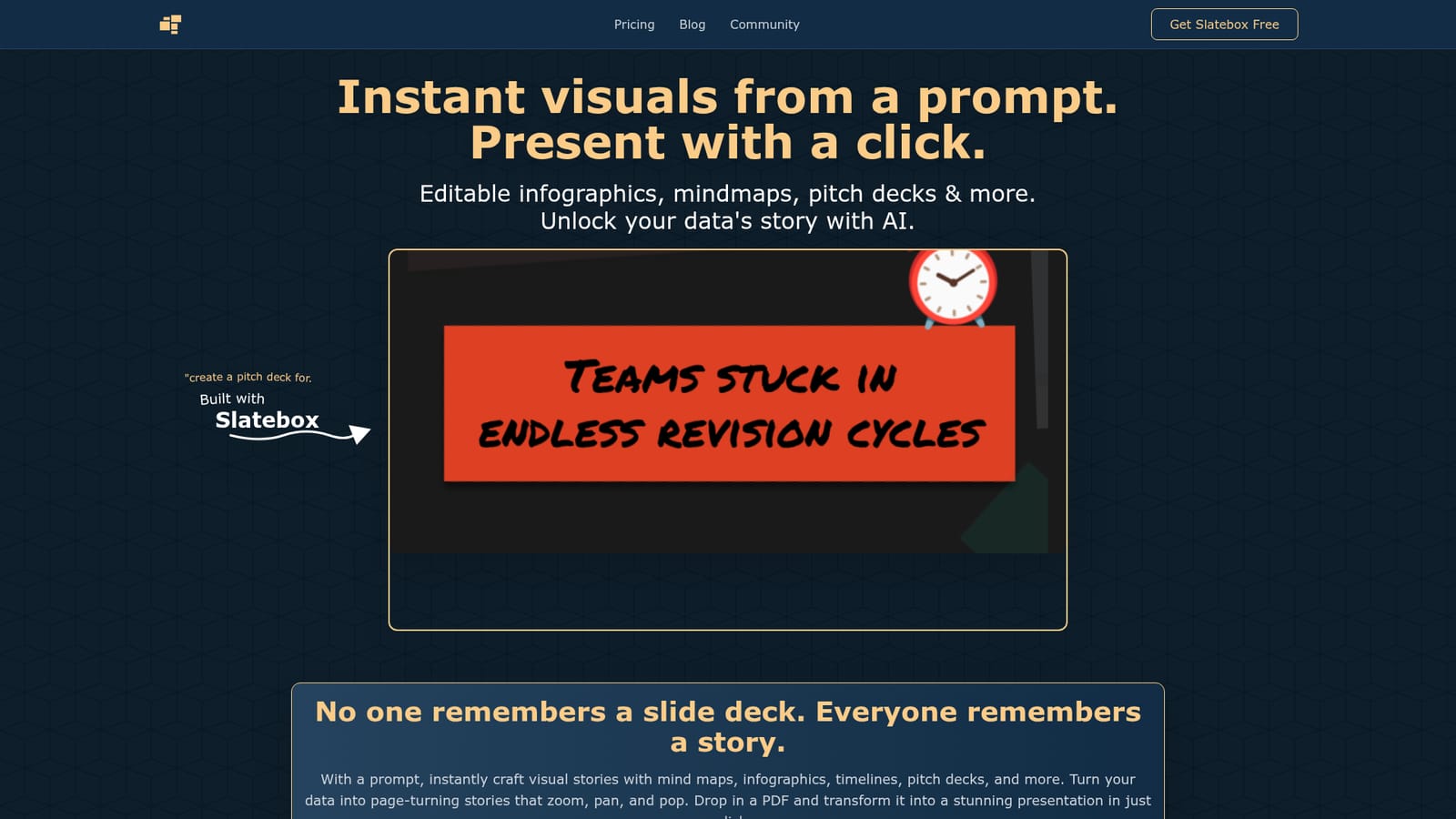
Screenshot of Slatebox, Prompt to editable mind map, infographic or pitch deck

What is Slatebox?

Slatebox turns a text prompt into an editable mind map, infographic, timeline or pitch deck, then presents it as a zoomable, panning visual. Real-time collaboration, hundreds of templates and PDF-to-presentation conversion make it a fast route from raw content to a shareable story.

Slatebox is a visual creation workspace built around a single idea: type a prompt and get a structured visual back. The prompt might ask for a mind map on proposal writing, an infographic comparing side hustle startup costs, a year-long marketing timeline, or a pitch deck about urban mobility. Slatebox generates an editable slate for that request, and the same slate can then be presented full screen with zooming and panning motion rather than clicked through slide by slide. Mind mapping sits at the centre of the product, but it is not the only format. Branch structures, pros and cons trees, sequential timelines and data-heavy infographics all come out of the same prompt box, and the gallery on the homepage shows each type in use. Slates are fully editable after generation, so a rough AI draft can be reworded, recoloured and restructured by hand. A PDF can also be dropped in and converted into a presentation in one click, which makes the tool useful for teams that already have a document and want a visual version of it. The working style is collaborative and canvas-based. Multiple people can edit the same slate at once with multi-cursor support on an infinite canvas, and audio or video huddles let a group talk while building. Hundreds of starter templates, including SWOT analyses and Venn diagrams, reduce the blank-page problem, and AI suggestions help decide how a given body of content should be visualised. Slatebox suits founders, consultants, marketers, teachers and analysts who need to explain a structure or a story quickly and would rather not assemble it shape by shape. Compared with conventional slide tools, it leans toward non-linear, zoomable storytelling; compared with dedicated diagramming apps, it trades precision drawing for prompt-driven speed. Teams that need pixel-exact diagrams may still prefer a classic mapper, but for fast narrative visuals from raw text, Slatebox is a credible option.

How do you use Slatebox?

  1. 1Open Slatebox and start a new slate
    Go to the site and launch the editor to reach the infinite canvas where new slates are created.
    Slatebox — Open Slatebox and start a new slate
  2. 2Type a prompt describing the visual you want
    Enter a request such as a mind map on a topic, a pitch deck outline, a timeline or a comparison infographic. Slatebox builds the slate from that prompt.
  3. 3Edit the generated slate
    Rewrite labels, move branches, swap colours and adjust the layout until the structure matches your content.
  4. 4Or drop in a PDF to convert
    Upload an existing document to have it turned into a presentation, then clean up the generated layout.
  5. 5Present with one click
    Use the present button once the slate loads to run the zooming, panning presentation full screen.
  6. 6Invite collaborators
    Share the slate so teammates can edit alongside you with multi-cursor support, or start an audio or video huddle while you work.

Pros and cons

Pros

  • Prompt-to-visual generation covers mind maps, infographics, timelines and pitch decks from one input boxAI
  • Every generated slate stays fully editable, so AI output is a starting draft rather than a locked resultAI
  • Real-time multi-cursor collaboration on an infinite canvas supports group building and huddlesAI
  • Hundreds of templates (SWOT, Venn diagrams, custom layouts) cut down setup timeAI
  • Present mode gives Prezi-style zoom and pan movement instead of static slide transitionsAI

Cons

  • No pricing information appears on the homepage, so cost and plan limits cannot be assessed before signing upAI
  • Prompt quality drives output quality; vague requests are likely to need heavy manual restructuringAI
  • The infinite canvas and zoom presentation style have a learning curve for audiences used to linear slidesAI
  • Dropping in a PDF is advertised as one click, but complex documents will still need layout cleanupAI
  • No public API or third-party integration details are published, which limits automation for technical teamsAI

How much does Slatebox cost?

Features

Prompt-driven creation of mind maps, infographics, timelines and pitch decks; fully editable slates; one-click Prezi-style presentation with zoom and pan; PDF to presentation conversion; AI suggestions for visualising content; real-time collaboration with multi-cursor support; audio and video huddles; infinite canvas; hundreds of templates including SWOT analyses and Venn diagrams.

Frequently asked questions about Slatebox

  • How do you use Slatebox?
    The walkthrough on this page covers 6 steps: 1. Open Slatebox and start a new slate 2. Type a prompt describing the visual you want 3. Edit the generated slate 4. Or drop in a PDF to convert 5. Present with one click 6. Invite collaborators.
  • What platforms does Slatebox support?
    Slatebox is available on Web App.
  • What are the limitations of Slatebox?
    No pricing information appears on the homepage, so cost and plan limits cannot be assessed before signing up. Prompt quality drives output quality; vague requests are likely to need heavy manual restructuring. The infinite canvas and zoom presentation style have a learning curve for audiences used to linear slides.

Status

StatusActive
Views0
Outbound clicks0
Added10/21/2026

Platforms

Web App

Pricing

Freemium