Integrations
Built on Google's Imagen generative model and hosted on Google Arts & Culture. No third party integrations or export connectors are described.
Rewrite classic paintings with a prompt and Google's Imagen model

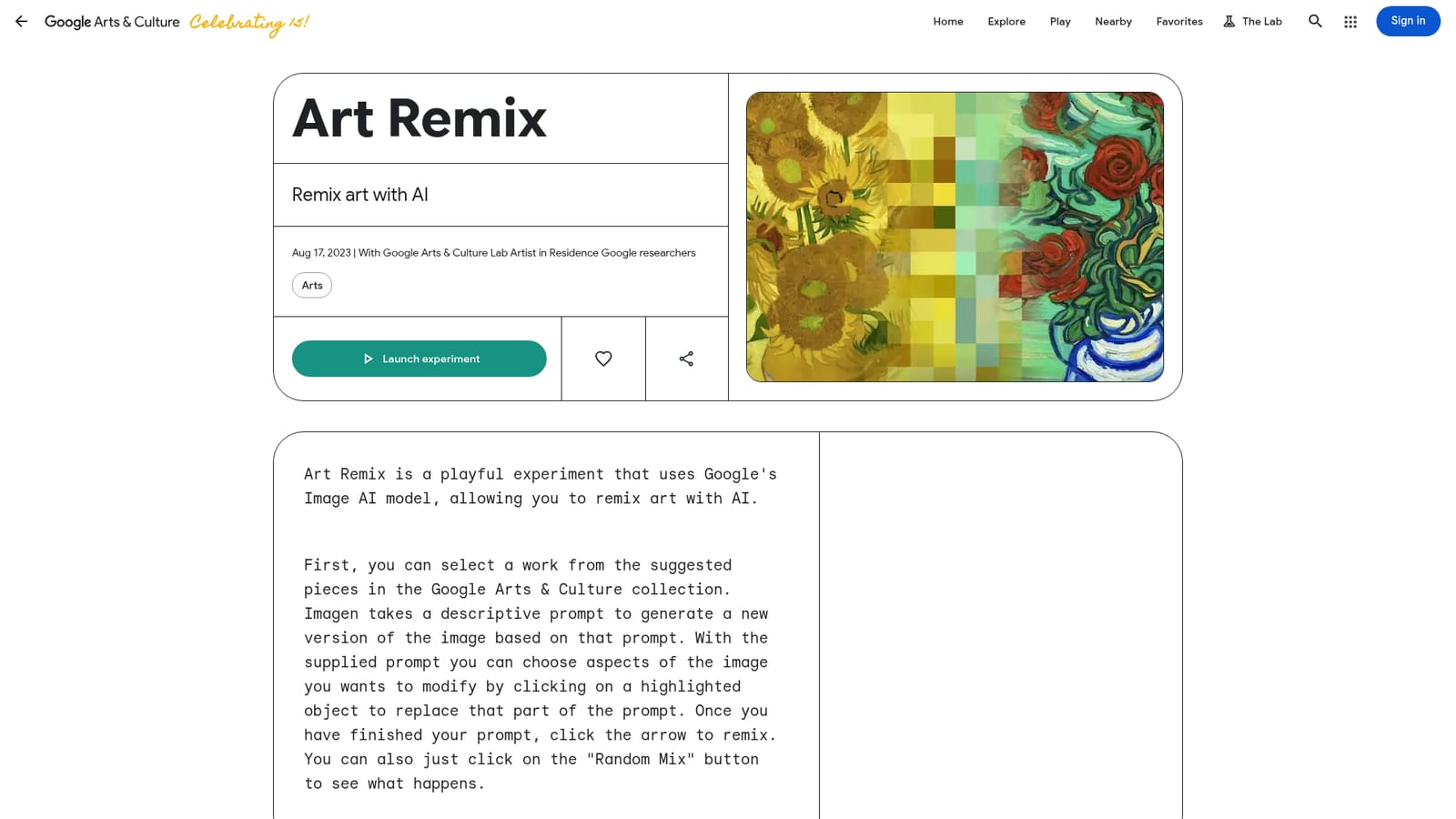
Art Remix is an AI mashup maker tool that rewrites classic paintings with a prompt and Google's Imagen model. A Google Arts & Culture experiment that uses the Imagen model to reinterpret famous paintings from short, editable prompts. Pick an artwork, tweak or randomize the description, and generate a new AI version you can save, download or share.
Art Remix is a browser based experiment from Google Arts & Culture that lets anyone edit famous artworks using a text prompt. The tool pairs a curated set of paintings from the Google Arts & Culture collection, such as Vasanta Ragini from the National Museum in New Delhi or Raja Ravi Varma's Lady With A Fruit, with Google's Imagen generative model. You pick a piece, adjust a short description of what the painting shows, and the model renders a fresh interpretation of that scene. The interaction model is more directed than a blank-canvas image generator. Each artwork arrives with a prewritten prompt that describes its subjects and setting. Parts of that prompt are mapped to highlighted regions of the image, so clicking a highlighted object lets you swap in your own wording for that element while the rest of the composition stays described. Prompts are capped at 50 characters, which keeps edits short and pushes you toward a single clear change rather than a long paragraph of instructions. A Random Mix button skips the typing entirely and produces an unexpected variation. Results can be downloaded, shared, or saved to a personal creations gallery, and a share flow invites other people to try the same remix. Every generation is labelled as AI generated with Google, so the output is clearly marked as a derivative. The audience is broad: museum curious visitors, teachers looking for a low-stakes introduction to generative imagery, and hobbyists who want to play with composition without learning a prompt engineering workflow. It sits in the same family as Google's other Lab experiments, playful interactive pieces rather than production design tools. The practical limits are real. Sessions can fail to render a prompt, and popularity warnings mean the service is not sized for heavy or professional use. Anyone needing fine control, layered editing or reproducible output should look at general image generators or inpainting tools instead. Art Remix is best treated as a sandbox for exploring how a model reinterprets a known painting.
Built on Google's Imagen generative model and hosted on Google Arts & Culture. No third party integrations or export connectors are described.
Select a painting from the Google Arts & Culture collection, then edit its prewritten prompt by clicking highlighted objects in the image. Prompts are limited to 50 characters, and a Random Mix button generates a variation without typing. Results can be downloaded, shared and saved to a personal creations gallery, and every output is labelled as AI generated with Google.
Learn more AI Angels400+ customizable AI girlfriends for NSFW chat, voice calls, and roleplay
 Candy AIExperience the future of companionship with AI friends who chat, role-play, and connect with you on a human level.
 ourdream.aiA vast AI roleplay platform with millions of characters for chat, images, video and voiceAI Angels400+ customizable AI girlfriends for NSFW chat, voice calls, and roleplayCandy AIExperience the future of companionship with AI friends who chat, role-play, and connect with you on a human level.ourdream.aiA vast AI roleplay platform with millions of characters for chat, images, video and voice