What these tools do (and who they are for)
An AI mashup maker lets you combine elements from two or more songs into a new track. The process usually starts with stem separation, where vocals, drums, bass and other parts are isolated, then tempo and key alignment, and finally mixing on a timeline. These tools are for hobbyist DJs, remixers and producers who want to experiment with mashups without deep DAW knowledge. They replace manual editing in a full DAW with faster, automated workflows. Some also generate original music or rewrite lyrics, so the category blends into remix and production territory.
How to choose one
Start with your goal. If you want to mix 2 songs together quickly, look for tools with stem separation and automatic tempo matching. For a free AI mashup maker, check free tiers that allow exports and enough processing time. If you plan to finish full DJ mixes or radio shows, a timeline editor like DJ.Studio is more suitable than a simple mashup generator. Consider platform (web vs desktop) and whether you need extra features like lyric rewriting or mastering. For music mashup maker projects that involve many songs, stem quality and export options matter most. Finally, pricing: freemium tools are great for testing, but paid plans usually remove watermarks and limits.
Notable tools
MusiCraft AI: An AI agent that generates, splits, remixes and masters music, useful for end-to-end mashup experiments.
Lyric Remix Studio: Turn any song into a new era with rewritten lyrics, music and art, ideal for creative spins on existing tracks.
Free Music Demixer: Turns songs into piano sheet music, MIDI, guitar tabs and separated stems, handy when you need parts for a mashup.
Melody.ml: Splits any song into vocals, drums, bass and other stems, a straightforward stem extractor for mashup prep.
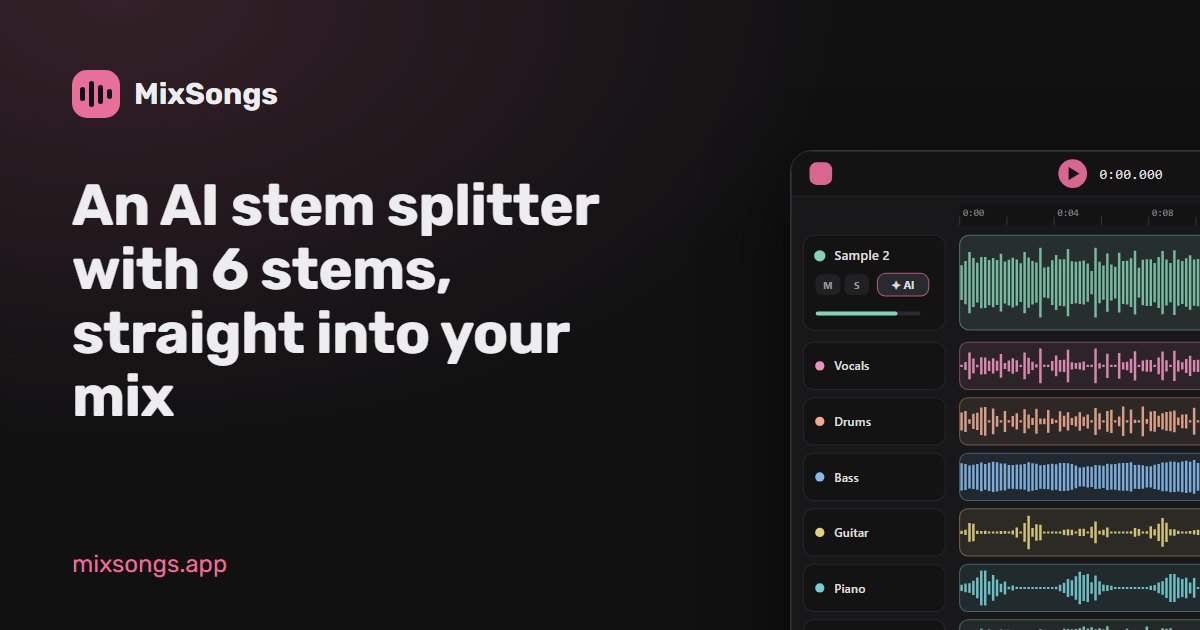
MixSongs: Six-stem AI separation that drops straight into a browser mixing timeline, good for quick web-based mashups.
DJ.Studio: A timeline DAW built for finishing DJ mixes, mashups and radio shows, suited to polished results on MacOS or Windows.
Common questions
Is there a free AI mashup maker?
Some tools offer free tiers or free versions. For example, Lyric Remix Studio is free, and MusiCraft AI, Free Music Demixer, Melody.ml and MixSongs are freemium. Free versions may have limits on exports or processing time, so check what each includes before starting a project.
How do I use AI to mix 2 songs together?
Typically, you upload two songs, the tool separates stems, then you choose which parts to combine (like vocals from one and instrumental from another). Some tools automatically match tempo and key. You can then export the mashup. For more control, use a timeline editor like DJ.Studio.
What should I look for in a mashup maker?
Key features include stem separation quality, tempo and key detection, export options, and ease of use. If you want to mix 2 songs quickly, a simple web tool may suffice. For complex projects, a timeline DAW with advanced editing is better.
Can I use these tools for music mashup projects beyond two songs?
Yes, many tools support multiple tracks. DJ.Studio is designed for full DJ mixes and radio shows, so you can combine many songs. Stem separation tools like Melody.ml and MixSongs let you extract parts from several tracks to build layered mashups.
When to look elsewhere
If your goal is to create original songs rather than mashups, explore the Music generation category. For vocal harmony creation, see the Vocal Harmony Creator. These sibling categories cover different aspects of music production that may better fit your needs.