Integrations
The homepage references availability as WebCenter Go within Esko, but no wider list of third party integrations is published on the page.
Packaging artwork approvals for regulated brands

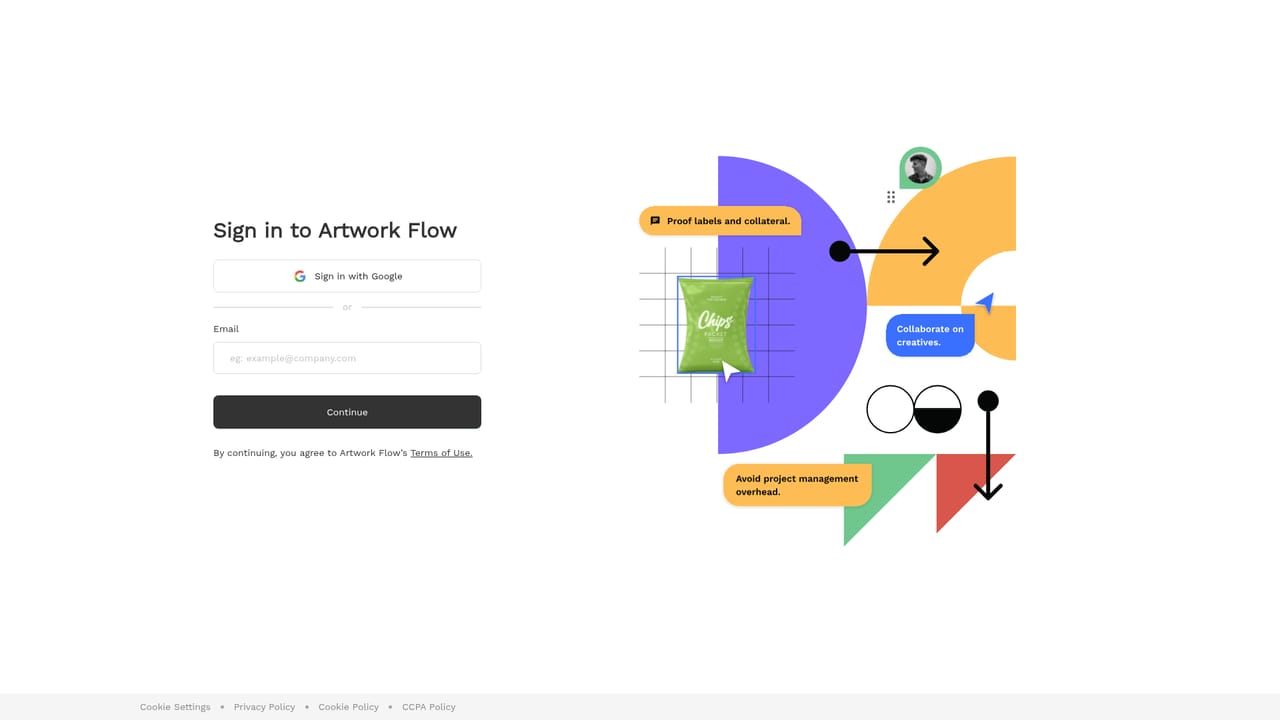
Artwork Flow is an image reviewer tool. Packaging and labeling artwork management for regulated industries, combining online proofing, approval workflows, version control, asset storage and compliance checks in one system built for food, pharma, cosmetics and FMCG teams.
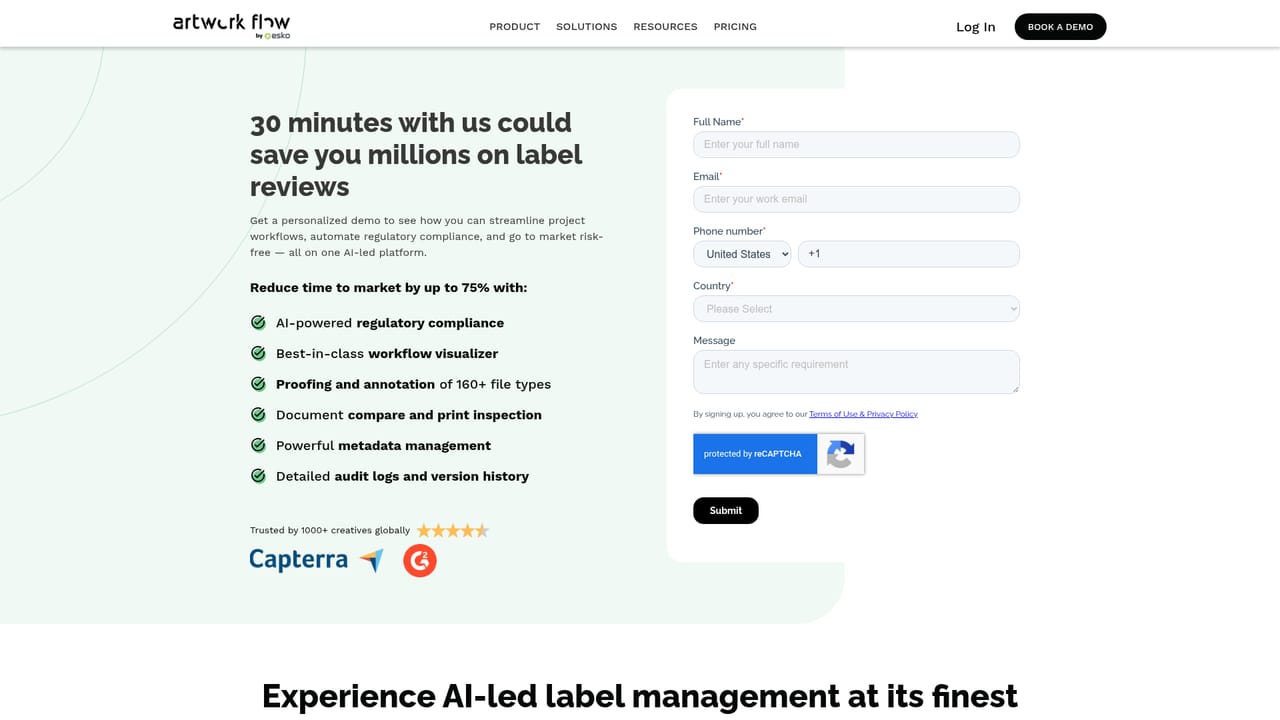
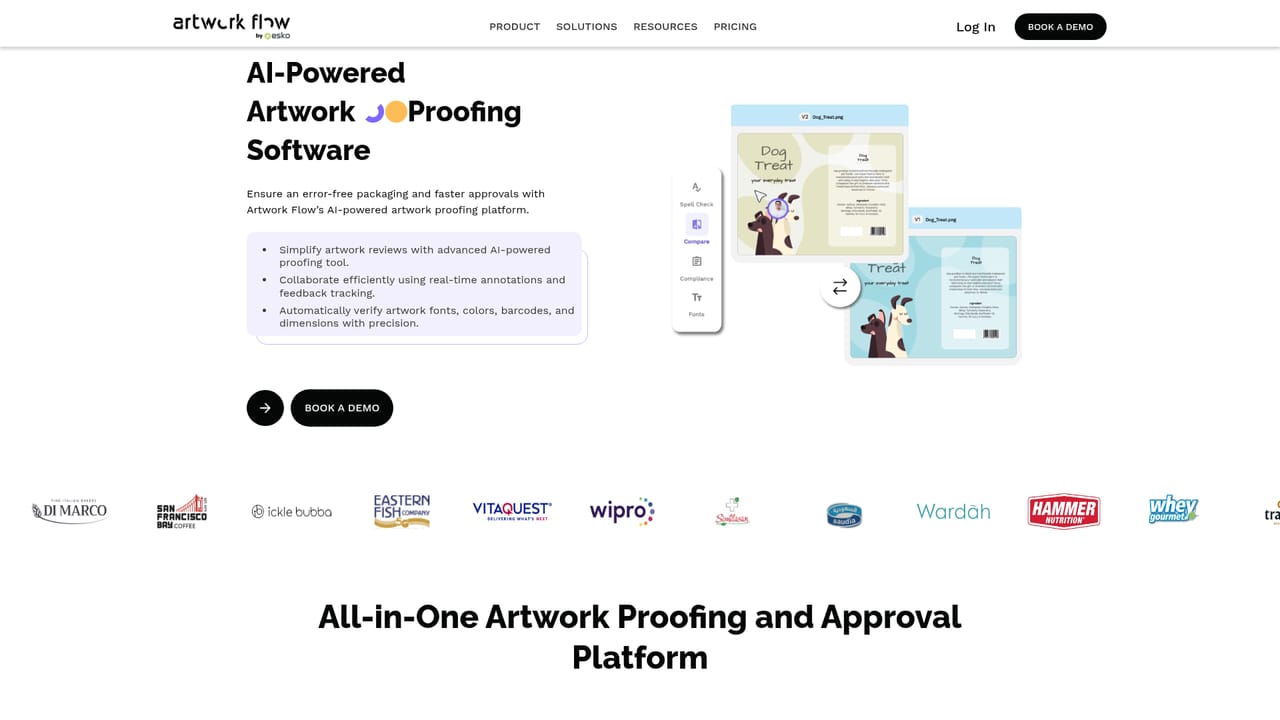
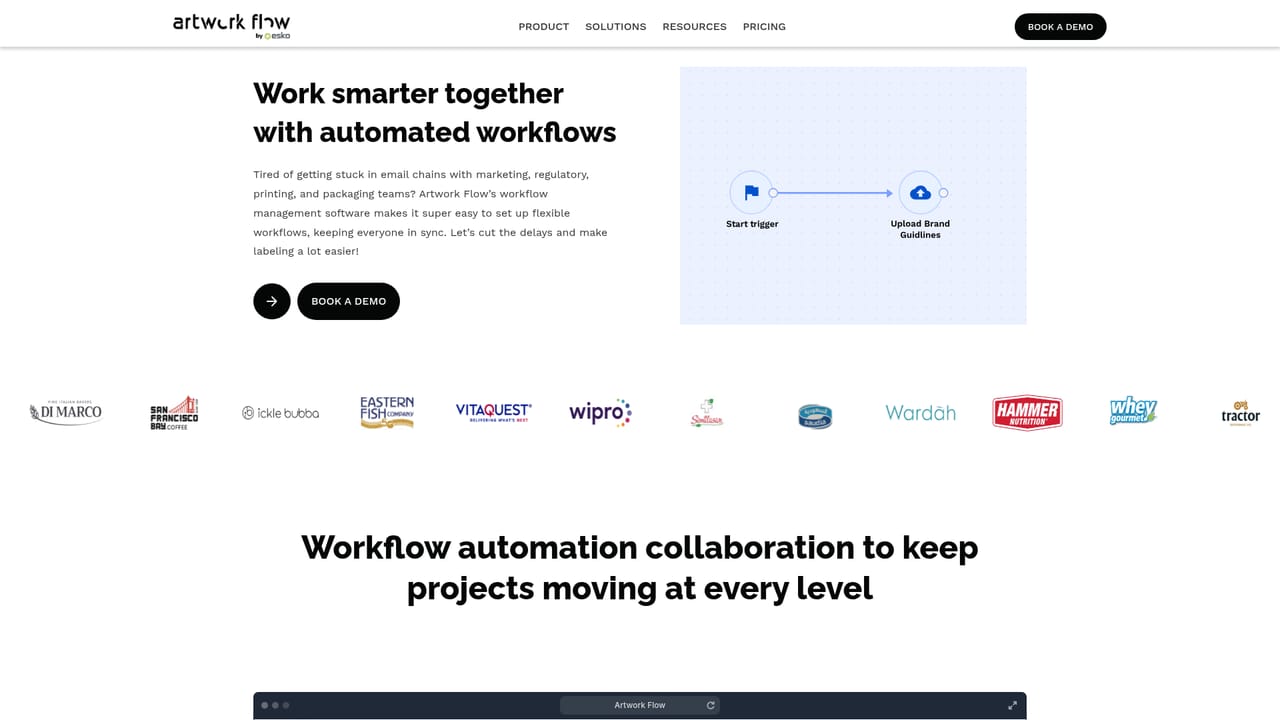
Artwork Flow is artwork management software aimed at teams that produce labeling and packaging for regulated industries: food, pharma, cosmetics and FMCG. Instead of routing proofs through spreadsheets and long email chains, the platform keeps every packaging file, review comment, approval and revision inside one system. The pitch on the homepage is blunt: stop losing weeks in packaging approvals, and get artwork approved faster and right the first time. The product combines several modules that packaging teams normally buy separately. Online proofing gives reviewers annotation and comparison tools, including a font finder and a measurement scale for checking print details. Workflow automation routes a proof to the right stakeholders in sequence, and version control tracks what changed between rounds. A digital asset management layer stores approved brand and packaging assets, while ComplyAI and dedicated compliance pages cover regulated labeling checks, including 21 CFR Part 11 support for life sciences teams. The audience is specific rather than general. Designers and packaging development teams create and submit artwork; regulatory affairs staff check claims and mandatory copy; IT managers and CIOs evaluate the trust center and compliance posture. The homepage names more than 100 brands using it and cites G2 and Capterra ratings of 4.8 and 4.5, with customer stories from food and consumer goods companies such as Jones Dairy Farm, India Gate and Home Chef. Distribution has expanded through Esko, where the tool is available as WebCenter Go. Against alternatives, Artwork Flow positions itself as purpose built for packaging rather than general project management. Its comparison pages target Ziflow, GoVisually, Adobe Workfront and Wrike, arguing that generic proofing and work management tools lack the labeling and regulatory layer. Buyers who only need simple visual proofing may find it heavier than necessary, and the homepage does not publish price points, so the entry cost has to come from a demo or a quote. The demo booking and gated product walkthrough are the main starting points for evaluation.
The homepage references availability as WebCenter Go within Esko, but no wider list of third party integrations is published on the page.
Core modules cover online proofing with annotations, version comparison, a font finder and an online measurement scale; workflow automation for staged approvals; digital and brand asset management; ComplyAI and artwork compliance checks for regulated labels; and 21 CFR Part 11 support. Dedicated pages also cover label management and artwork proofing.
Learn more AI Angels400+ customizable AI girlfriends for NSFW chat, voice calls, and roleplay
 Candy AIExperience the future of companionship with AI friends who chat, role-play, and connect with you on a human level.
 ourdream.aiA vast AI roleplay platform with millions of characters for chat, images, video and voiceAI Angels400+ customizable AI girlfriends for NSFW chat, voice calls, and roleplayCandy AIExperience the future of companionship with AI friends who chat, role-play, and connect with you on a human level.ourdream.aiA vast AI roleplay platform with millions of characters for chat, images, video and voice