Heatbot.io

Turns heatmap screenshots into AI-generated UI redesigns

Intermediate
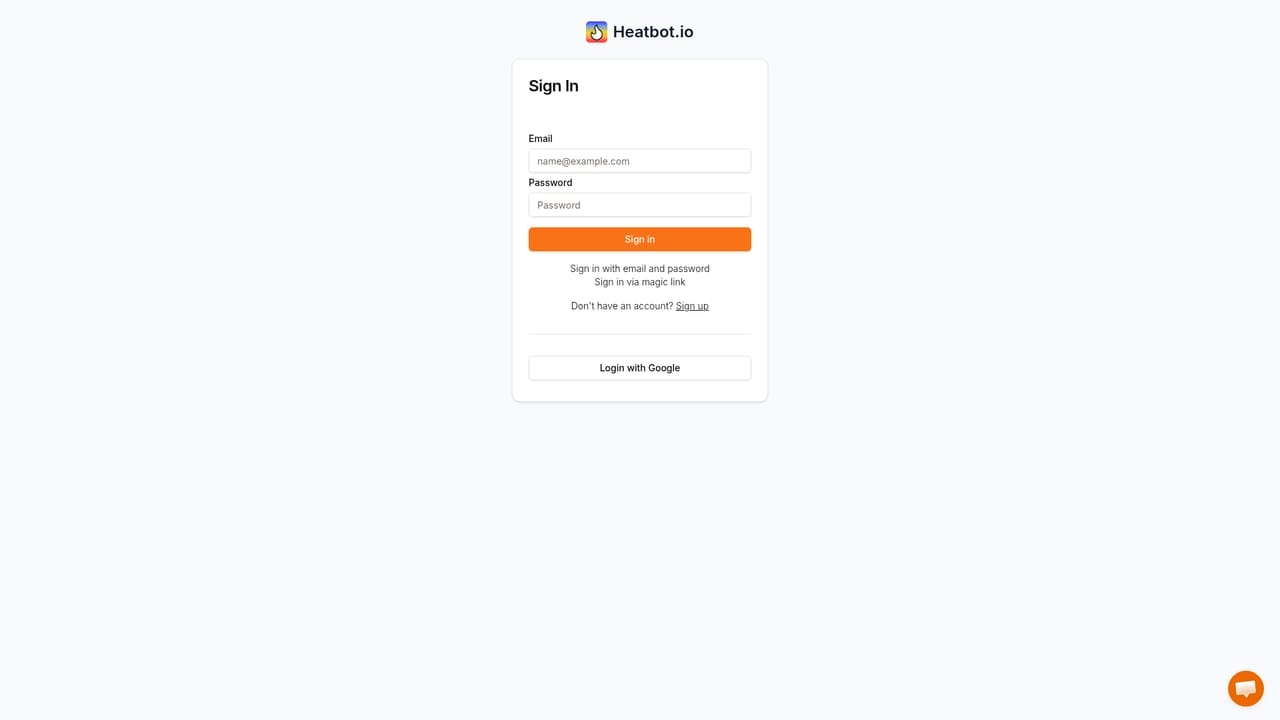
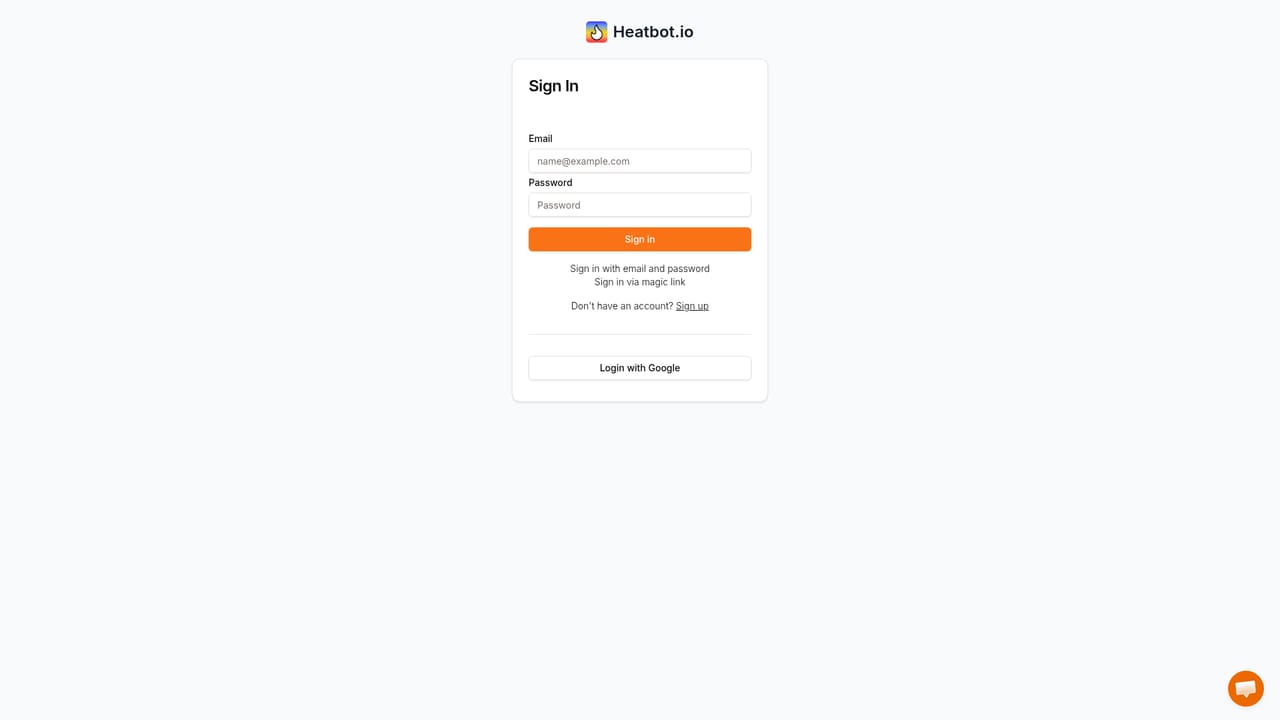
Screenshot of Heatbot.io, Turns heatmap screenshots into AI-generated UI redesigns

What is Heatbot.io?

Heatbot.io is a generative image tool that turns heatmap screenshots into AI-generated UI redesigns. Heatbot.io pairs a website screenshot with a matching heatmap image and generates redesigned HTML, CSS and JavaScript guided by improvement goals you select or write yourself, plus a written improvement report on paid plans.

Heatbot.io is a data-driven generative UI builder. It takes a screenshot of a page or a UI section, pairs it with a heatmap image captured from the same area, and asks a vision model to produce a redesigned version in code. The premise is straightforward: most teams collect heatmap data but struggle to translate the coloured blobs into concrete layout, hierarchy and contrast decisions. Heatbot tries to close that gap by generating the redesign directly rather than leaving the interpretation to a reading exercise. The workflow has four stages. A user uploads the website screenshot first, then a matching heatmap image exported from tracking software such as Hotjar, Mouseflow, CrazyEgg, Heatmaps.com or Microsoft Clarity. Improvement goals come next: a predefined prompt library covers common objectives, and Pro users can write their own goals to steer the output. The model then analyses the heatmap against the screenshot, follows the stated goals, and returns HTML, CSS and JavaScript for an improved version. It also writes an improvement report that explains what changed and why, which is useful for socialising a redesign with stakeholders who never look at the raw data. Output formatting depends on the plan. Basic covers plain CSS or Bootstrap, while Pro adds Tailwind CSS, Foundation and other popular frameworks, plus a choice between several models (Claude Sonnet variants, GPT-4o, GPT-4o Mini, GPT-3.5 Turbo). Pro ups the project count, seats and credits, and it is the tier that unlocks custom goals and reports. Enterprise pricing starts from $2,990 per month and adds unlimited seats, projects and daily generations, custom integration work, SSO and round the clock support. Billing runs through Stripe. Heatbot fits teams that already run heatmap analytics and want a fast first draft of a data-informed redesign, rather than a full design system tool. It is closest in spirit to AI page builders, but it starts from behavioural data instead of a blank prompt. Because the input is a static screenshot and an image, the result still needs a designer's review and proper testing before it ships.

How do you use Heatbot.io?

  1. 1Start a generation from the dashboard
    Open the dashboard to begin a new project and reach the upload step for a redesign.
    Heatbot.io — Start a generation from the dashboard
  2. 2Upload the website screenshot
    Capture the specific UI section, or the whole page, that needs improvement. Keep the crop tight and consistent with the next step.
  3. 3Upload the matching heatmap image
    Export the heatmap from your tracking tool for exactly the same area and upload it so the model can align interaction data with the layout.
  4. 4Set improvement goals
    Pick from the predefined goal prompt library or write your own objectives, which are combined with the heatmap during generation.
  5. 5Generate and review the redesign
    Run the generation and inspect the produced HTML, CSS and JavaScript alongside the improvement report, then test the changes before shipping.
  6. 6Manage seats, credits and billing
    Adjust the plan, seats or payment details from the account area as the project count grows.
    Heatbot.io — Manage seats, credits and billing

Pros and cons

Pros

  • Uploads pair any heatmap export (Hotjar, Mouseflow, CrazyEgg, Clarity) with a matching screenshot, so existing analytics data gets reusedAI
  • Generates HTML, CSS and JavaScript directly, with Bootstrap, Tailwind CSS, Foundation and other frameworks on the Pro planAI
  • Predefined goal prompts plus custom goals on Pro let you target conversions, accessibility or clutter reduction explicitlyAI
  • Pro reports explain the reasoning behind each redesign, which helps sell changes internallyAI
  • Model switching on Pro lets teams compare outputs from Claude and GPT family modelsAI

Cons

  • Requires two matching images, a screenshot and a same-area heatmap, so mismatched crops will produce unreliable outputAI
  • Credit allowances are non-transferable and tied to the monthly billing cycle, which penalises occasional heavy useAI
  • Custom improvement goals, the improvement report and non-Bootstrap frameworks are locked behind the $29 Pro tierAI
  • Enterprise pricing from $2,990 per month is far out of reach for small teams, and automated integrations are only offered thereAI
  • No free tier or public trial is stated on the homepage, so evaluating output quality requires a paid subscriptionAI

How much does Heatbot.io cost?

Pricing

Basic is $9 per month for 1 seat, 2 projects and 1350 monthly credits (plain CSS or Bootstrap). Pro is $29 per month with 3 seats, up to 15 projects, 4350 credits, more frameworks, custom goals, reports and model choice; extra seats cost $5 monthly. Enterprise starts at $2,990 per month. Monthly and yearly billing are offered.

Learn more

Support

Pro includes priority support. Enterprise adds 24/7 support and SSO via SAML 2.0. Standard support terms for the Basic plan are not stated on the homepage.

Integrations

Works with heatmap images exported from Hotjar, Mouseflow, CrazyEgg, Heatmaps.com, Microsoft Clarity and similar tools. Custom integration development is listed only on the Enterprise plan.

Features

Heatmap-informed UI generation from a screenshot plus a heatmap image, goal prompts that can be predefined or custom on Pro, output in HTML, CSS and JavaScript across Bootstrap, Tailwind CSS, Foundation and others, a written improvement report on Pro, model selection between Claude Sonnet versions and GPT models, and project, seat and credit limits that scale by plan.

Frequently asked questions about Heatbot.io

  • How much does Heatbot.io cost?
    Basic is $9 per month for 1 seat, 2 projects and 1350 monthly credits (plain CSS or Bootstrap). Pro is $29 per month with 3 seats, up to 15 projects, 4350 credits, more frameworks, custom goals, reports and model choice; extra seats cost $5 monthly. Enterprise starts at $2,990 per month. Monthly and yearly billing are offered.
  • How do you use Heatbot.io?
    The walkthrough on this page covers 6 steps: 1. Start a generation from the dashboard 2. Upload the website screenshot 3. Upload the matching heatmap image 4. Set improvement goals 5. Generate and review the redesign 6. Manage seats, credits and billing.
  • What platforms does Heatbot.io support?
    Heatbot.io is available on Web App.
  • What does Heatbot.io integrate with?
    Works with heatmap images exported from Hotjar, Mouseflow, CrazyEgg, Heatmaps.com, Microsoft Clarity and similar tools. Custom integration development is listed only on the Enterprise plan.
  • What are the limitations of Heatbot.io?
    Requires two matching images, a screenshot and a same-area heatmap, so mismatched crops will produce unreliable output. Credit allowances are non-transferable and tied to the monthly billing cycle, which penalises occasional heavy use. Custom improvement goals, the improvement report and non-Bootstrap frameworks are locked behind the $29 Pro tier.

Status

StatusActive
Views0
Outbound clicks0
Added10/21/2026

Platforms

Web App

Pricing

PaidSubscription