Ask Cassie by Coupa

A voice agent that answers Coupa questions and books the next step

Beginner
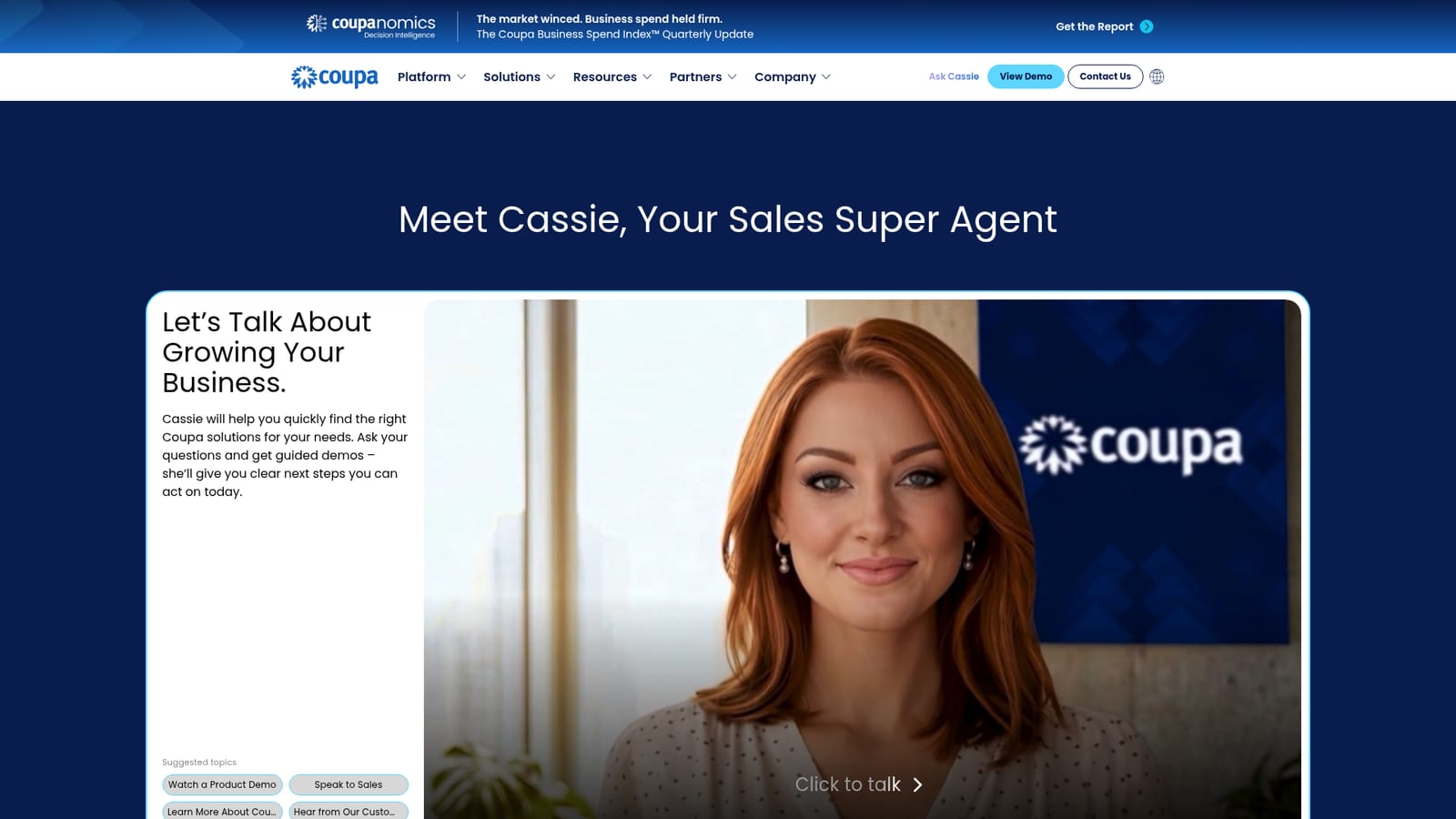
Screenshot of Ask Cassie by Coupa, A voice agent that answers Coupa questions and books the next step

What is Ask Cassie by Coupa?

Ask Cassie by Coupa is an AI chat bot tool. Ask Cassie is Coupa's conversational sales agent for spend management buyers. Visitors ask questions, get pointed to relevant Coupa solutions and guided demos, and leave with concrete next steps or a sales handoff.

Ask Cassie is a sales-facing AI agent built by Coupa and presented on its own page as a way to explore the vendor's product line without waiting for a callback. The agent is framed as a super agent for sales conversations: a visitor asks questions about spend management needs, and Cassie responds with guidance toward the Coupa solutions that match, backed by product demos and clear next steps rather than a generic brochure download. The page is deliberately narrow in scope. It offers a talk control, a set of suggested topics (watch a product demo, speak to sales, learn more about Coupa, hear from customers) and little else. That structure tells you who it is for: procurement, finance and spend management teams in the early research phase who want orientation before committing to a discovery call with a human representative. It is a front door, not a full evaluation environment. In practice the flow is conversational. A visitor opens the agent, asks a question in natural language, and receives a routed answer that may include a guided demo or a handoff to the sales team. The suggested topics act as shortcuts for people who do not know what to ask first, which is a sensible design choice for a category with dense terminology. The agent runs in the browser and requires cookie consent to function, so the first interaction may be a preferences prompt rather than a question box. Where it fits: Cassie sits closer to an interactive sales assistant than to a general purpose chatbot. Buyers comparing spend management suites can use it to shortlist features and get a demo on their own schedule, but it will not replace hands-on trials, reference calls or a scoped proposal. Anyone outside the Coupa ecosystem looking for a neutral comparison should treat its answers as vendor framing. The tool is best understood as a low-friction first conversation with the seller, useful when a buyer wants orientation now and a human follow-up later.

How do you use Ask Cassie by Coupa?

  1. 1Open the Ask Cassie page
    Load the Coupa page for Cassie in a desktop browser. The agent panel sits near the top of the page with a talk control and a list of suggested topics.
    Ask Cassie by Coupa — Open the Ask Cassie page
  2. 2Accept the cookie preferences
    If a consent banner appears, opt in to the required cookies. The page states the AI agent will not run until those cookies are accepted, and there is a link to update preferences.
  3. 3Pick a suggested topic or type a question
    Start from a shortcut such as watching a product demo or learning more about Coupa, or ask about your own spend management need in plain language.
  4. 4Follow the guided demo
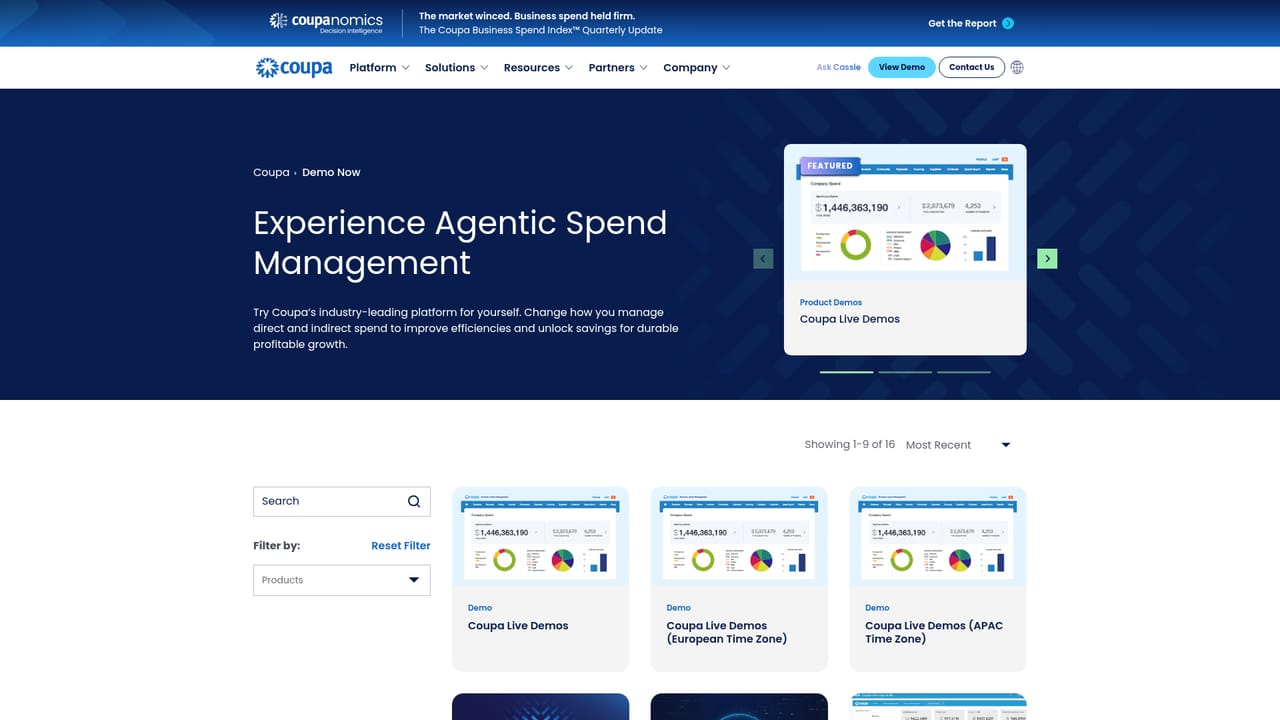
    When Cassie points to a product area, take the guided demo she offers so the answer is tied to actual screens rather than a text summary.
  5. 5Request a human follow-up
    If the conversation reaches a question Cassie cannot settle, use the demo or contact routes to request a walkthrough or a sales conversation.
    Ask Cassie by Coupa — Request a human follow-up

Pros and cons

Pros

  • Answers procurement and spend questions in natural language without scheduling a call firstAI
  • Suggested topics give newcomers a starting point in a jargon-heavy categoryAI
  • Can surface guided product demos on the visitor's own scheduleAI
  • Routes interested buyers toward a sales conversation with defined next stepsAI
  • Runs directly in the browser, so no install or account setup is describedAI

Cons

  • Vendor-run agent, so answers reflect Coupa's framing rather than neutral comparisonAI
  • Requires cookie opt-in before the agent will work, which blocks privacy-conscious visitorsAI
  • Scope is limited to Coupa solutions and sales routing, not general procurement adviceAI
  • No published pricing, feature list or integration detail on the page to evaluate before chattingAI
  • Cannot substitute for a hands-on trial or scoped proposalAI

How much does Ask Cassie by Coupa cost?

Features

Cassie answers questions about Coupa's solutions in a conversational interface, offers guidance toward the products that fit a stated need, provides guided demos, and closes with next steps such as speaking to sales. Suggested topics cover demos, sales contact, company information and customer stories.

Frequently asked questions about Ask Cassie by Coupa

  • How do you use Ask Cassie by Coupa?
    The walkthrough on this page covers 5 steps: 1. Open the Ask Cassie page 2. Accept the cookie preferences 3. Pick a suggested topic or type a question 4. Follow the guided demo 5. Request a human follow-up.
  • What platforms does Ask Cassie by Coupa support?
    Ask Cassie by Coupa is available on Web App.
  • What are the limitations of Ask Cassie by Coupa?
    Vendor-run agent, so answers reflect Coupa's framing rather than neutral comparison. Requires cookie opt-in before the agent will work, which blocks privacy-conscious visitors. Scope is limited to Coupa solutions and sales routing, not general procurement advice.

Status

StatusActive
Views0
Outbound clicks0
Added10/21/2026

Platforms

Web App

Pricing

Free